AI storyboard generator for vertical stories

Turn a story idea into a scene-by-scene visual plan. Use Picsart Saga to map the hook, characters, action, framing, dialogue, and cliffhanger before generating your video.

Examples show fictional AI-generated characters.

  • Turns text into scenes

    Start with a story beat, treatment, or script and get a visual sequence you can review before production.

  • Keeps the story visible

    See characters, settings, camera framing, action, and transitions together instead of managing separate prompts.

  • Reduces costly restarts

    Catch pacing and continuity problems in storyboard frames before spending credits on finished video.

Create an AI storyboard in four steps

Move from text to an approved visual plan, then carry that plan into video production.

How to

Add your story or script

Describe the premise, paste a script, or outline the scene with its characters, setting, conflict, and goal.
Script broken into storyboard scenes

Turn scripts into storyboards with AI

Paste a script, treatment, or short story outline and turn it into ordered visual scenes. The AI storyboard generator identifies the important beats, then maps each beat to characters, action, framing, dialogue, and transitions.

You can review the visual sequence before any final video is generated.
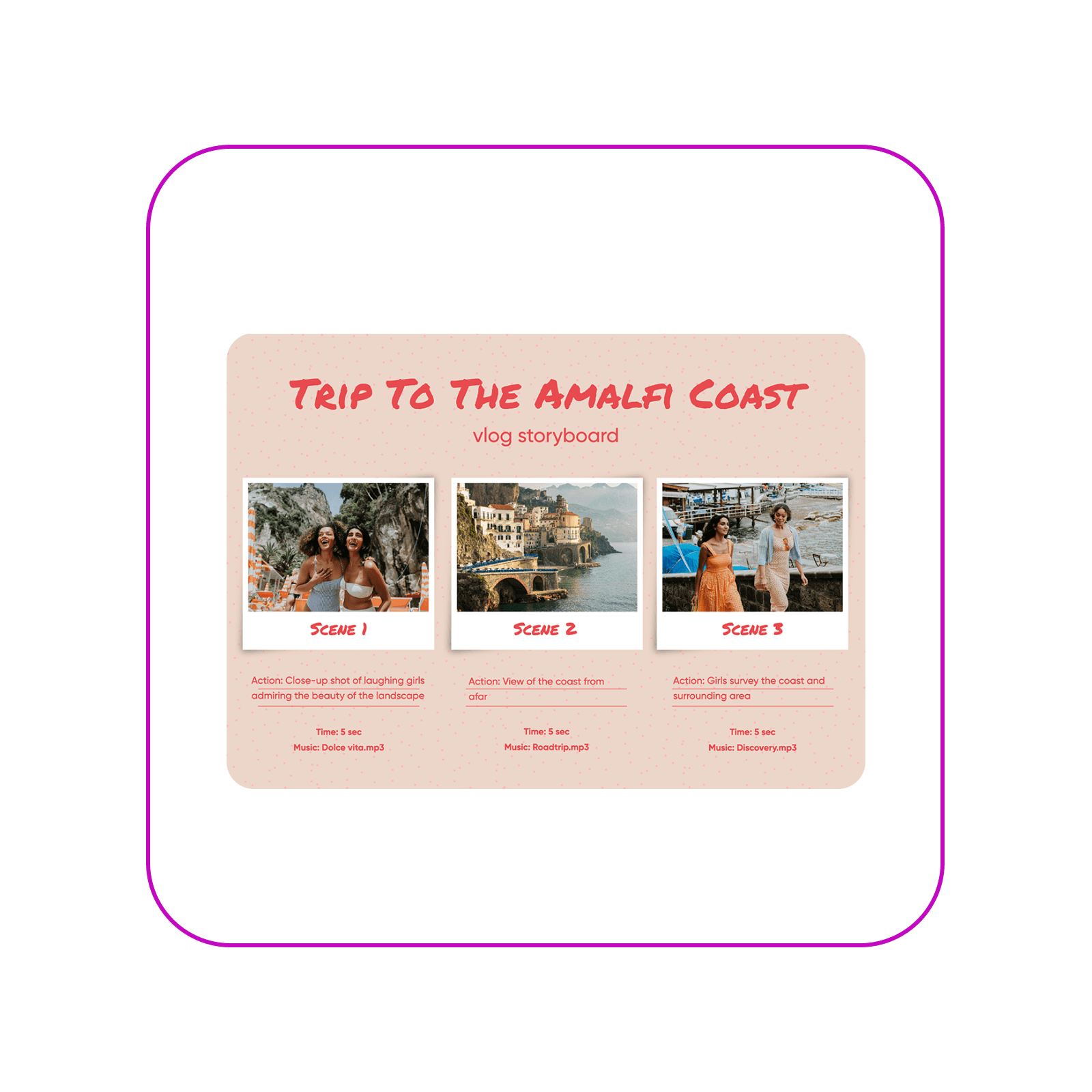
Script converted into an AI storyboard

Keep characters consistent across scenes

Define the cast once, then carry the same faces, wardrobe, relationships, and key visual details through each frame. A shared visual reference makes it easier to spot unwanted changes before they reach the final video.
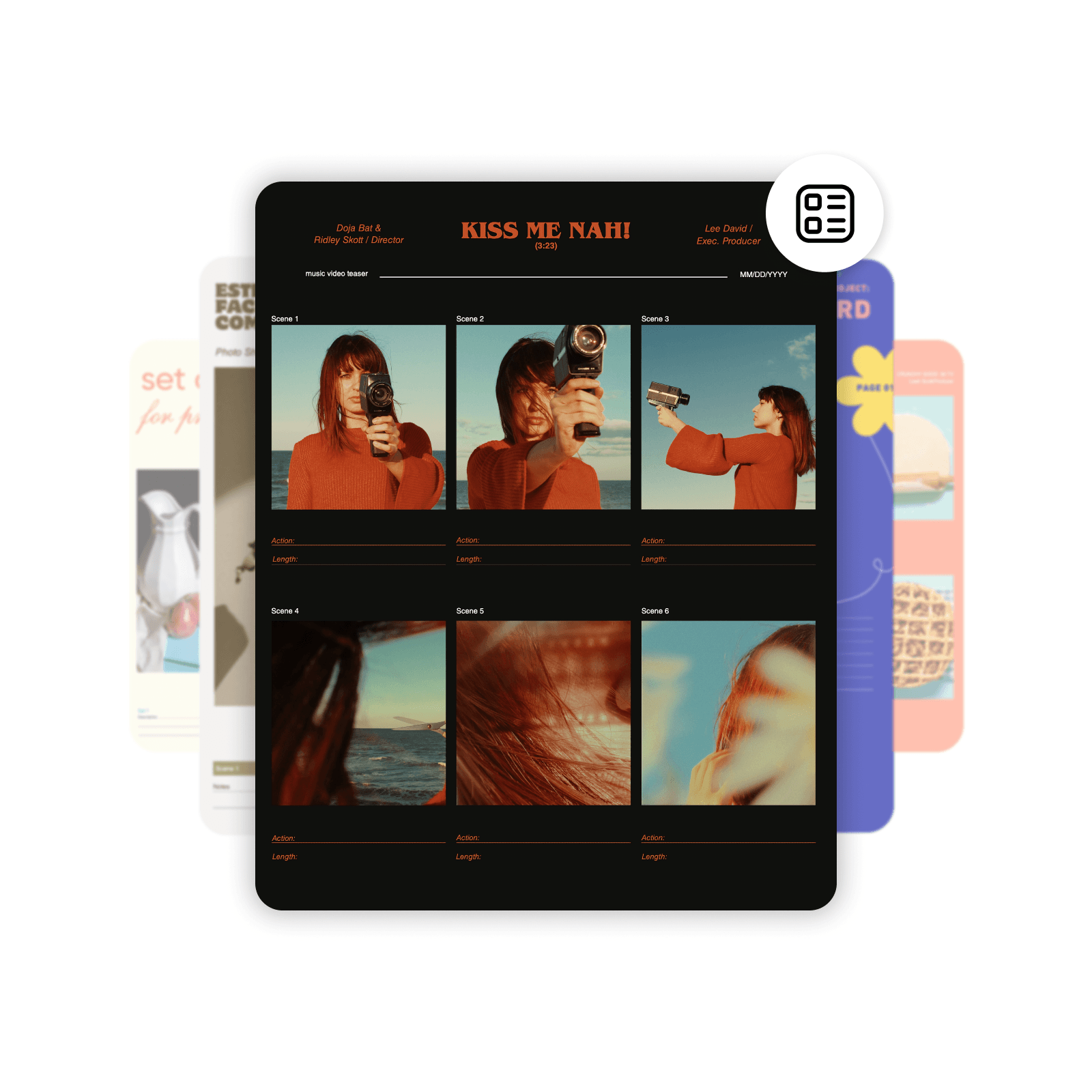
Consistent characters shown across storyboard panels

Plan camera angles and shot order

Use the storyboard to decide where the camera sits, what the viewer sees first, and how one shot leads to the next. Wide shots establish the scene, close-ups hold reactions, and transitions keep the sequence easy to follow.

Storyboard with camera angles and ordered shots

Frame storyboards for vertical video

Plan 9:16 scenes for phone viewing without squeezing a landscape board into portrait later. Keep faces, text, actions, and important props inside the safe area, then check the first frame and final beat for a strong hook and finish.

Move from storyboard to AI video

An approved storyboard gives every generation a clear job. Use it to create the individual shots, animate selected images, keep the cast and locations aligned, and assemble the finished sequence with fewer blind retries.

Create AI storyboards for every video workflow

Film and video creators

Turn a script into ordered shots, camera notes, character references, and scene transitions before the production work begins.
Create a film storyboard
Film storyboard with ordered scenes

Use the tools an AI storyboard needs

  • Text and script input

    Start from a prompt, story outline, treatment, or script instead of drawing every frame by hand.

  • Scene breakdown

    Turn the story into ordered beats with a clear purpose for every frame.

  • Character continuity

    Carry the same cast, wardrobe, props, and locations across the full sequence.

  • Visual framing

    Plan composition, camera distance, action, dialogue, and transitions before generation.

  • Format planning

    Prepare scenes for vertical, landscape, or square video from the start.

  • Video handoff

    Use approved frames to guide image generation, animation, editing, and final assembly.

AI storyboard generator FAQ

  • An AI storyboard generator turns a story, script, or prompt into ordered visual scenes. Each frame can show the characters, setting, action, camera angle, dialogue, and transition, giving you a production plan to review before generating or filming the final video.

Create storyboards and videos for every idea

Pro

Most popular

AI tools for everyday creative work.

$15 $10.5/mo
Billed yearly
You save $54 with yearly
  • Access to all photo & video editing features
  • Advanced background & object removal
  • Parallel video generations with the world's most powerful AI video models
  • Unlimited image generations with Flex.2 Klein
  • 1-tap image enhancer
  • Millions of stock photos & Getty video clips
  • Selection of trendy fonts, text styles & stickers
  • Thousands of premium templates
  • Support for 3+ brand kits
  • Bulk edit up to 50 images at once
  • 100 GB of cloud storage
New features:
  • Auto-generate content from your terminal or agent with the Picsart CLI
  • Use Picsart inside Claude Code, Cursor, and ChatGPT via MCP — coming soon
  • AI agents for multi-step workflows and batch generation — coming soon

Ultra

Most powerful

Heavy AI usage for creators & teams.

$45 $24.5/mo
Billed yearly, per seat
You save $246 with yearly
  • Everything in Pro
  • Early access to advanced AI features
  • Leading AI models to design & automate workflows (Nano Banana, Veo 3, Seedance 2.0 & more)
  • Parallel video generations with the world's most powerful AI video models
  • Unlimited image generations with Flex.2 Klein
  • Support for 10+ brand kits
  • Add team seats
  • Create ad variations and localize
  • Track ads performance
  • 2000 credits for API services
  • Bulk edit up to 100 images at once
  • 300 GB of cloud storage per seat
New features:
  • Auto-generate content from your terminal or agent with the Picsart CLI
  • Use Picsart inside Claude Code, Cursor, and ChatGPT via MCP — coming soon
  • AI agents for multi-step workflows and batch generation — coming soon

Enterprise

Custom AI solutions for large organizations.

Custom credit volume
  • Volume discounts on credit rate
  • On-demand top-ups
Custom
Contact for pricing
  • Access to photo & video editor SDKs
  • Mobile web SDK support
  • Prepaid or pay-as-you-go creative APIs
  • Embed professional-grade editing into your product or workflow
  • Fully configurable editing experience
  • White-label to match your brand
  • Support for built-in marketing, e-commerce & printing use cases
  • Bring your own assets: images, templates & fonts
  • Enterprise-grade security, SLAs & support
  • Dedicated account manager