Online storyboard creator
Create storyboards with no design skills by using storyboard templates and drag-and-drop tools. Plan and customize every detail without losing time in Picsart’s intuitive storyboard maker.
- See your story scene by scene
- Keep visuals and notes together
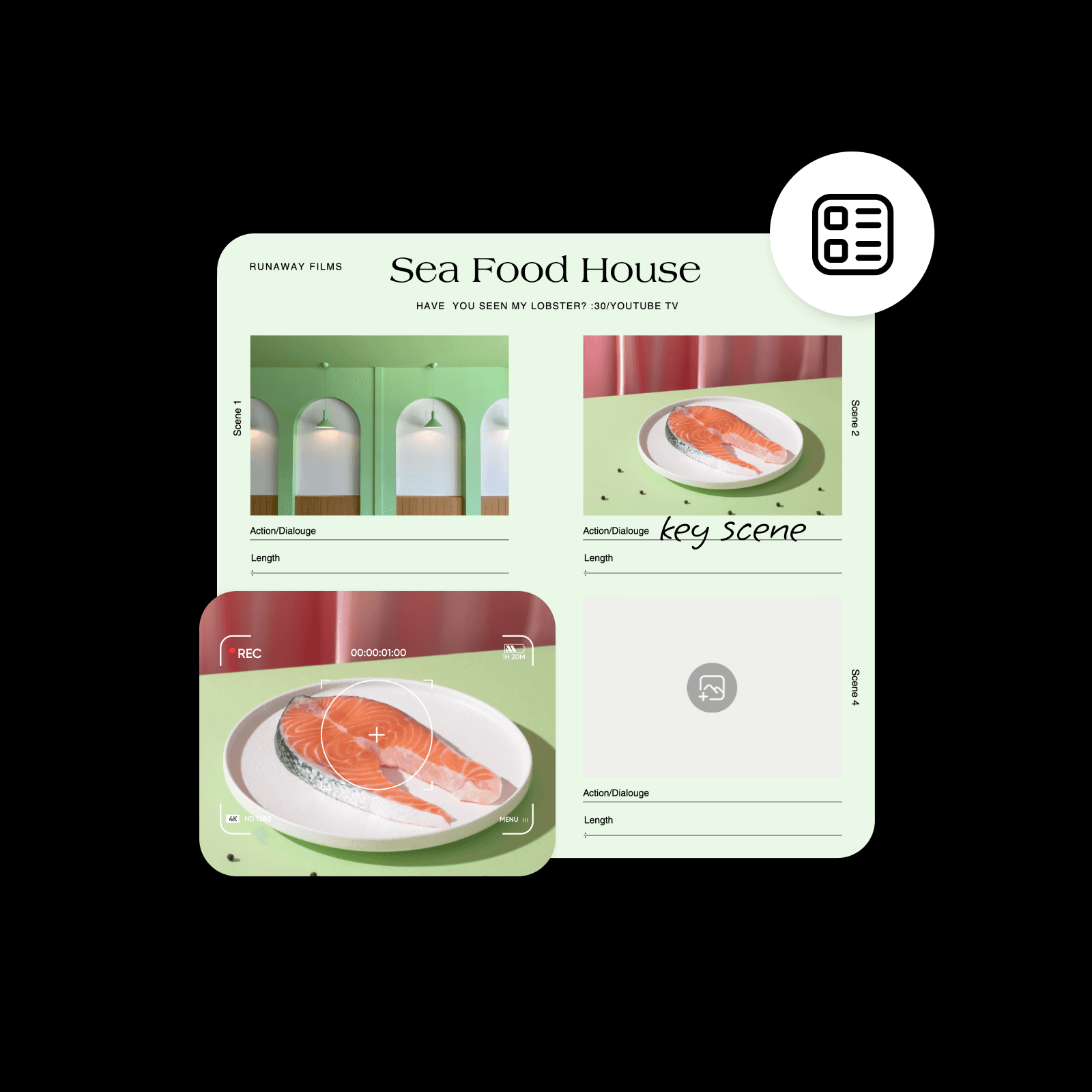
Design storyboards with AI image models
Use image models to transform storyboards into polished visuals, design ideas, and ready-to-edit assets.
Find storyboard templates in every style
Enhance and speed up your story production with pre-designed storyboard templates. Easily customize each aspect of the template to match your needs and final vision.


How to create a storyboard with Picsart
Create storyboards to communicate more effectively
A storyboard is a visual representation of a narrative with images that represent key scenes, shots, and camera angles. Clarify your vision then collaborate with your team to accelerate film, marketing, training, and other video projects. Illustrate your ideas more easily to get a better final output by using Picsart’s intuitive film storyboard maker.
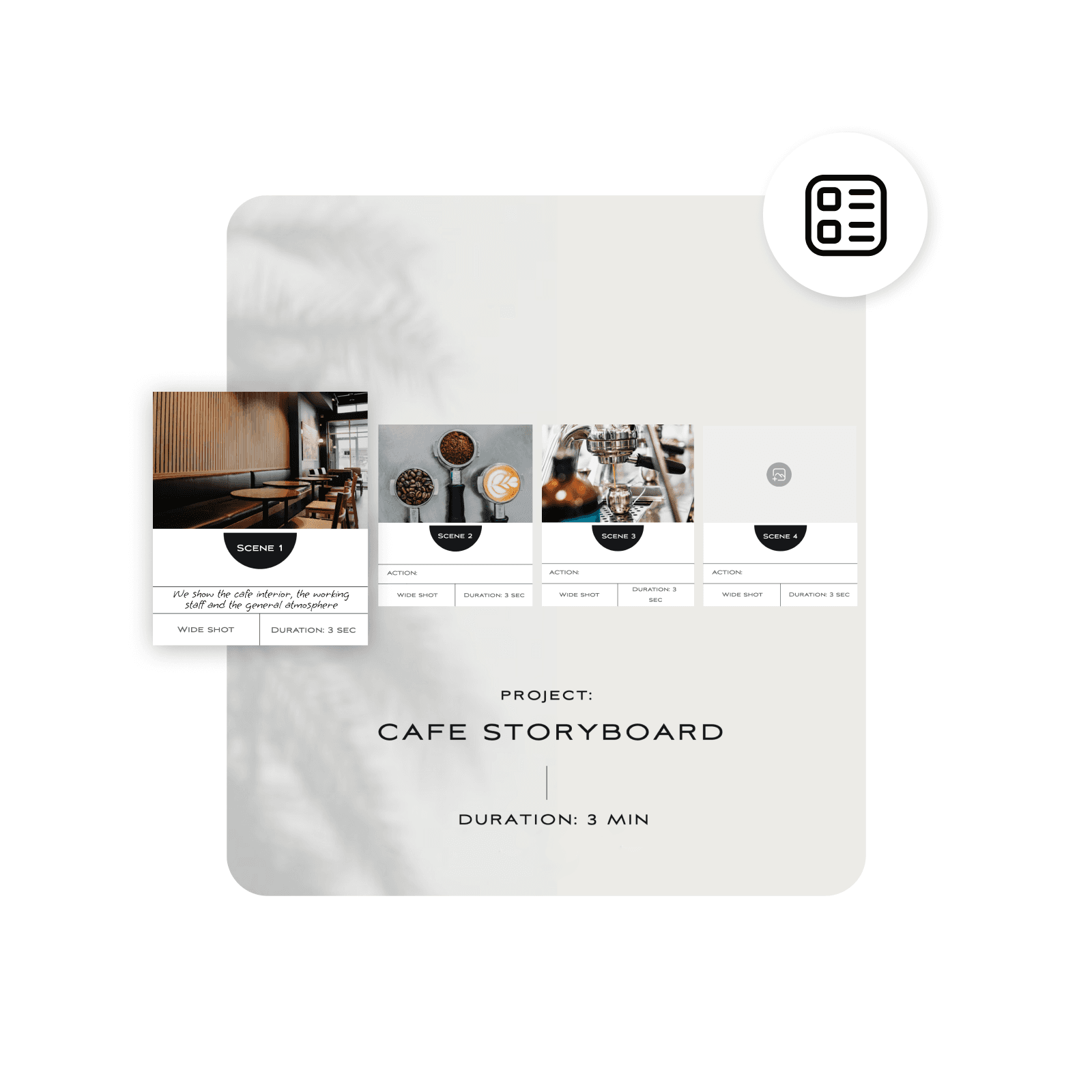
Access everything you need in one storyboard creator
Picsart’s online storyboard maker gives you complete control over how you design a storyboard. Choose the perfect storyboard template then easily add text and upload images to get ready to film fast. Alternatively, take your time exploring the built-in editing and design tools, find the perfect stickers to add detail, and use the simple drag-and-drop function to edit.
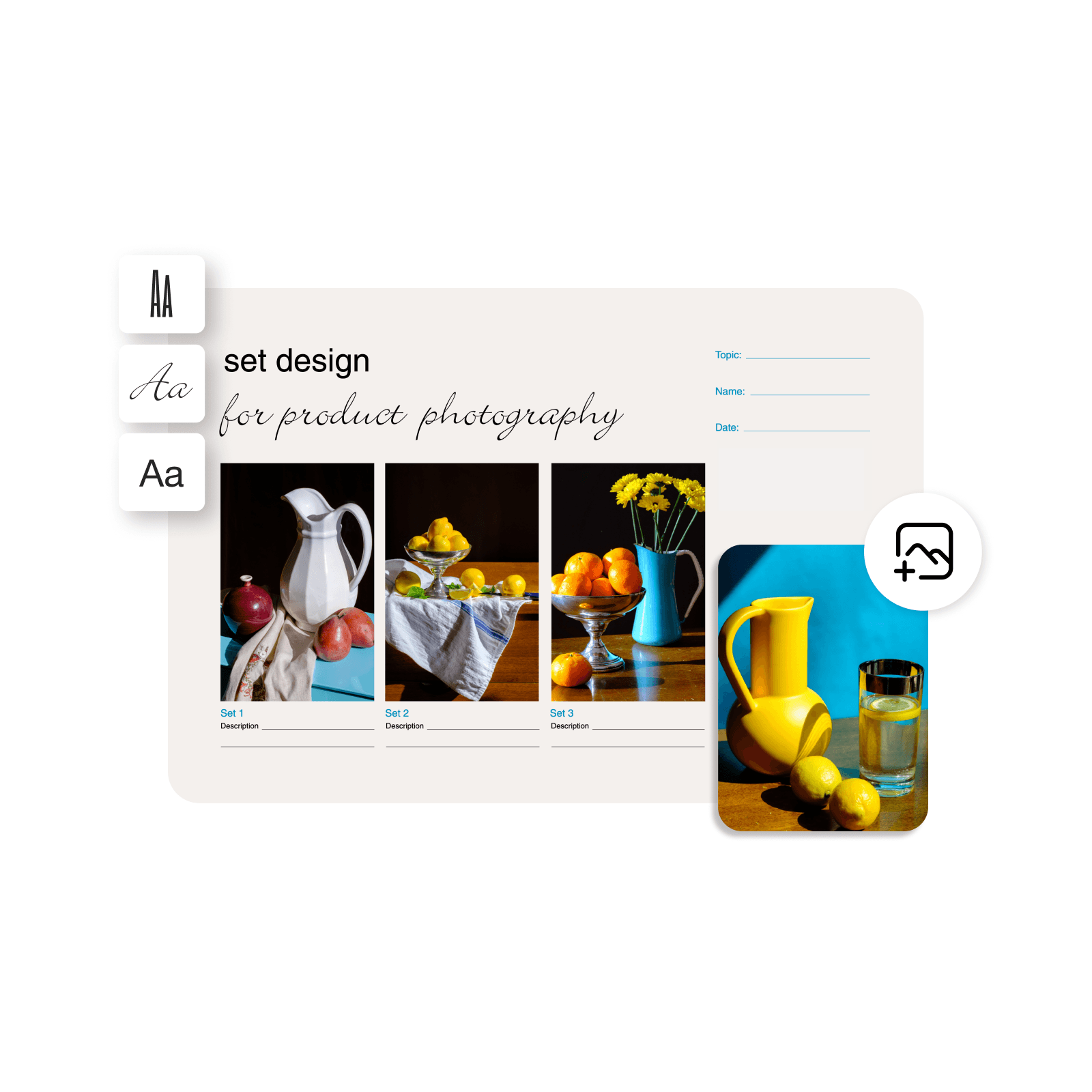
Design storyboards
Power your stories with a storyboard creator. Access an ever-growing collection of storyboard templatesto speed up the process and elevate your presentation. Kickstart your project without breaking the bank and make a storyboard without staring at a blank page first.

Craft storyboards with a one-stop editor
Looking to create a custom storyboard that caters to your specific vision? Find all you need in one place to create storyboards from scratch. Just head to Picsart’s intuitive photo editor, select your canvas size, and start creating. Utilize built-in extensive libraries of assets like stickers and backgrounds, use AI tools to create detailed sketches in seconds, and even generate high-quality anime characters with ease.

Make storyboards for any purpose
Get to filming more quickly
As a video producer, animator, or filmmaker, you can plan your visuals and story arcs more quickly and easily with Picsart. The customizable templates and editing tools help you make your vision clearer so you can communicate with your team and help your storyline shine.
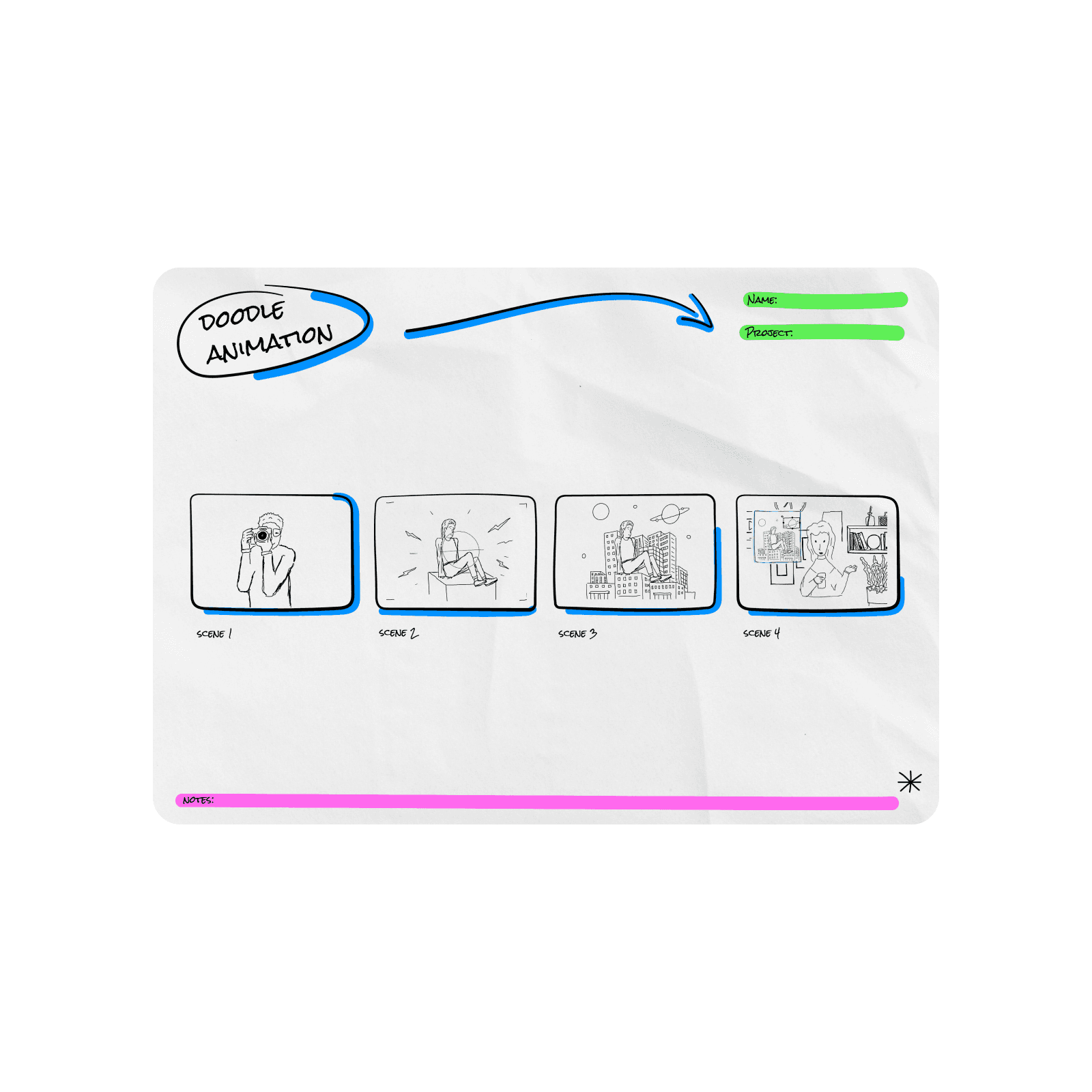
Get started with a and easy storyboard creator
Ready to create amazing storyboards more quickly? Get started with Picsart's online storyboard maker! Plus explore the built-in asset library and beginner-friendly graphic design toolsto fuel creation without switching between tools.
Storyboard maker FAQ
Your storyboard should include visuals to represent each shot alongside text that describes anything needed to understand the narrative. You can also include annotations for camera angles, transitions, and special effects.
More tools to love from Picsart

PDF maker
Create a professional-looking PDF in minutes with expertly crafted templates.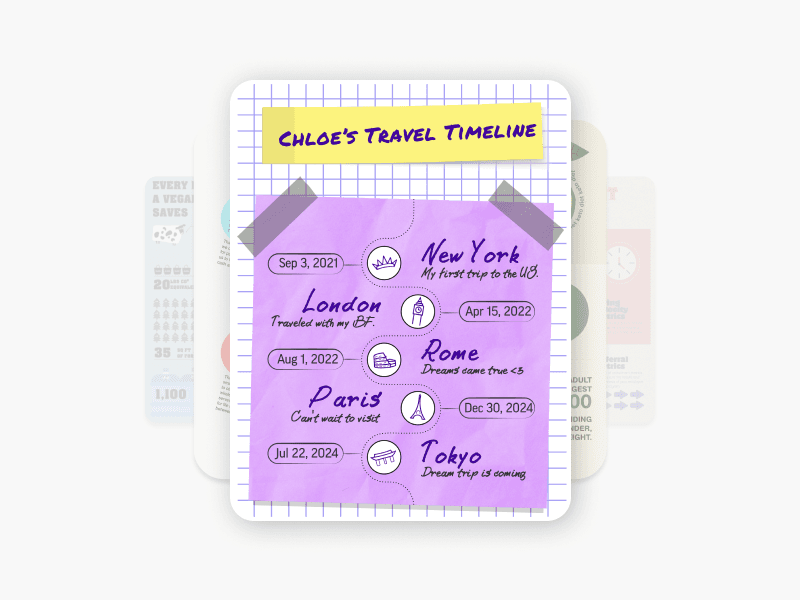
Infographic maker
Use templates and easy tools to make high-quality infographics.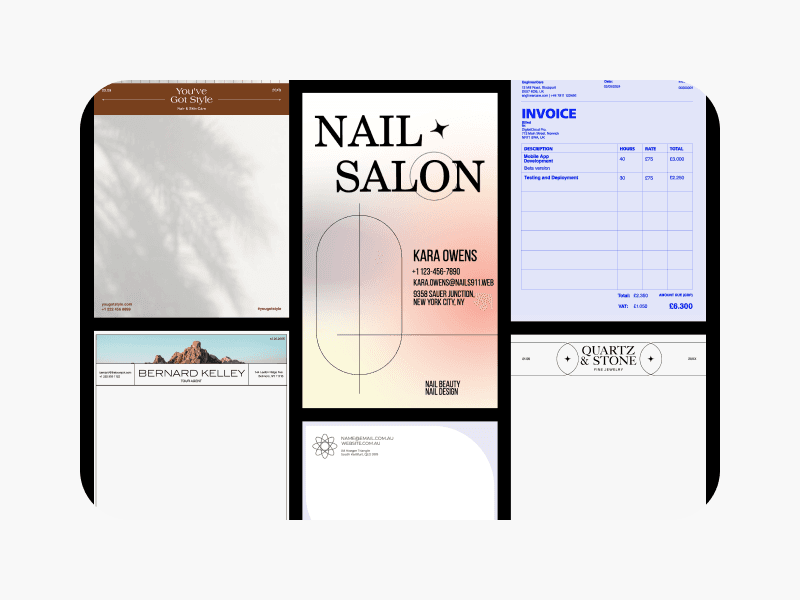
Document maker
Create professional documents for all use cases with pre-designed templates.
Flyer maker
Design flyers in minutes with beautiful editable templates and design tools.
YouTube thumbnail maker
Create thumbnails that get more clicks with templates and AI tools.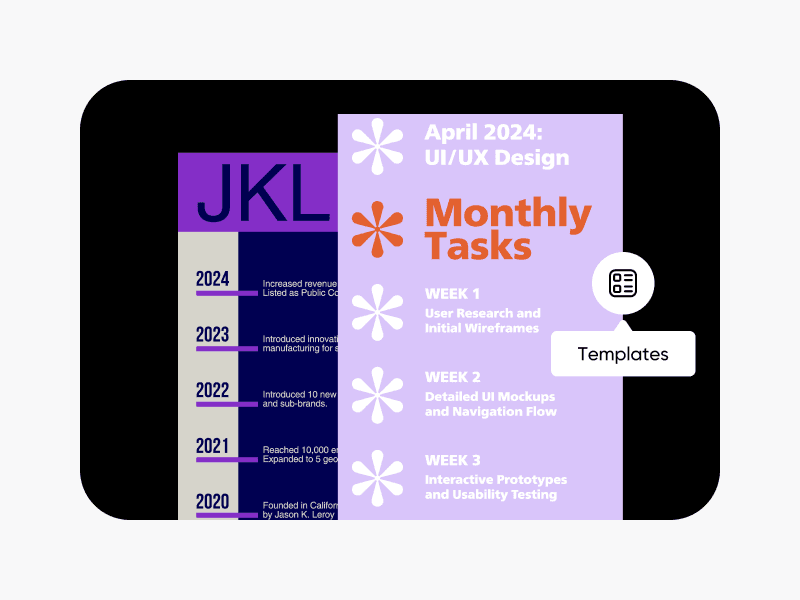
Timeline maker
Present historic information in a captivating way with timeline templates.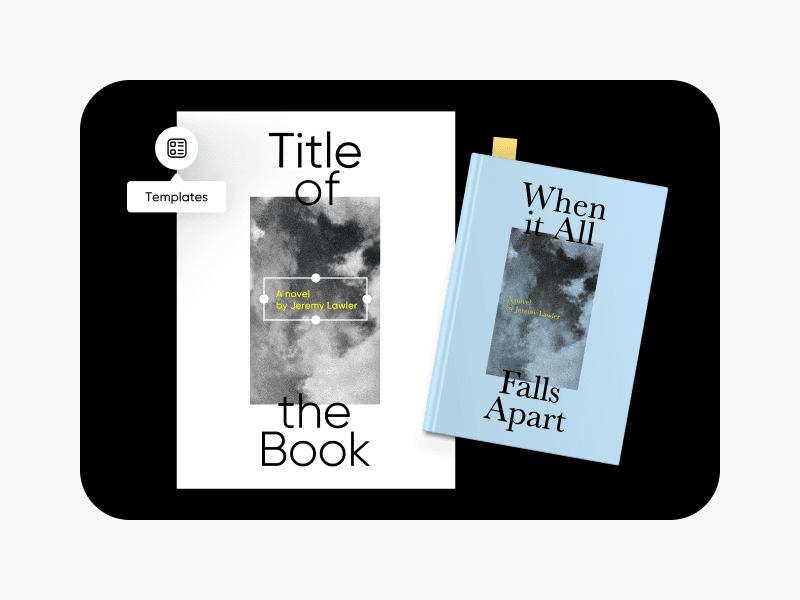
Book cover maker
Design an eye-catching book cover in seconds with easy-to-use templates.
Invitation maker
Create beautiful invitations with easy templates and design tools.
Design storyboards for planning, learning, and content
Pro
Most popularAI tools for everyday creative work.
Ultra
Most powerfulHeavy AI usage for creators & teams.
Enterprise
Custom AI solutions for large organizations.
- Volume discounts on credit rate
- On-demand top-ups