Book cover maker: design covers for any genre with AI
Turn your story idea, photo or manuscript into cover art with an online book cover maker in Picsart Flow. Then add your title and author.
- Sized for ebook, print or audiobook
- Pick the AI model for each cover
- Fix any detail with Inpaint
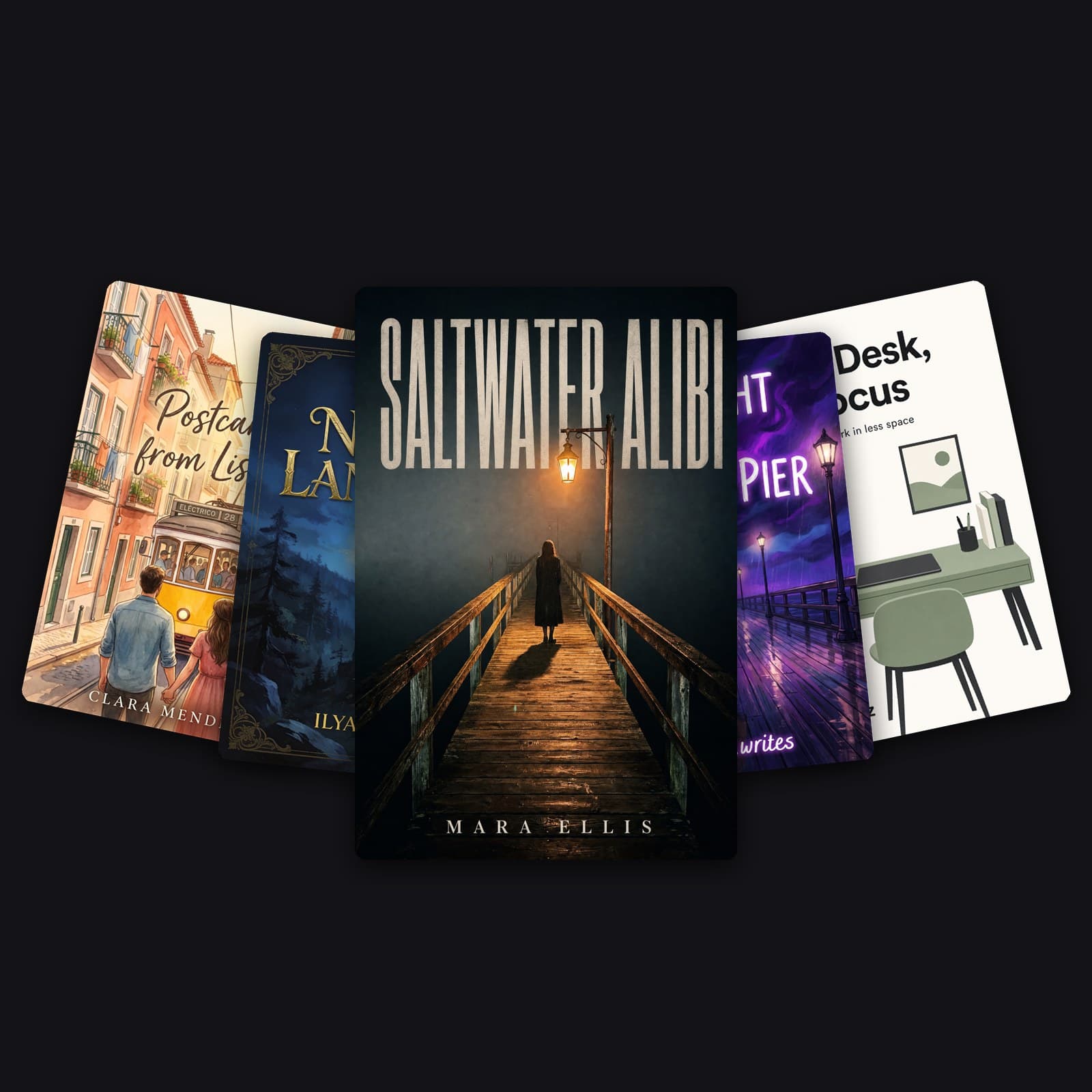
Make book covers online on one canvas
Every step of this book cover creator sits on one Picsart Flow canvas, from the first idea to the final file.
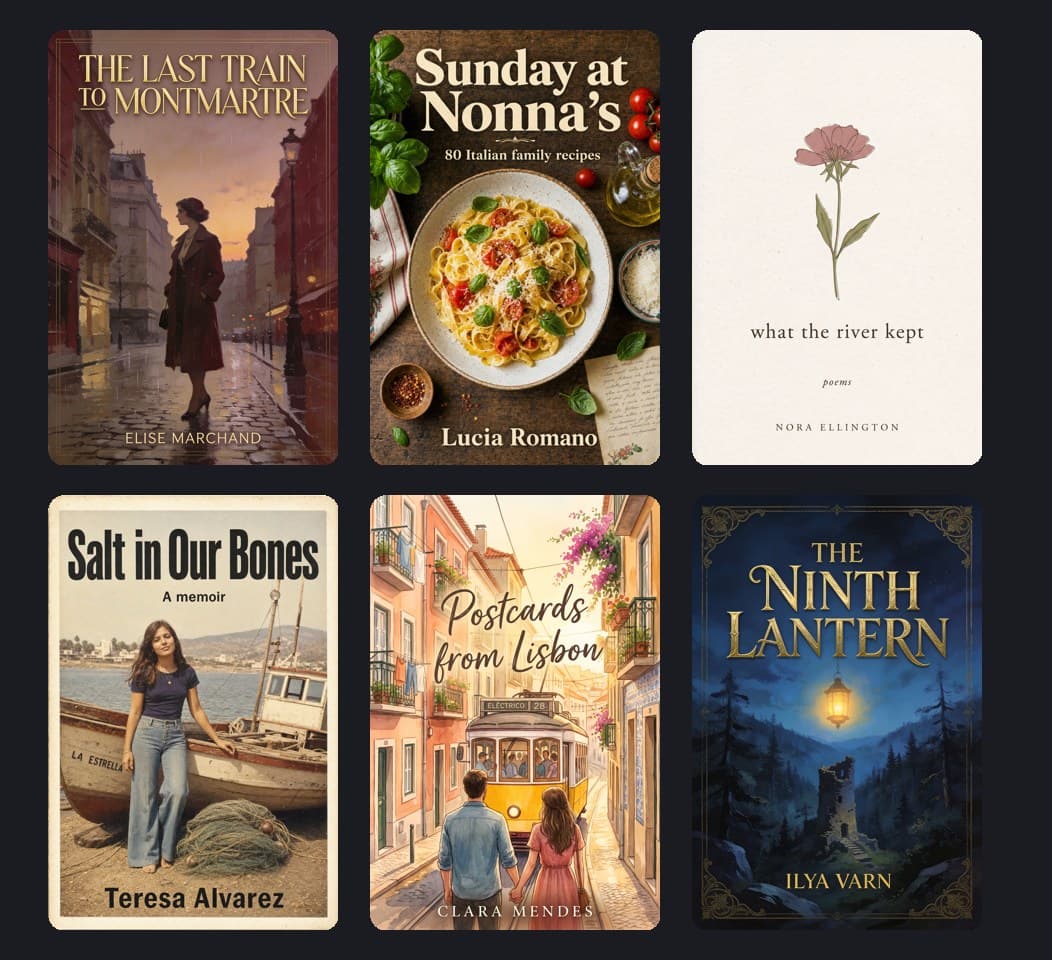
Explore book cover design for every genre
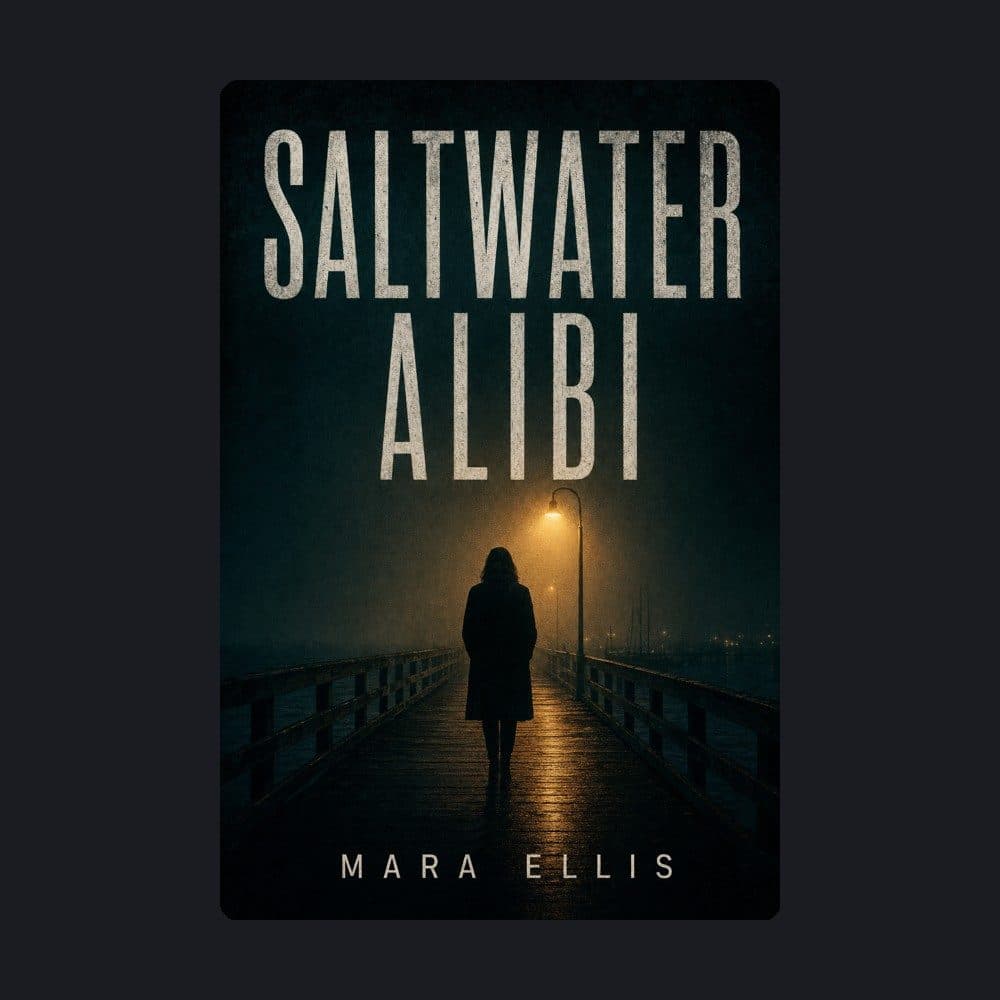

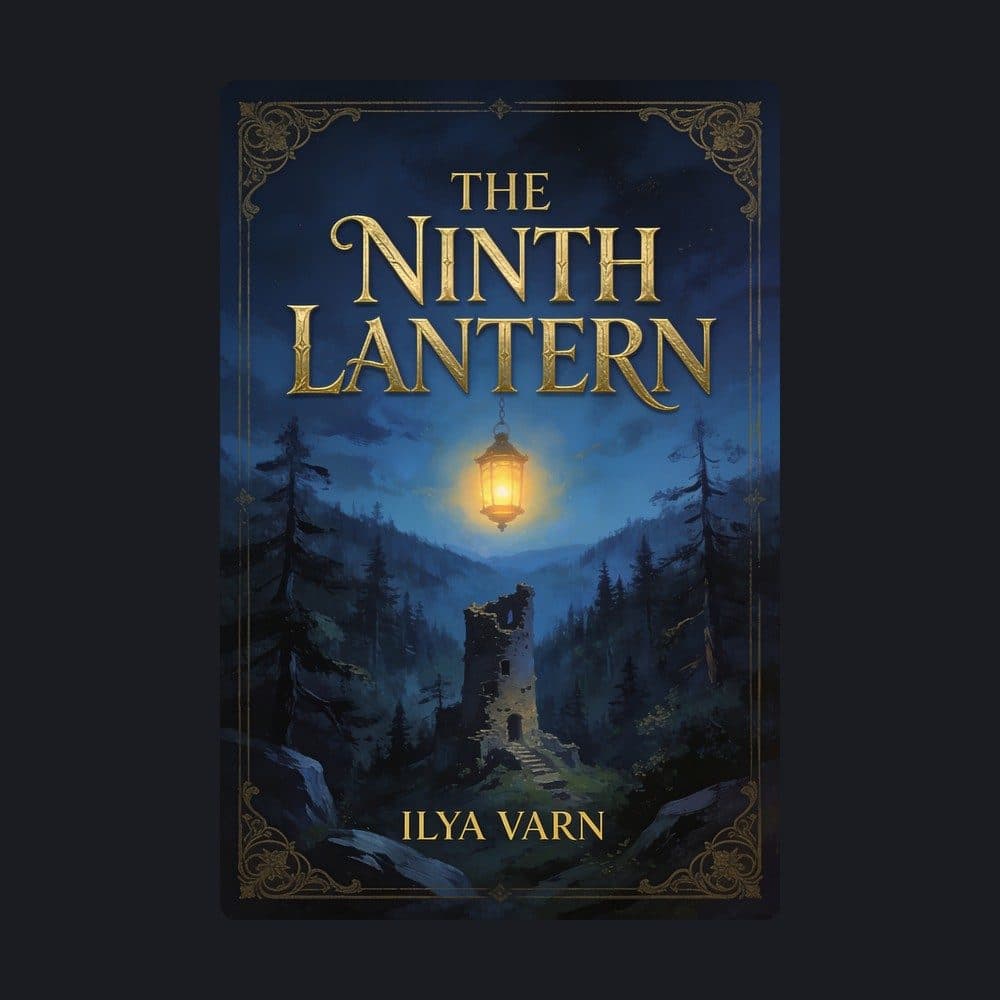



A lone figure, heavy grain and a tall condensed title set the tense mood. GPT Image 2 placed the title and author name exactly as written in the prompt.
A psychological thriller book cover. The entire image is the flat front cover, edge to edge, no mockup. A lone figure on a foggy pier at night under one sodium streetlight, dark teal and amber, heavy grain. Title at the top in large condensed white capitals: "SALTWATER ALIBI". Author name at the bottom in small spaced capitals: "MARA ELLIS".
How to make a book cover with AI
Make your own book cover on a blank Picsart Flow canvas. Start from a prompt, a photo or cover art you already have.
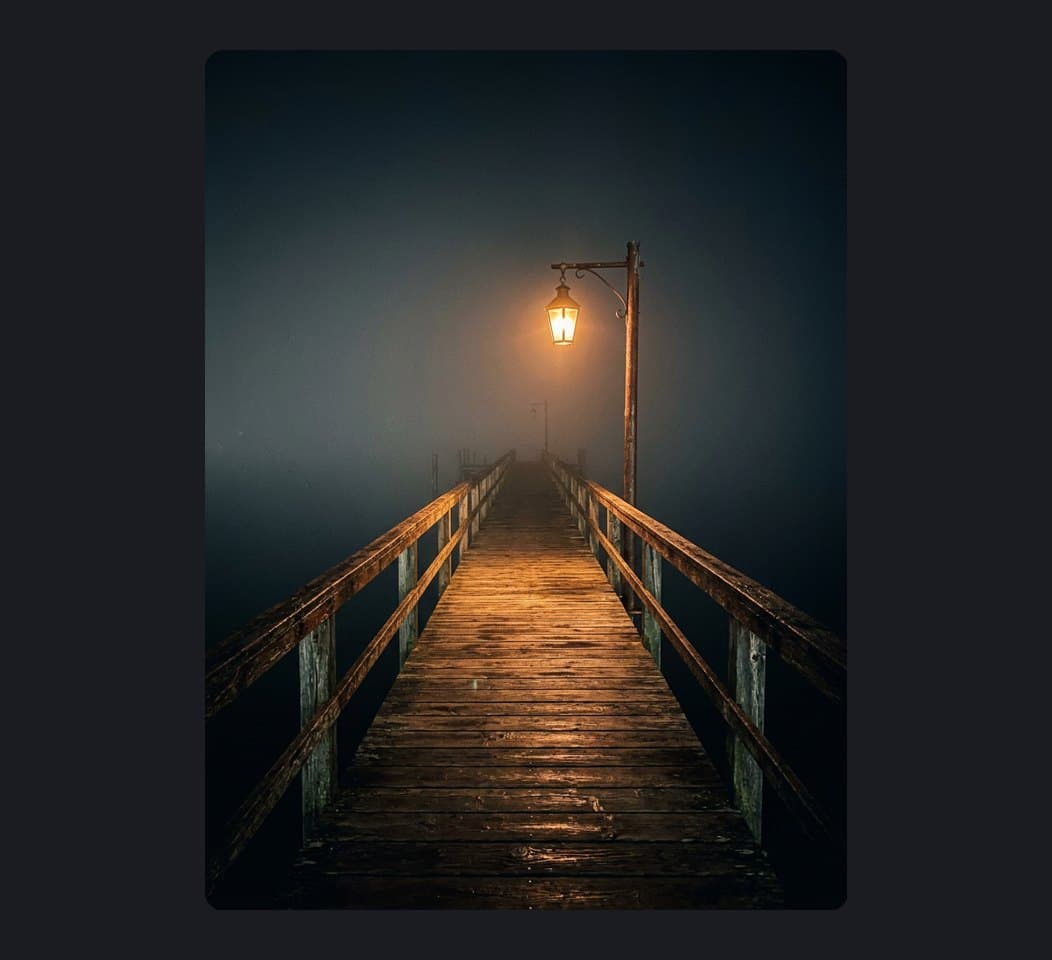
Make book covers for ebook, print and audiobook
Use this ebook cover maker for any format you publish in. Each one needs its own shape before you run the model.
Design an ebook cover that reads as a thumbnail
Set the image node to 2:3, a tall portrait shape that suits ebook stores and web novel sites like Wattpad. Keep the title large, since shoppers first see your cover at thumbnail size.
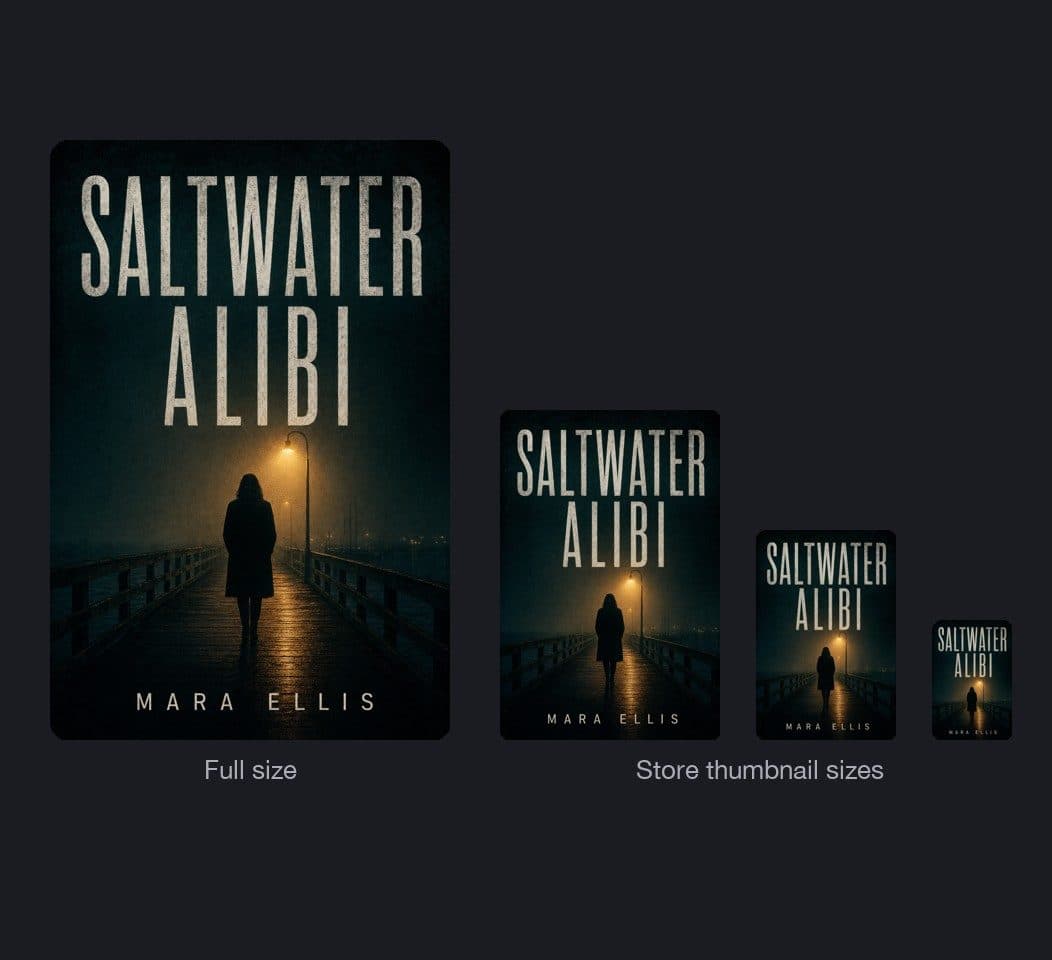
Create a book cover with AI from your story
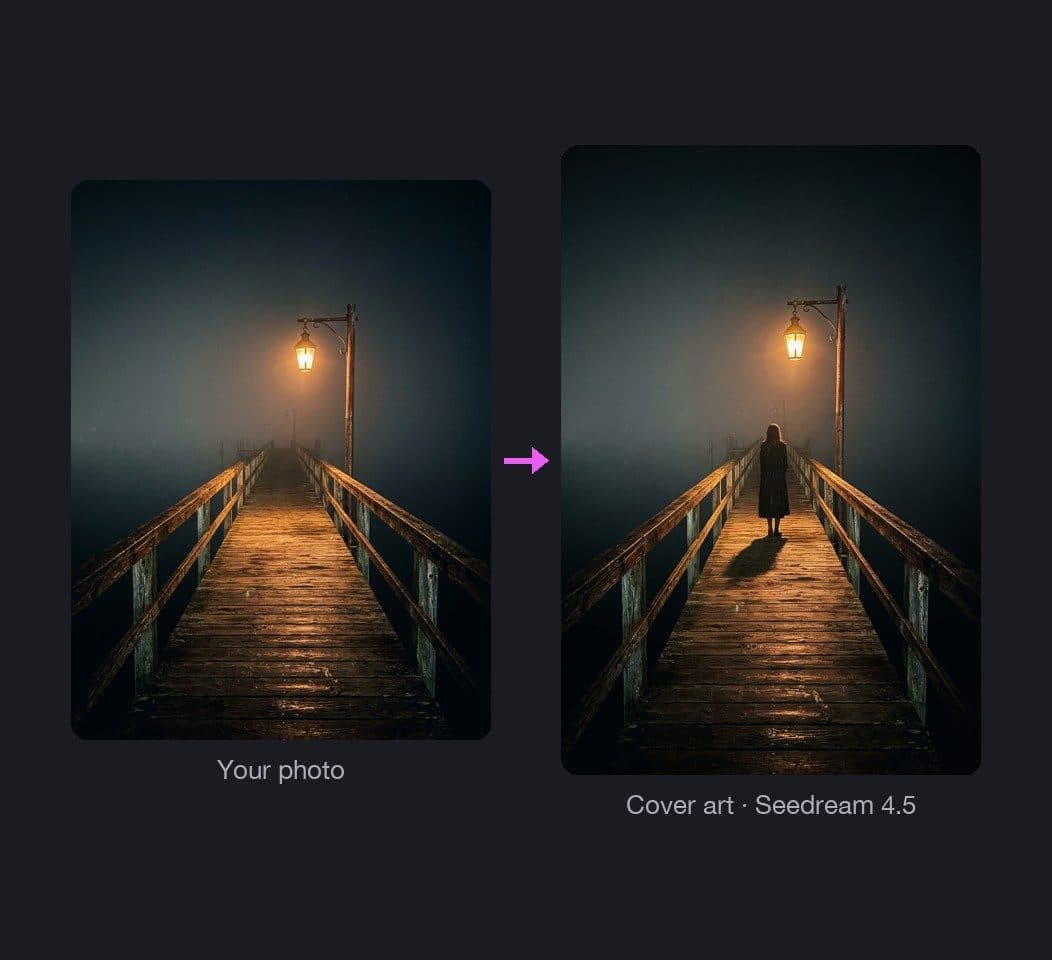
Describe the genre, mood and main image of your book, or upload your manuscript as a PDF. The Document node in Picsart Flow reads the full text, so the cover idea can come from the story itself. Then the image model, your AI book cover generator, turns it into cover art with room for the title.
- Start from a prompt, a photo or a PDF
- Compare two models on one idea
Add the title and author to your cover
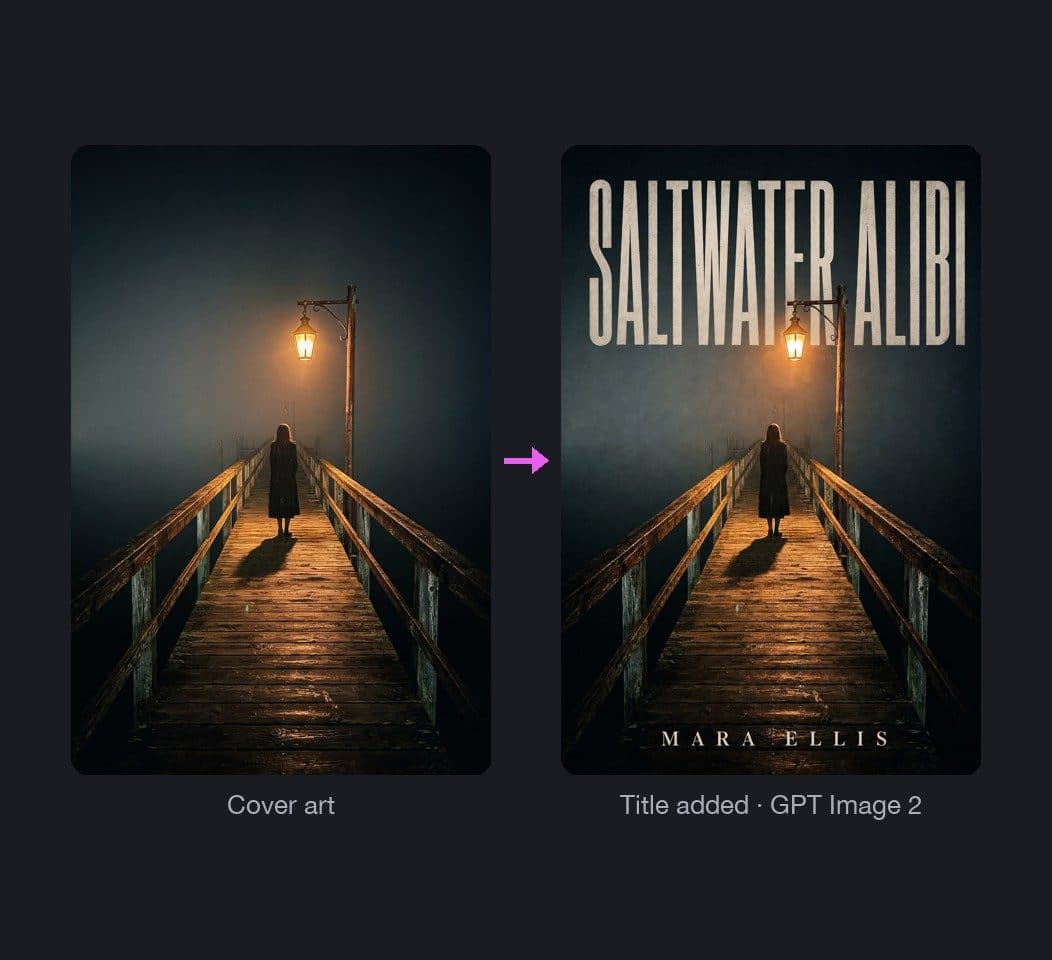
Type the exact title and author name into your prompt. GPT Image 2 renders text with 99% accuracy, and Nano Banana Pro handles typography for titles and labels. Already have an illustration or photo for the cover? Upload it and ask GPT Image 2 to add the lettering without changing the picture.
- Title and author in one run
- New wording, same artwork
Customize your book cover with generative editing
Use Inpaint as your book cover editor: brush over any detail you want to change, like a face, the sky or a stray letter, and describe the fix. Outpaint extends the art when the title needs more room. Both are part of Flow's generative editing tools, and each result lands on a new node next to the original.
- Fix one area at a time
- Extend the art for wider layouts

Design covers for a whole book series
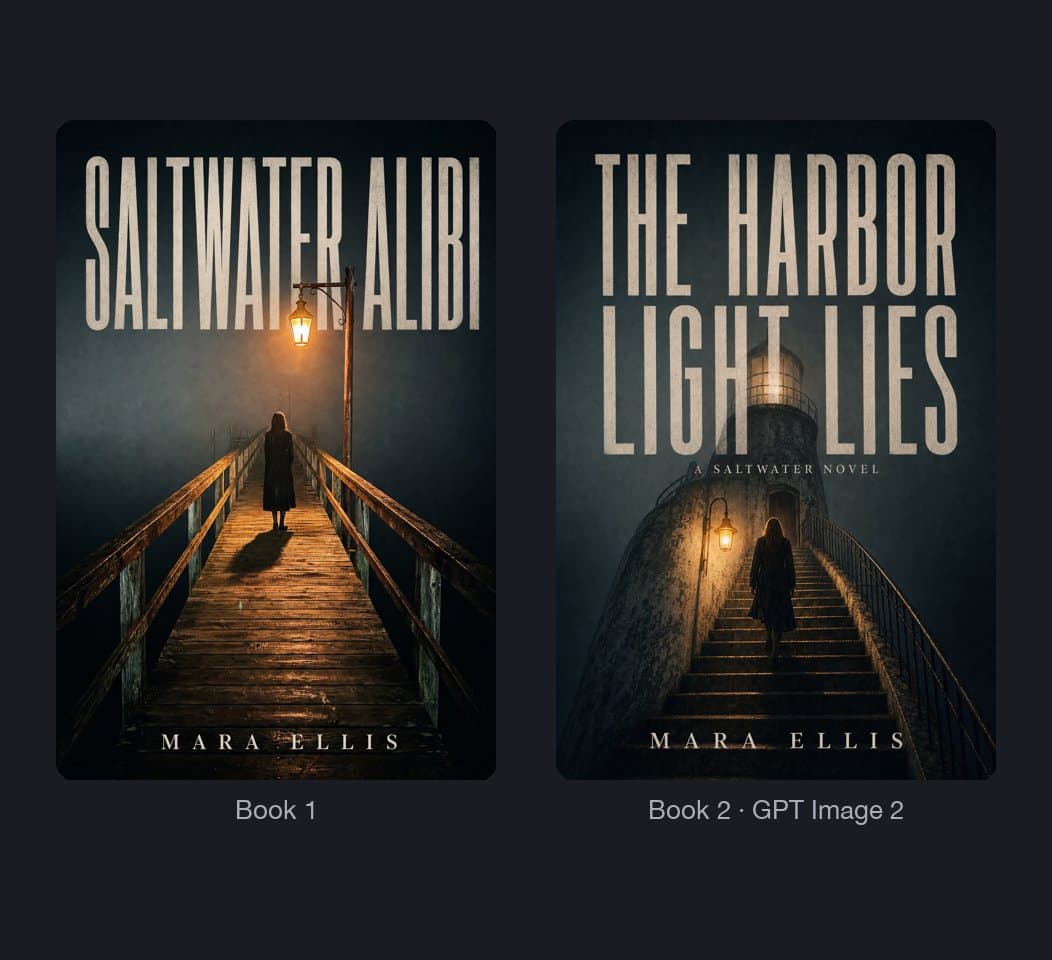
Once a cover style works, duplicate its frame for the next volume, or replace the manuscript PDF and keep every connection. An Asset node from Picsart Drive brings the same character into each book. Shift+Click Generate then reruns the whole chain, so the new cover arrives in one step.
- Same hero in every volume
- One click reruns the chain
Turn your book cover into a trailer for social
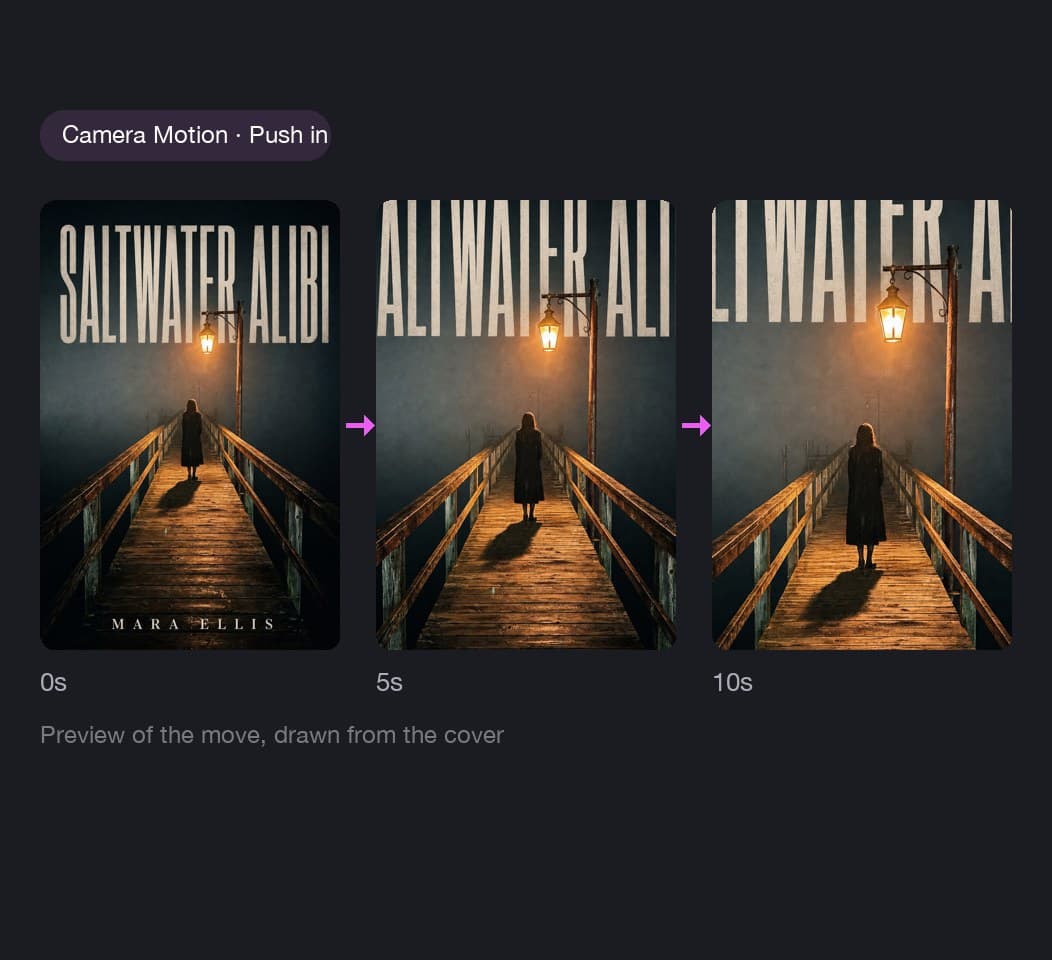
Drop your finished cover into a Camera Motion node and pick a move, like Push in, Full orbit or Reveal, for a 5 to 15 second clip. The cover stays exactly as designed while the camera travels. Then share the clip from the node to Instagram, TikTok or YouTube for your cover reveal.
- 18 camera moves to choose from
- Share straight to social
Share your cover workflow with a team or publisher
Bring a co-author, editor or publisher onto the cover workflow with role-based permissions, from view-only and comment-only access to editing. Color tags sync for everyone in real time, so the team can mark the approved cover and the drafts still in review. Runs your teammates start show up in your run queue.
- View-only, comment or edit access
- See your team's runs in the queue
Pick the model behind your book cover
Each image node runs the model you choose. These four render readable text, which a cover needs for its title. GPT Image 2: 99% text accuracy. Nano Banana Pro: text rendering for titles and labels. Seedream 4.5: readable headlines and small text. Ideogram 4.5: pixel-accurate typography.




Check how creators rate Picsart
Reviews from people who create with Picsart.




Book cover maker FAQ
Picsart's book cover maker runs on AI credits, so you pay only for what you generate. Credits come with Pro and Ultra plans or as add-on packs, and add-on credits never expire. Picsart Flow shows the estimated credits before every run, so you see the cost of each cover first.
Design book covers for publishing, promotion, and content
Pro
Most popularAI tools for everyday creative work.
Ultra
Most powerfulHeavy AI usage for creators & teams.