Label maker: Design a label using custom art or templates
Introduce your brand and products with style with the Picsart label maker. Use the easy customization tools to create labels that attract attention and tell a brand story your audience won’t forget.
- Give your products a consistent look
- Make key details readable
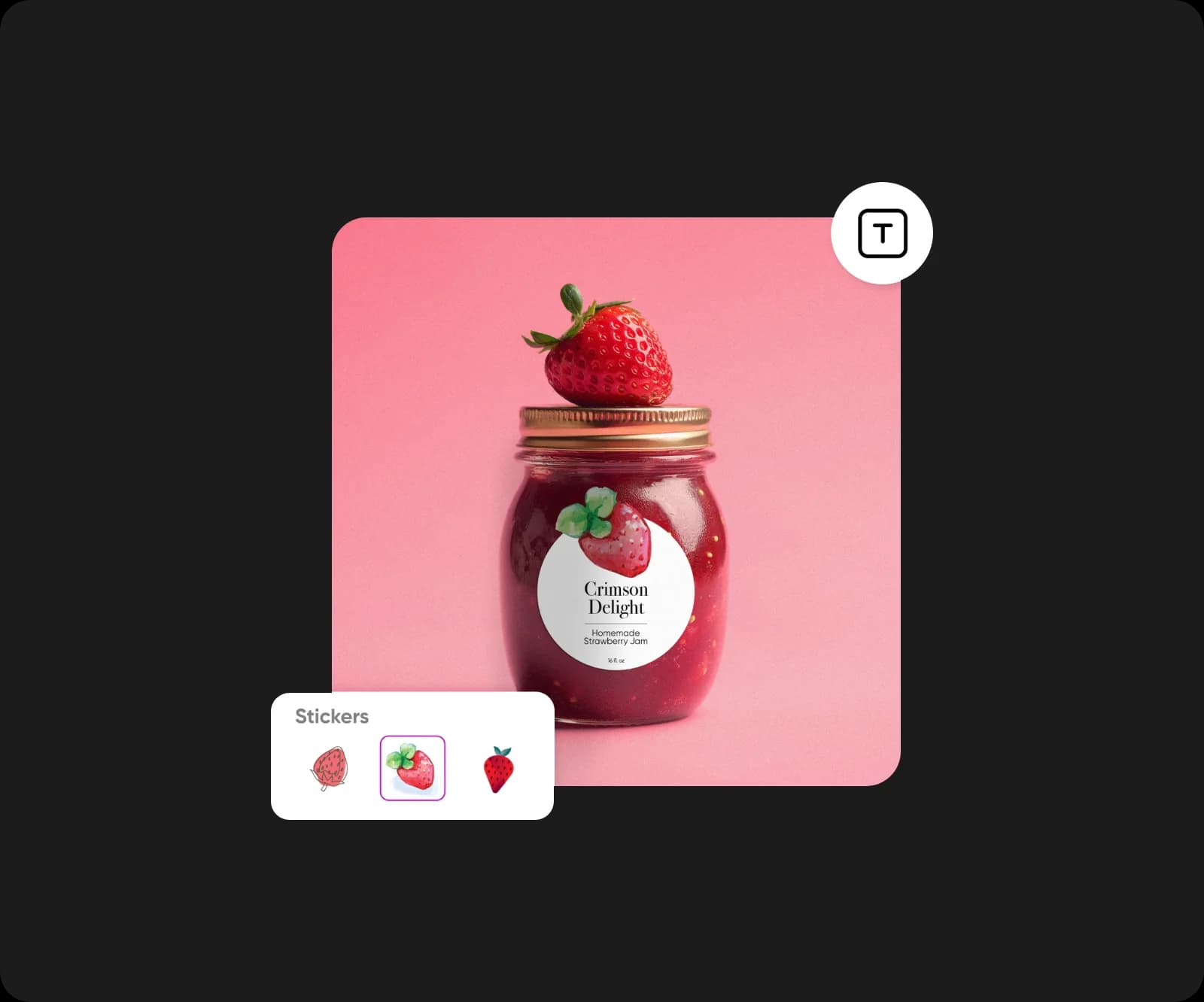
Create labels with AI image models
Use image models to shape product labels, packaging ideas, and ready-to-edit graphics.
Find the perfect label templates in any style
Whether your branding is fun, modern, rustic, or technical, Picsart offers a wide variety of creative label templates to suit your style. Explore different sizes, shapes, themes, and layouts to spark ideas. Then, upload art in your favorite style or browse the in-app image library to design a label that’s one of a kind.


How to make labels
Turn ideas into print-ready product labels with an online label maker
To stand out from competitors, brands have to make a fast, lasting impression. Give your products and services more visibility with professional-quality labels that convey your message and value. With Picsart’s online label maker, you can access a library of expertly designed templates and customize them to create your own unique label design.
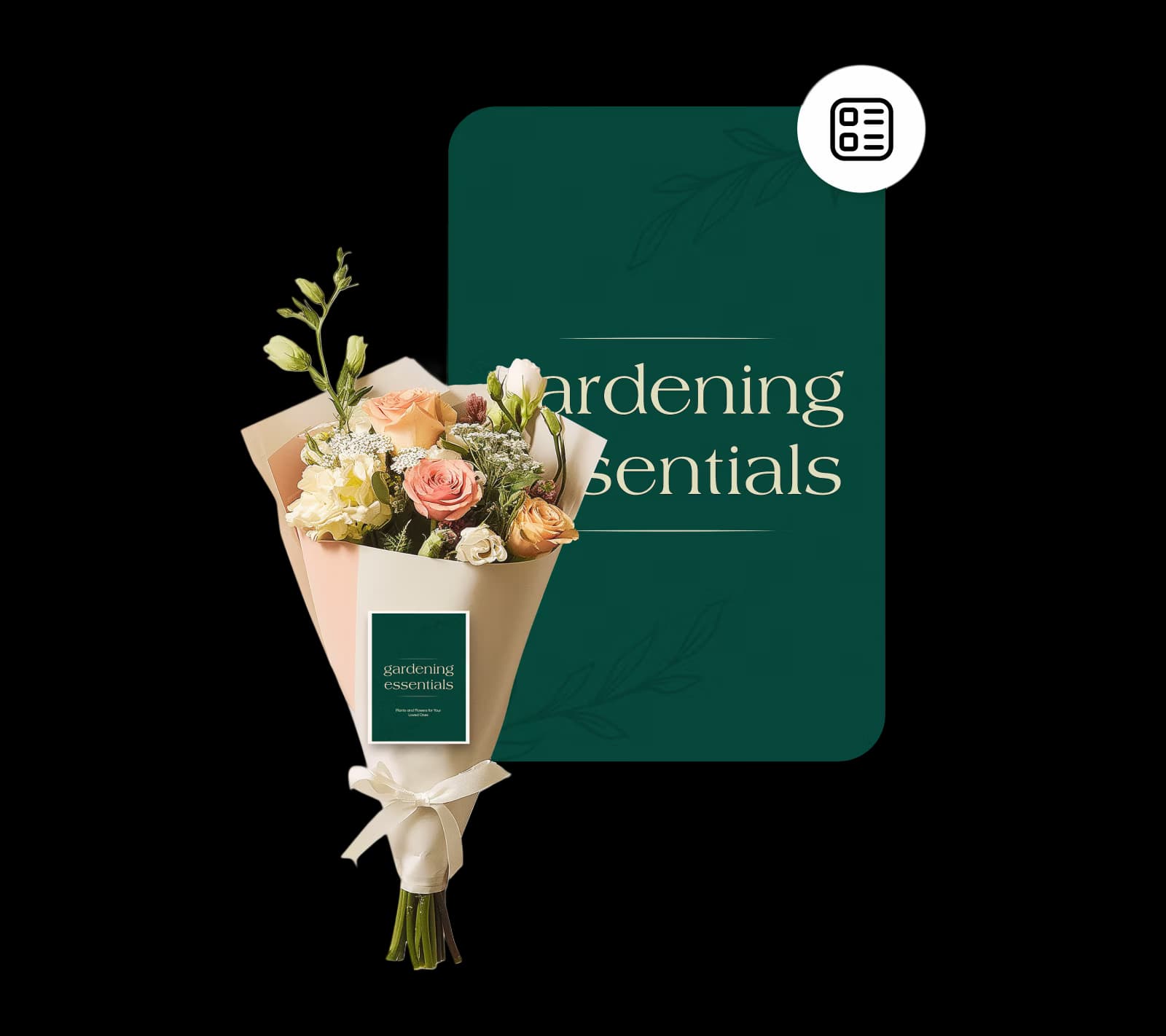
Design labels from scratch and enjoy boundless customization
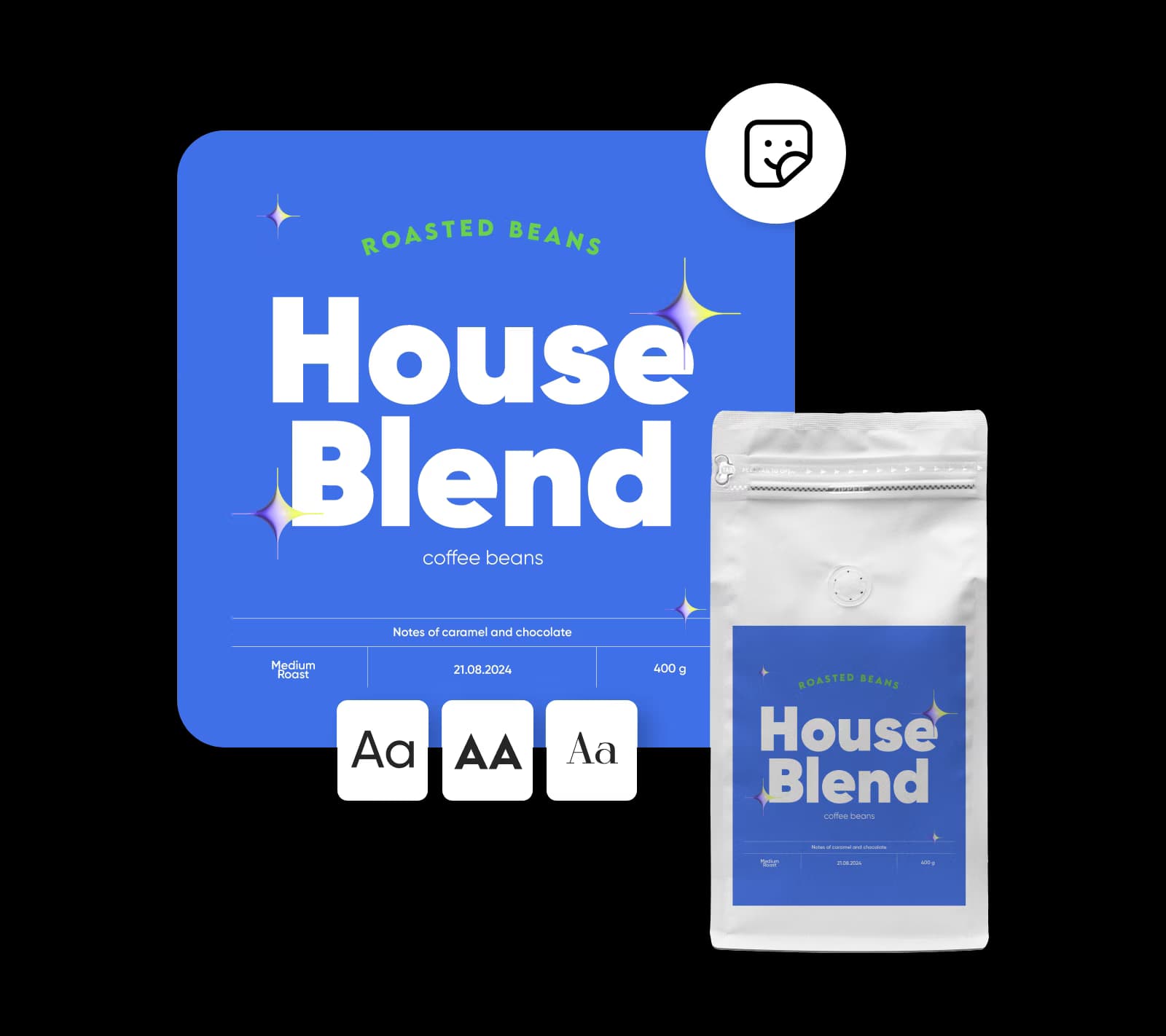
Who says there’s no such thing as perfect? With the Picsart custom label creator, you can choose from hundreds of adjustable, designer-made templates, illustrations, and fonts to find visuals that fit your brand identity. Go ahead. Mix and match fonts. Edit the text and photos. Add enhancements and effects—whatever it takes to get your product label just right.
- Refine the details in the editor
Make labels for a range of businesses and industries
Need event logos, flyers, planners, social media banners, or invitations? Go beyond basic product labels. The Picsart label creator makes it easy to develop a brand kit or brand assets for almost any product, service, or event. Use the intuitive photo editor to create personalized designs for any occasion, so your brand always stands apart.
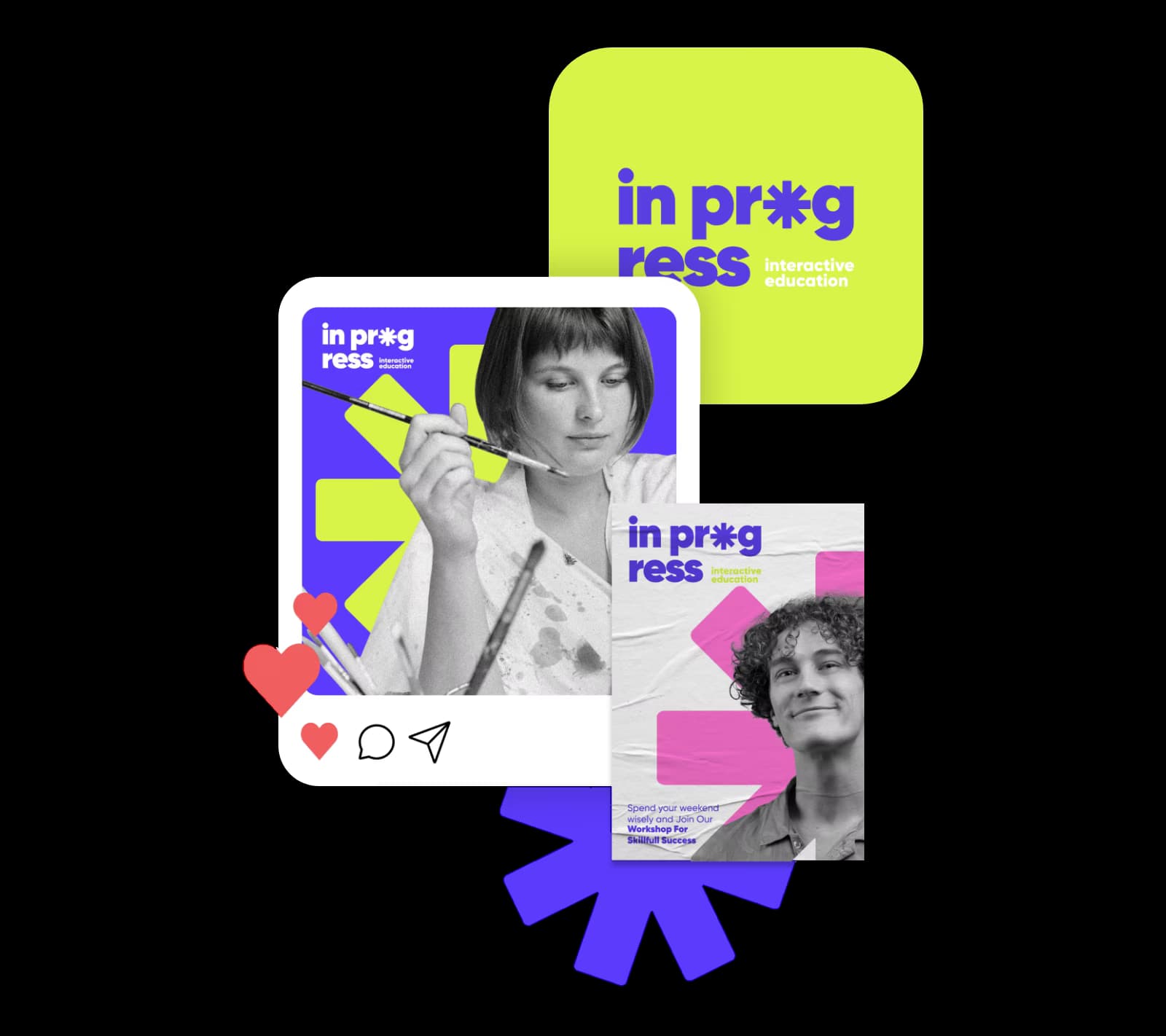
Make labels (and much more) with a online label maker
The Picsart label creator gives you designer-quality results with DIY convenience. Find all the tools you need to make professional brand visuals in one place—no special skills required. Whether you’re creating digital or print materials for your business, check out other Picsart graphic design tools to make your next project a success.
Label maker FAQ
Creating a label with Picsart is easy. Simply open the editor and pick a template, or start creating from scratch. Select the template elements you want to update, rearrange them, or add more by selecting from the sidebar menu. You can also edit text or images and choose different font combinations to personalize the design.
More tools to love from Picsart
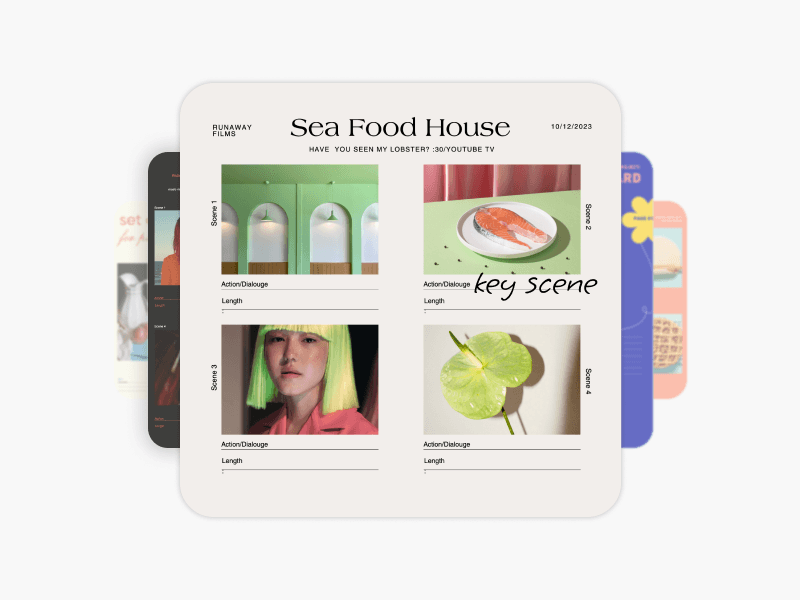
Storyboard maker
Visually map out stories for film, marketing, and design projects.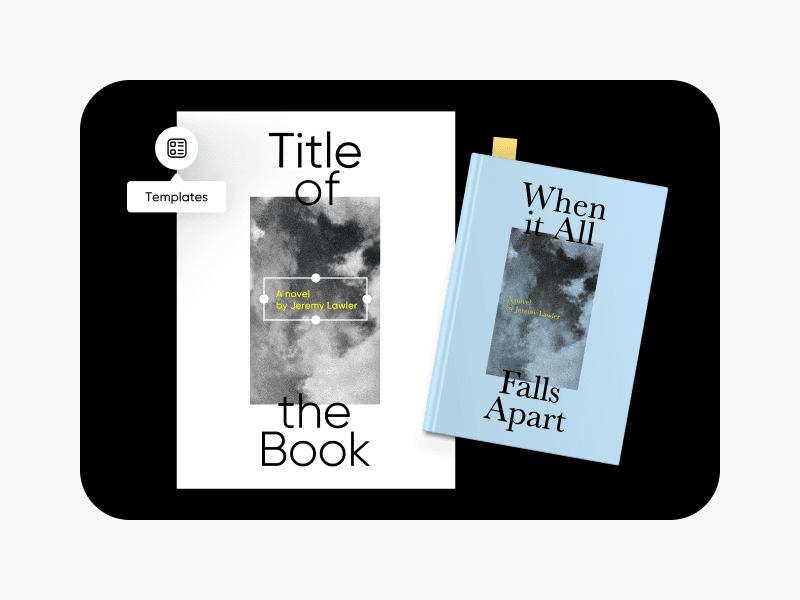
Book cover maker
Design eye-catching covers for books and journals.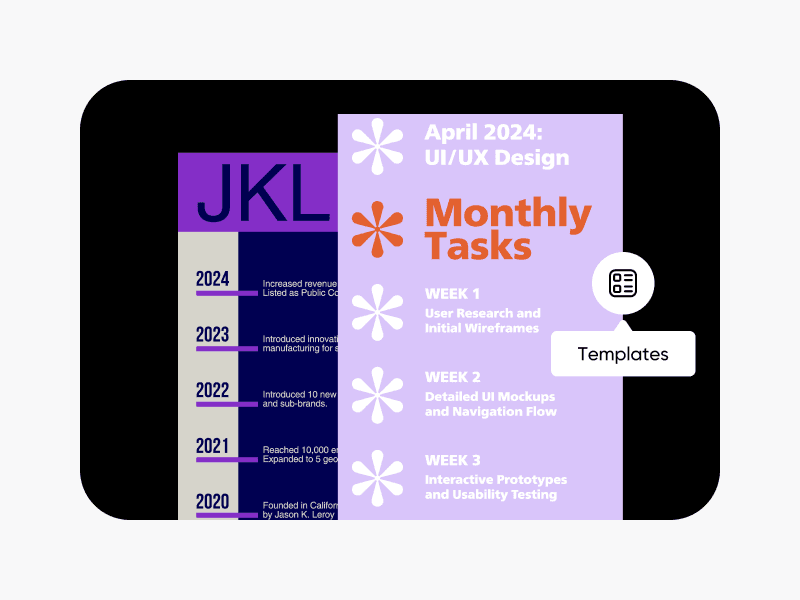
Timeline maker
Create timelines and milestone charts for project management.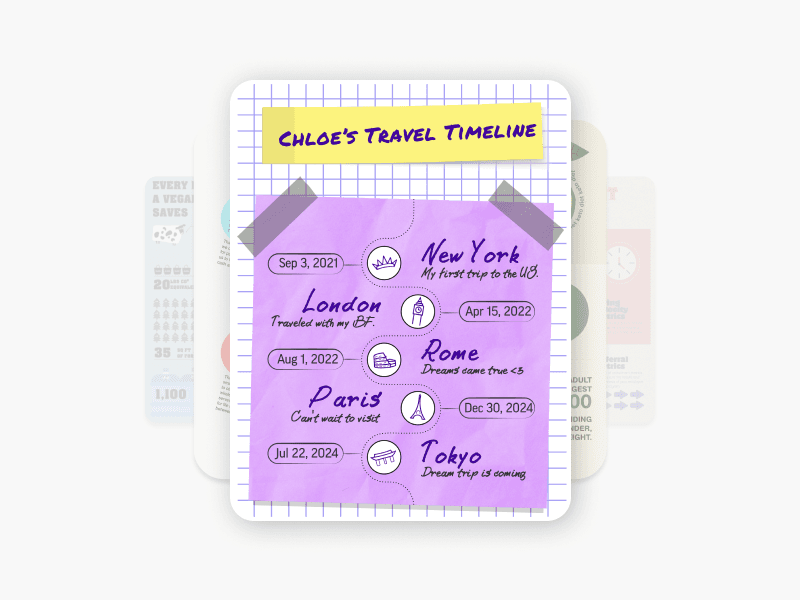
Infographic maker
Make compelling charts and infographics to present data.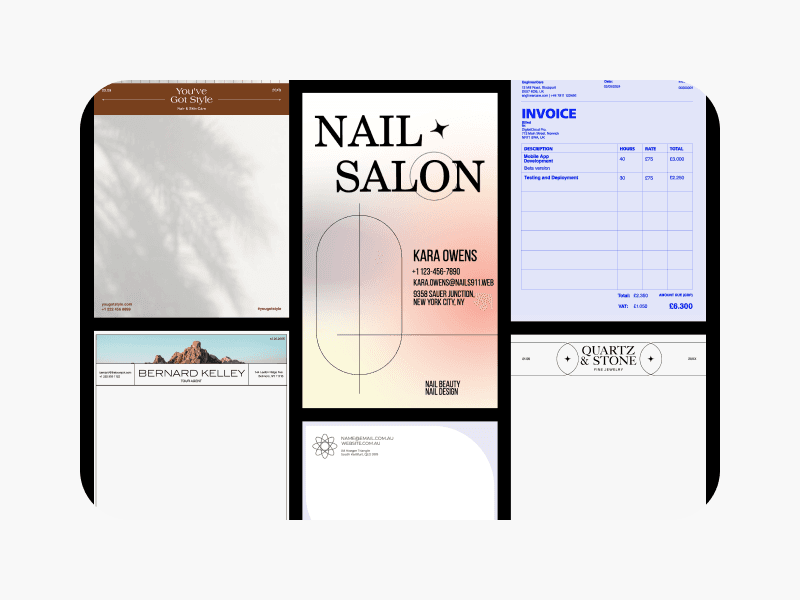
Document maker
Create polished reports, invoices, signs, and other documents.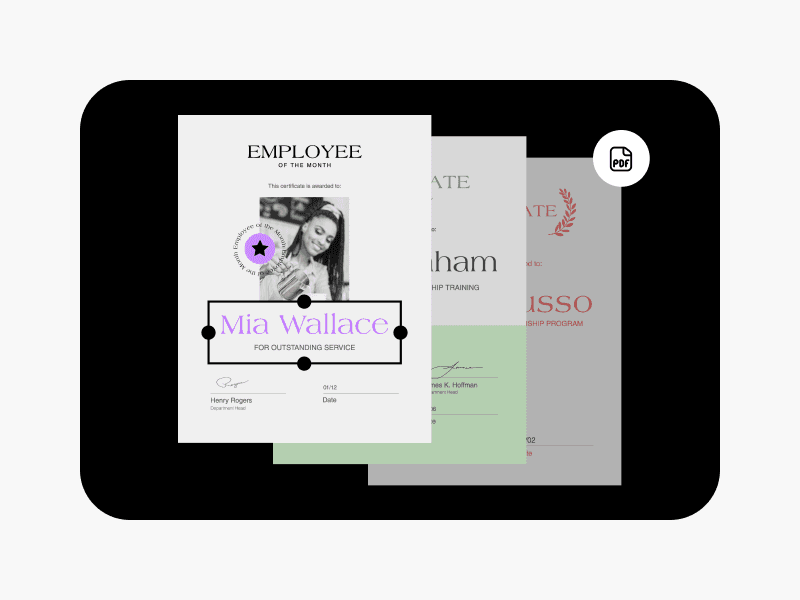
PDF maker
Turn images and documents into high-quality PDFs.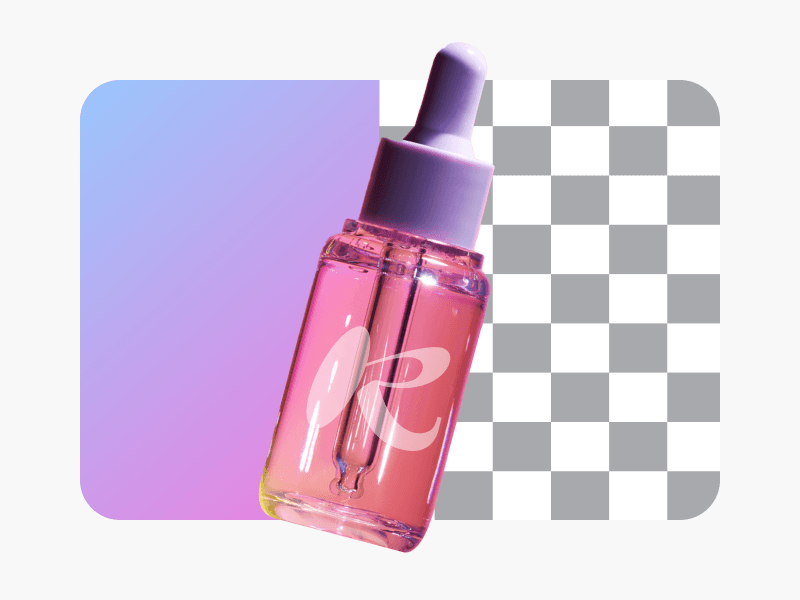
Background color remover
Get rid of unwanted background colors in images in an instant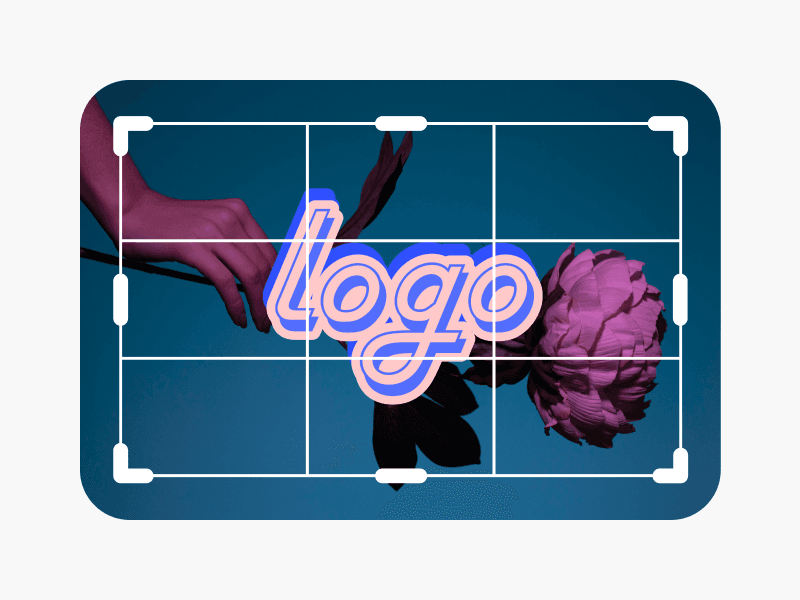
Photo editor
Finetune your images with trendy fonts, filters and effects, stickers, and more.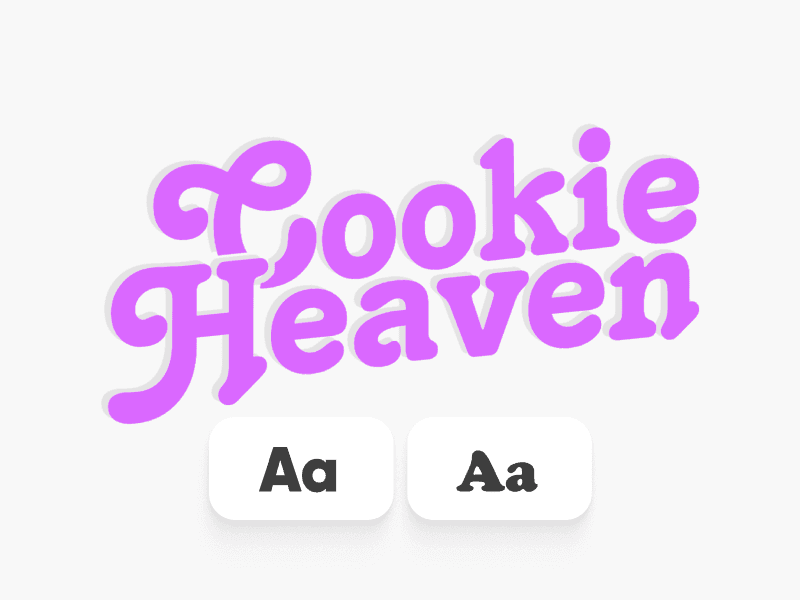
Text editor
Choose the perfect color, size, and layout to make text stand out.
Design labels for every product and project
Pro
Most popularAI tools for everyday creative work.
Ultra
Most powerfulHeavy AI usage for creators & teams.
Enterprise
Custom AI solutions for large organizations.
- Volume discounts on credit rate
- On-demand top-ups