Create packaging designs online
Put together an eye-catching packaging design with ease using Picsart’s design tools. Craft appealing labels, mockups, and prototypes from scratch and get everything done much more quickly with an easy-to-use interface and AI-powered tools.
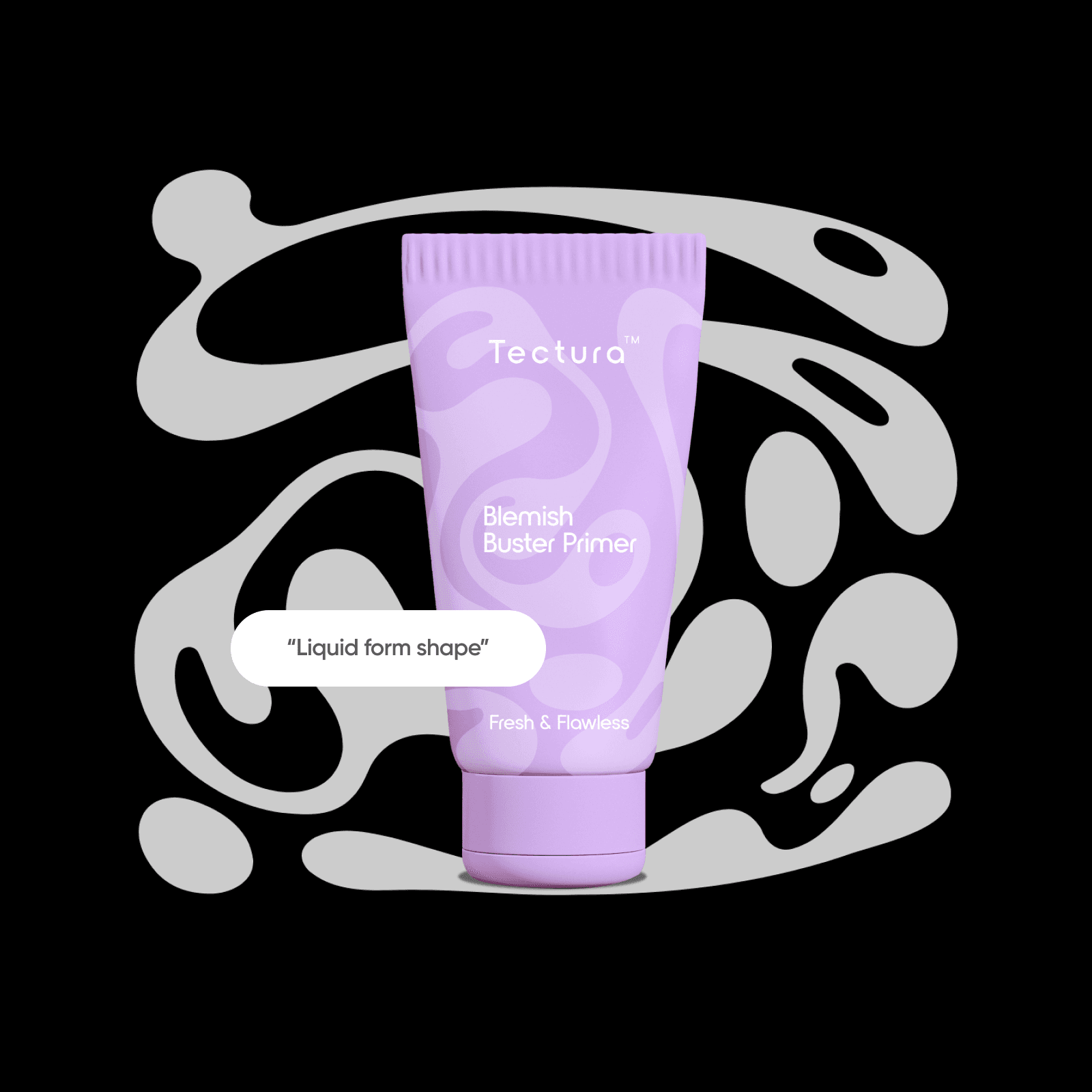
Create packaging design with AI image models
Use image models to transform packaging design into polished visuals, design ideas, and ready-to-edit assets.

AI packaging design tools
Reduce time spent on the creation process with AI packaging design tools.

Library of design assets
Access a plethora of professionally-crafted assets like stickers, shapes, backgrounds, images, and more!

Variety of fonts
Add text to your packaging design mockups using a large selection of trendy fonts.
How to create a packaging design with Picsart
Open the Web Editor
Open the editor and customize the canvas size as needed
Add elements
Add text
Save
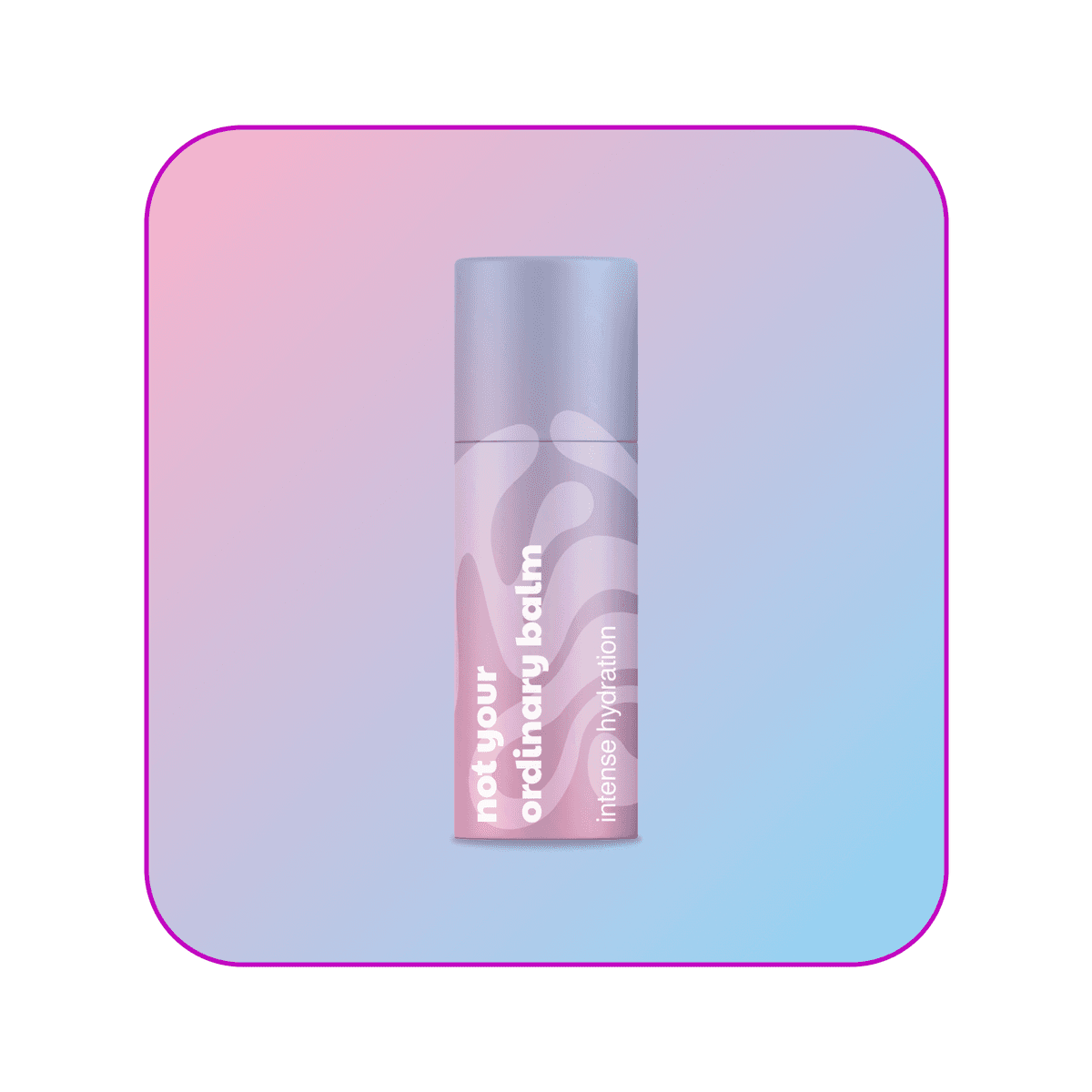
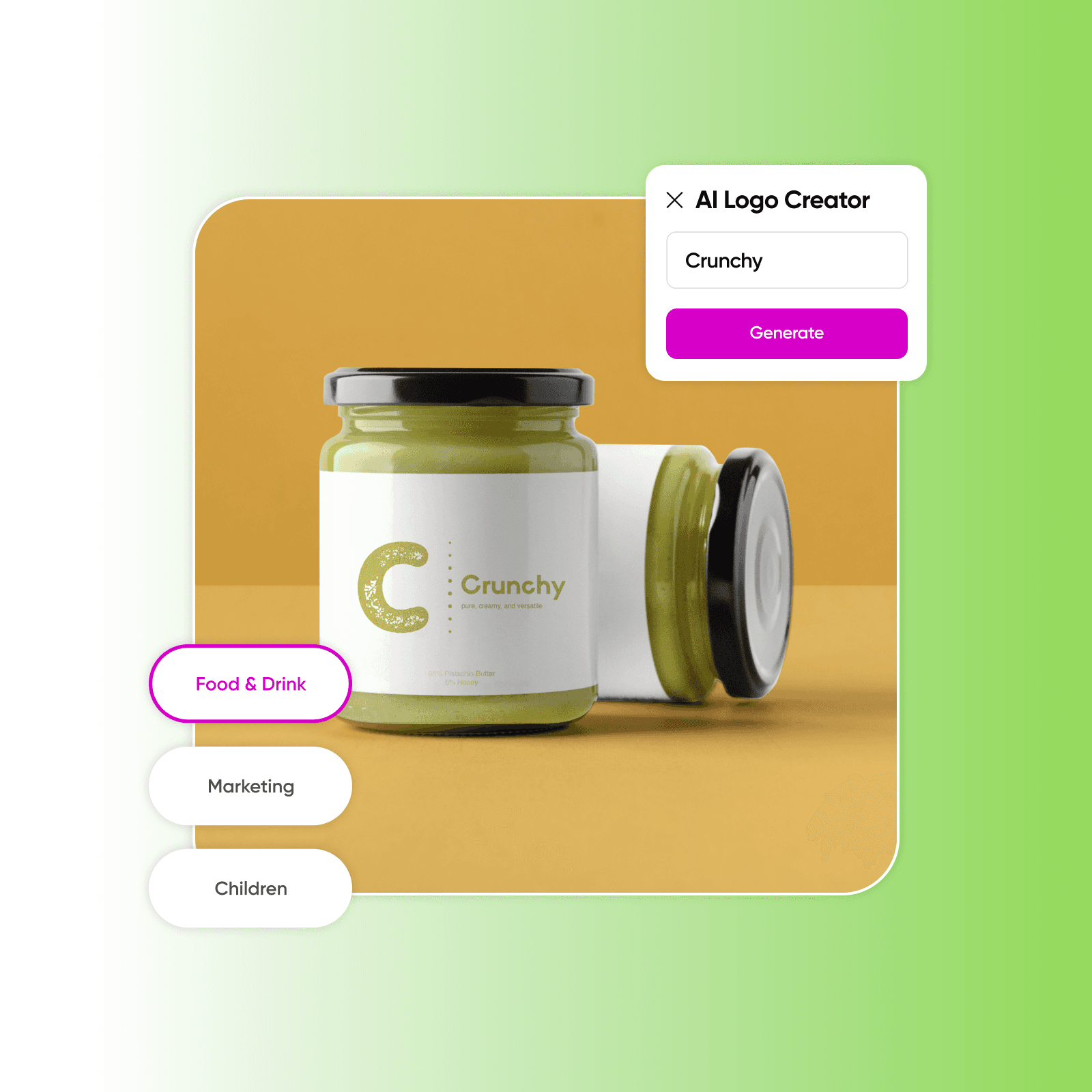
Craft the perfect logo with AI
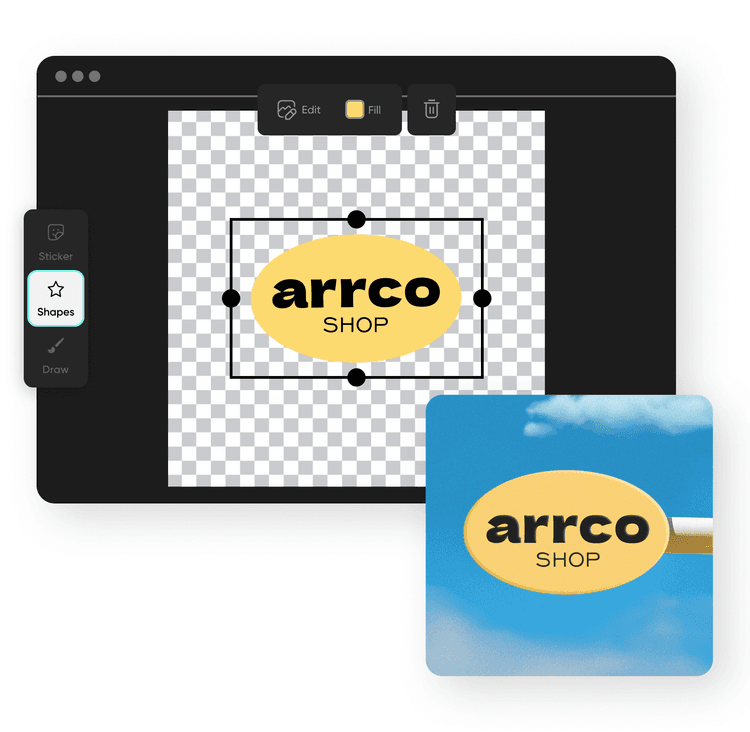
Give your brand a recognizable brand identity with minimal hassle. Use the Picsart AI logo maker to create custom logos from scratch and in seconds. All you have to do is just insert the brand’s name, select the appropriate industry and a color story, and the AI will create several variants for you to choose from. Use Picsart’s editing tools to customize its final appearance further and make it perfectly fit your packaging design.
Create packaging designs of all kinds
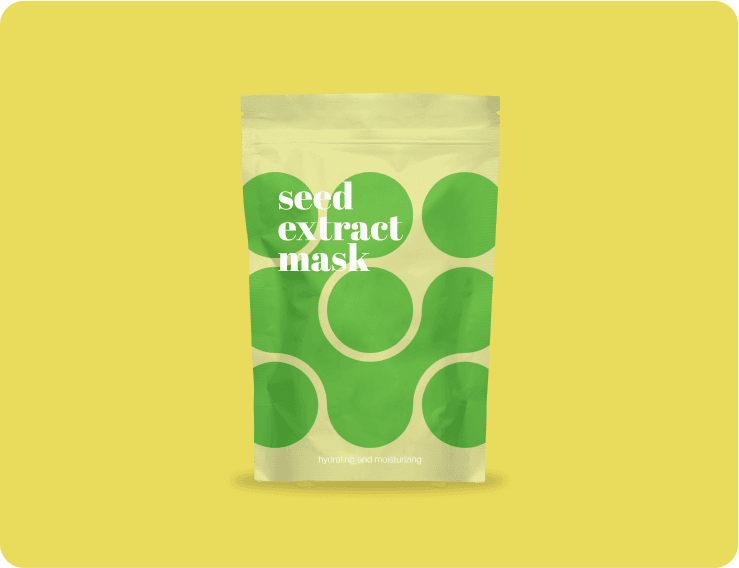
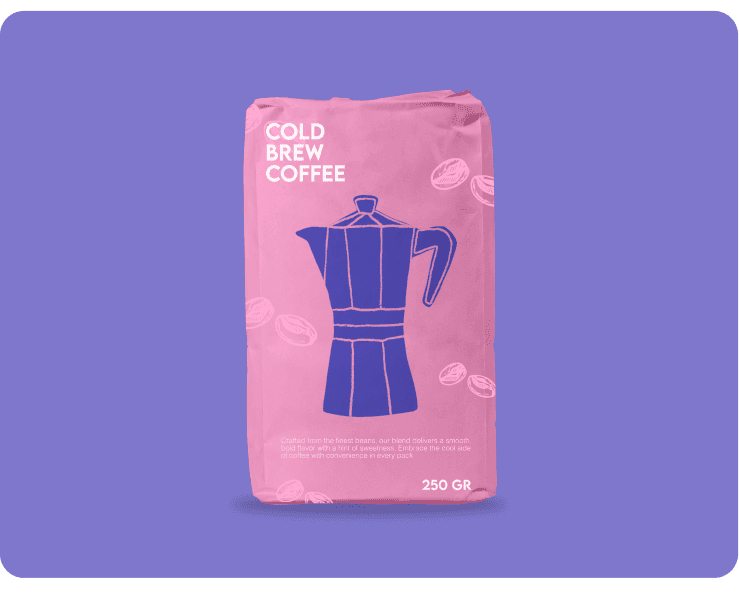

Generate packaging design with AI
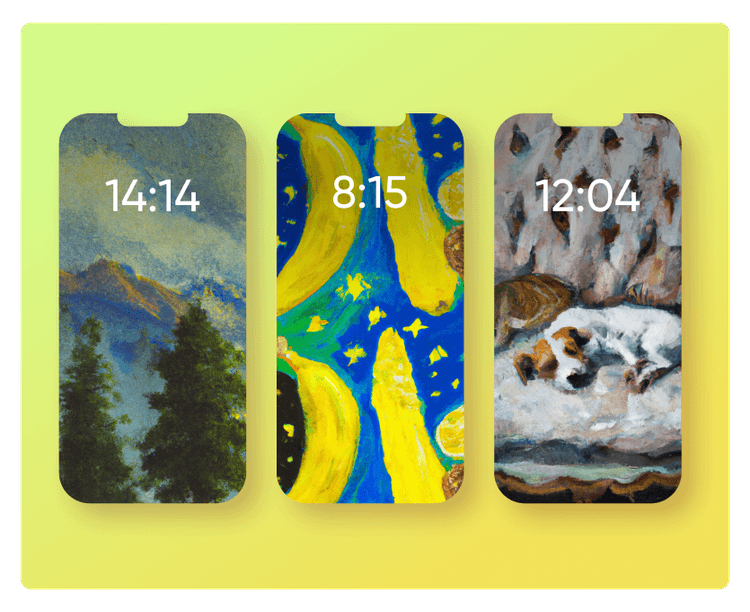
Tap into Picsart’s AI packaging design tools to create professional and appealing package art from scratch with just a prompt. Use the AI image generator to create product prototypes, advertising shots, and packaging ideas, or create the perfect backdrop with the AI background creator. Finalize your design by creating stickers with AI and using them as unique labels or packaging art.
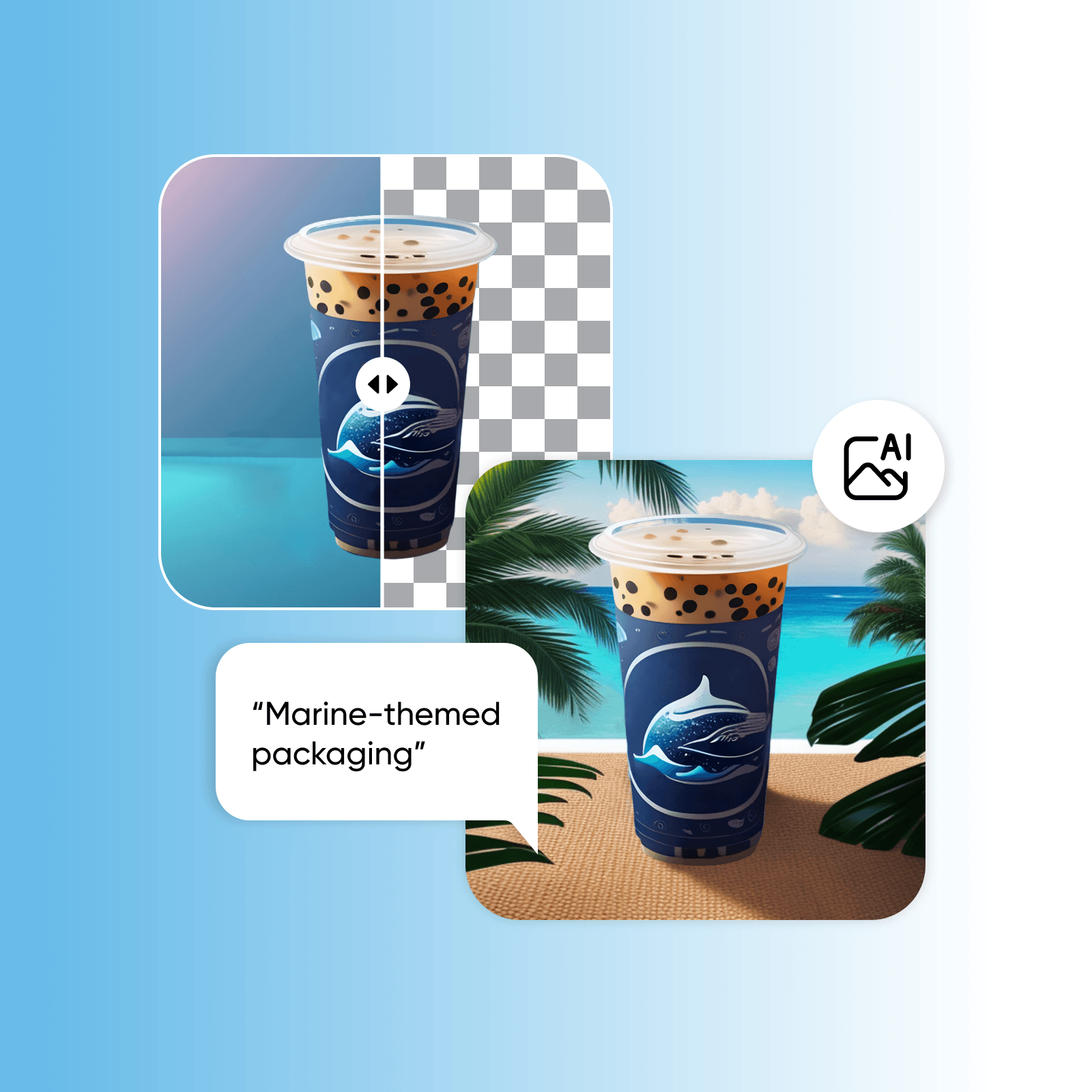
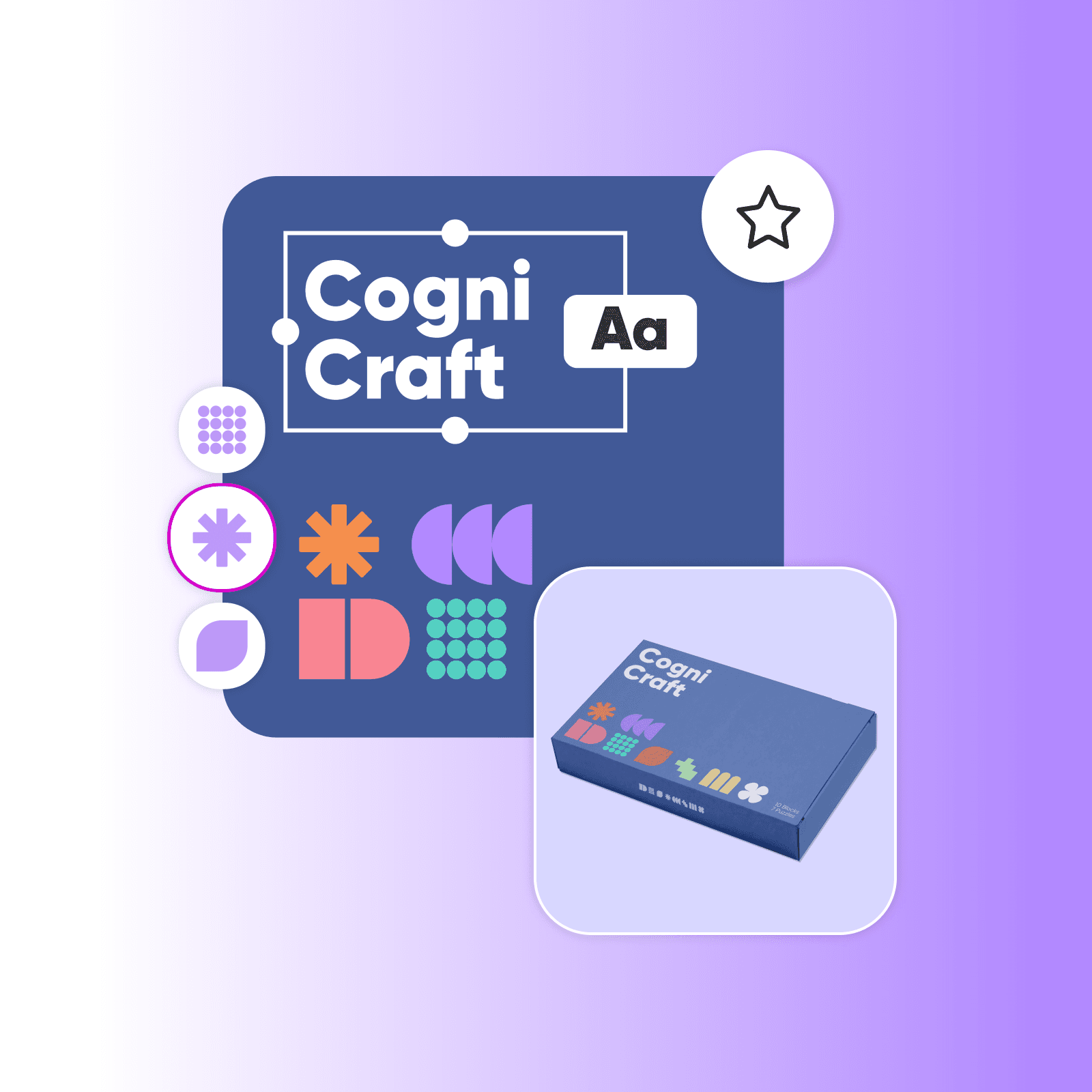
Put together a compelling product story with AI
Give context to your vision by adding text to your packaging visuals and let AI do all the writing for you. Never ever stare at a blank screen and feel stuck over writing a product story. Just use the AI-powered copy generation assistant to express your ideas clearly and effortlessly.
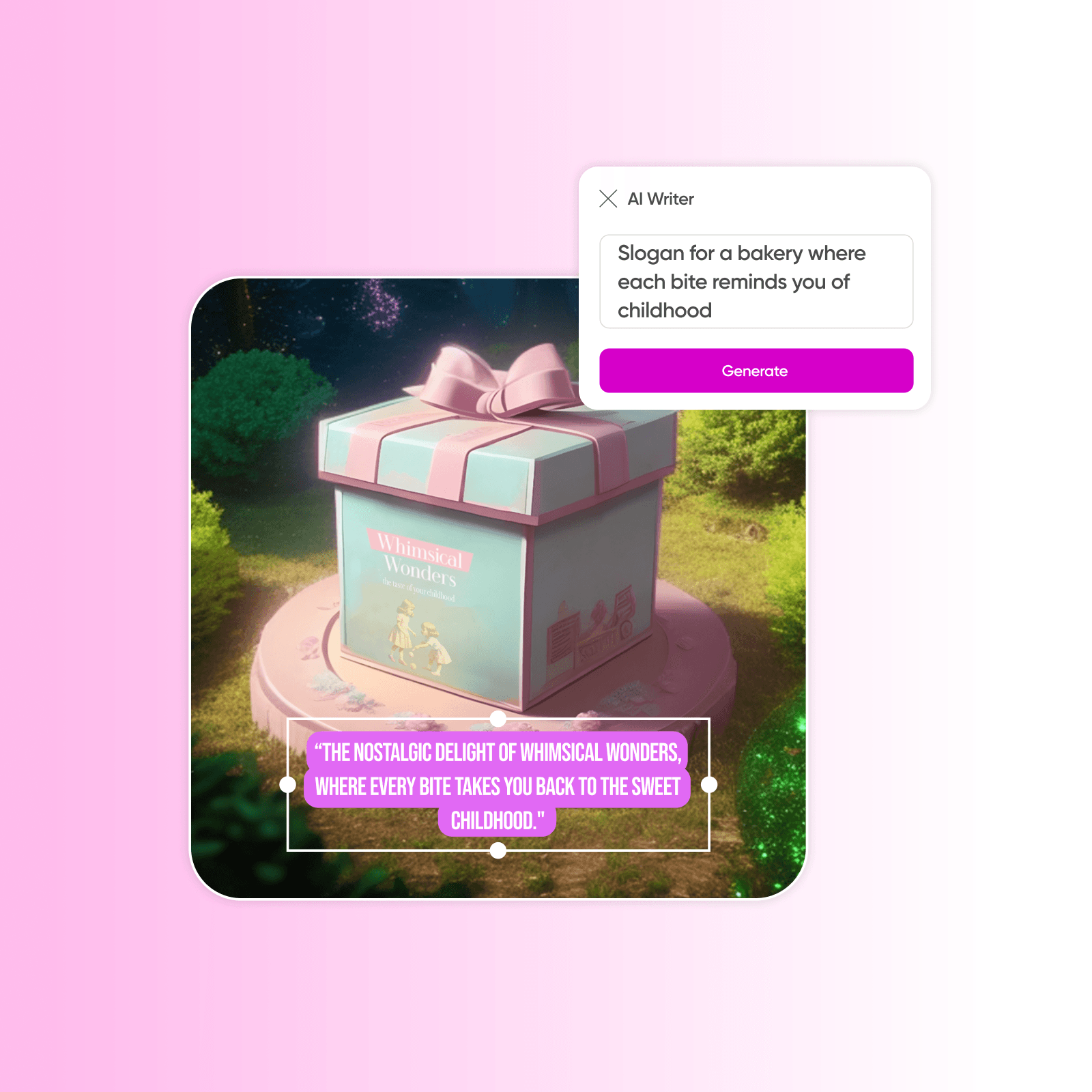
Tweak the final look with Picsart’s photo editing tools
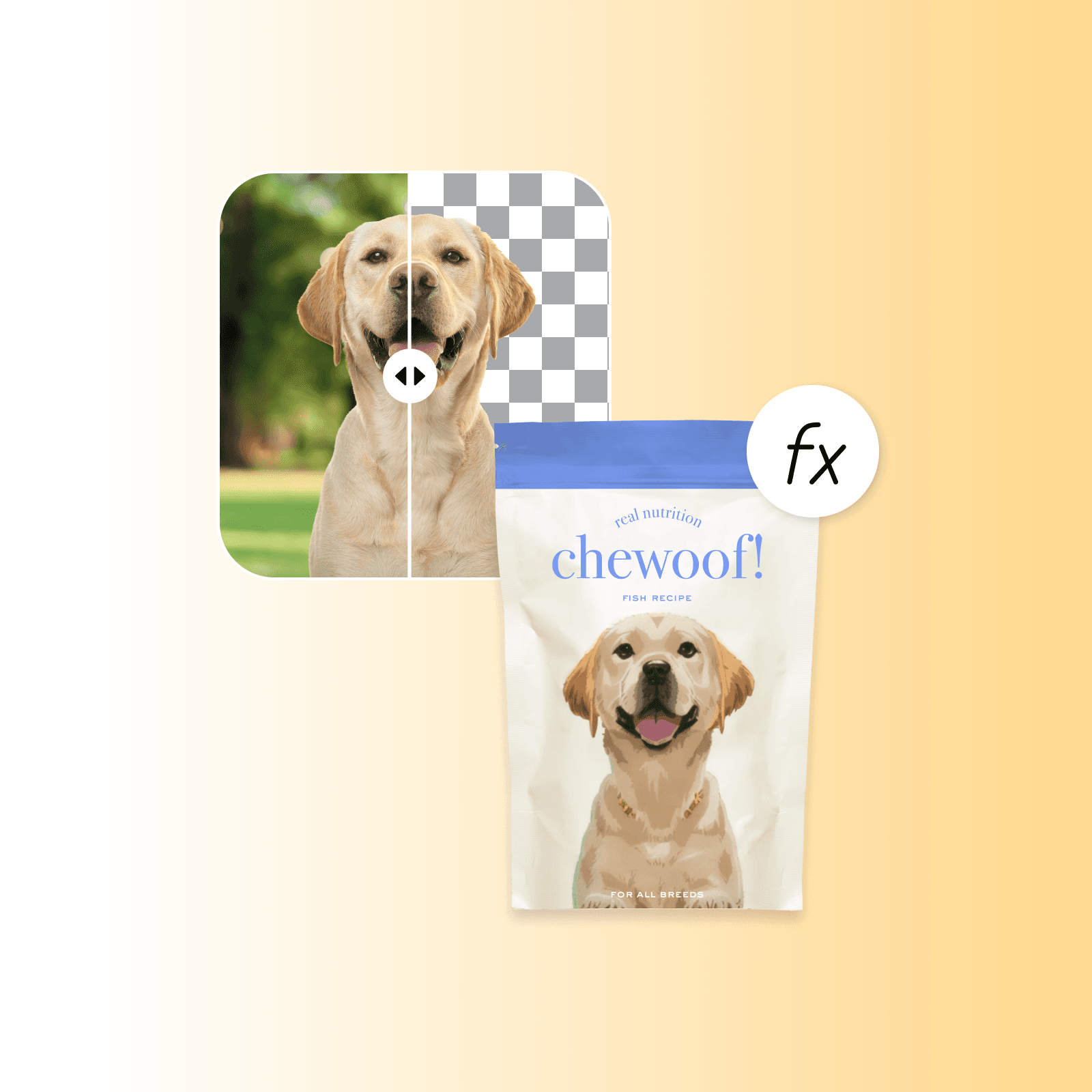
Add finishing touches with the Picsart photo editor’s built-in tools. Turn an existing photo into a label-worthy visual by changing or removing the background of your photo or even erasing a distracting object using AI. Apply effects to change the style and colors of your visuals in seconds. All this in one convenient interface, so you don’t have to jump between apps.
Print your package designs in high resolution
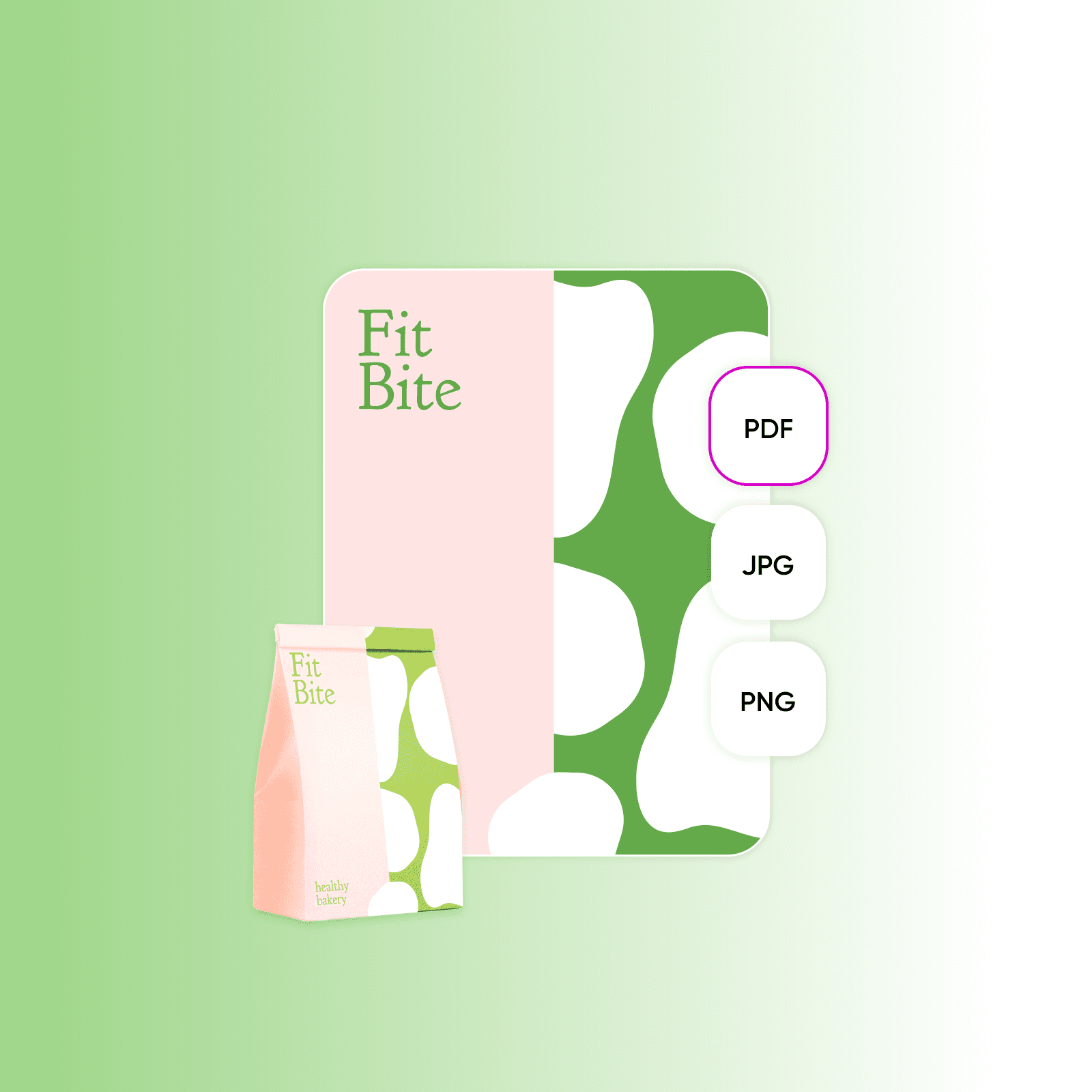
Rest assured that your product packaging design visuals will look just as good on print as on any display. Export your designs from Picsart in high resolution in PDF, JPG, and PNG formats. Use the built-in AI upscaler to double or quadruple the resolution right from the Export screen to ensure high-quality print packages.
More tools to love from Picsart
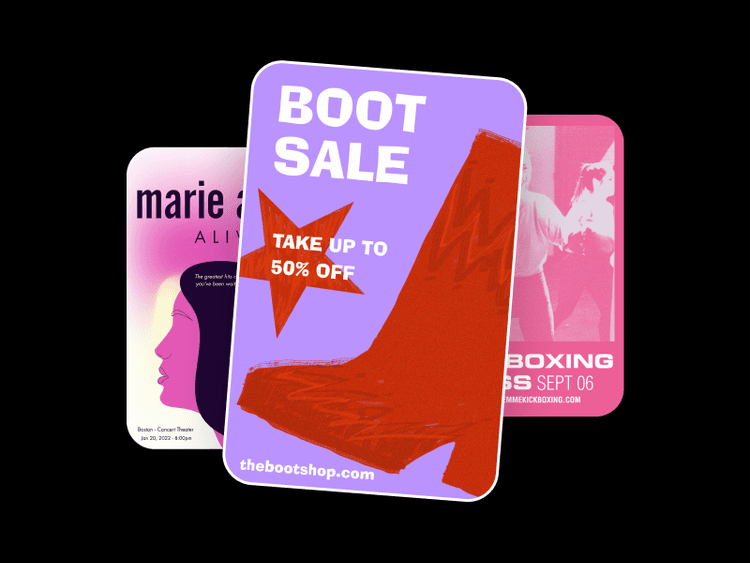
Explore Picsart’s graphic design full toolset for all your content creation needs

Packaging design tools FAQ
Yes, absolutely. You can use Picsart’s AI-powered tools to not only assist you in your professional packaging design projects but also to do it from start to finish.
Picsart’s AI-powered tools offer a quick way to create eye-catching packaging designs. You can use the AI image generator to create packaging designs from scratch with AI or use the AI background generator to create backdrops and patterns for your package designs.
Picsart’s tools are designed to be used by everyone, from beginners to professionals, as they are designed with ease of use in mind. This makes it especially perfect for Solopreneurs, SMBs, and freelancers who are looking for simple and budget-friendly tools.
You can check out our recent blog post that details package design creation using Picsart’s tools.
As Seen in




Create packaging designs for products and campaigns
Pro
Most popularAI tools for everyday creative work.
Ultra
Most powerfulHeavy AI usage for creators & teams.
Enterprise
Custom AI solutions for large organizations.
- Volume discounts on credit rate
- On-demand top-ups