Flip Video online in seconds
Flip video online with Picsart’s intuitive Video Flipper to mirror, rotate, and adjust your videos quickly and easily.
How to Flip a Video Online
How to
Upload your video to Picsart
Open the Video Flipper and upload your file directly from your device. Your video will be ready for editing in seconds.
What does it mean to flip a video?
To flip video means to reverse its image direction, creating a mirror video effect. Flipping horizontally swaps the left and right sides, while flipping vertically turns the image upside down. Unlike rotating, flipping reflects the frame. If you want to create, trim, and enhance videos without professional skills or complex software, use Picsart’s Video Editor.
Flip video horizontally or vertically
When you flip video horizontally, the left and right sides of the frame switch places - perfect for correcting mirrored selfie footage. If you flip video vertically, the top and bottom are reversed, creating an upside-down reflection effect. Both options in a powerful video flipper help fix orientation issues or add creative visual impact. Explore more creative possibilities with Picsart’s AI Video Editor.
Flip video online in seconds and personalize
Flip video online quickly and effortlessly with a simple, beginner-friendly video mirror tool. Upload your file, apply the flip instantly, preview the result, and download - no editing skills required. In case you need to add audio, use the add music to video tool, and for including captions, try the add subtitles to video feature.
How mirroring a video can improve your content
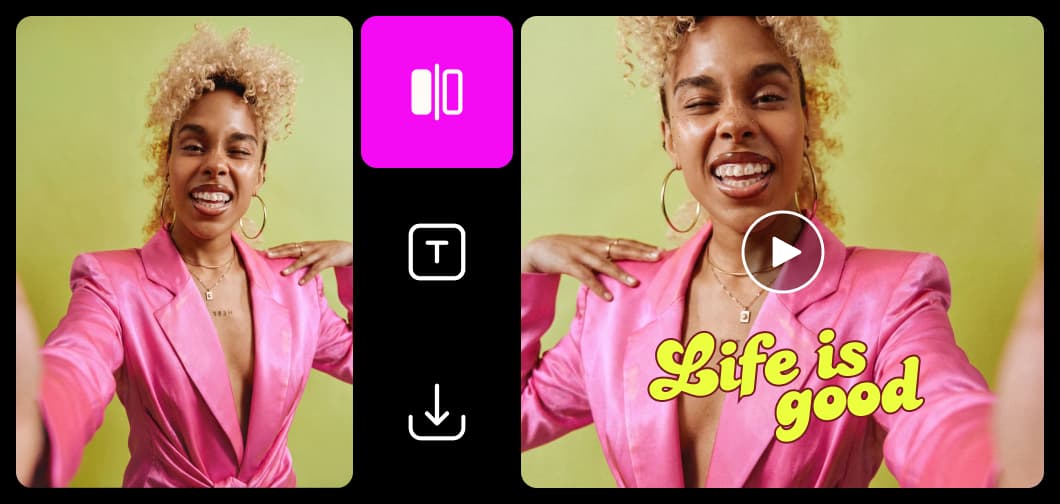
Selfie camera footage
Front-facing cameras often create a mirrored view that doesn’t match reality. Mirroring helps correct text, logos, or gestures so everything appears natural and accurate.
Smart features for seamless video flipping
Flip, mirror, and polish your clips with a video flipper built for fast, precise, browser-based editing.
Make flipped videos with AI video models
Use video models to transform clips, footage, and prompts into flipped videos for social, ads, and creative workflows.
Flip video FAQ
To flip a video, upload it to an online video flipper, choose either horizontal or vertical flip, preview the result, and download the updated file. The process takes just a few clicks and doesn’t require editing experience.
Edit videos for every angle and format
Pro
Most popularAI tools for everyday creative work.
Ultra
Most powerfulHeavy AI usage for creators & teams.
Enterprise
Custom AI solutions for large organizations.
- Volume discounts on credit rate
- On-demand top-ups


