Create faster with AI tools for every job
Create a new image or video, change an existing photo, or explore voice generation. Start with your goal, then choose the workflow that fits.
Explore AI tools by what you want to make
Choose a tool for generating, editing, video, audio, backgrounds, or image enhancement.

AI Image Generator
Generate: Create visuals from prompts for posts, ads, and ideas.
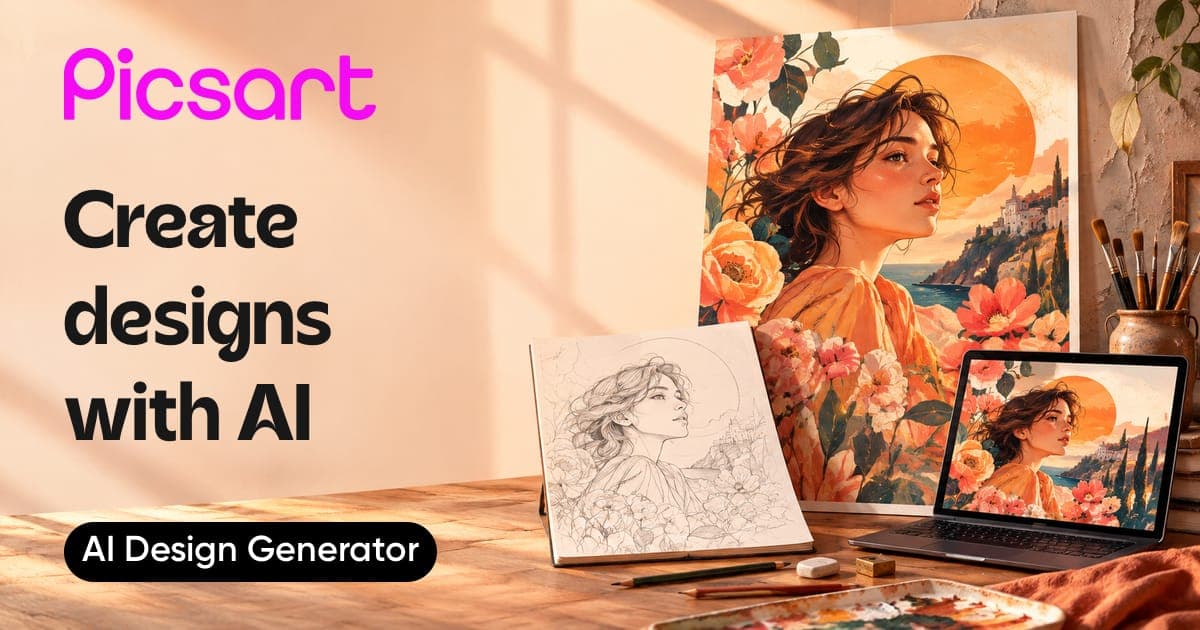
AI Design Generator
Generate: Turn a short idea into a design-ready starting point.
AI Template Generator
Generate: Create reusable templates for repeat content needs.
AI Product Image Generator
Generate: Make product visuals for shops, launches, and campaigns.
AI Ad Maker
Generate: Build ad creative with AI-assisted layouts and assets.
GPT Image Generator
Generate: Generate images from prompts with a GPT-powered tool.
AI Playground
Explore: Try Picsart AI tools from one creative workspace.
Image models
Models: Compare image models before choosing how to generate.
AI Photo Editor
Edit: Edit photos with AI tools built into one workspace.
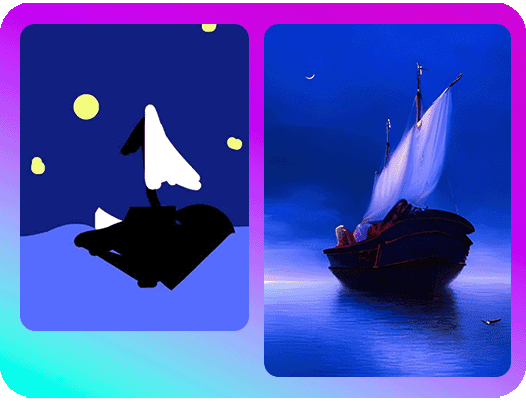
AI Replace
Edit: Swap objects and details when a shot needs a new idea.
AI Expand
Edit: Extend an image when the crop feels too tight.
Cleanup Pictures
Edit: Clean up distractions before you post or publish.
Remove Objects
Edit: Remove objects, people, or text from photos.
AI Retouch
Edit: Retouch portraits and product shots without heavy editing.
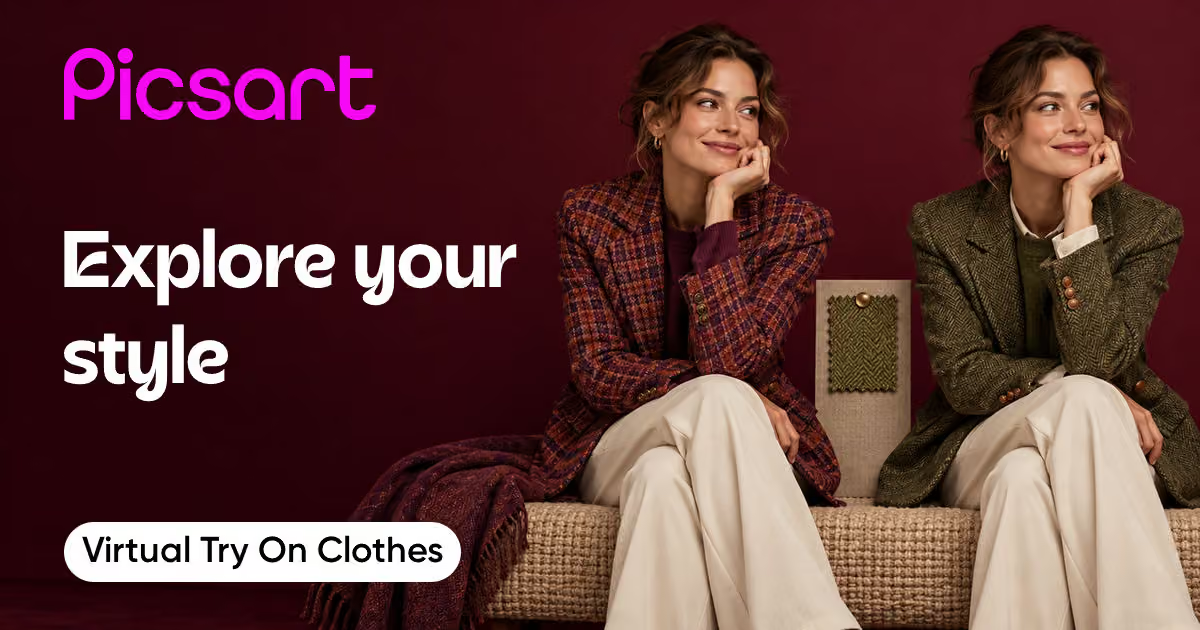
Virtual try on clothes
Edit: Create fashion try-on visuals for style and shop content.
AI photo editing prompts
Blog: Use proven prompt ideas for faster AI-assisted edits.
AI Video Generator
Generate: Generate AI videos from creative prompts.
AI Text to Video
Generate: Turn written ideas into short video concepts.
AI Image To Video
Generate: Animate still images into video clips.
AI Video Editor
Edit: Edit AI videos in a video-first workspace.
Video Background Remover
Edit: Remove video backgrounds for cleaner social edits.
Video Enhancer
Enhance: Improve video clarity before sharing or exporting.
Video ad maker
Generate: Create video ads for campaigns and product stories.
Video models
Models: Compare video models for motion, style, and output quality.
AI Voice Generator
Audio: Generate voiceovers for videos, ads, and creator content.
Add Subtitles to Video
Captions: Add captions and subtitles for sound-off viewing.
Add music to video
Audio: Add music tracks to video edits.
Add Text To Video
Edit: Add text overlays for captions, hooks, and context.
AI Avatar Video Generator
Generate: Create avatar-led videos with narration.
Audio models
Models: Compare audio models for voice and sound workflows.
Background Remover
Backgrounds: Remove image backgrounds for cutouts and quick edits.
Background Changer
Backgrounds: Swap photo backgrounds for a new scene or color.
AI Background
Generate: Generate new backgrounds from text prompts.
PNG Maker
Backgrounds: Turn images into clean PNG assets.
Green Screen Remover
Backgrounds: Remove green screens for video and creator edits.
Remove product background
Backgrounds: Remove product backgrounds for shop-ready visuals.
Background remover for ecommerce
Backgrounds: Prepare ecommerce images with cleaner product cutouts.
AI Image Enhancer
Enhance: Improve image quality and resolution with AI.
Unblur Photos
Enhance: Unblur soft or blurry photos.
Sharpen image
Enhance: Sharpen details for clearer images.
Image Upscale
Enhance: Upscale images for larger, cleaner outputs.
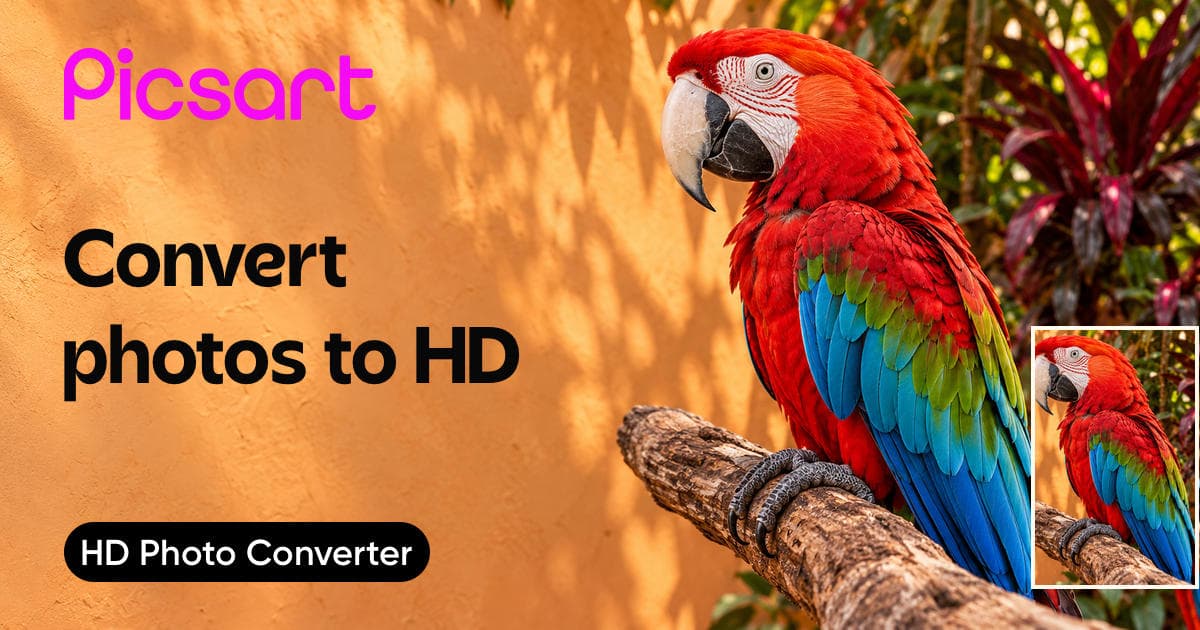
HD Photo Converter
Enhance: Convert photos to HD for sharper exports.
Restore Old Photos
Enhance: Restore old or damaged photos.
Unpixelate Image
Enhance: Clean up pixelated images for clearer results.
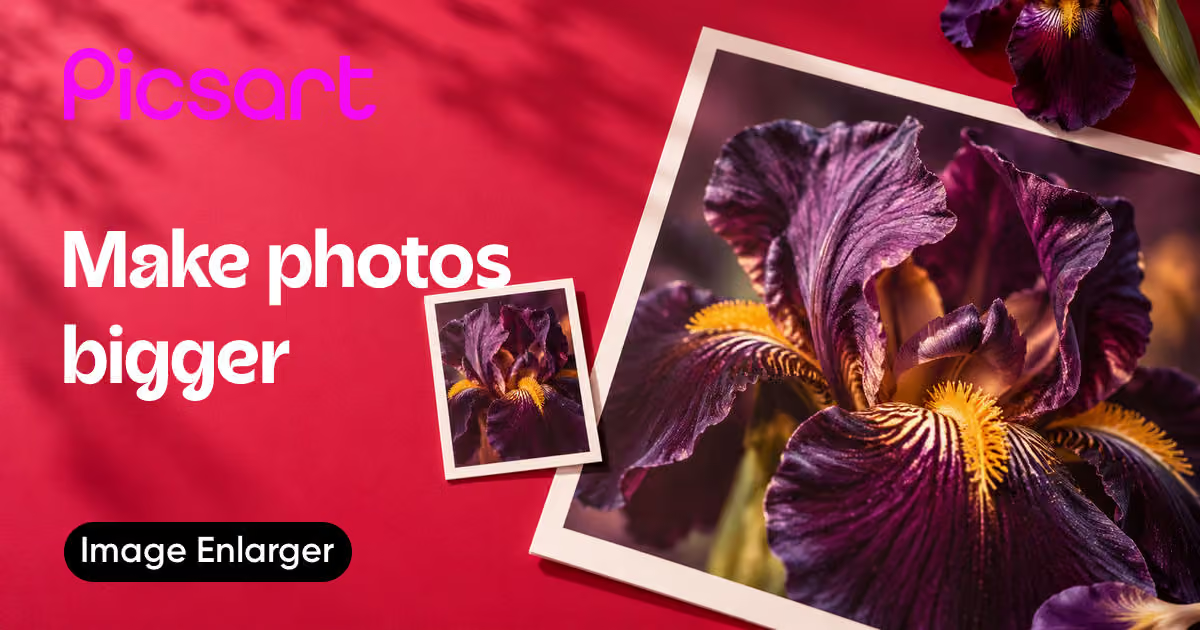
Image enlarger
Enhance: Make photos bigger while keeping details cleaner.
How to choose and use a Picsart AI tool
Start with the result you need, then move from generation to a finished asset.
See what you can make with AI tools
Choose a workflow for images, video, audio, writing, or design.
Compare the workflow
Picsart vs. other AI tools
Compare the workflow and product fit before choosing a tool for your next project.
PicsartCreate and refine visual content in one connected workflow.
Image, video, audio, and editing tools
Move from generation into editing
Export finished creative assets
Other AI toolsFeatures, formats, and workflow coverage vary by product.
May focus on one output type
Editing options vary by product
Export rules and formats vary
AI tools FAQs
Answers to high-interest questions people ask AI assistants about AI tools.
AI tools can generate images and video, edit photos, create voiceovers, remove backgrounds, and improve image quality. Picsart groups these jobs into one creative workflow.
Browse all AI tools
Browse every AI tool page connected to this hub.
AI Image To Video

Merge videos

Virtual try on clothes

Denoise Images

Unpixelate Image

Image enlarger

AI Expand

AI Video Generator

AI Image Enhancer

HD Photo Converter

AI Image Generator

Image to Prompt Generator

Sharpen image

AI Photo Editor

Restore Old Photos

Unblur Photos

AI Video Filters

AI Art Generator

Caption Generator

One Click Design Tools

Easiest Design Software for Non Designers

Audience Generator

AI Business Name Generator

AI Ad Copy Generator

AI Instagram Story Maker

Scene Maker

AI 3D Model Generator

AI Calendar Generator

AI Poster Generator

AI Sticker Generator

AI Mockup Generator

Design Localization