Free AI 3D Model Generator
Create realistic 3D models in seconds with Picsart’s free AI 3D Model Generator. Just describe your idea, and the AI will generate high-quality 3D images - for characters, game assets, product concepts and more. No modeling skills required.
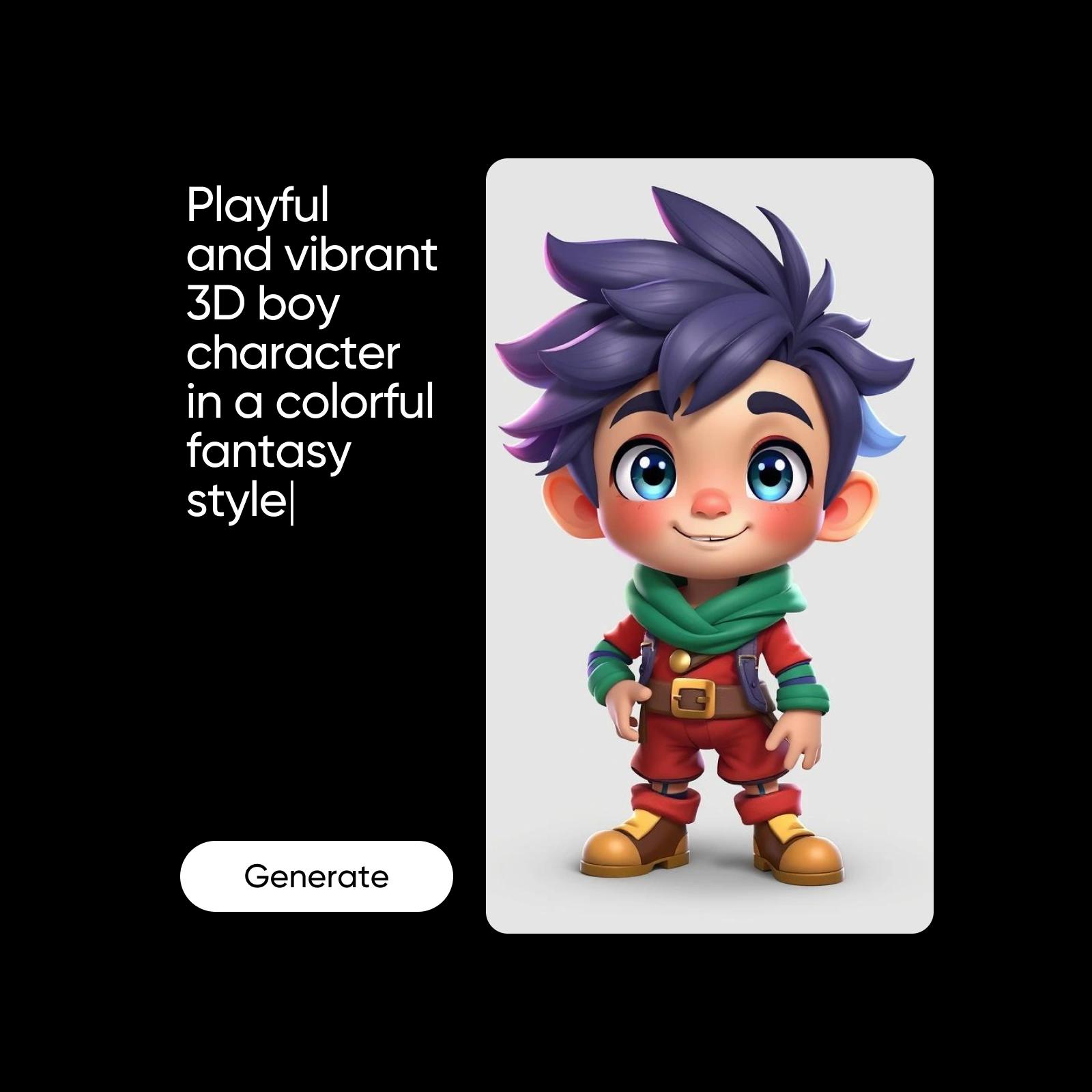
How to generate AI 3D models
How to
Go to the AI Image Generator
Open the AI Image Generator and head to the Styles section.
Generate custom visuals with the AI 3D Model Generator
Picsart’s Text-to-Image includes a powerful AI 3D Model Generator that turns your boldest ideas into detailed 3D visuals - no modeling skills required. Just describe your concept, and the AI generates 3D models that are ready to use or customize. This tool is perfect for creators, developers, designers and educators. Simply type a prompt, select the version you like and make adjustments as needed.
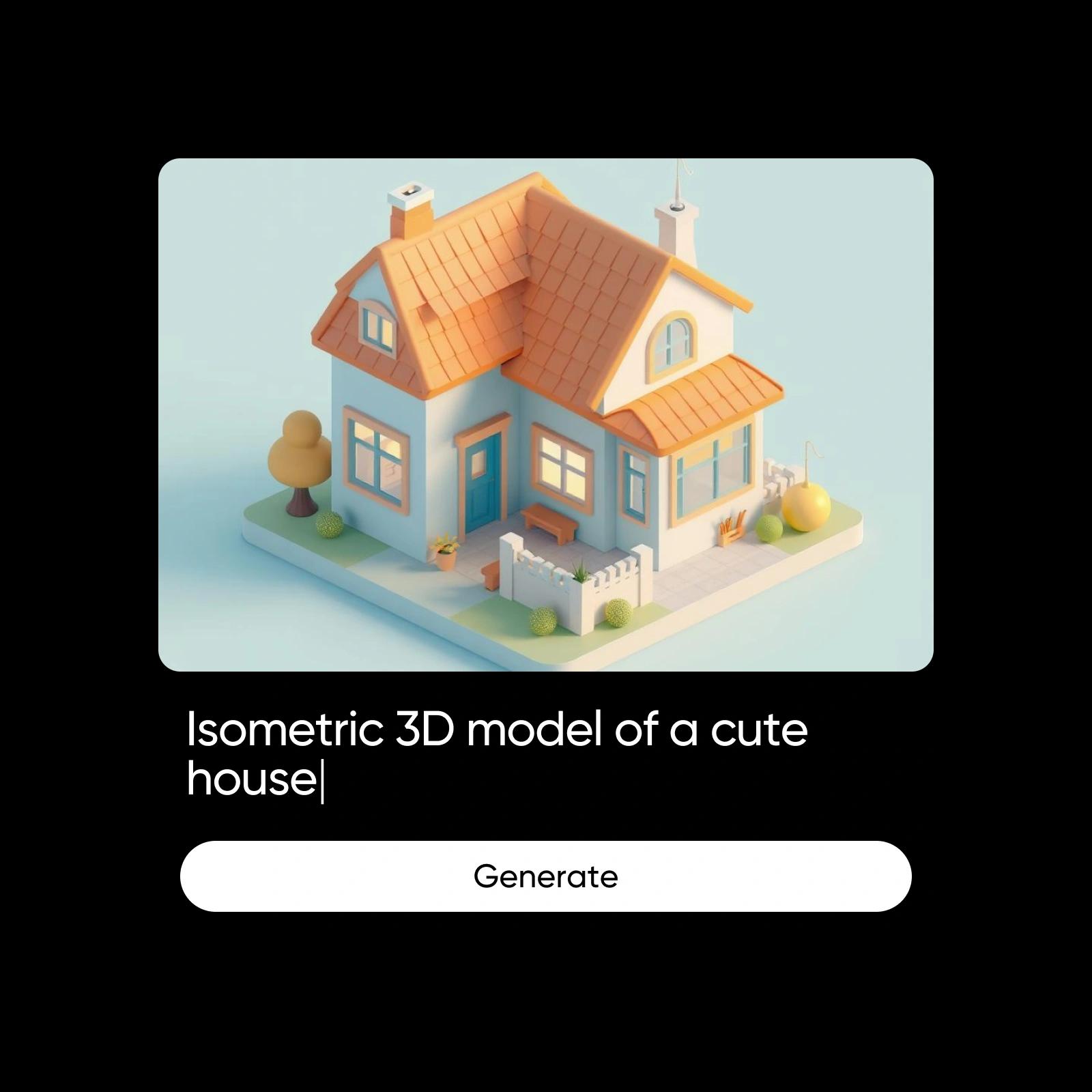
Explore styles, from 3D to concept art
Choose from a range of visual styles like 3D, cyberpunk, illustration and more. The AI 3D Model Generator adapts to your chosen aesthetic, helping you create models that match any creative vision - bold, stylized or surreal.


Generate 3D models with powerful AI features
Turn text prompts into high-res visuals using Picsart’s 3D AI Generator. Easily create 3D models in your preferred style - realistic, stylized or concept art and regenerate until it’s just right. Need adjustments? Swap backgrounds with the built-in Background Changer or fine-tune details to match your project. This tool makes it simple to export and use your 3D visuals anywhere.
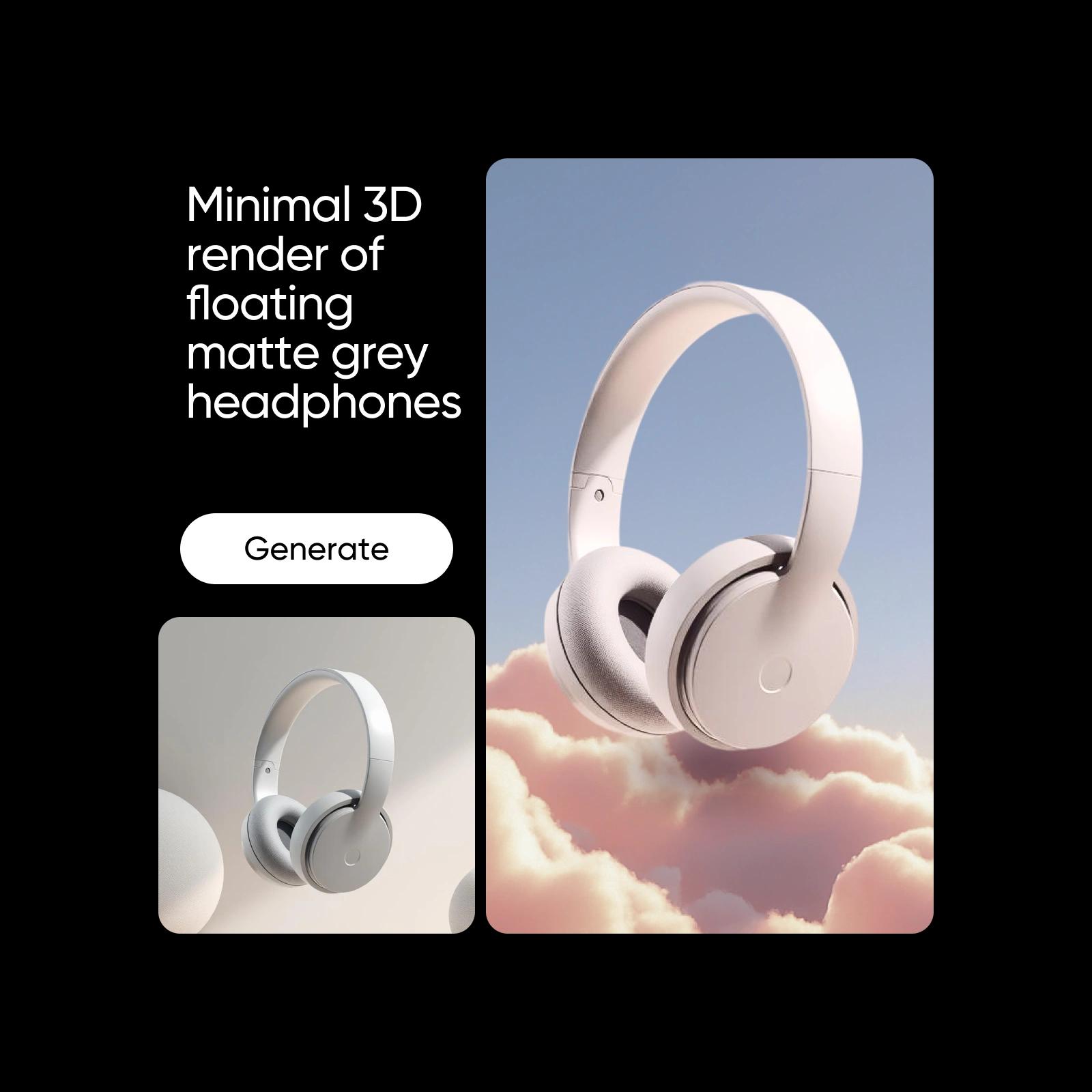
Create 3D models with full creative control
Picsart’s AI 3D Model Generator gives you complete creative control from materials and lighting to shape and style. Choose realistic, low-poly or voxel aesthetics and the AI adapts based on your prompt. You can guide the output using simple keywords or descriptions. Want playful visuals? Use tools like the Cartoon Character Maker to explore fun designs or craft fantasy creatures and product concepts tailored to your project. Whatever your vision, you can create 3D models that match it perfectly.
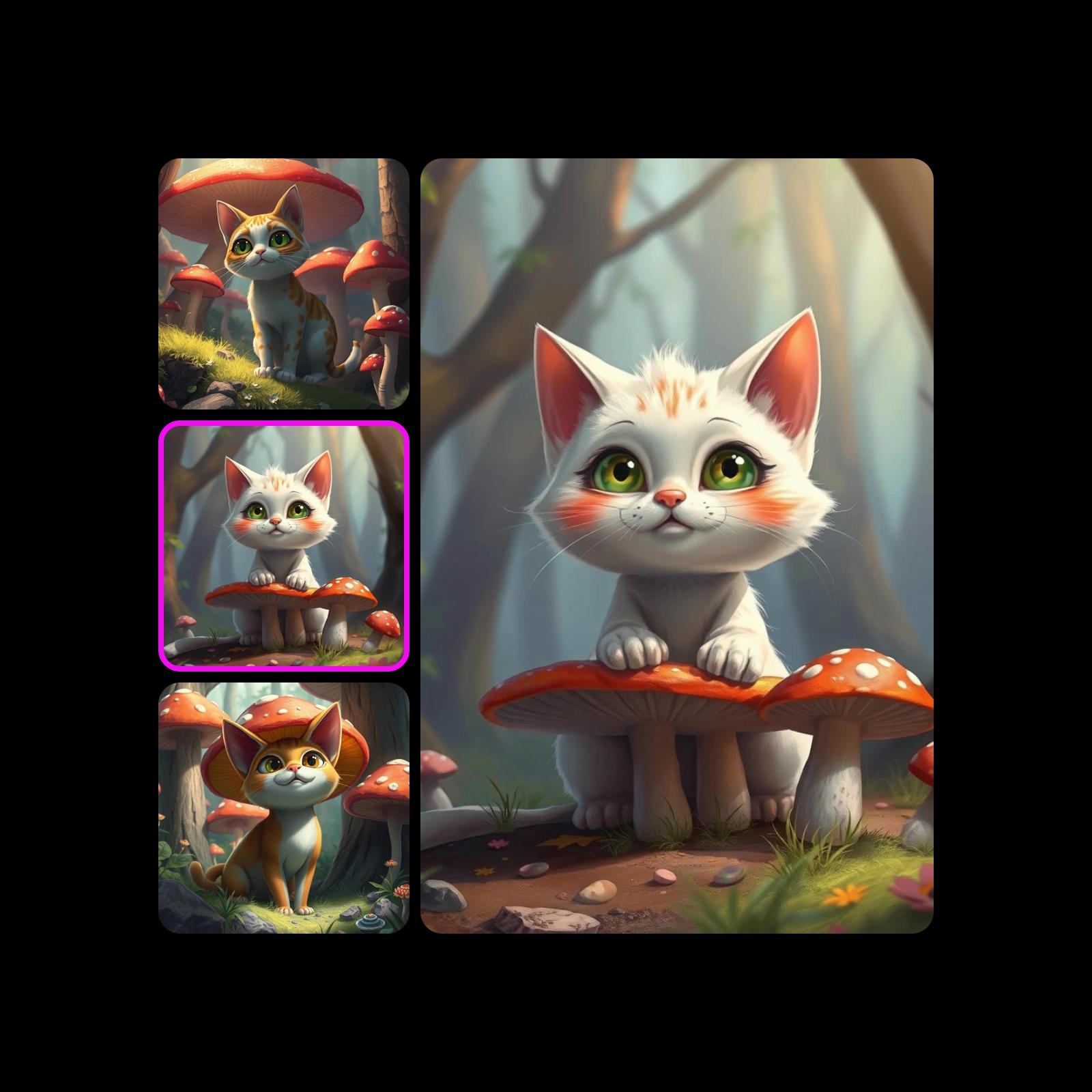
Write better prompts, get better 3D results
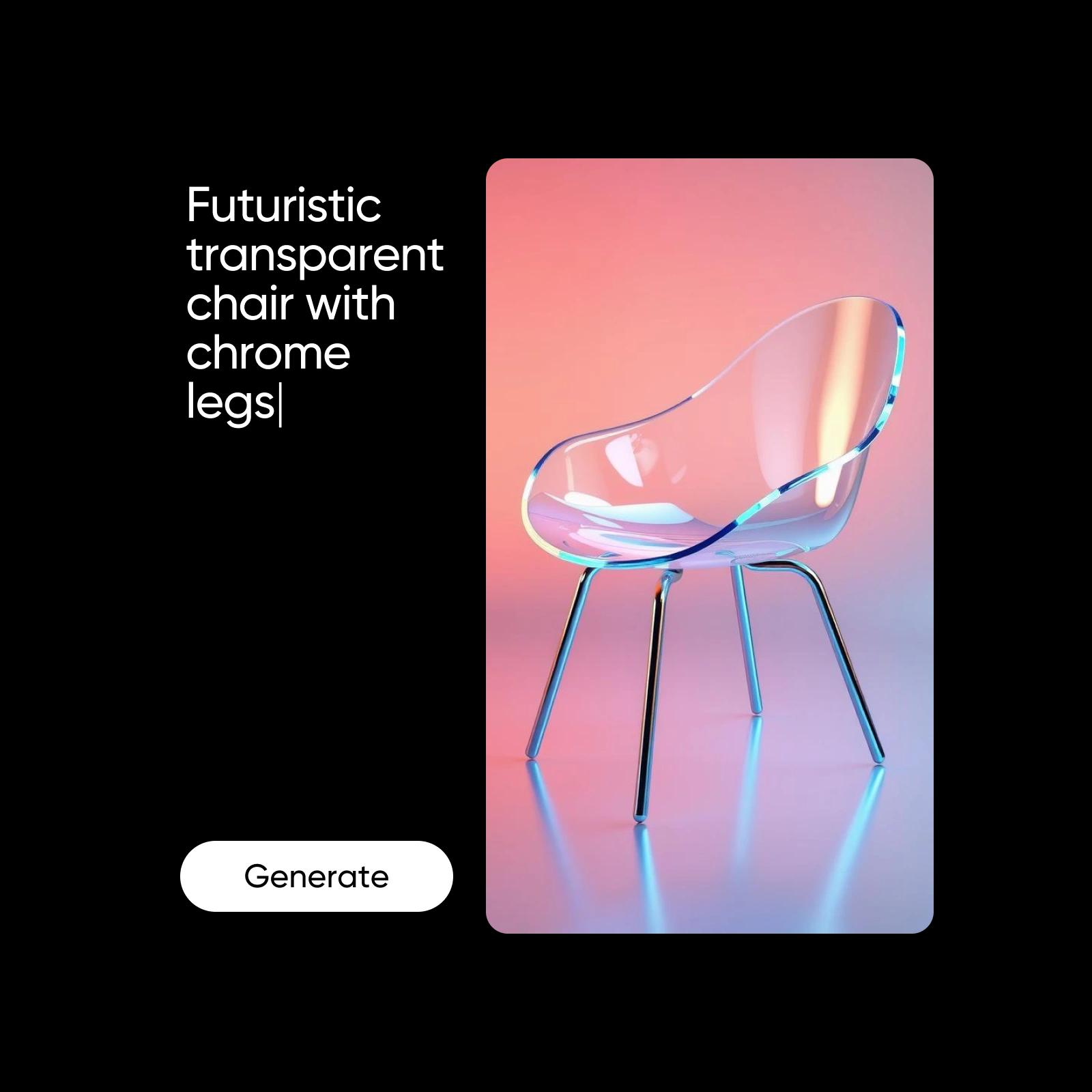
Unlock the full potential of the AI 3D Model Generator by writing detailed prompts. Instead of just “chair,” try “futuristic transparent chair with chrome legs” or “low-poly medieval wooden chair.” Add context with style tags like realistic, low-poly, fantasy or voxel and include materials, moods or environments. The more specific your input, the better the AI generate 3D model output you'll get.
Who can use the AI 3D Model Generator?
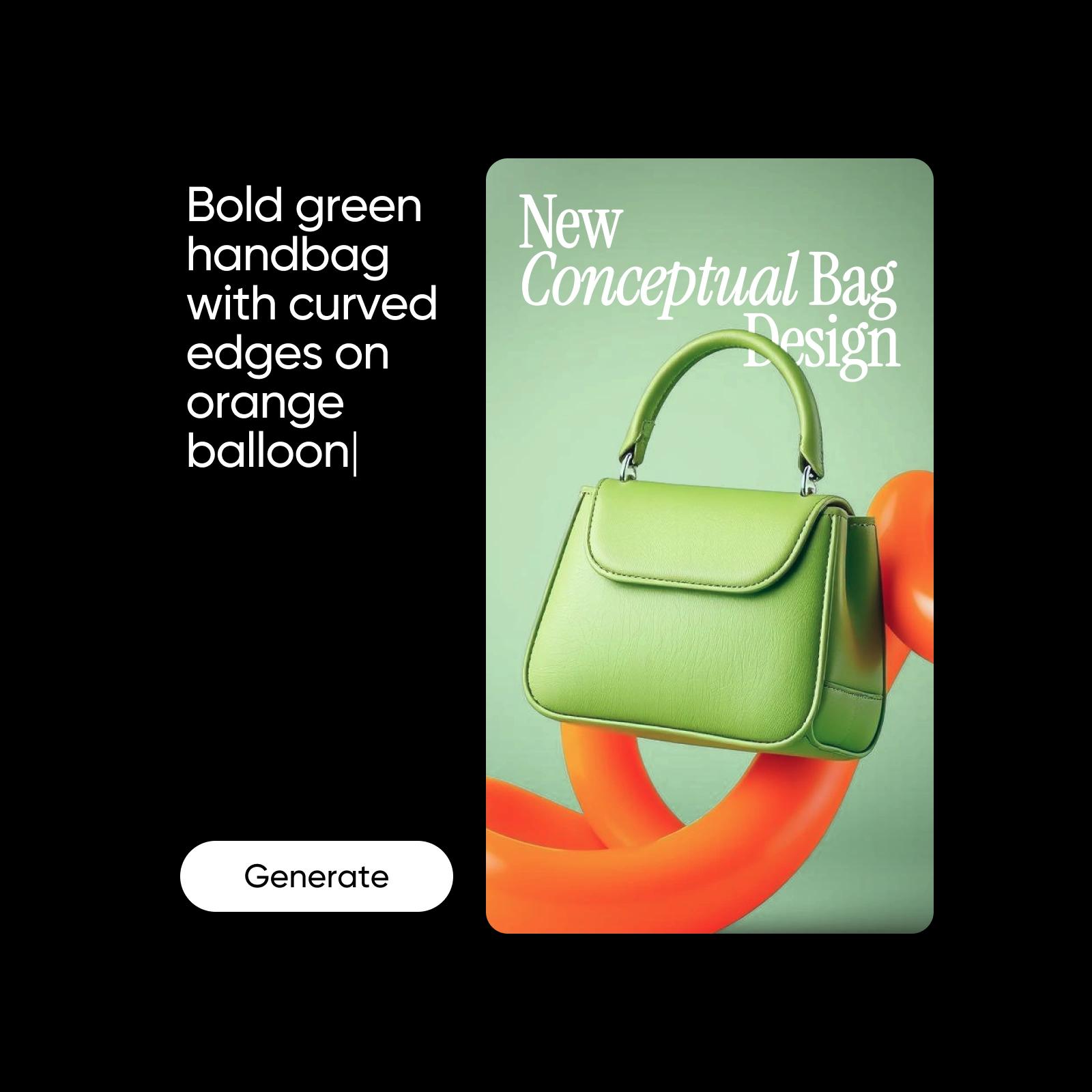
The AI 3D Model Generator is built for all kinds of creators. Marketers can quickly generate 3D visuals for campaigns, while business owners can visualize product ideas or packaging concepts with ease. Designers use it to create 3D models fast, and game developers can build characters or faces using tools like the Character Maker and Face Generator. If you’ve got the idea, this tool makes it visual.
Everything you need to create the best 3D model
From instant generation to full customization and export flexibility, every feature is designed to turn your ideas into polished 3D visuals - quickly, clearly and creatively.
Understand AI image generation
Learn how prompts, styles, and model choices shape images.

Concept 3D assets with AI image models
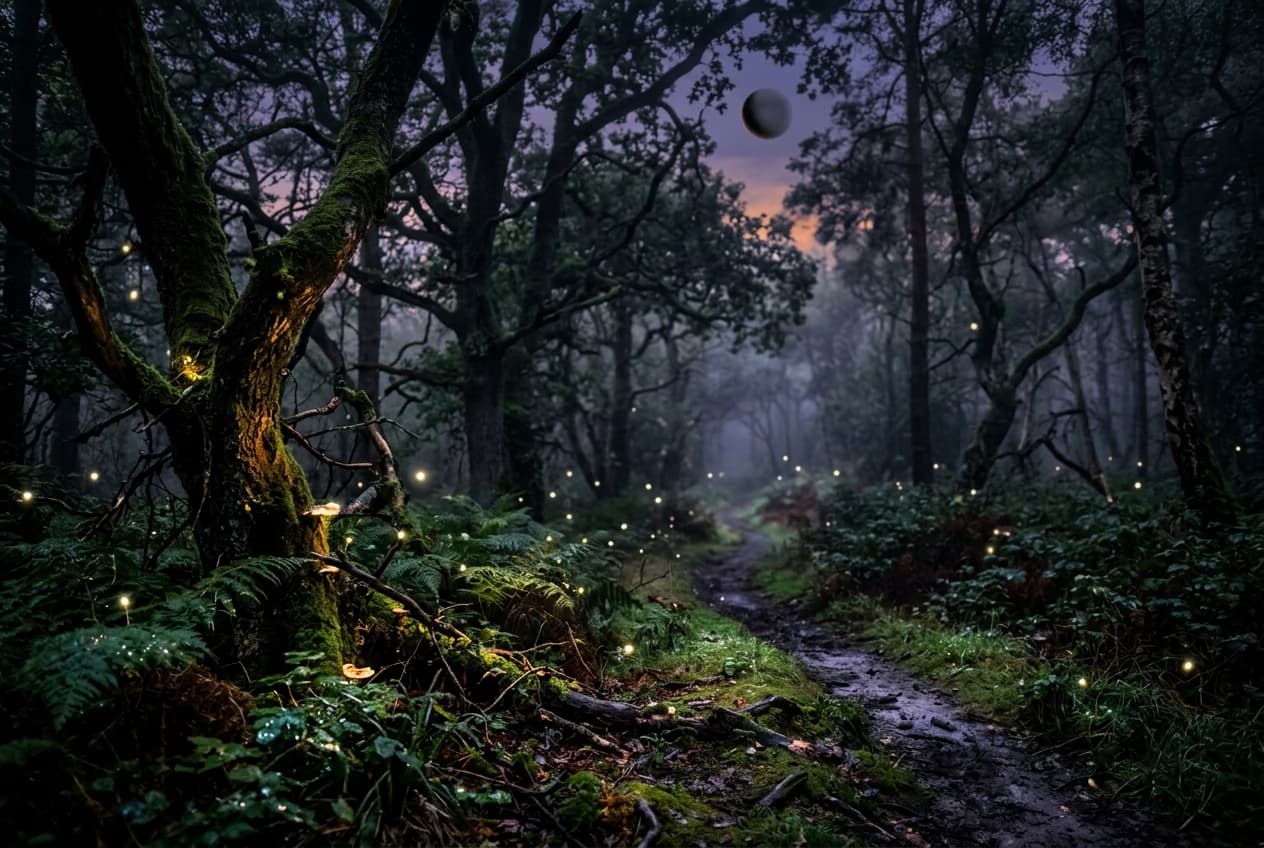
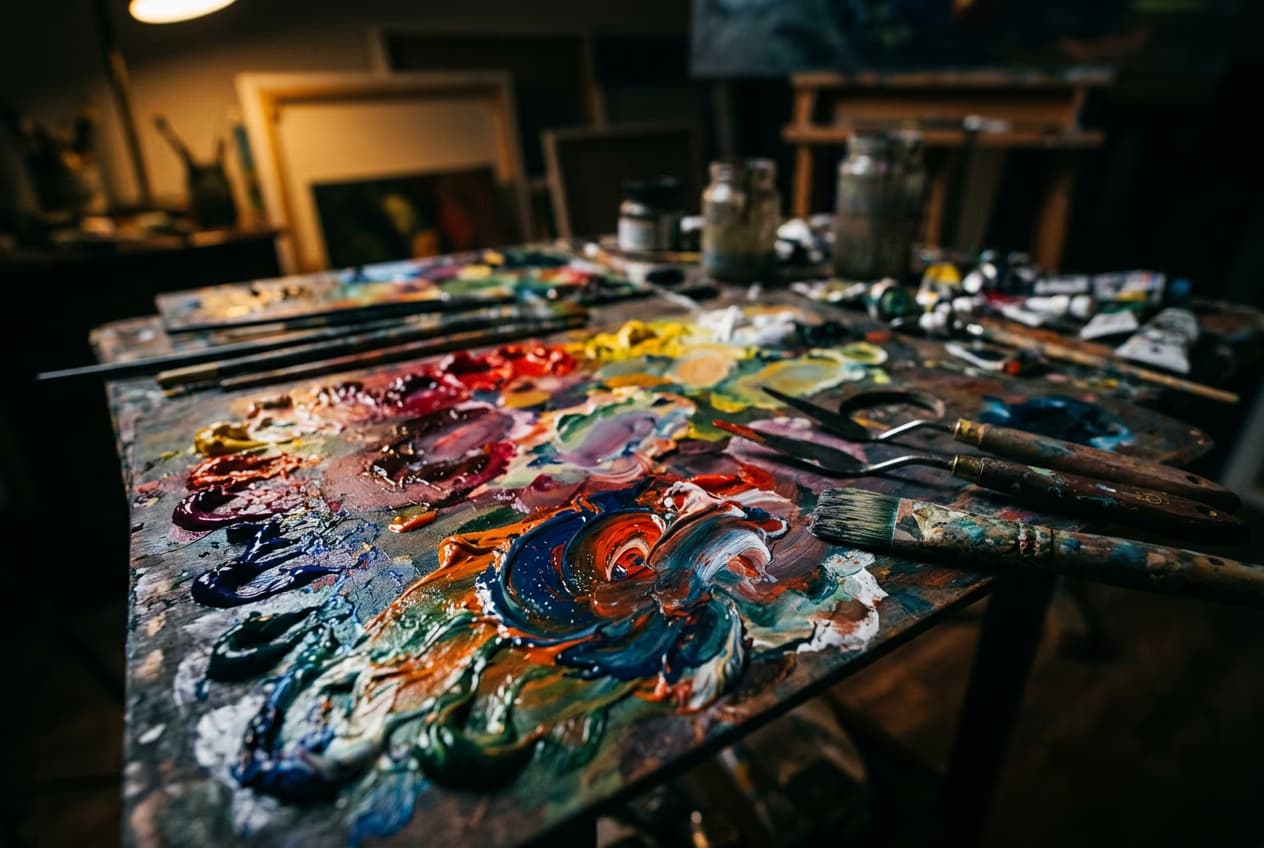
Use image models to explore 3D-style objects, character references, and product ideas.
AI 3D Model Generator FAQ
It’s a tool that uses artificial intelligence to turn text prompts into 3D-style images. Just describe what you want and the AI generates a visual version - no modeling software or skills needed.
Generate AI 3d model for creator-ready projects
Pro
Most popularAI tools for everyday creative work.
Ultra
Most powerfulHeavy AI usage for creators & teams.
Enterprise
Custom AI solutions for large organizations.
- Volume discounts on credit rate
- On-demand top-ups


