AI Instagram Story Maker
Upload a photo or reference image and create visuals for your next Instagram Story in Picsart AI Playground. Describe your idea, choose an AI image model, and explore looks for product launches, promotions, or everyday posts.
How to use AI Instagram Story Maker
Explore visual ideas for your Stories
Create Instagram Story image concepts from a prompt in AI Playground. Describe your subject, colors, and style, then choose a model and review its output. For a separate template workflow, explore AI Template Generator.
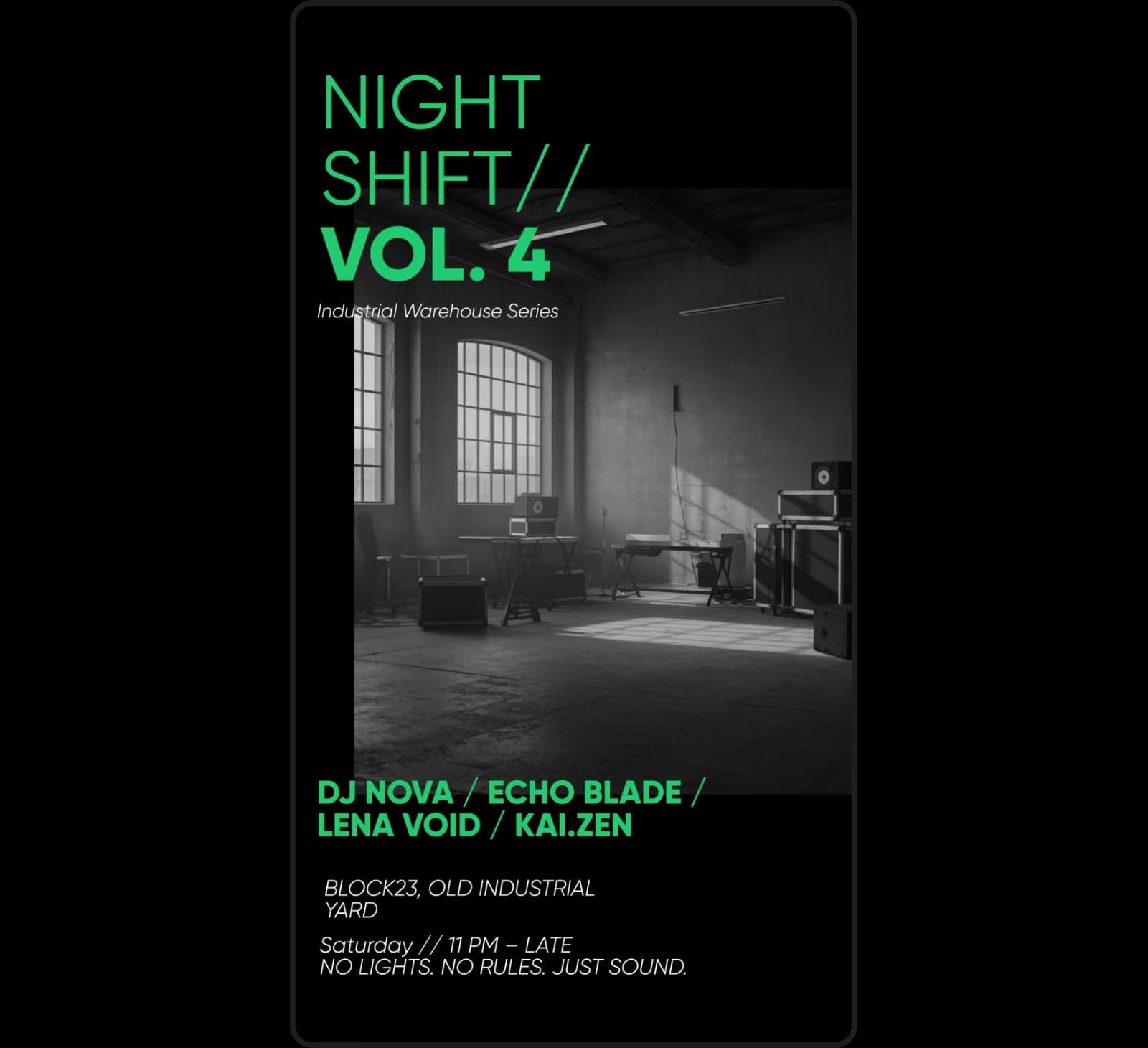
Choose a model and portrait settings
Choose an available image model and the settings it supports. A portrait aspect ratio such as 9:16 can help you prepare a Story visual. Describe your desired colors in the prompt, then check the final image and crop before sharing.
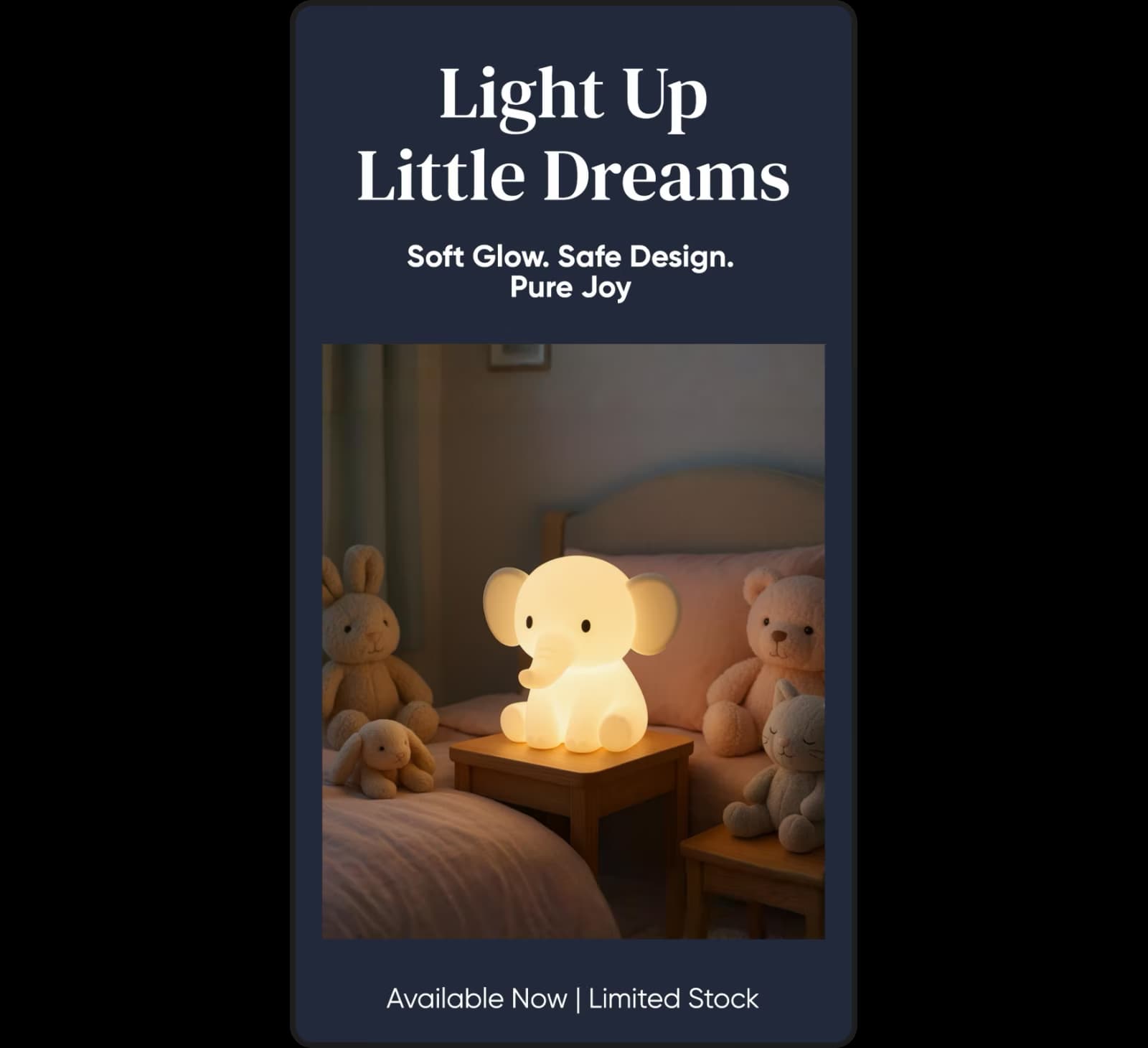
Add your finishing touches in the editor
Generated Story visuals are images, not layered templates with separately editable fonts and layouts. Download the result and import it into Photo Editor to add text or design elements. You can also explore AI Image Enhancer, Color Picker, Background Changer, or fonts as separate editing tools.
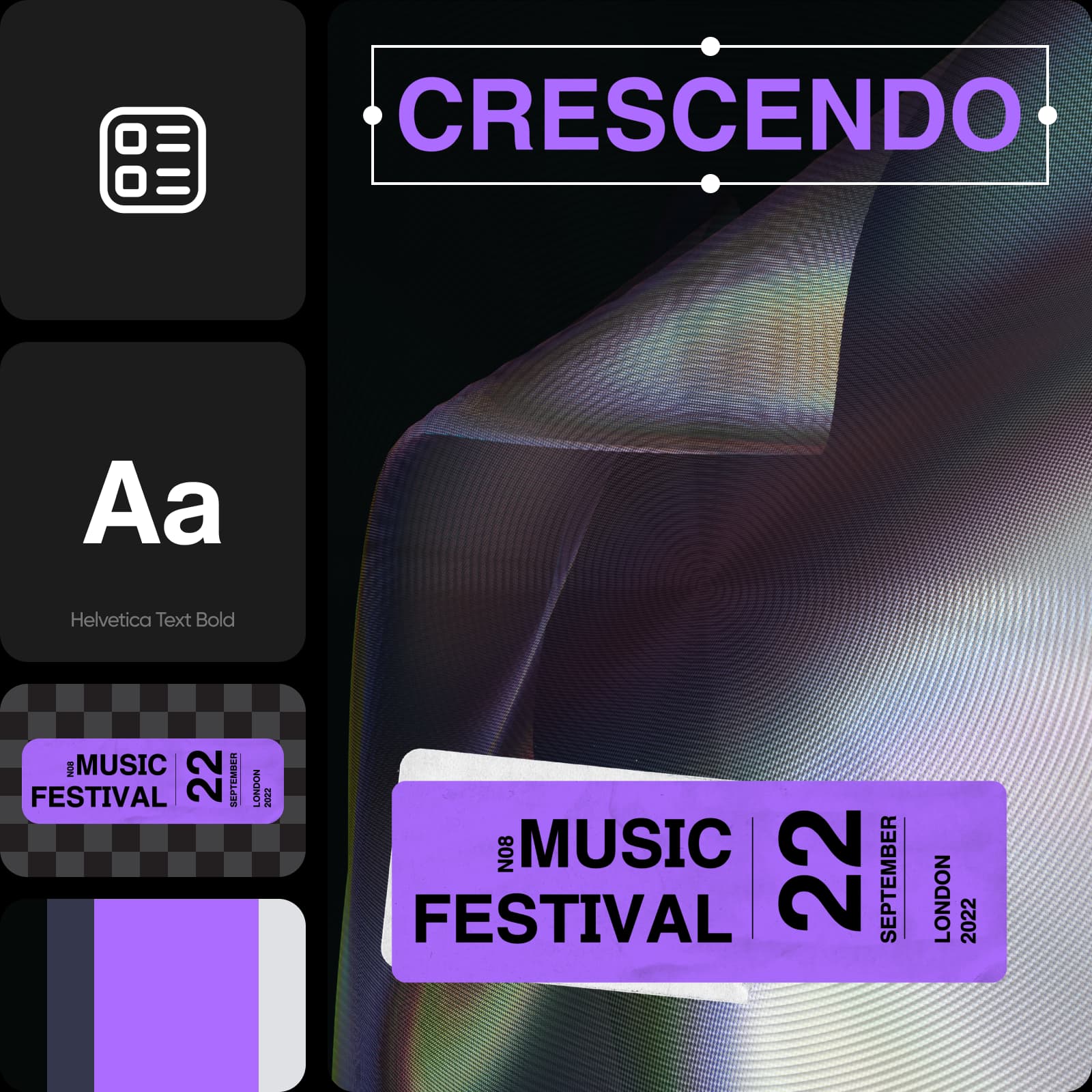
Choose the workflow that fits your Story
Use AI Playground to explore generated Story images and refine the prompt when you want another version. If you need a template-based approach, customize Instagram Story templates instead. Check branding, wording, and crop before you post.
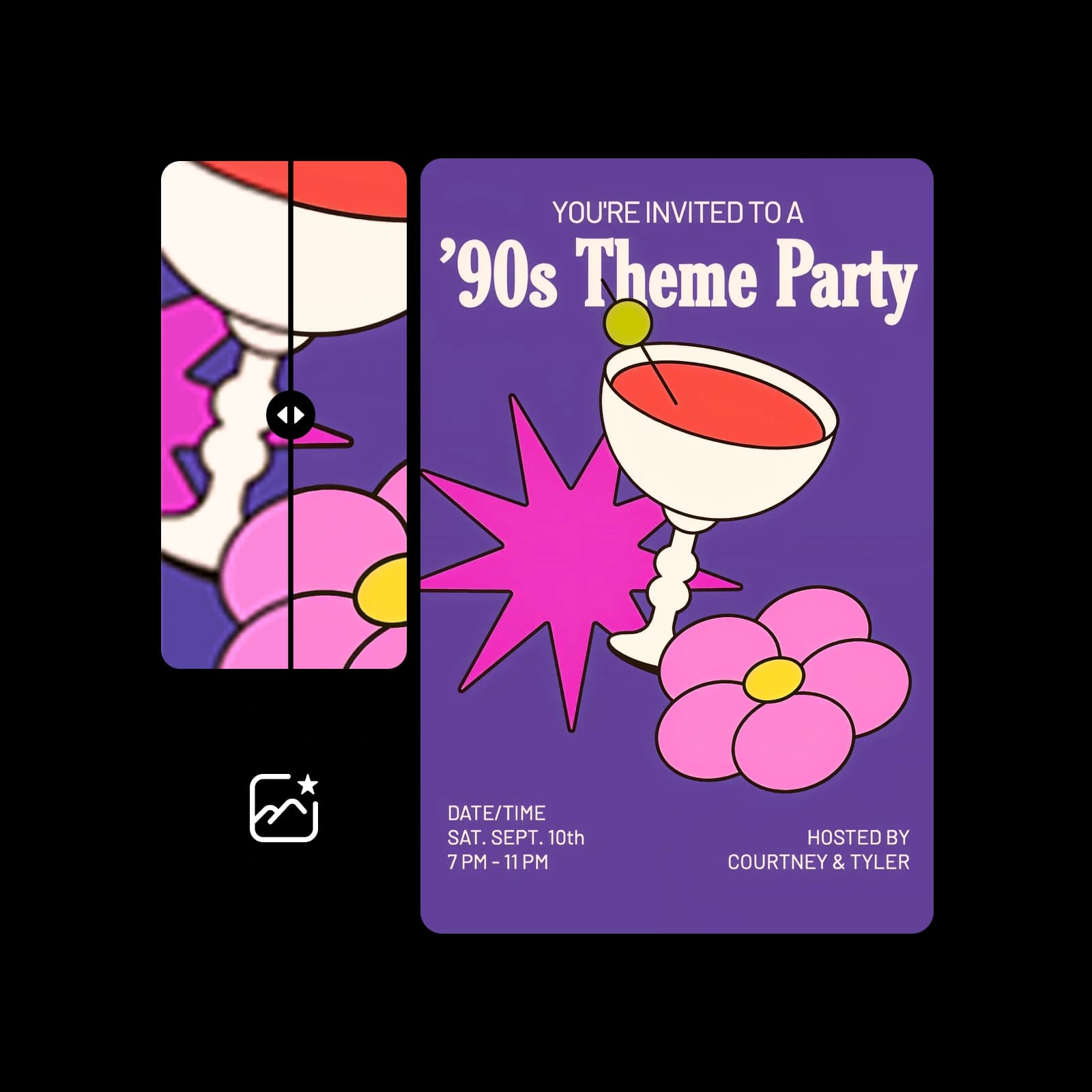
Use AI tools built for businesses and creators
Explore Story visuals for promotions, product launches, personal updates, and other ideas. Describe the audience and mood, then review the generated image for accurate details and the rights needed for your intended use.

Tools for your Story image workflow
Generate an image concept, review the result, and finish your Story in the workflow that suits you.
AI Instagram Story Maker FAQ
This page opens image generation in Picsart AI Playground so you can explore visuals for Instagram Stories. The output is an image, not a layered Story template.
More tools to love
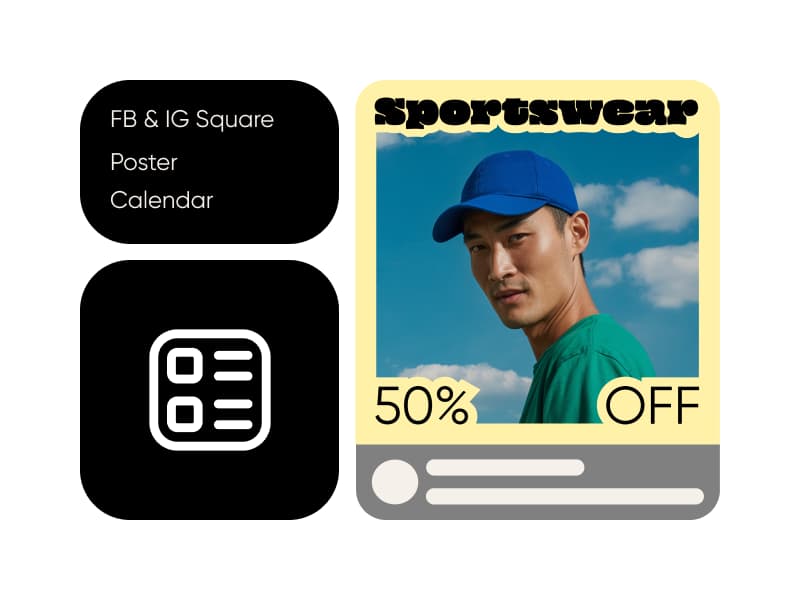
AI Template Generator
Turn ideas into ready-to-use templates with Picsart’s AI Template Generator in seconds.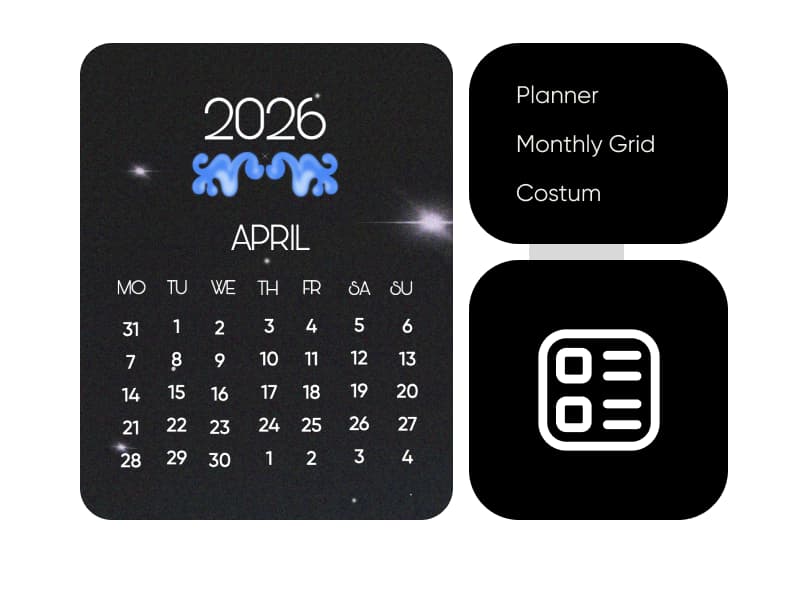
AI Calendar Generator
Create custom calendars instantly with Picsart’s AI Calendar Generator.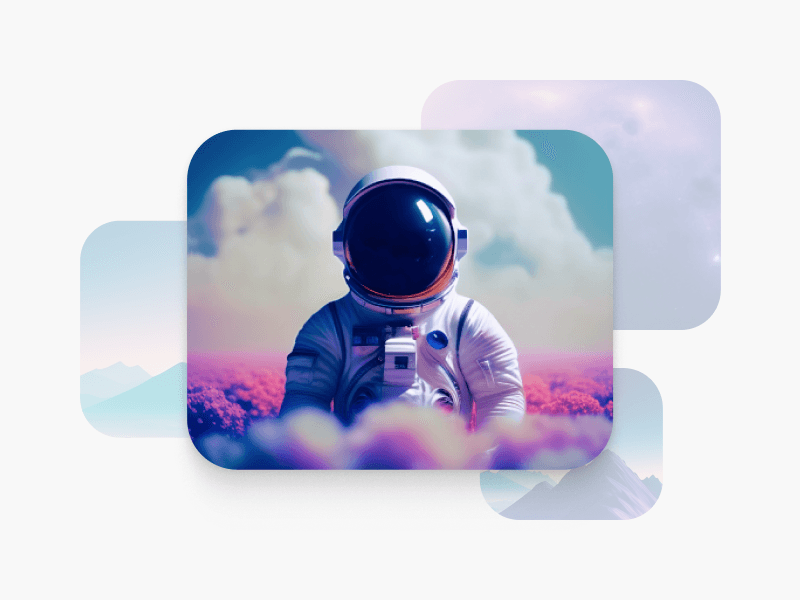
AI Image Generator
Type your vision and let AI transform your words into fascinating images.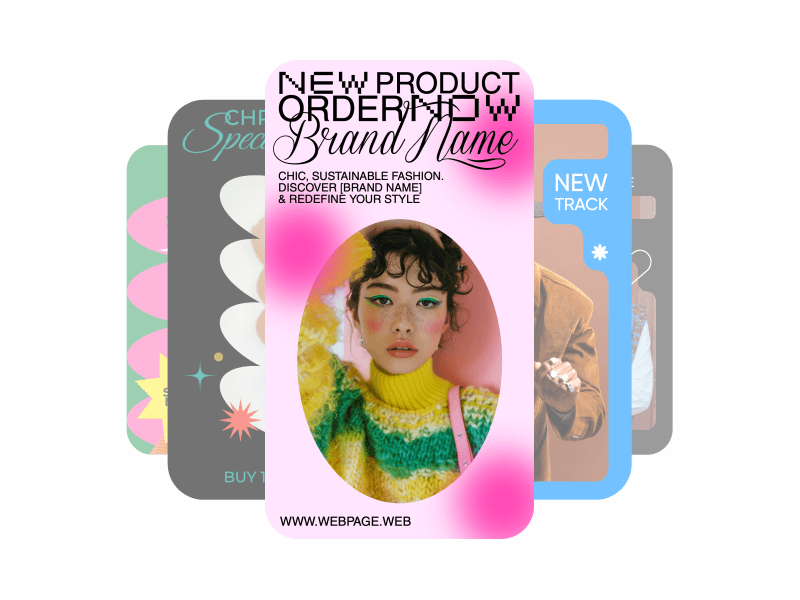
Instagram Stories
Generate on-brand Instagram Stories in seconds with AI-driven design, speed and creativity.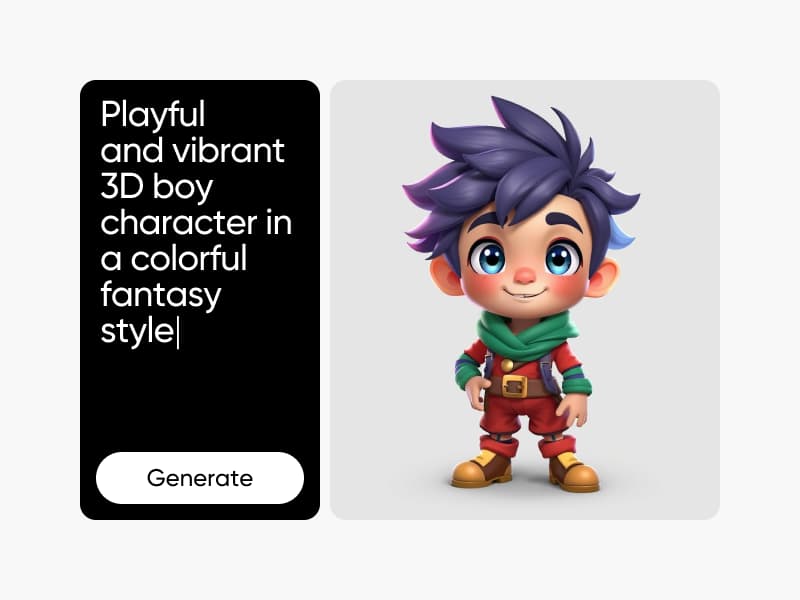
3D Character Creator
Generate unique, custom characters from text prompts - no drawing or design skills required.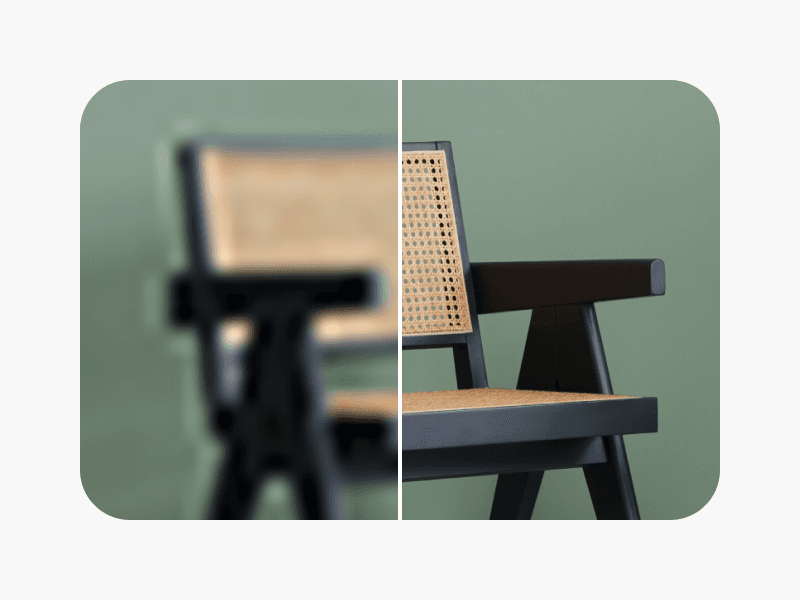
AI Photo Enhancer
Upscale the resolution of multiple images with AI in one go.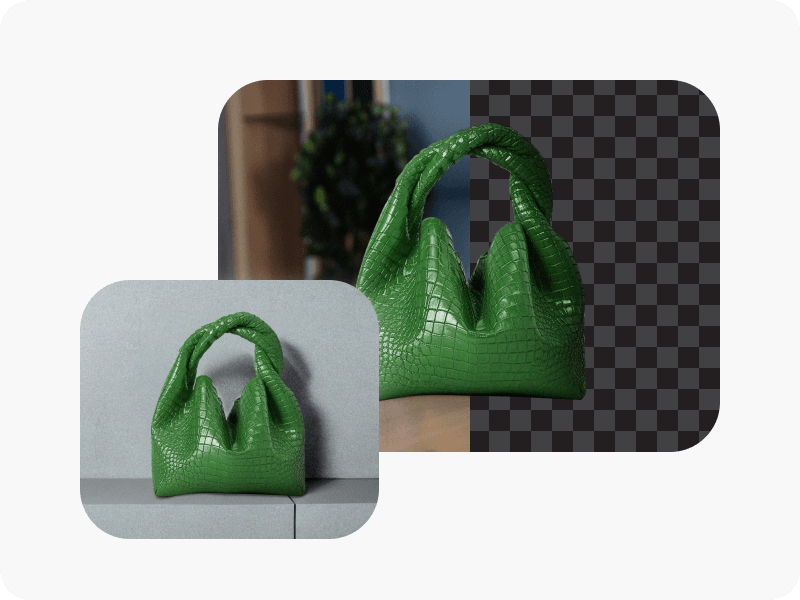
AI Background
Generate unique backgrounds from scratch with just a prompt.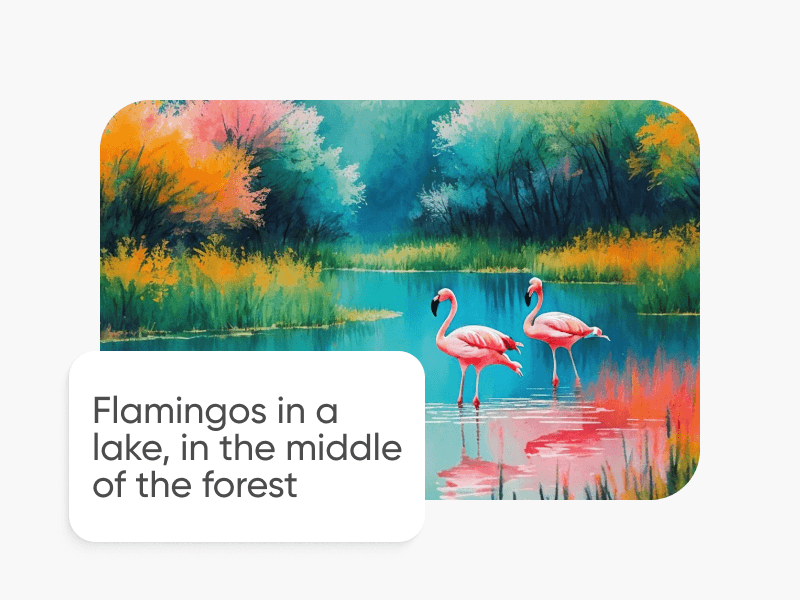
AI Art Generator
Generate eye-catching artwork of various styles and movements in seconds with AI.
Resize Image
Get the right fit for your photos with ease and in a matter of seconds.
Image Cropper
Keep what matters with an easy-to-use image cropper tool.
Find a Picsart plan for your creative work
Pro
Most popularAI tools for everyday creative work.
Ultra
Most powerfulHeavy AI usage for creators & teams.