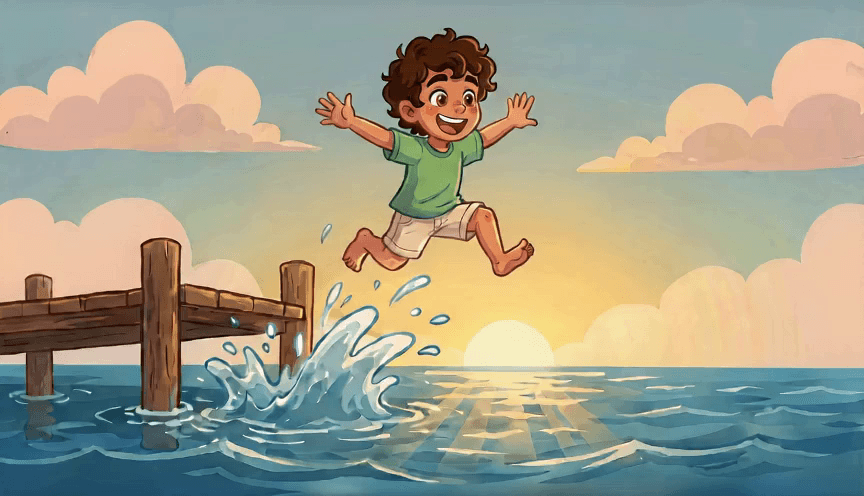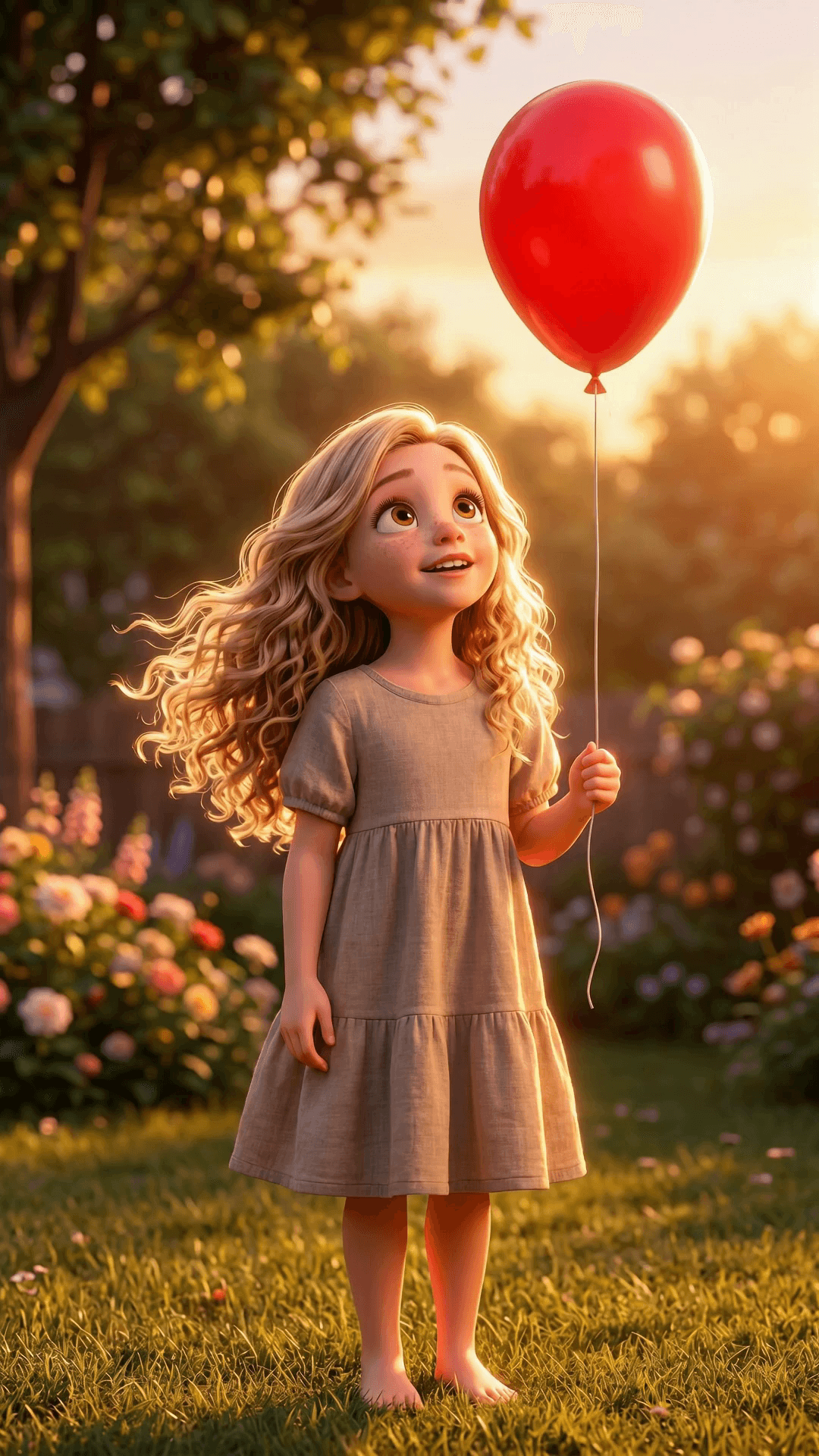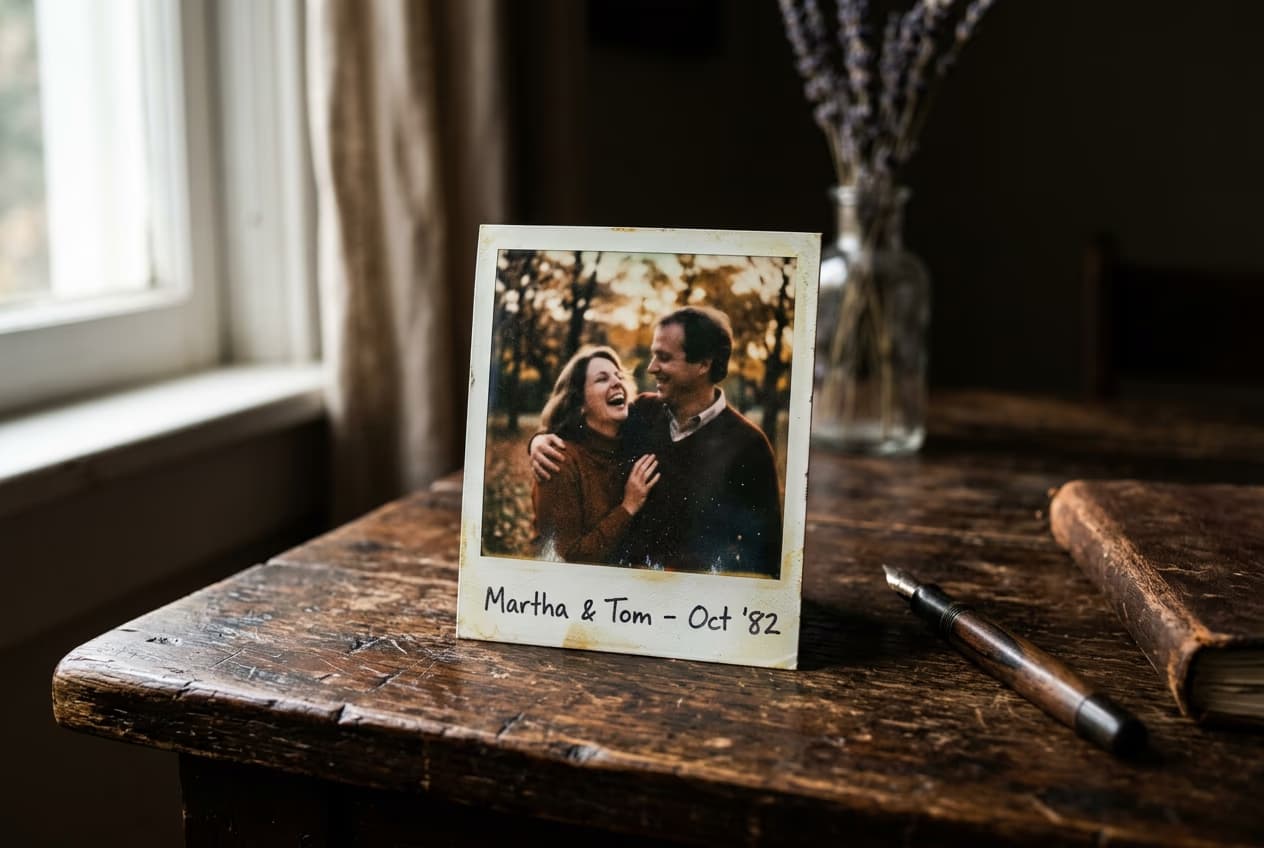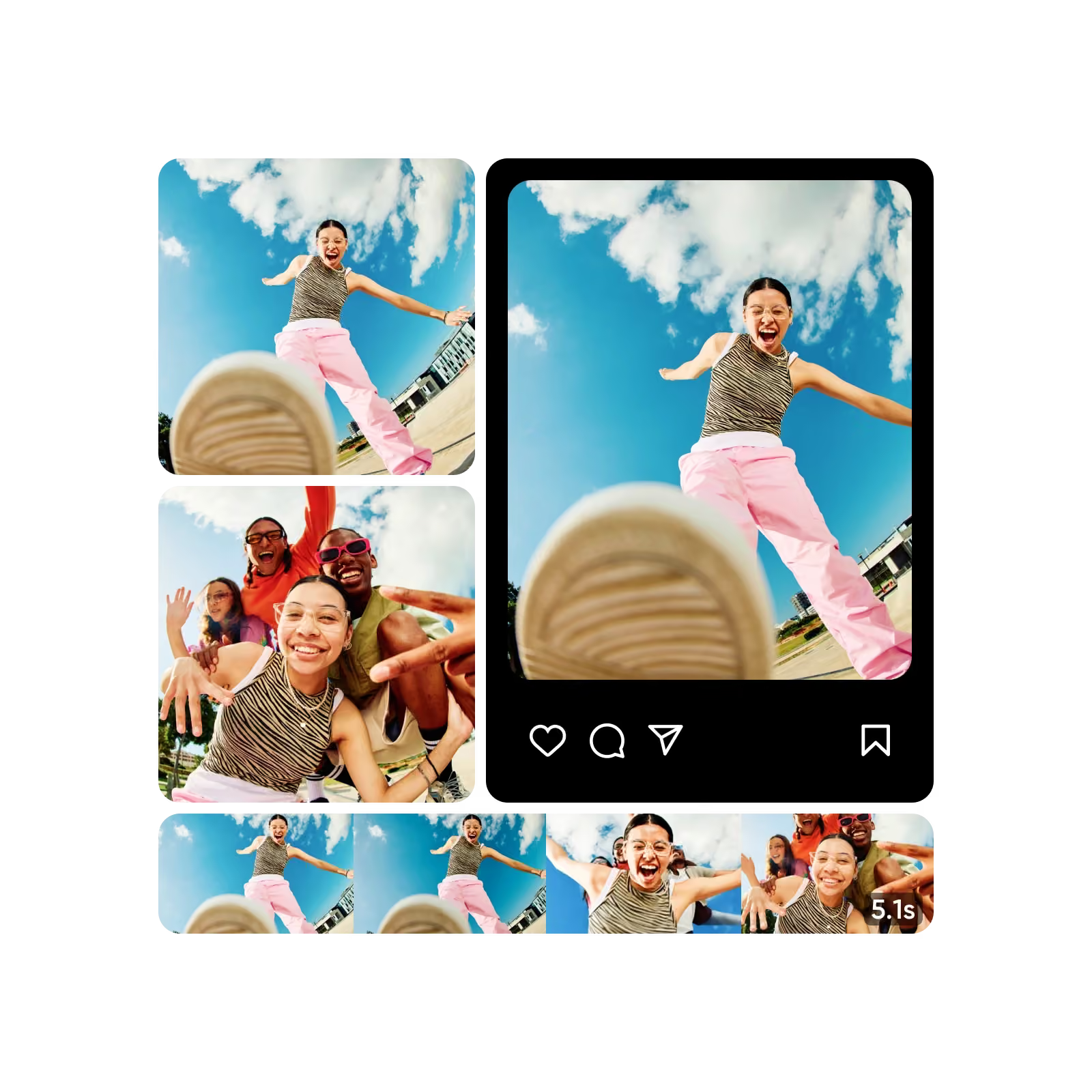
Still images transformed into animated video with Picsart Flow

Build an image-to-video workflow with Picsart Flow

Use Flow to start with a still image, explore motion directions, and turn the strongest frame into a short video you can adapt.

Community Flow templates

Browse current Flow templates and remix one for this use case.

Create Premium Food Packaging Mockups for Products Flow template
Selling & Commerce
Create Premium Food Packaging Mockups for Products

8-step workflow

Create a Dynamic Logo Animation Reveal Flow template
Branding & Logos
Create a Dynamic Logo Animation Reveal

6-step workflow

Create a Professional Brand Style Guide Flow template
Branding & Logos
Create a Professional Brand Style Guide

5-step workflow

Best-matched and related Flow workflows for image-to-video

Start with the closest template, then switch inputs or outputs to fit your brief.

Create Animated Storybook Video from Image References
Cartoon & Kids
Create Animated Storybook Video from Image ReferencesUpload a portrait photo and generate a cartoon underwater storybook adventure starring a consistent character. Export a 15-second video with audio, plus storyboard-style stills and a closing end card.
Create Magical 3D Animation from Image References
Cartoon & Kids
Create Magical 3D Animation from Image ReferencesUpload a portrait and generate a 15-second vertical 3D animated short where a glowing balloon carries your character through magical scenes. Includes audio.
Create an Animal Bouquet Surprise Video
Video and Slides
Create an Animal Bouquet Surprise VideoCreate a 12-second 9:16 handheld doorway reveal where a bouquet of tiny baby animals comes to life. Swap in your own photo and share to TikTok, Reels, or Shorts.

See Flow connect the creative steps

Watch how a Flow workflow turns a starting idea into a finished creative.

How to build an image-to-video workflow in Flow

Use Flow to start with a still image, explore motion directions, and turn the strongest frame into a short video you can adapt.

How to

Choose the source image

Start with one focused brief and the result you want to create.

Choose the source image — Still images transformed into animated video with Picsart Flow

Make image-to-video workflows repeatable in Flow

Product facts from the current Picsart Flow page and official Flow updates, checked Sep 2, 2026.

  • 100+AI models for image-to-video variations
  • 1infinite canvas for the full image-to-video workflow
  • 3stages from input to publish

What creators and teams say about image-to-video

Published customer and creator perspectives from Picsart.

Best photo and video editor

I love Picsart, is the best photo and video editor! It has new options daily and so many features.

Carina L, Picsart creator

Lower-complexity production

Integrating Picsart was one of the lowest complexities across our entire ecosystem.

Max Kushner, Head of Partnerships at Playbook

Flow works with the models behind modern creative

Animated white provider marks from the Flow model ecosystem. They are not customer endorsements.

GoogleOpenAIAnthropicByteDanceBlack Forest LabsRunwayGoogleOpenAIAnthropicByteDanceBlack Forest LabsRunwayGoogleOpenAIAnthropicByteDanceBlack Forest LabsRunwayGoogleOpenAIAnthropicByteDanceBlack Forest LabsRunwayGoogleOpenAIAnthropicByteDanceBlack Forest LabsRunwayGoogleOpenAIAnthropicByteDanceBlack Forest LabsRunwayGoogleOpenAIAnthropicByteDanceBlack Forest LabsRunwayGoogleOpenAIAnthropicByteDanceBlack Forest LabsRunway

Give the still image a clear next movement

Choose one useful motion direction, then review the first seconds before building a longer sequence.
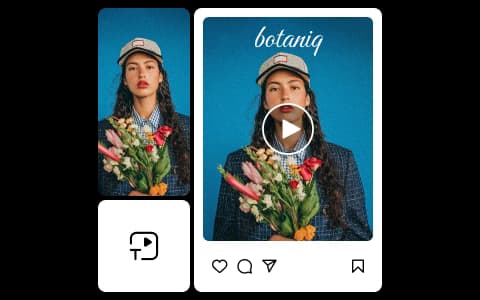
  • Starts with one clear direction

    Give the next asset a job before you add more visual detail.

  • Keeps important details readable

    Review the subject, framing, color, and key elements across versions.

  • Builds a useful set

    Collect the strongest versions for the channel or project you need next.

Answer common image-to-video animation questions

Use these answers to choose a practical starting point.

  • Image to video AI turns a still image into a motion concept. You can explore an AI image to video generator, animate photo direction, or AI photo animator result before refining and assembling it.