HTML Export: move from design to HTML in seconds
HTML Export turns finished designs into clean, usable code you can publish right away. Skip handoffs and rebuilds as you design to HTML for emails, landing blocks, and campaigns - no coding, no delays, just faster shipping.

How to export designs as HTML
How to
Create your design
Start from scratch or customize a template inside the Picsart editor.
What is HTML Export
HTML Export lets you turn finished designs into publish-ready code without writing a single line. Using a built-in HTML generator, you move from canvas to banners, emails, and landing blocks faster - with fewer handoffs and zero dev dependency. Start designing directly in the Photo Editor and ship instantly.
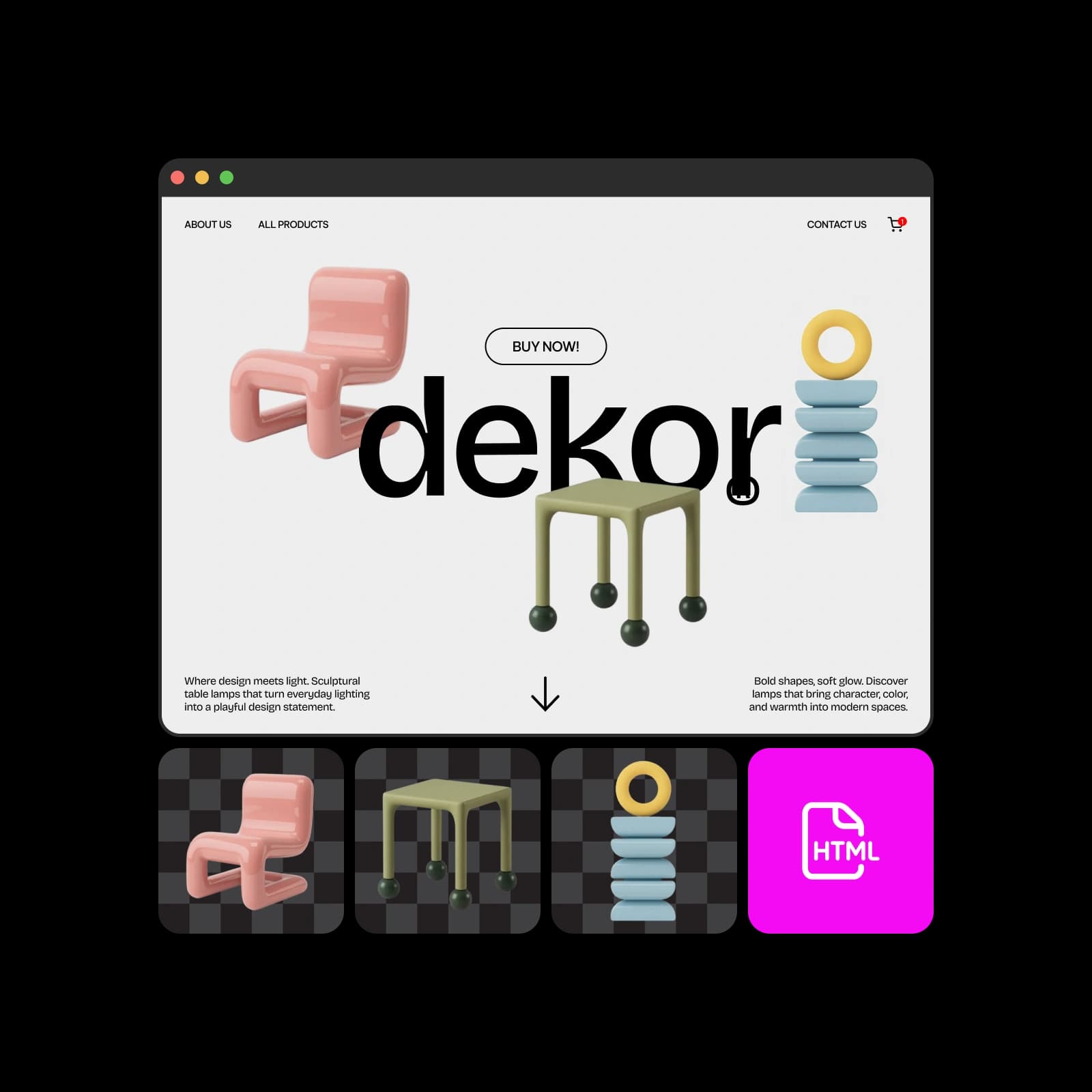
Who HTML Export is for
HTML Export fits naturally into creative teams of all kinds. Marketers use it for campaign banners, email headers, and landing page blocks. Creators rely on it for newsletters, promo pages, and event content. Designers use no-code HTML Export to convert design to HTML and hand off clean code for HTML for email marketing and beyond.
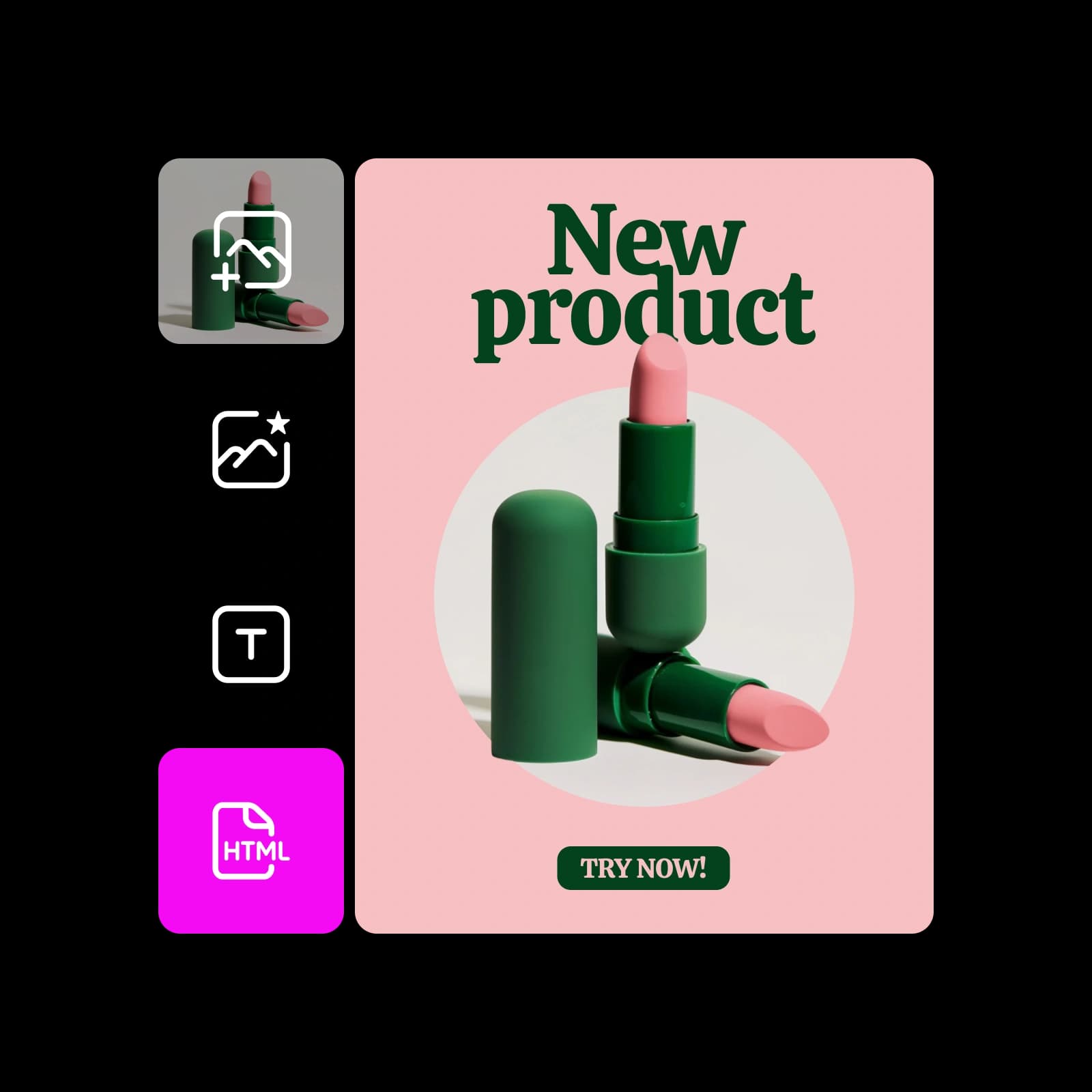
Design to HTML at full speed
Everything moves faster when code isn’t a blocker. Skip manual builds, iterate in seconds, and export HTML online as lightweight snippets or full sections. With no developer back-and-forth, you can start immediately using ready-made layouts from the Picsart Template library.

Use HTML Export anywhere you publish
Email headers
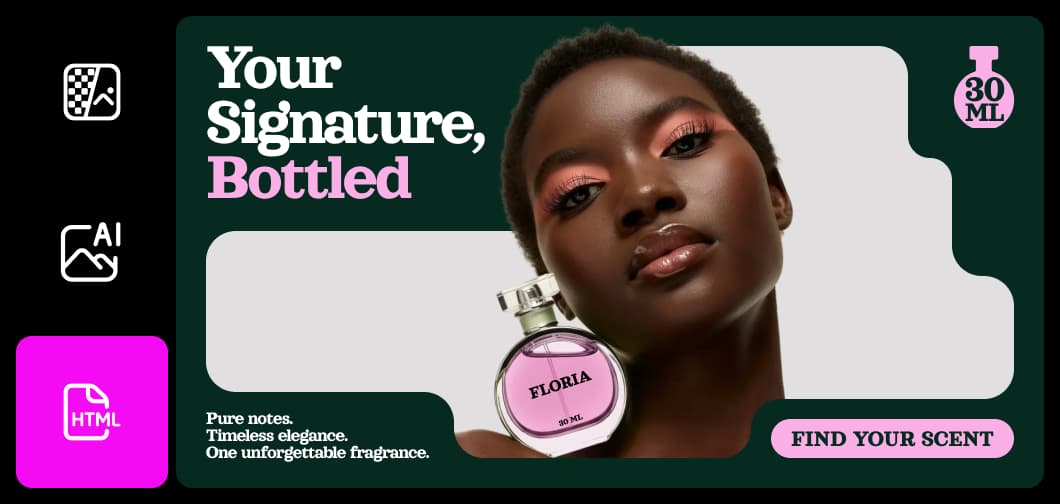
Create branded headers that drop straight into email tools and render consistently across clients.
Export HTML smoothly across workflows
HTML Export brings speed, clarity, and consistency to your process. From instant code output to seamless reuse across tools, these features help you move designs into production without friction or technical overhead.
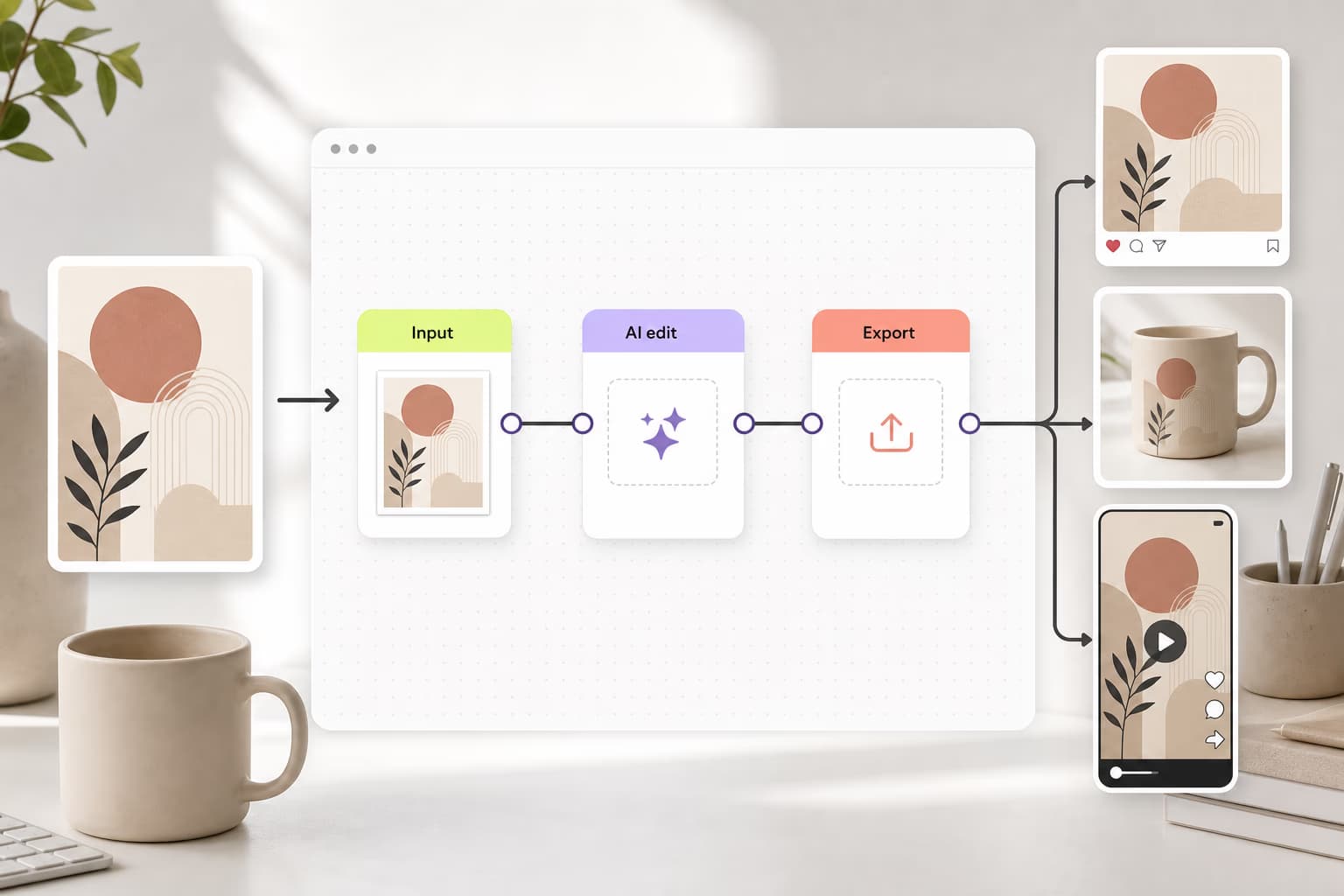
Learn workflow building
Learn how to connect tools, steps, and outputs.


HTML Export FAQ
HTML Export is a feature that turns finished designs into clean, usable HTML. It helps you move visual content into production faster, without coding or developer handoffs, making it easy to publish banners, emails, and landing page sections.
Export designs to HTML for web and campaign projects
Pro
Most popularAI tools for everyday creative work.
Ultra
Most powerfulHeavy AI usage for creators & teams.
Enterprise
Custom AI solutions for large organizations.
- Volume discounts on credit rate
- On-demand top-ups


