Create drag-and-drop designs with AI image models

Use image models to transform drag-and-drop designs into polished visuals, design ideas, and ready-to-edit assets.

GPT Image 2New
Nano Banana 2New
Nano Banana ProNew
Flux 2 FlexNew
Seedream 5.0 Lite
Kling 3.0 Image
Kling O1 Image
Hunyuan V3
Luma UNI-1
Luma UNI-1 Max
Seedream 5.0 Flash
Seedream 5.0 Pro

AI-powered tools that make drag-and-drop design smooth

Picsart brings together everything you need for smooth visual creation. These beginner-friendly tools make drag-and-drop design simple, so you can edit and refine every detail in seconds.

ai photo editor

Edit smarter

Use AI Photo Editor to fix lighting, color, and tone automatically.

Screenshot Editor

Capture clean shots

Use Screenshot Editor to crop, mark up, and polish screenshots for any project.

resize image

Resize instantly

Use Image Resizer to adjust visuals for any platform without losing quality.

Picsart image cropper

Crop precisely

Use Image Cropper to trim and frame your visuals with intuitive controls.

black hair woman standing in a white sand with blue long piece of cloth

Remove distractions

Use Object Remover to erase unwanted elements with precise AI cleanup.

Picsart's background remover

Clean backgrounds fast

Use Background Remover to cut out or replace backdrops in one click.

Sharpen images with Picsart

Sharpen details

Use Image Sharpener to restore clarity and enhance photo definition.

AI Image Extender

Extend naturally

Use AI Image Extender to expand your canvas while keeping composition balanced.

Generate backgrounds with Picsart's AI background generator

Generate new backdrops

Use Background Generator to create on-brand, AI-made backgrounds in seconds.


What makes Picsart’s drag-and-drop design tools stand out?

Create freely with tools designed to simplify every step of the process. Picsart’s features bring speed, flexibility, and AI-powered guidance together, helping you design visually - no learning curve or complex setup required.

Drag-and-drop creation

Design visually by moving and arranging elements instantly - no complex tools required.

AI-powered assistance

Get smart suggestions and instant edits from Picsart’s AI Assistant as you work.

Fast performance

Create and export designs in seconds, even with high-resolution projects.

Smart alignment guides

Snap and align elements automatically for pixel-perfect layouts.

Fully customizable designs

Edit colors, fonts, effects, and textures to match your exact vision.

Real-time previews

See every change instantly as you design - no waiting or reloading.

Multi-layer editing

Work with text, photos, and graphics on separate layers for total control.

Cloud-synced projects

Start on desktop and finish on mobile - your files stay synced everywhere.

Responsive canvas

Adjust automatically to fit any format - from stories to square posts.

AI style adaptation

Apply consistent design styles across your visuals automatically.

High-quality rendering

Produce crisp, ready-to-share visuals optimized for every platform.

Template flexibility

Swap images and text inside templates without breaking the layout.

Easy collaboration

Share designs with teammates or clients for instant feedback.

One-click enhancements

Refine lighting, sharpness, or contrast instantly with AI precision.

Multi-format export

Download in JPG, PNG, PDF, or video - whatever your project needs.

Cross-device compatibility

Design seamlessly on web, tablet, or mobile - your workspace adapts to you.


How to create with drag-and-drop design tools

1

Start your project

Open a blank canvas or choose a ready-made template to get started fast.
2

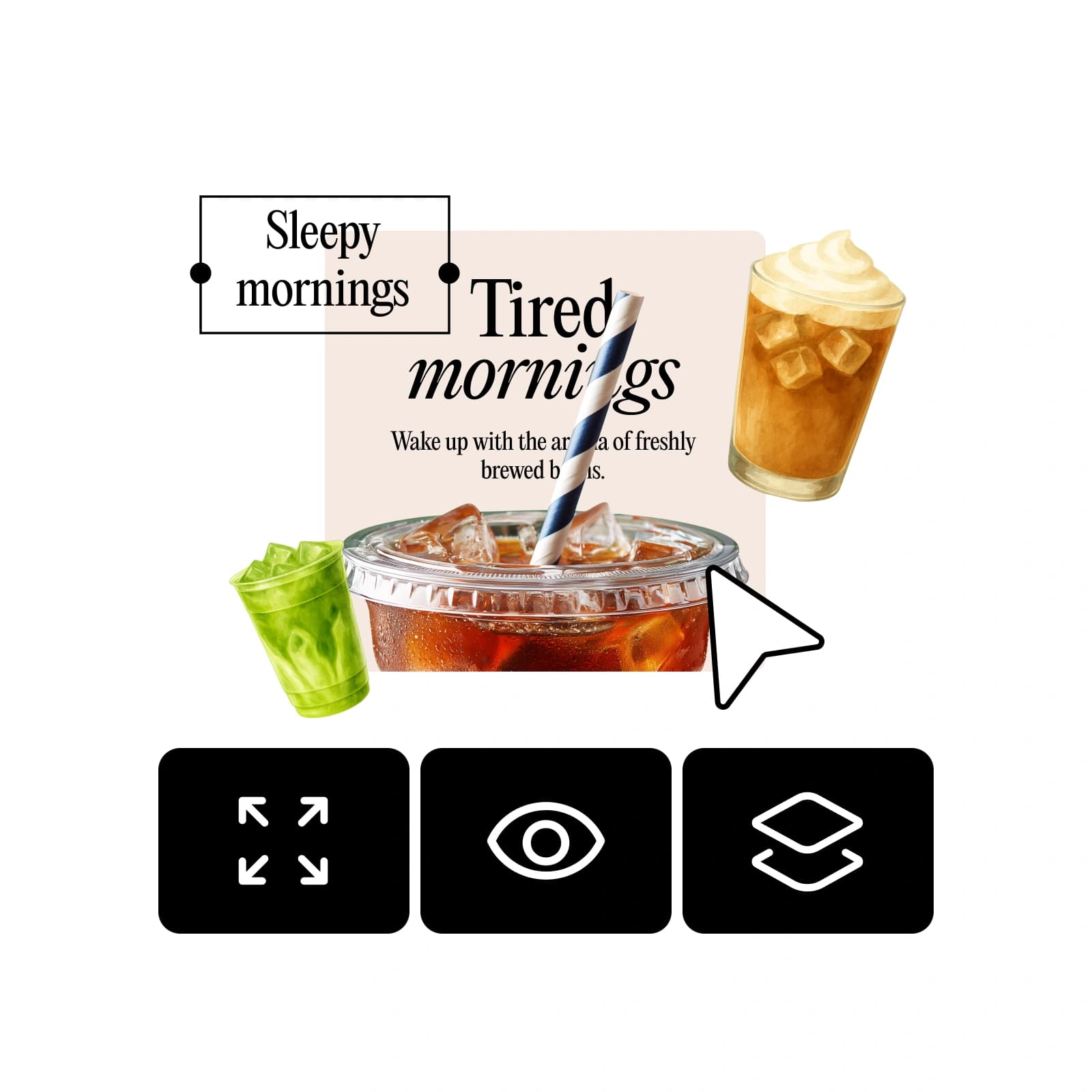
Drag and drop your elements

3

Customize your design

4

Save and share

5

Publish instantly

how to design with drag-and-drop design tools

Drag-and-drop design tools FAQ

Picsart’s drag-and-drop editor is built for simplicity - perfect for creating professional visuals fast. You can move, resize, and layer elements easily, making it ideal for anyone new to design.


Design faster with drag-and-drop creative tools

Pro

Most popular

AI tools for everyday creative work.

$15 $10.5/mo
Billed yearly
You save $54 with yearly
  • Access to all photo & video editing features
  • Advanced background & object removal
  • Parallel video generations with the world's most powerful AI video models
  • Unlimited image generations with Flex.2 Klein
  • 1-tap image enhancer
  • Millions of stock photos & Getty video clips
  • Selection of trendy fonts, text styles & stickers
  • Thousands of premium templates
  • Support for 3+ brand kits
  • Bulk edit up to 50 images at once
  • 100 GB of cloud storage
New features:
  • Auto-generate content from your terminal or agent with the Picsart CLI
  • Use Picsart inside Claude Code, Cursor, and ChatGPT via MCP — coming soon
  • AI agents for multi-step workflows and batch generation — coming soon

Ultra

Most powerful

Heavy AI usage for creators & teams.

$45 $24.5/mo
Billed yearly, per seat
You save $246 with yearly
  • Everything in Pro
  • Early access to advanced AI features
  • Leading AI models to design & automate workflows (Nano Banana, Veo 3, Seedance 2.0 & more)
  • Parallel video generations with the world's most powerful AI video models
  • Unlimited image generations with Flex.2 Klein
  • Support for 10+ brand kits
  • Add team seats
  • Create ad variations and localize
  • Track ads performance
  • 2000 credits for API services
  • Bulk edit up to 100 images at once
  • 300 GB of cloud storage per seat
New features:
  • Auto-generate content from your terminal or agent with the Picsart CLI
  • Use Picsart inside Claude Code, Cursor, and ChatGPT via MCP — coming soon
  • AI agents for multi-step workflows and batch generation — coming soon

Enterprise

Custom AI solutions for large organizations.

Custom credit volume
  • Volume discounts on credit rate
  • On-demand top-ups
Custom
Contact for pricing
  • Access to photo & video editor SDKs
  • Mobile web SDK support
  • Prepaid or pay-as-you-go creative APIs
  • Embed professional-grade editing into your product or workflow
  • Fully configurable editing experience
  • White-label to match your brand
  • Support for built-in marketing, e-commerce & printing use cases
  • Bring your own assets: images, templates & fonts
  • Enterprise-grade security, SLAs & support
  • Dedicated account manager