Picsart for Codex: One install, 140+ models, straight in your code.


AI tools that help you create instinctively

Design faster with tools built for simplicity. Picsart’s AI-powered tools turn your ideas into finished visuals - just describe what you want and let smart automation do the rest.

Edit smarter with ai photo editor

Edit smarter

Use AI Photo Editor to fix lighting, color, and tone in seconds.

Create from text

Create from text

Use AI Image Generator to turn simple text prompts into visuals.

Design in seconds

Design in seconds

Use  AI Template Generator to build ready-to-use layouts instantly.

Add expressive text to photos

Add expressive text

Use Text Editor to style words with smart fonts and layouts.

Remove bgs with ease

Remove with ease

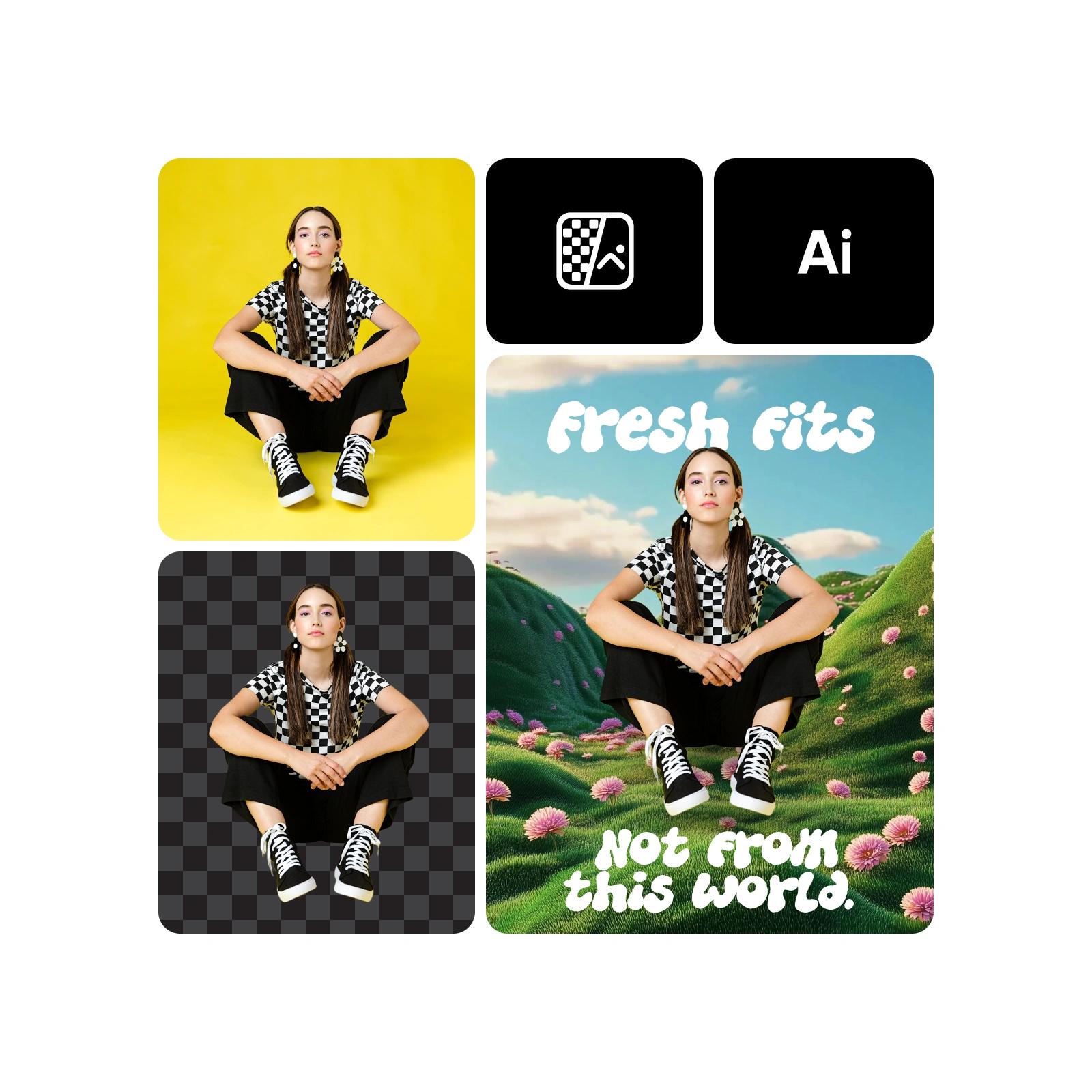
Use Background Remover to clean cutouts fast for pro-looking edits.

Sharpen images automatically

Sharpen automatically

Use AI Image Enhancer to improve detail and quality automatically.


What beginners can create with Picsart

Discover what you can design with just a few clicks. From social posts to logos, Picsart makes every project simple, fast, and free to start.

How to create content like a pro as a beginner

1

Go to editor

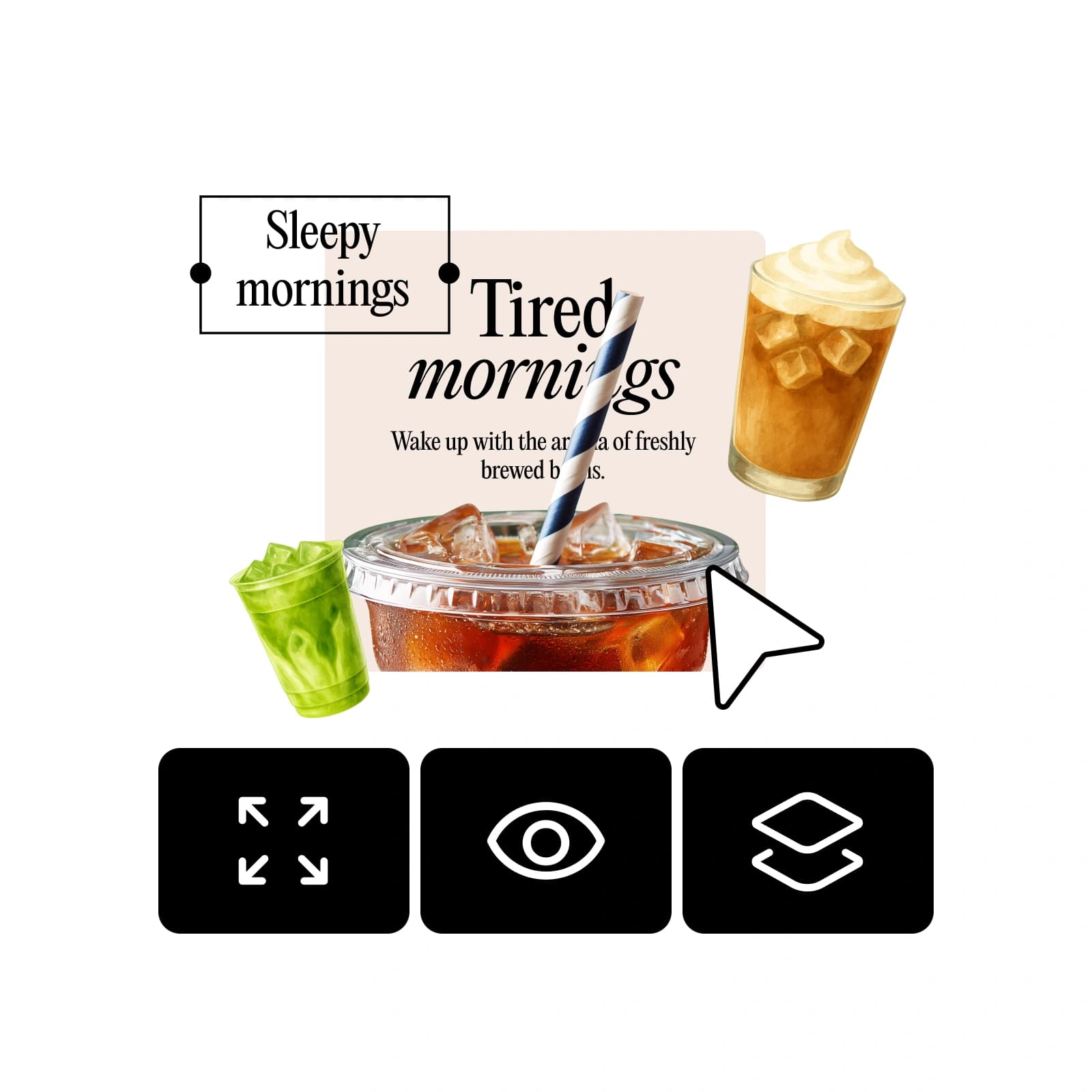
Open the Picsart editor and start from a blank canvas or idea.
2

Add your content

3

Let AI assist

4

Customize visually

5

Publish instantly


Beginner friendly content creation FAQ

What are the best content creation tools for beginners in Picsart?

Can I create content without design experience?

 Yes. Picsart is built for everyone, from first-time users to casual creators. Just open the editor, choose what you want to make, and let AI guide you through easy steps - no design experience required.

Is Picsart good for beginners?

Absolutely. Picsart is one of the most beginner-friendly design platforms available. Its drag-and-drop tools, smart AI features, and ready-made templates make it simple to create content that looks professional in minutes.

Can AI help me design social media posts?

Yes. Picsart’s AI tools can generate captions, suggest layouts, and even design posts from text prompts. You get creative control without spending hours on edits - perfect for quick, high-quality social content.

Can I use Picsart for free?

Yes. You can start for free with access to core AI tools, templates, and design features. Premium options are available, but everything you need to make standout content is ready to use at no cost.


Create content faster with beginner-friendly tools

MOST POPULAR

Pro

AI tools for everyday creative work.

$15$10.5/mo
Billed yearly
012345678901234567890123456789credits/month
Add credits as needed
  • Access to all photo & video editing features
  • Advanced background & object removal
  • Parallel video generations with the world's most powerful AI video models
  • Unlimited image generations with Flex.2 Klein
  • 1-tap image enhancer
  • Millions of stock photos & Getty video clips
  • Selection of trendy fonts, text styles & stickers
  • Thousands of premium templates
  • Support for 3+ brand kits
  • Bulk edit up to 50 images at once
  • 100 GB of cloud storage
New features:
  • Auto-generate content from your terminal or agent with the Picsart CLI
  • Use Picsart inside Claude Code, Cursor, and ChatGPT via MCP — coming soon
  • AI agents for multi-step workflows and batch generation — coming soon

Ultra

Heavy AI usage for creators & teams.

$45$24.5/mo
Billed yearly, per seat
0123456789,012345678901234567890123456789credits/month
Add credits as needed
5x more usage than Pro
  • Everything in Pro
  • Early access to advanced AI features
  • Leading AI models to design & automate workflows (Nano Banana, Veo 3, Seedance 2.0 & more)
  • Parallel video generations with the world's most powerful AI video models
  • Unlimited image generations with Flex.2 Klein
  • Support for 10+ brand kits
  • Add team seats
  • Create ad variations and localize
  • Track ads performance
  • 2000 credits for API services
  • Bulk edit up to 100 images at once
  • 300 GB of cloud storage per seat
New features:
  • Auto-generate content from your terminal or agent with the Picsart CLI
  • Use Picsart inside Claude Code, Cursor, and ChatGPT via MCP — coming soon
  • AI agents for multi-step workflows and batch generation — coming soon

Enterprise

Custom AI solutions for large organizations.

Custom
Contact for pricing
Custom credit volume
  • Access to photo & video editor SDKs
  • Mobile web SDK support
  • Prepaid or pay-as-you-go creative APIs
  • Embed professional-grade editing into your product or workflow
  • Fully configurable editing experience
  • White-label to match your brand
  • Support for built-in marketing, e-commerce & printing use cases
  • Bring your own assets: images, templates & fonts
  • Enterprise-grade security, SLAs & support
  • Dedicated account manager