Design a portfolio website and publish it instantly
Transform any finished design into a shareable design portfolio website directly from export. Publish once and generate a unique live link that works across email, social media, presentations, and client reviews.
How to publish a design portfolio website
How to
Export your design
Complete your design and open the export menu.
What is a design portfolio website?
A design portfolio website is a live webpage that presents your creative work in a clean, shareable format. Instead of sending static files, you publish a direct link. With Publish as Website, you export your design and instantly generate a mobile-ready portfolio page ready for clients, teams, or social sharing.
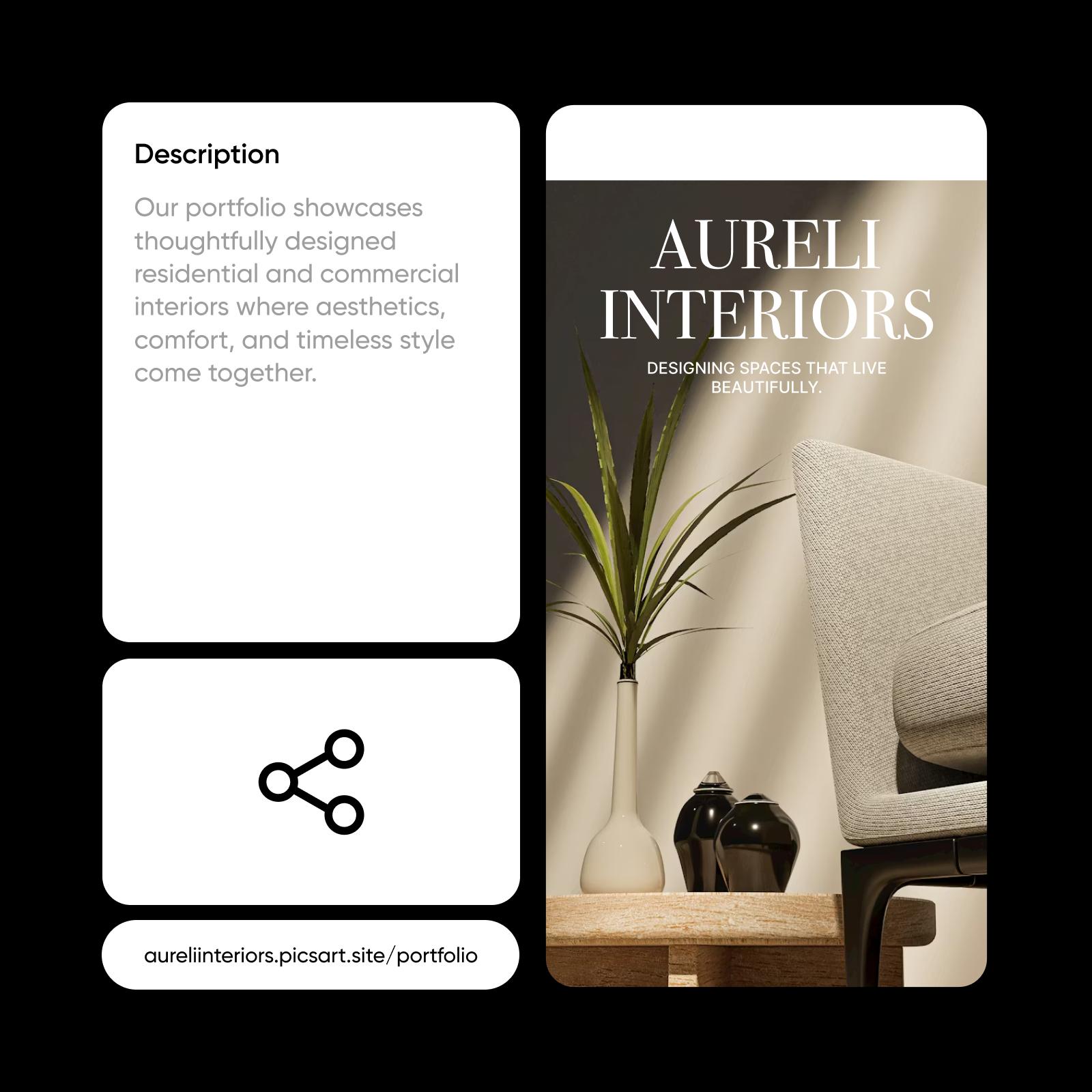
Website builder vs instant publishing
A traditional website builder helps you create and manage a full website with hosting, templates, and customization tools. Instant publishing with Publish as Website works differently. It turns a finished design into a live webpage directly from export, without site setup, configuration, or ongoing management.
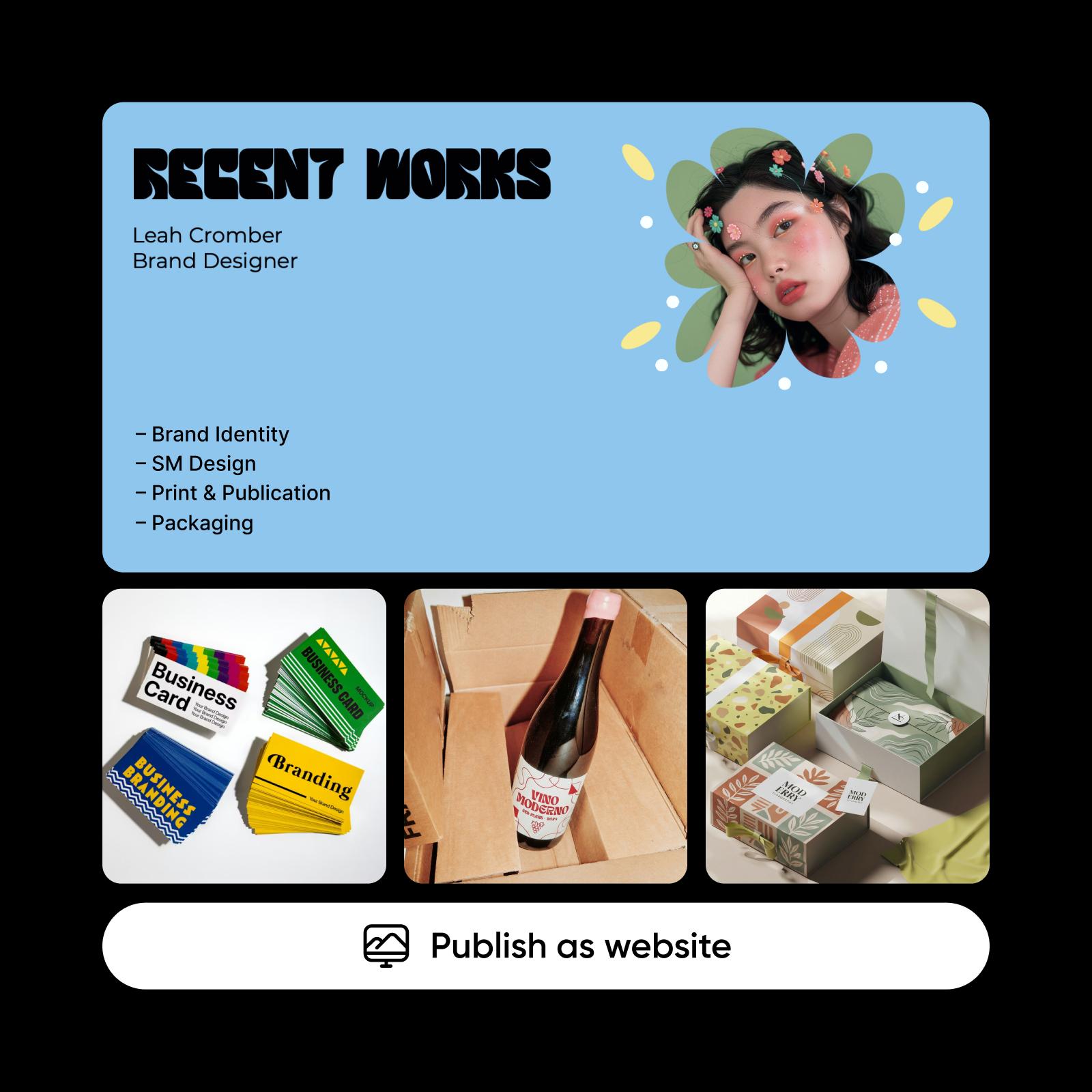
Share your work without limits
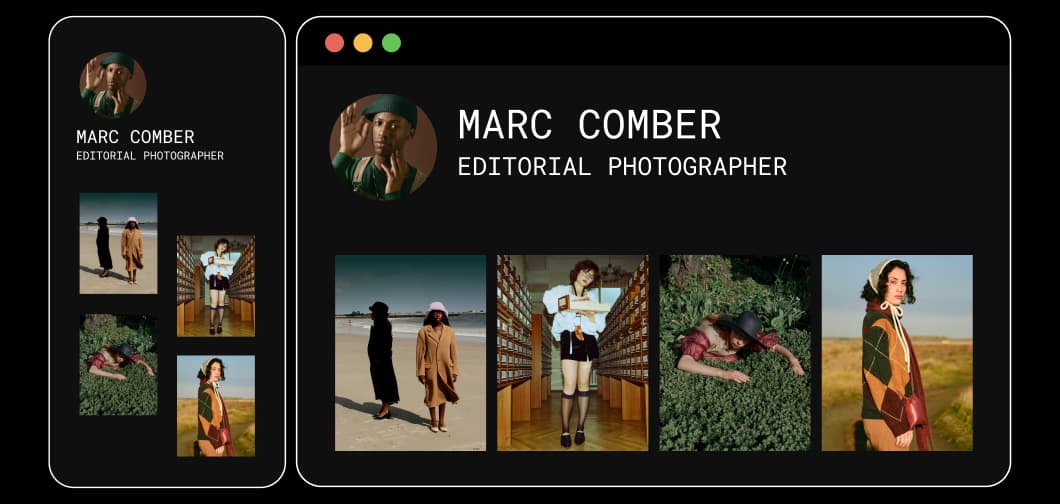
Create a one-page portfolio website in seconds
Looking for a one-page website builder without the usual complexity? Publish as Website gives you a single live webpage for each design. Add polished copy with the Text Editor and customize it using styles from the free fonts library. It works like a free one-page website builder, but without templates or setup. Export once and generate an instant website you can share anywhere.
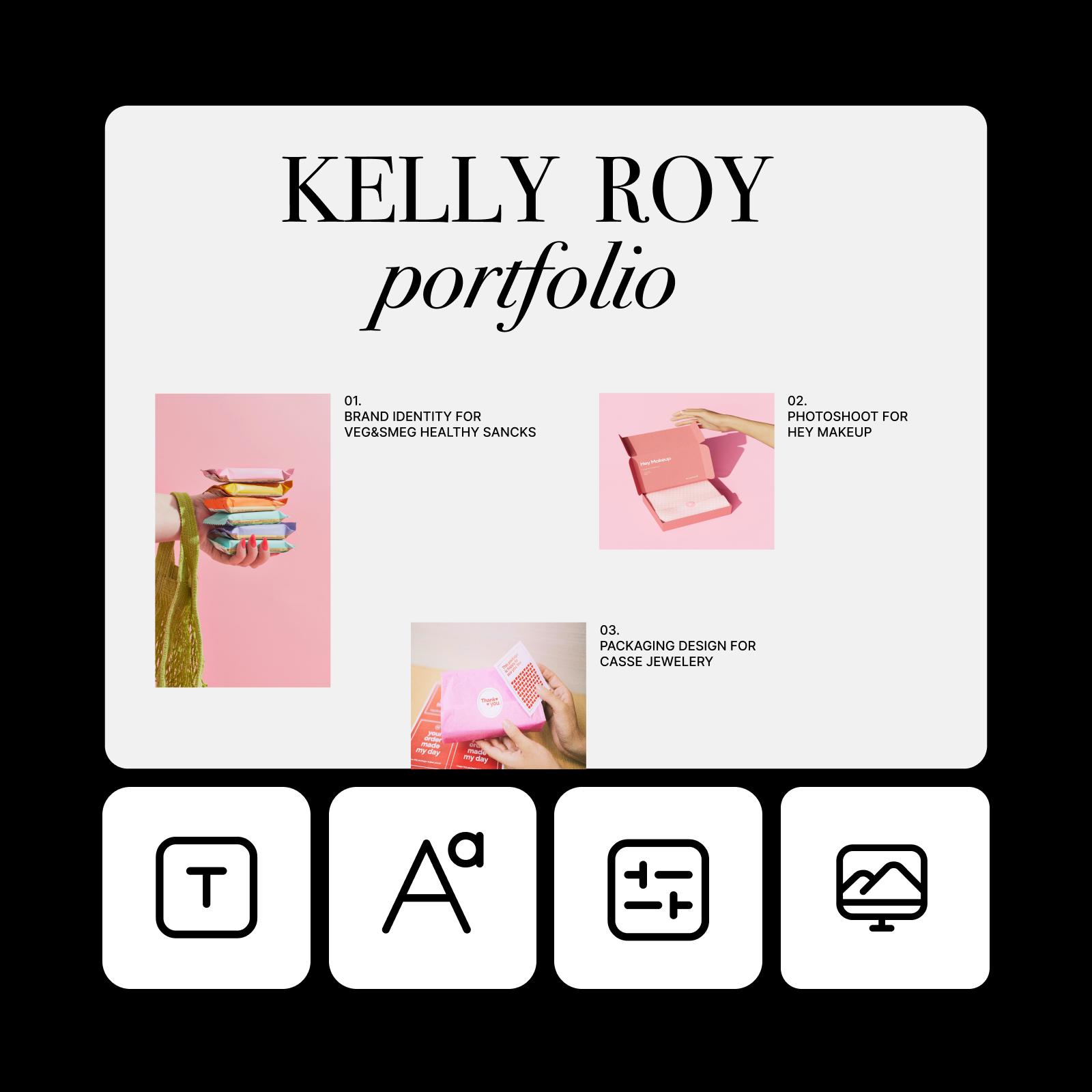
Turn every published link into a growth engine
Every published page comes with a unique shareable link, optimized for mobile viewing by default. Subtle "Made with Picsart" branding and a built-in call-to-action invite viewers to create their own design. That means every portfolio link you share also supports organic discovery and new user acquisition automatically.
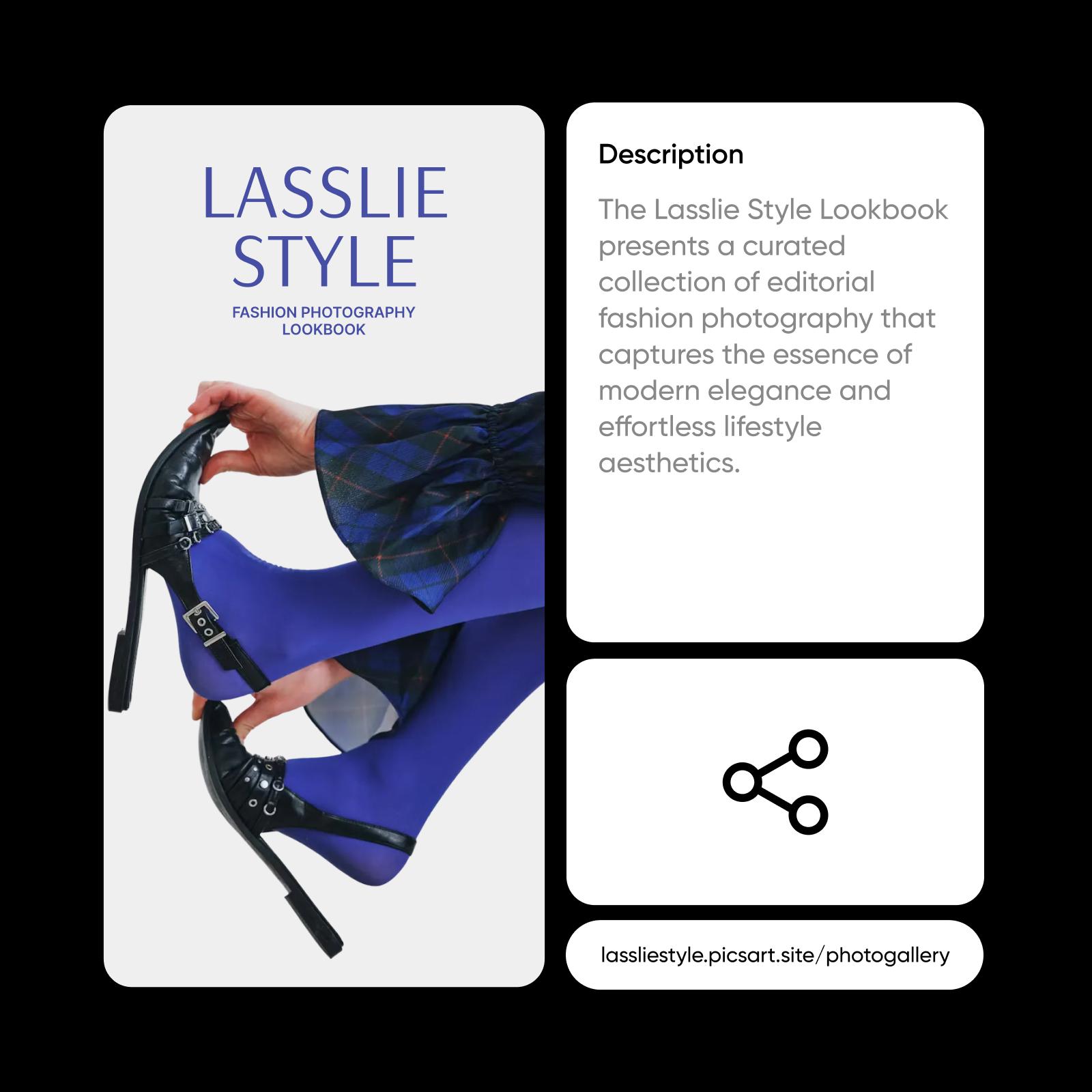
Create publish design portfolio website with AI image models
Use image models to transform publish design portfolio website into polished visuals, design ideas, and ready-to-edit assets.
FAQ Design portfolio website
No. A website builder helps you create and manage an entire website with templates, hosting, and multiple pages. Publish as Website is designed for instant sharing. It turns a completed design into a single live webpage without requiring hosting, configuration, or site management. If you already have a finished design and just want to share it online quickly, instant publishing removes the complexity of traditional website builders.
Build a portfolio website for creative work
Pro
Most popularAI tools for everyday creative work.
Ultra
Most powerfulHeavy AI usage for creators & teams.


