Brighten images: Instantly increase brightness in dark photos
Make pictures brighter and highlight finer details with Picsart's image brightener. Automatically adjust the lighting in dark images online and for free to fix underexposure in photos.
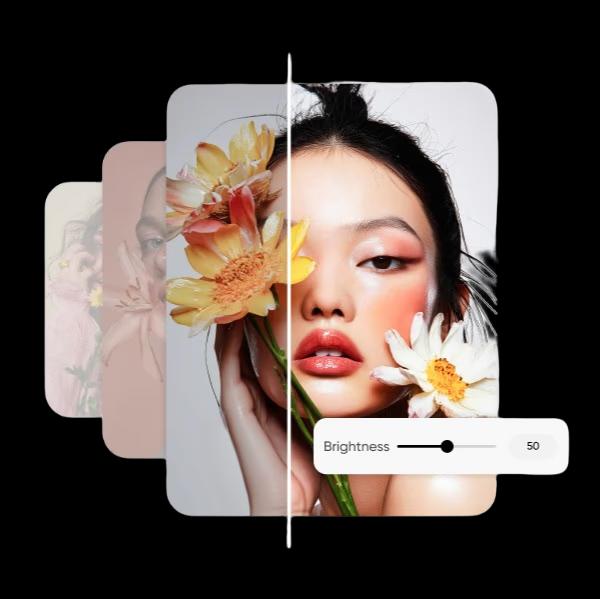
Why use image brightening?
How to brighten an image
How to
Upload an image
Use the Upload button to choose a photo.
Brighten images for better color definition and clearness
Awesome images shouldn't get lost in the dark. Picsart's free picture brightener brings more light exposure to your photos and improves clarity, restoring detail that's difficult to see in dark images. Simply upload a photo, navigate to the Adjust settings, and move the brightness toggle to instantly brighten images online. Have a blurry image? Use the AI photo editor to unblur it before you brighten the picture, so photos always look their best.
- Bring more of the photo into view
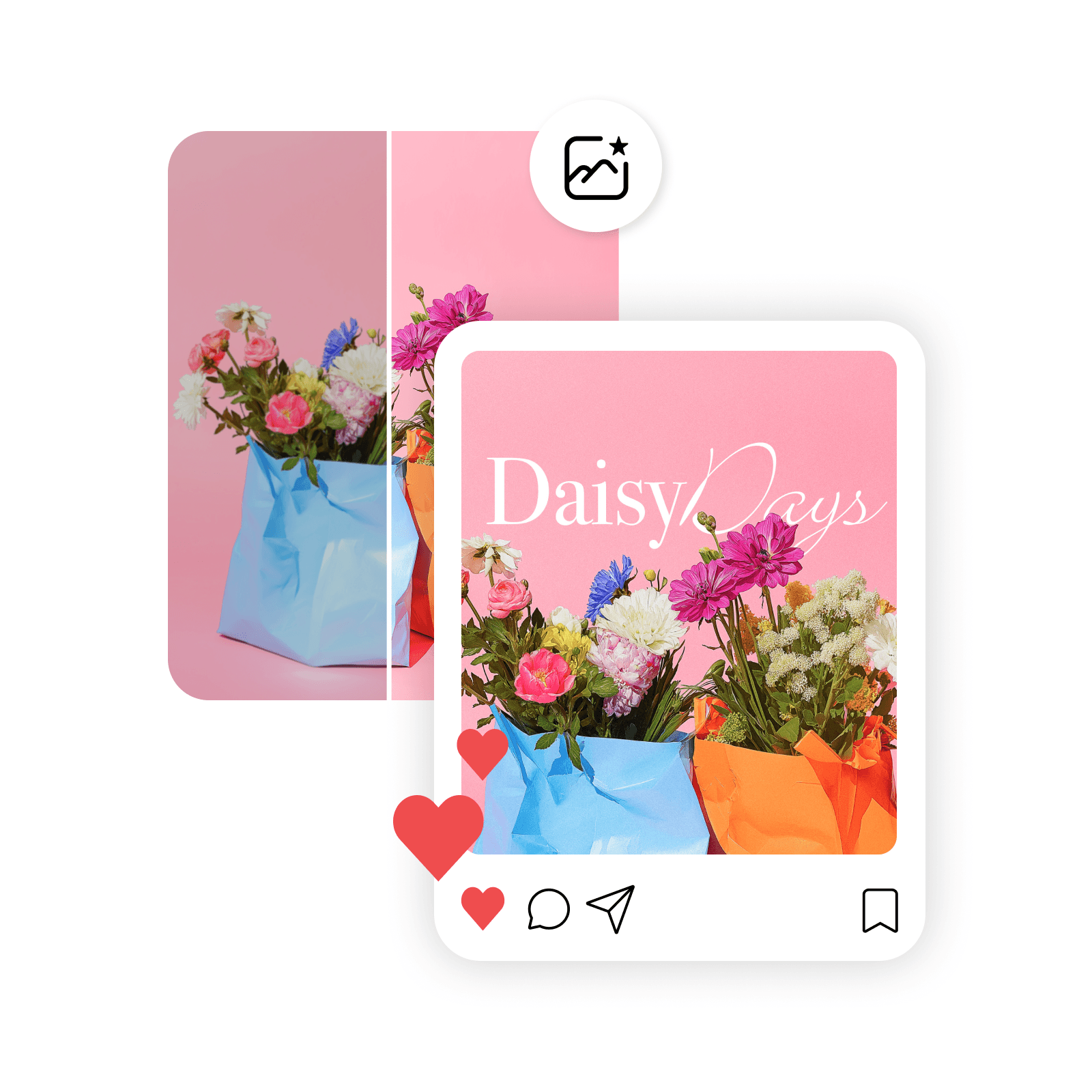
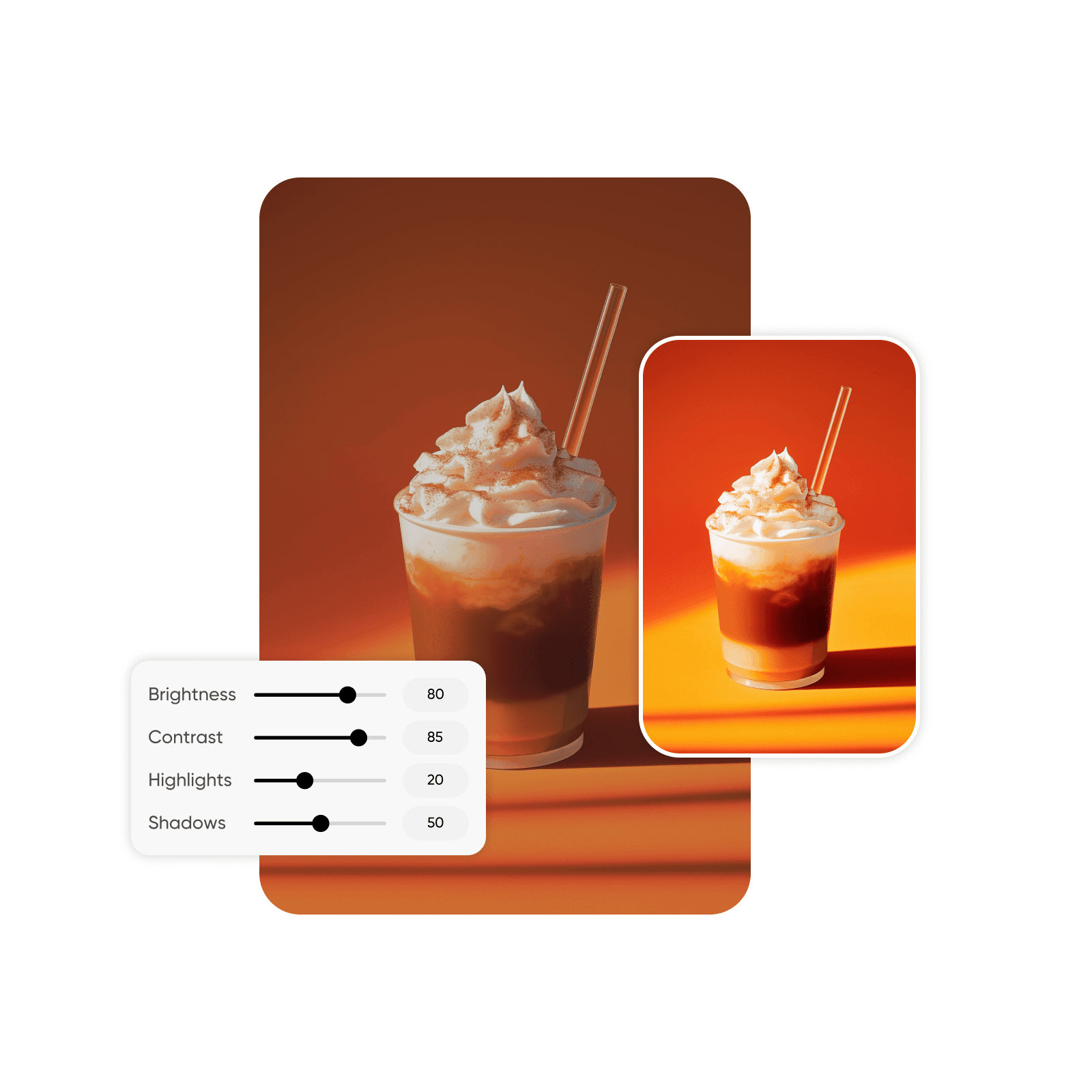
Customize brightness levels and more for the perfect shot
Take full control over the final appearance of images. Picsart's image brightener tool gives you the flexibility to not only brighten images but customize other visual properties as well. Adjust contrast, shadows, and highlights to keep photos looking balanced and vibrant after you brighten them. Go beyond basic tweaks, and refine the color, clarity, saturation, hue, and lightness to achieve a picture-perfect finish.
- Choose a brightness that suits the image
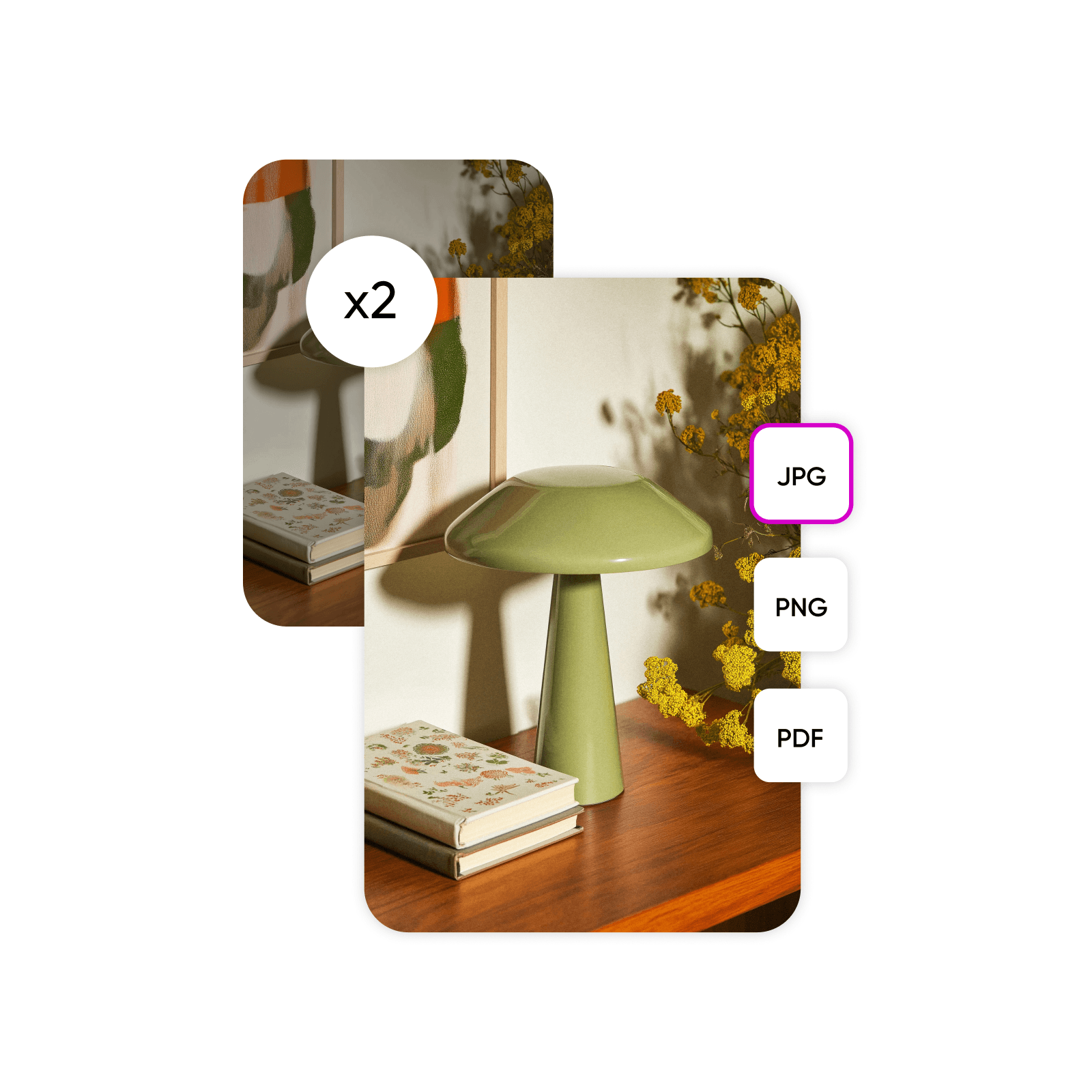
Lighten images and download them in high-resolution formats
Think twice before discarding images with dim colors, shadows, or poor contrast. Instead, make darkened photos brighter and lighter so visual details are easier to see and edit. Once you brighten photos, Picsart lets you download them in high-resolution formats, including PNG, JPG, and PDF. The photo editor even supports SVG file uploads, allowing you to brighten vector images and use them in logos and other graphic designs.
Boost visibility with bright images that make a statement
Want to seize the spotlight? Brighten images to showcase their best features and attract notice from your audience, no matter how and where you present photos. Use the picture brightener to improve and enhance photos for any occasion, including:
Social media: Brighten photos to stand out and drive engagement on visually oriented platforms like Instagram and Facebook.
Professional photography: Enhance the visual quality of portraits, landscapes, product photography, creative portfolios, and brand assets, ensuring they meet professional standards.
Everyday use: Show personal photos in the best light, making them look vibrant and polished.
- Make the subject easier to see

Explore all of Picsart’s photo editing capabilities
No need to settle for dark, underexposed photos. Picsart’s user-friendly tools make it quick and simple for anyone to learn how to brighten images in an instant. Then, use the editor’s collection of DIY image tools to edit photos as much as you like. From color effects to cartoon filters, discover more ways to create eye-catching photos that elevate your creative projects.
Brighten images FAQ
To brighten a picture, upload a file and select the Adjust feature. Under this category, you can find a toggle for brightness that allows you to lighten or darken the image at will and instantly see the changes.
Edit brighter images for every visual story
Pro
Most popularAI tools for everyday creative work.
Ultra
Most powerfulHeavy AI usage for creators & teams.
More tools to love from Picsart


