Edit Google Drive photos with Picsart
Improve your photo editing workflow with the Picsart app for Google Drive.
- Open photos from Google Drive
- Save edits back to your files
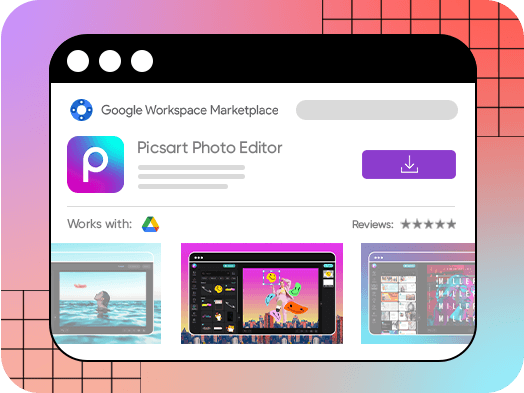
A powerful photo editor that streamlines your workflow
Let’s face it – there’s a lot competing for people’s attention. Content creators and brands are under constant pressure to produce relevant, visually interesting content at lightning speed. That’s where the power of the Picsart photo editor shines through. Rather than switching back and forth between photo editing software and design tools, Picsart offers a way to do it all: edit photos with cutting edge tools, including filters and effects you won’t find anywhere else, and create custom content using those images. Once the Picsart photo editing app for Google Drive is installed, it’s even more seamless to upload files into Picsart and download final images back into your Google Drive.
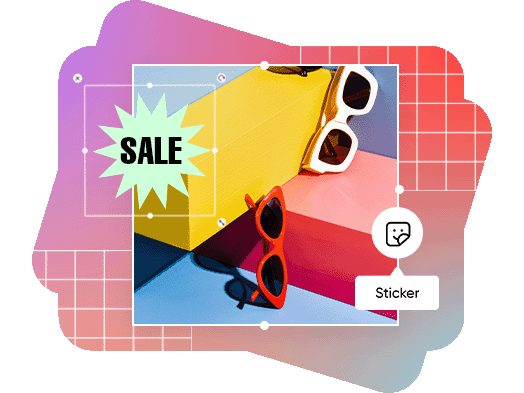
Photo editing tools to save time and effort
Making digital content to refresh websites, online stores, and social media feeds can be a time-consuming and often expensive endeavor. That’s because skilled graphic designers are hard to come by, and the design software used to make custom graphics or touch up photos don’t come cheap. What’s more, the software can be complex, often requiring years of training to learn. The Picsart Google Drive app, in stark contrast, has a wide range of free tools, templates, and stock photos that make content creation fast, cost effective, and practically effortless.
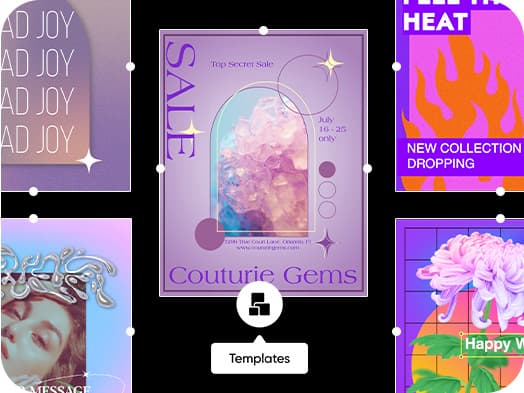
Access tons of free templates and stock photos and videos
Looking for more than just a photo editor? Picsart offers professionally-designed templates to create posters, menus, social media posts, flyers, and so much more. Browse fully customizable templates for just about any occasion, with a wide range of aesthetics. With a huge selection of fonts, graphic elements like stickers, and an extensive library of stock photos, any template can be made to look unique and custom. Find all the templates and tools you need in the Picsart app for Google Drive to get your message across with style.
- Give a template your own look
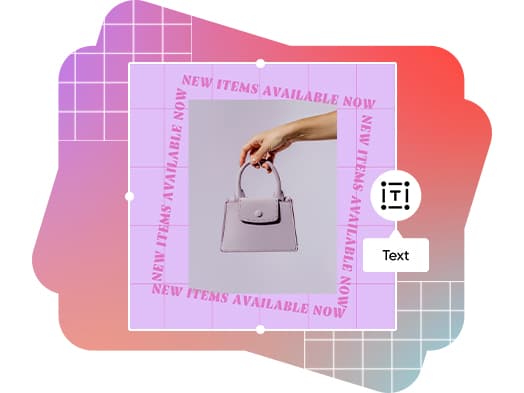
How to use the Picsart Google Drive app to edit images for any industry
E-commerce
Selling online? Showcasing products with professional photos is a given. But getting those slick product shots often involves a huge photography budget. Forget the custom backdrops and fancy lighting: use the Picsart photo editor to swap out the background or blur imperfections with just a few clicks.
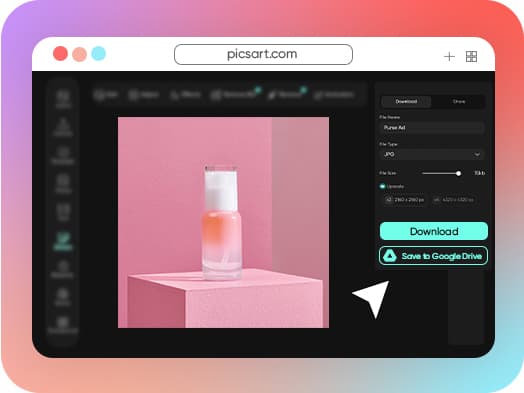
How to connect Picsart to your Google Drive
How to
Find the app
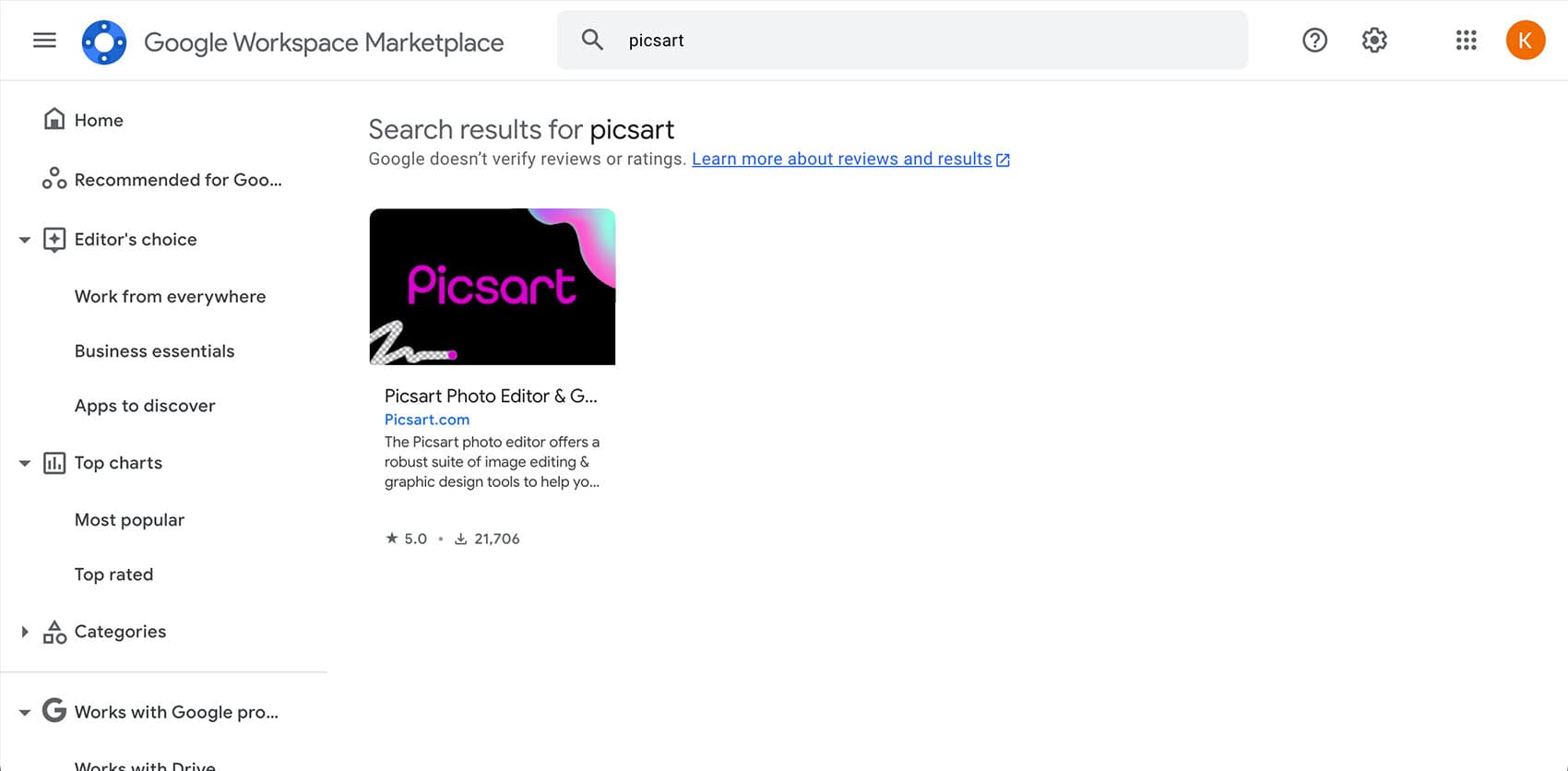
Find the Picsart app in the Google Workspace Marketplace. Or, open any image file in your Google Drive, right click for more options, and choose Open with. Next, click + Connect more apps and search for Picsart.
Picsart Featured In






Edit photos for polished creator content
Pro
Most popularAI tools for everyday creative work.
Ultra
Most powerfulHeavy AI usage for creators & teams.
Enterprise
Custom AI solutions for large organizations.
- Volume discounts on credit rate
- On-demand top-ups
Learn image editing basics
Learn how to make cleaner edits with practical steps.
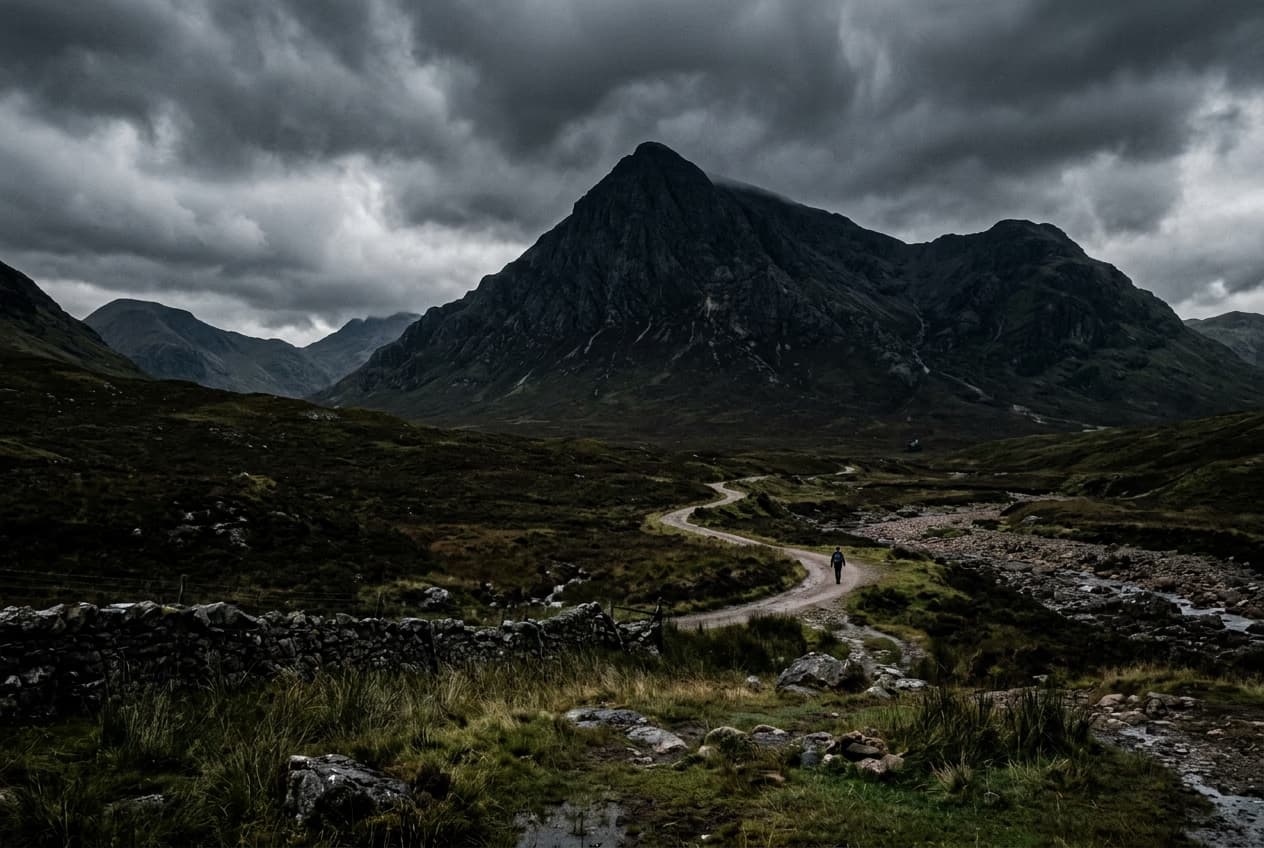
Remove unwanted objects from photos with AI
3 minBeginner
Replace objects in photos with AI-generated content
4 minIntermediate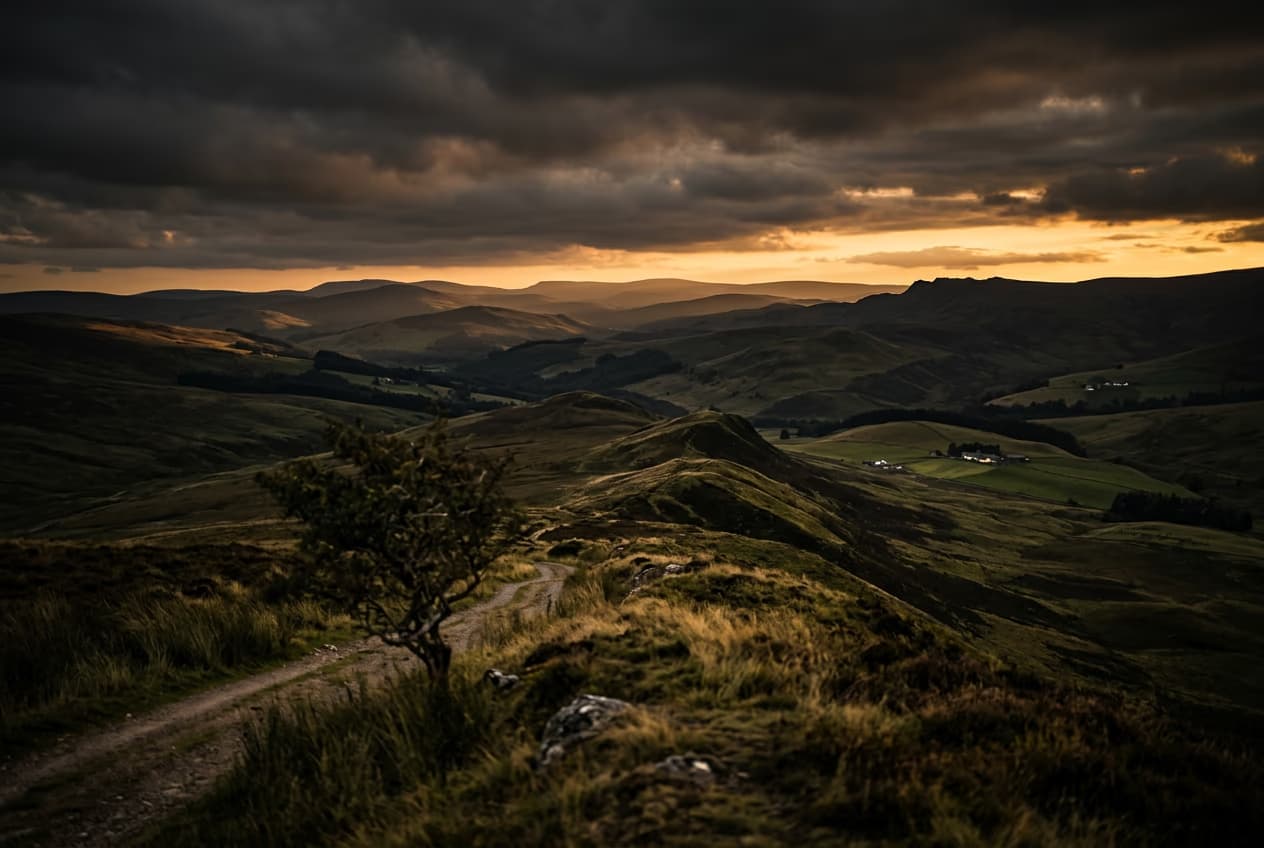
How to expand images beyond their borders with AI
4 minBeginner
Upscale low-resolution images to HD with AI
3 minBeginner
Edit any part of an image with text prompts
4 minIntermediate