MiniMax Music v3: text-to-music with vocals and instrumentals
MiniMax Music v3 is MiniMax's latest AI music model, live in Picsart's AI Playground. Type a style prompt and it composes, arranges, and performs a full track — lead vocals, instrumentals, or both — in a single generation. Drop in your own lyrics when the song needs to say something specific, then export clean, ready-to-use audio with configurable encoding. One prompt, a finished song — alongside 170+ other AI models.
- Create vocals and instrumentals
- Turn a prompt into a full song
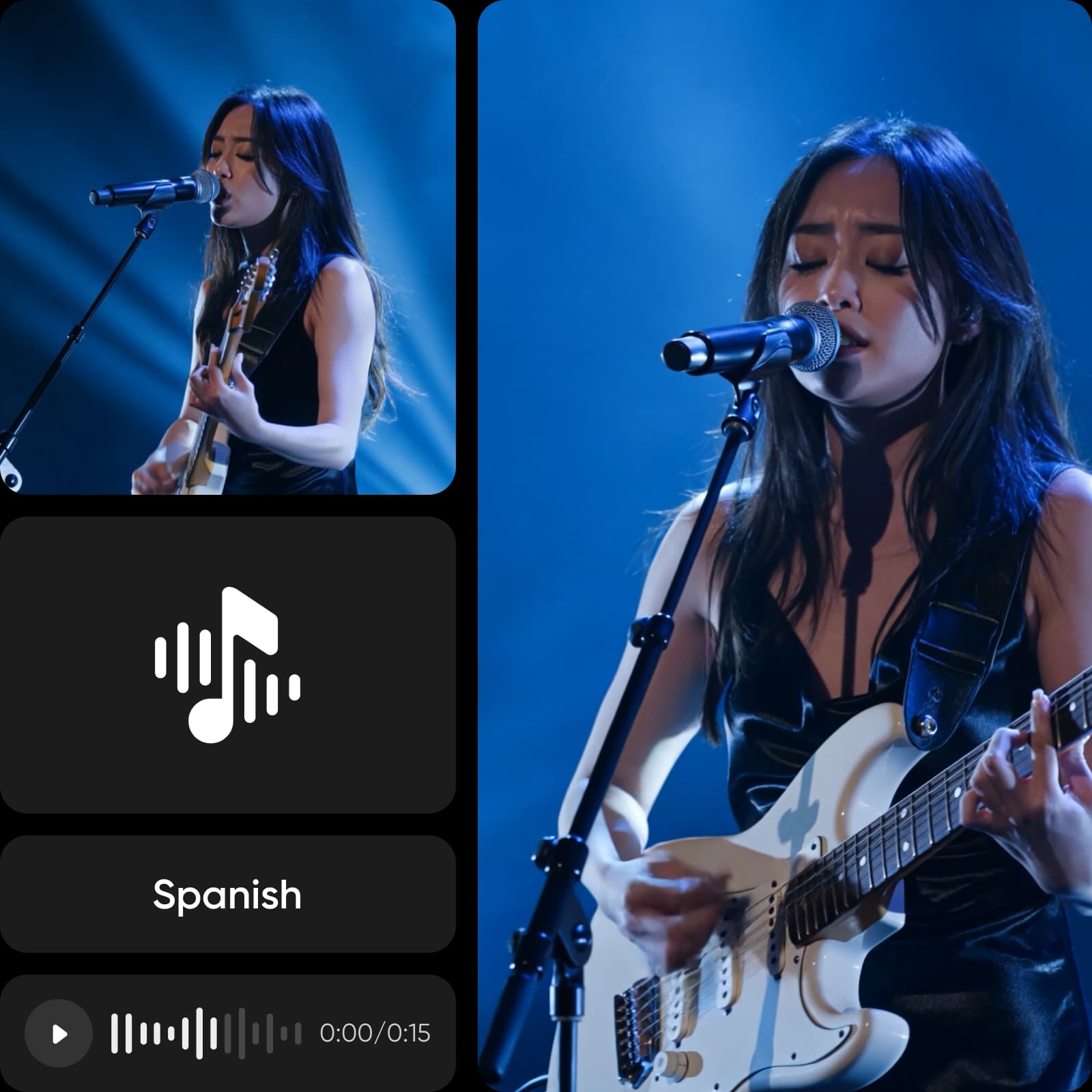
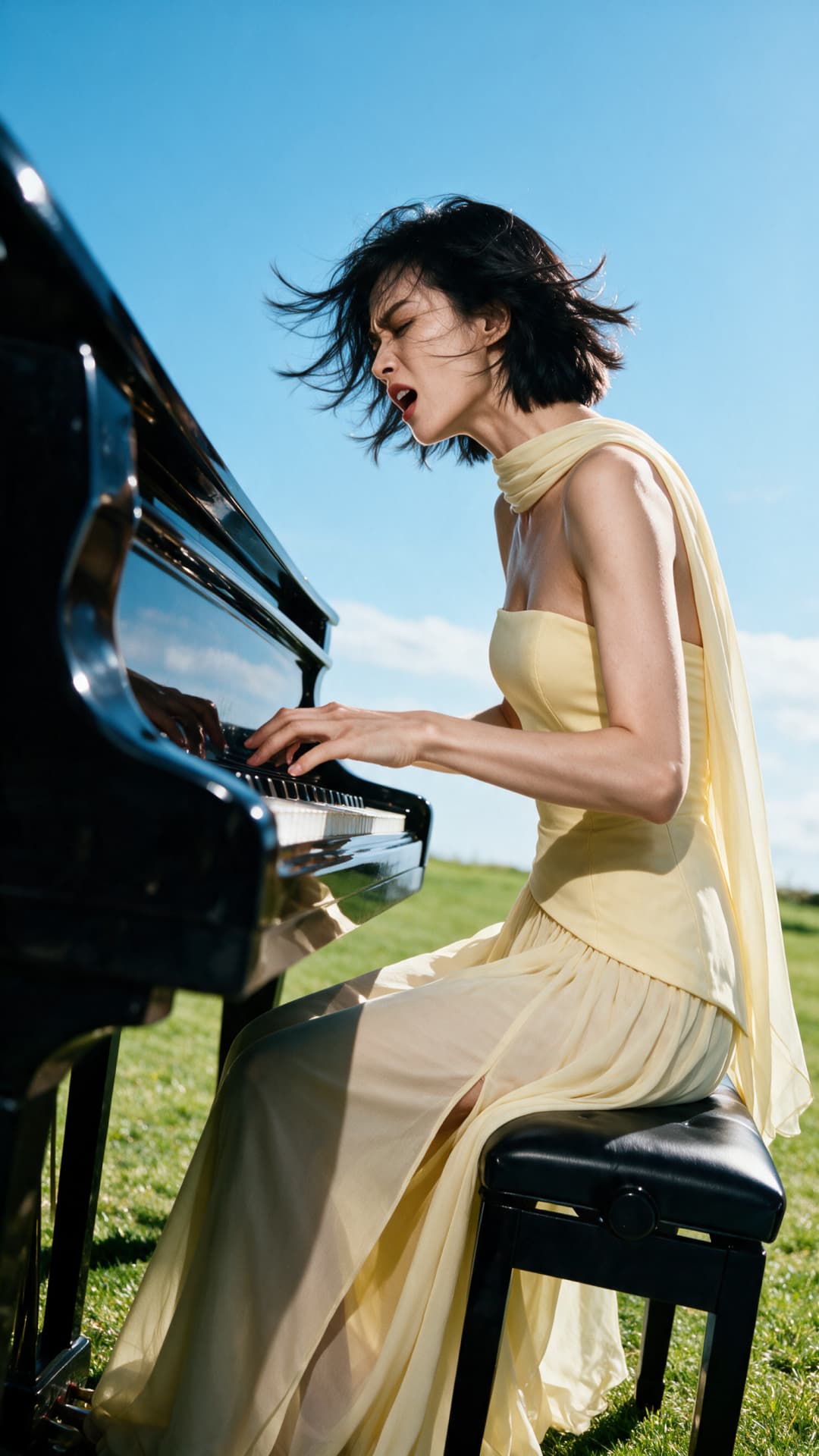
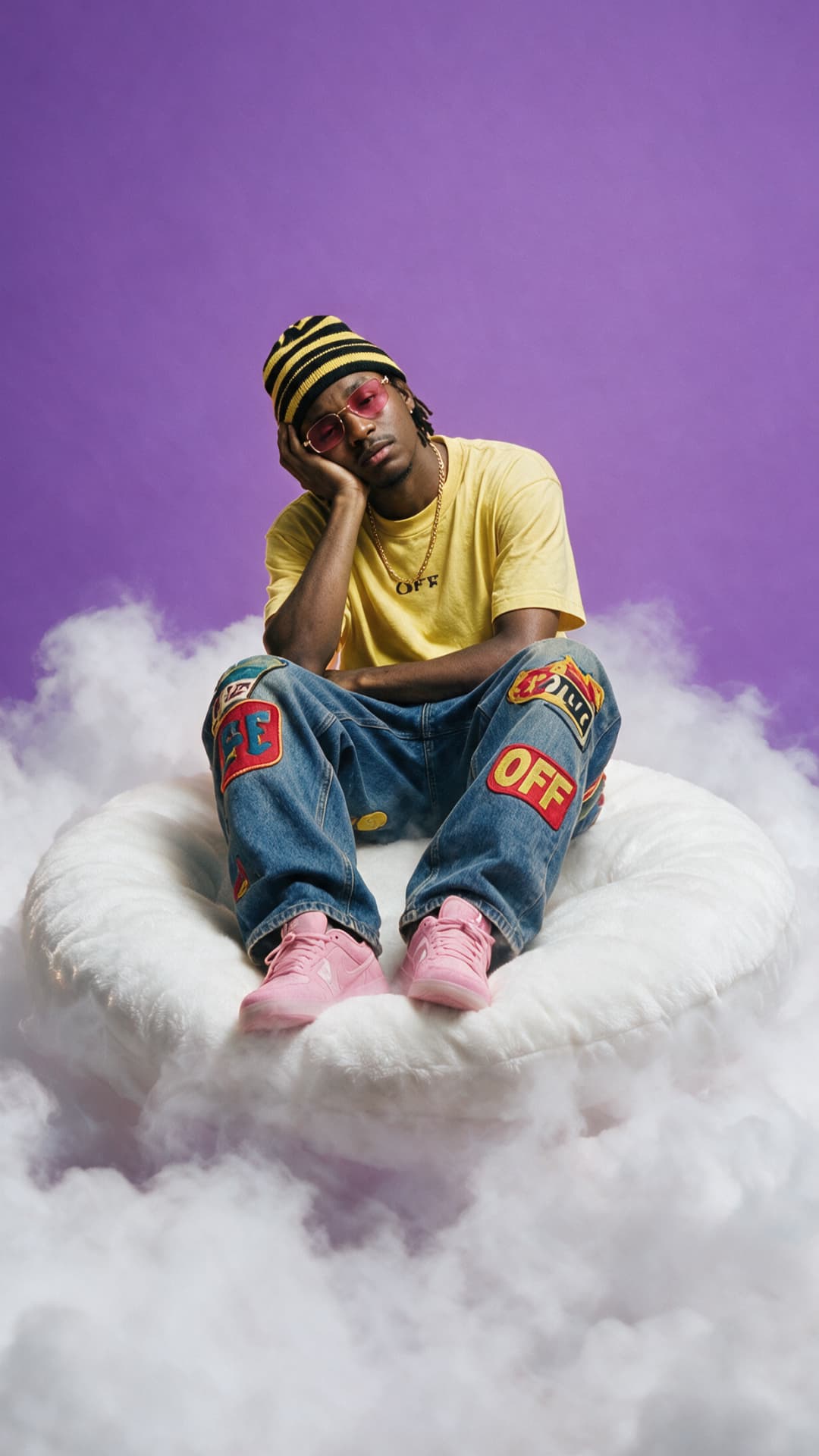
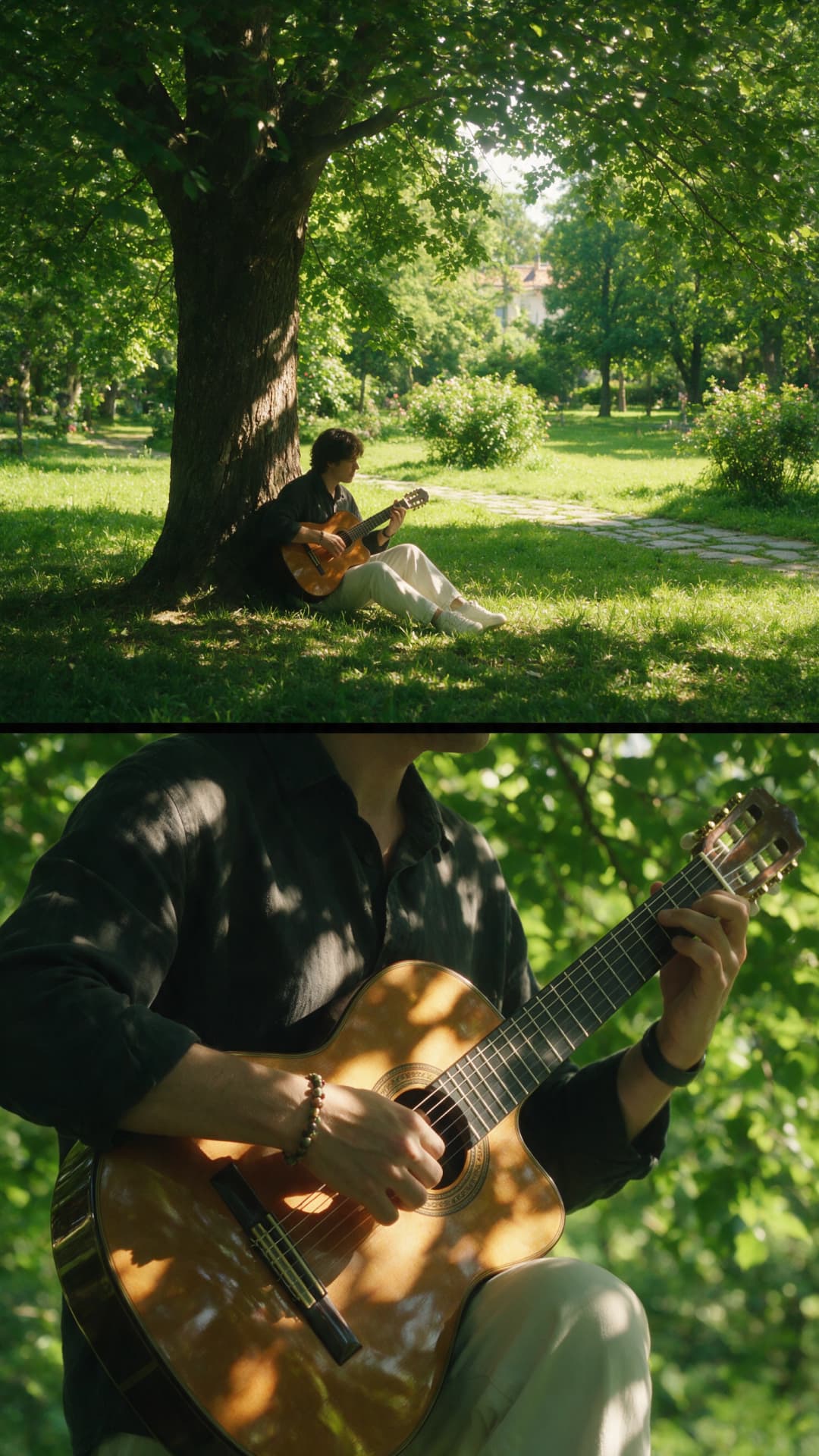
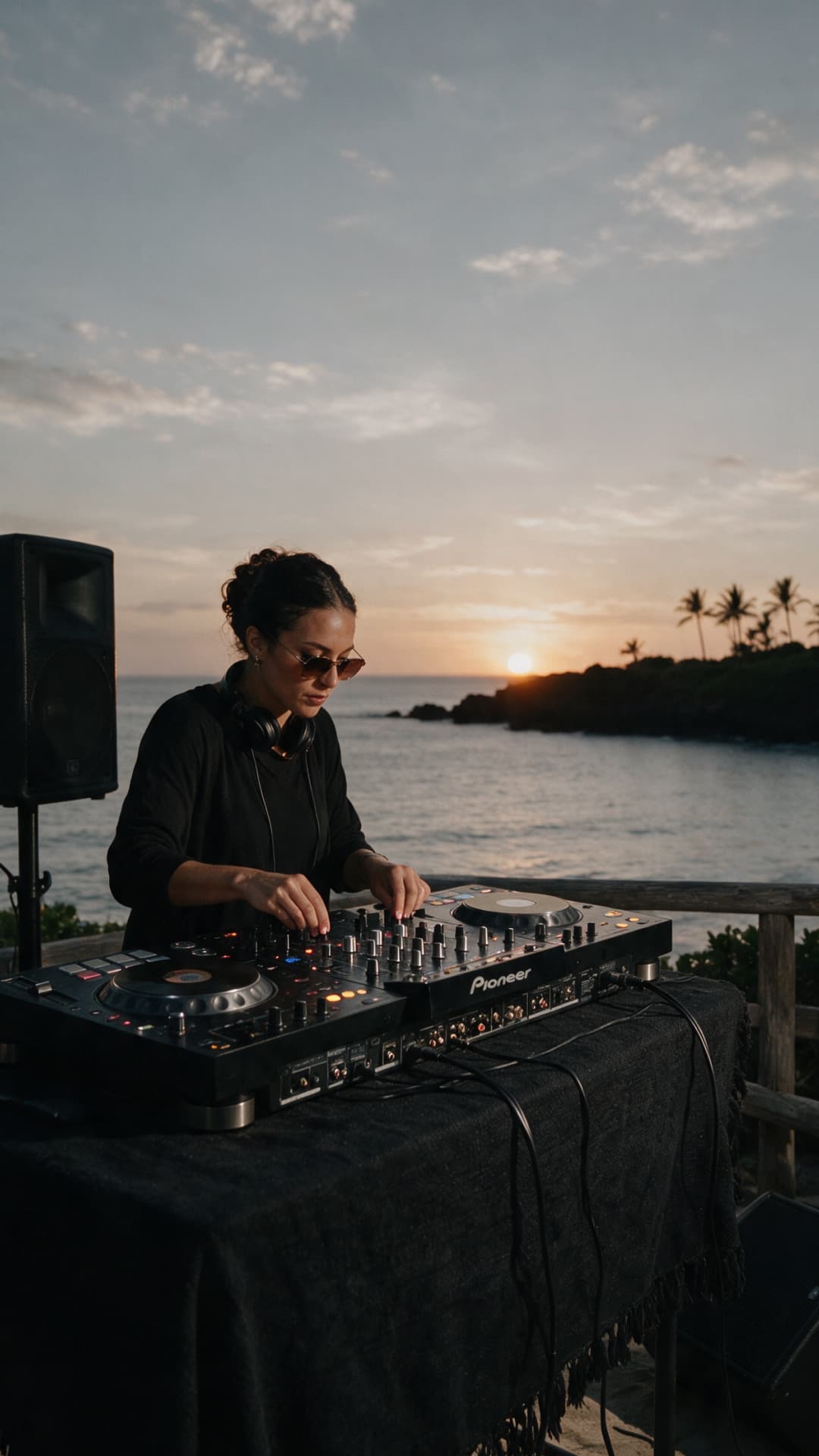
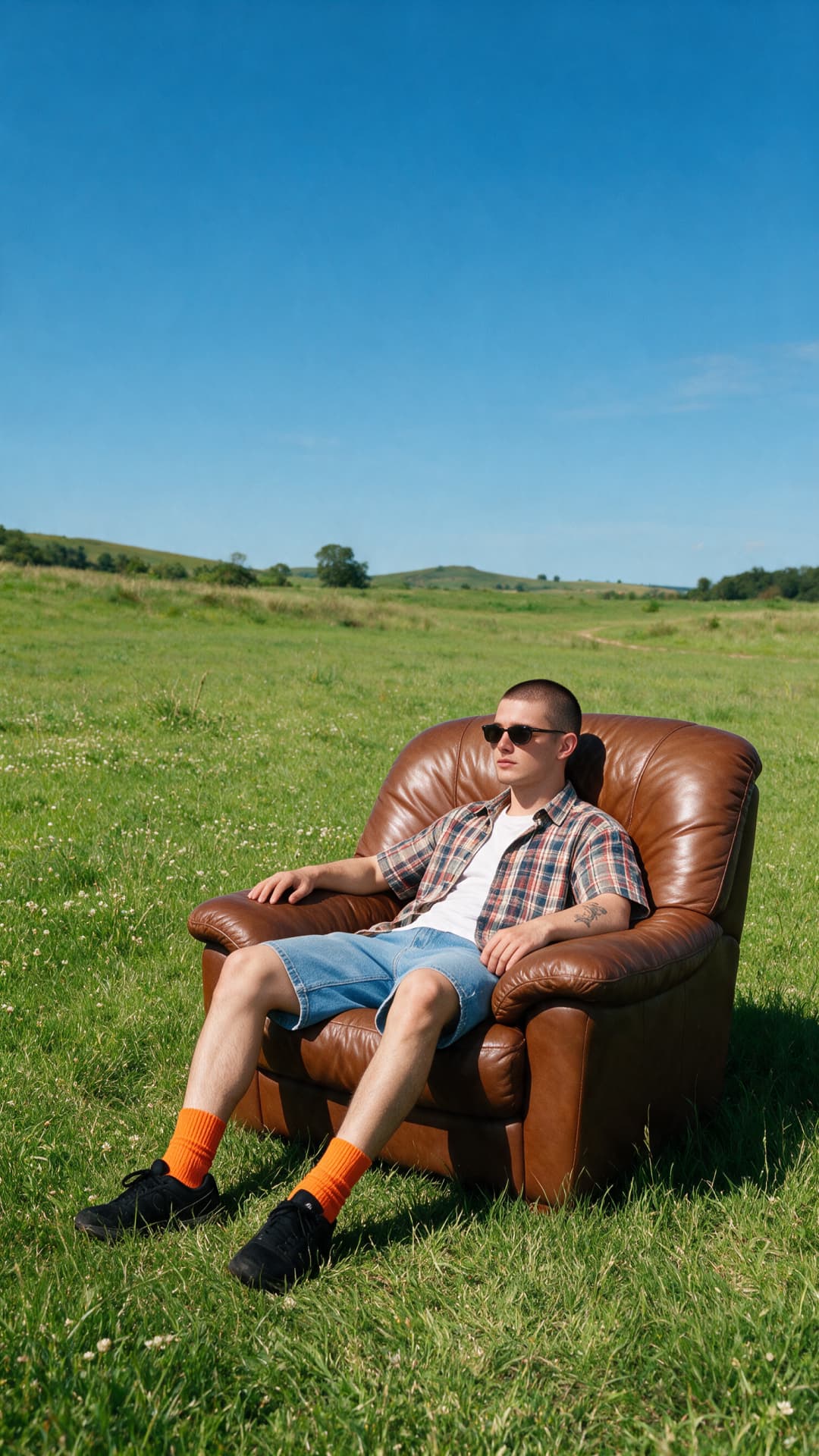
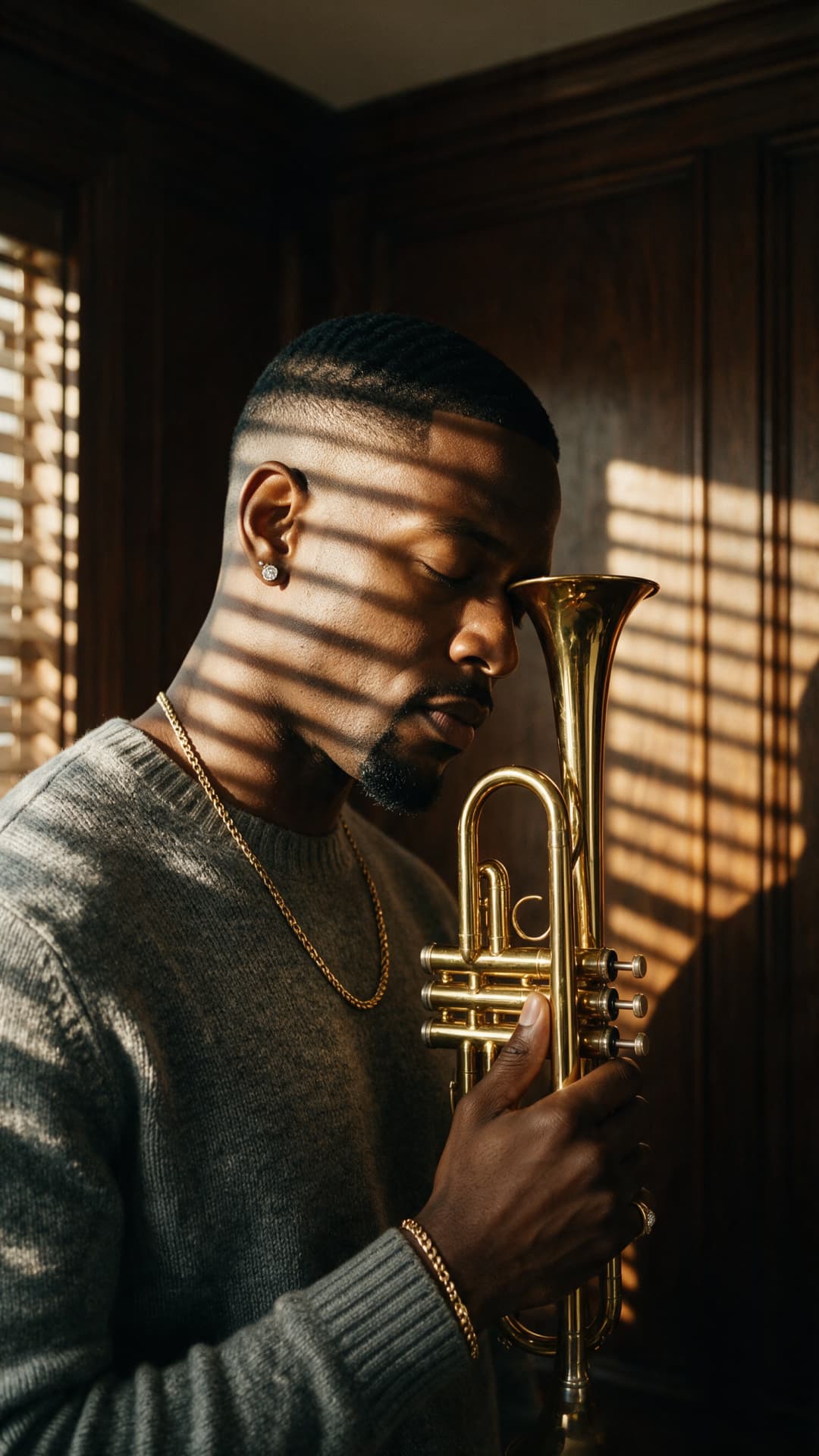
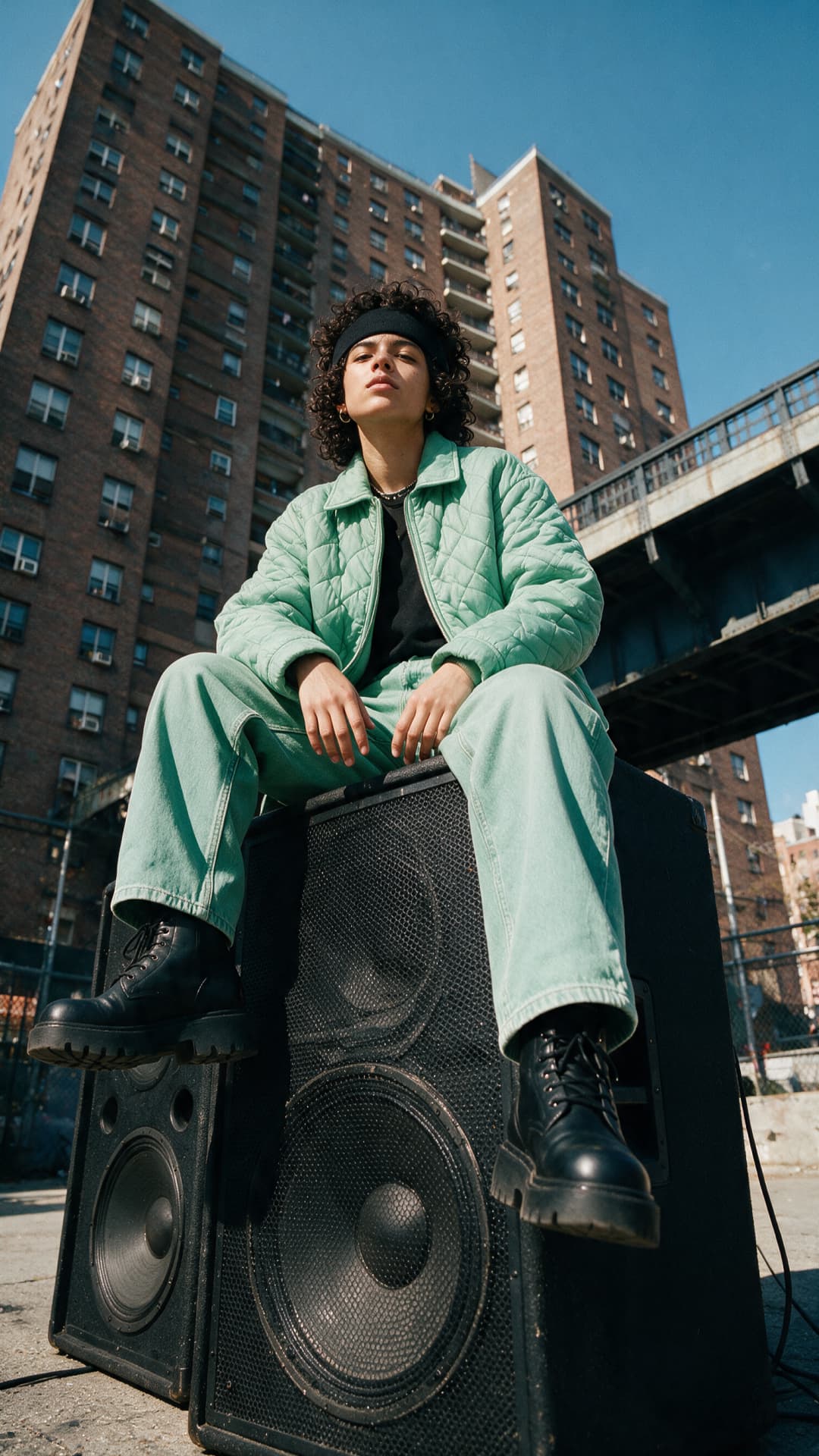
Write and perform full songs from a prompt
MiniMax Music v3 writes, arranges, and performs complete songs from a single plain-language prompt. Describe a genre, mood, or scene and it builds the whole track — melody, instrumentation, and vocals — or strips it back to a purely instrumental cut when you just need a backing bed. Bring your own lyrics and it sings them word for word; leave them out and it writes them for you. Configurable audio encoding lets you set the exact format and quality, so every track lands ready to use.
- Write a song from a prompt
Vocals, instrumentals, or both — you decide
Direct the whole track, not just a loop. Call for vocals or go fully instrumental, set the genre, tempo, and mood, and hand it your lyrics to perform word for word. Configurable audio encoding lets you lock the output format, sample rate, and bitrate, so tracks export clean the first time. From pop and hip-hop to cinematic and ambient, MiniMax Music v3 covers the range you need for original songs, soundtracks, and background audio.
- Choose vocals or instrumentals
Make music without ever leaving Picsart
MiniMax Music v3 lives in Picsart's AI Playground, where a single prompt can run it head-to-head against 170+ other AI models — no setup, no config. Pick the model, describe your track, and generate. And you can reach MiniMax Music v3 whichever way you work: on the web, in the desktop app, or wired straight into your own projects via CLI, MCP, REST API, and SDK — with no third-party API keys or extra subscriptions to manage.
- Work inside Picsart
A finished track, not a four-bar loop
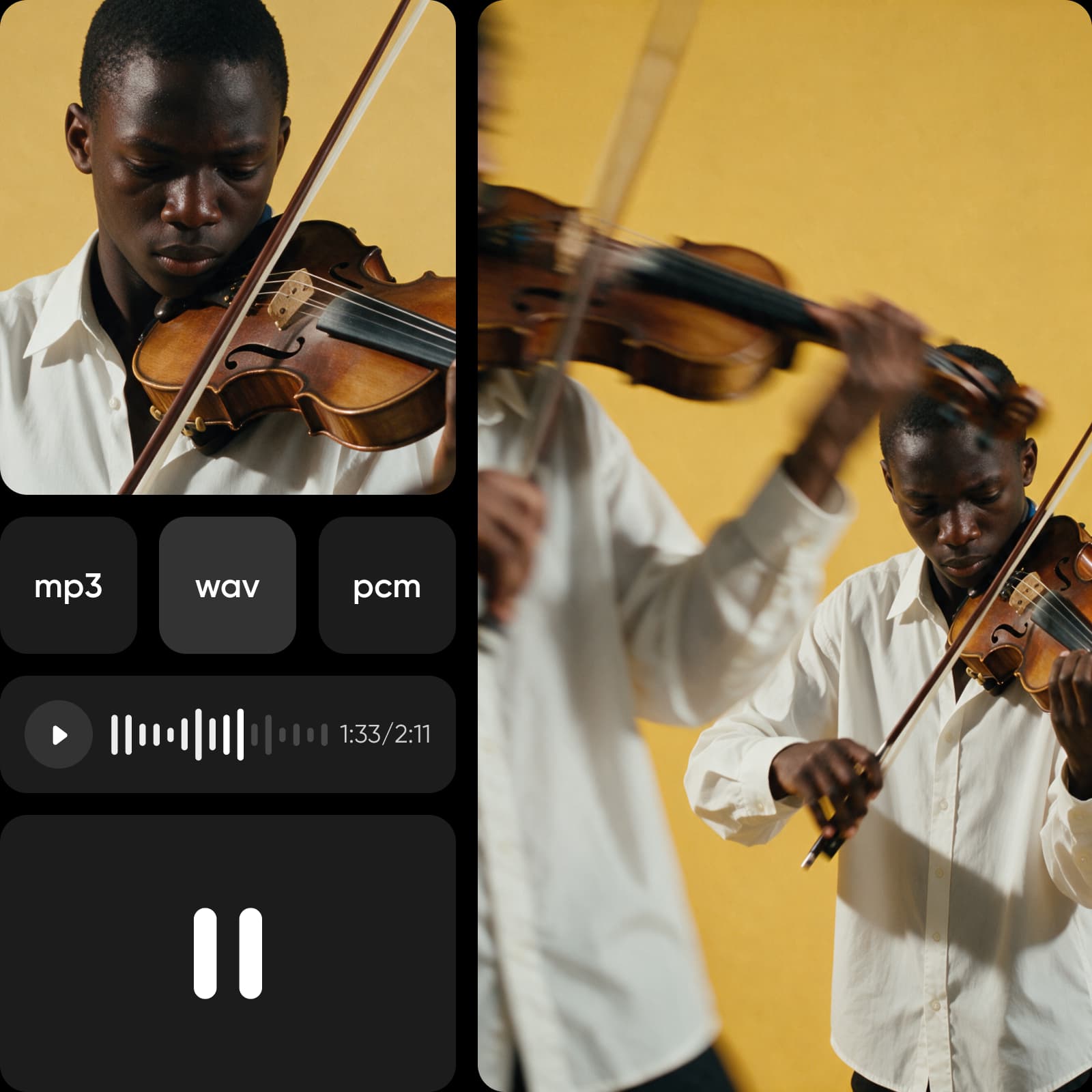
MiniMax Music v3 delivers a finished song from one prompt — vocals, instrumentals, or both — not a four-bar loop you have to stitch together. Your own lyrics make it say exactly what you mean, and configurable encoding keeps every export clean and release-ready. Fast, prompt-driven, and genre-spanning, it's built for social content, video soundtracks, ads, and original music — all inside Picsart's AI Playground.
- Create more than a short loop
What you can create with MiniMax Music v3
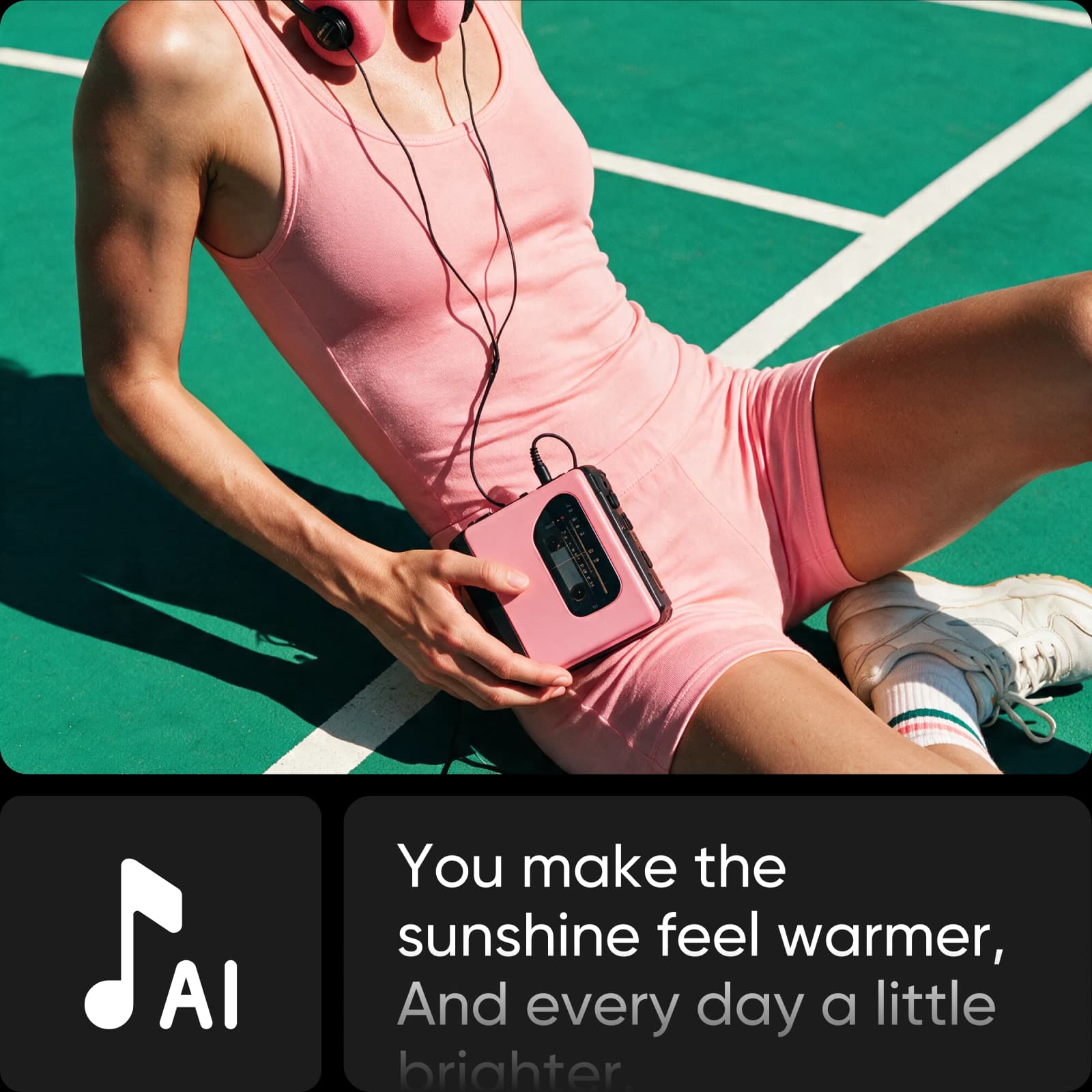
Generate songs from a style prompt
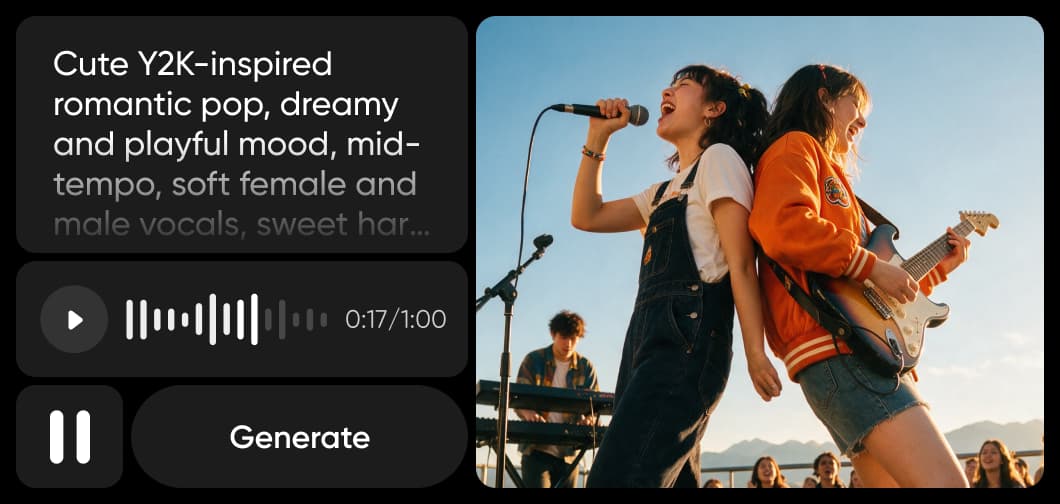
Describe the sound you want — genre, mood, tempo, vocal style — and MiniMax Music v3 produces a fully arranged track with vocals and instrumentation, ready to drop into your project.
Explore more models like MiniMax Music v3
Compare MiniMax Music v3 with other audio models for music, sound, and creative production.
MiniMax Music v3 FAQ
MiniMax Music v3 is MiniMax's latest AI music model. From a single text prompt it generates a fully produced track — with vocals, instrumentals, or both — and it's available in Picsart's AI Playground.
Generate AI music with MiniMax Music v3
Pro
Most popularAI tools for everyday creative work.
Ultra
Most powerfulHeavy AI usage for creators & teams.
Enterprise
Custom AI solutions for large organizations.
- Volume discounts on credit rate
- On-demand top-ups