AI Video Editor

This reference explains how AI Video Editor works: Start with source footage, choose a targeted edit or describe a change, review the transformation, and export the clip. It focuses on current capabilities, inputs, models, settings, outputs, access, and practical use cases. The main product page remains the place to start creating.

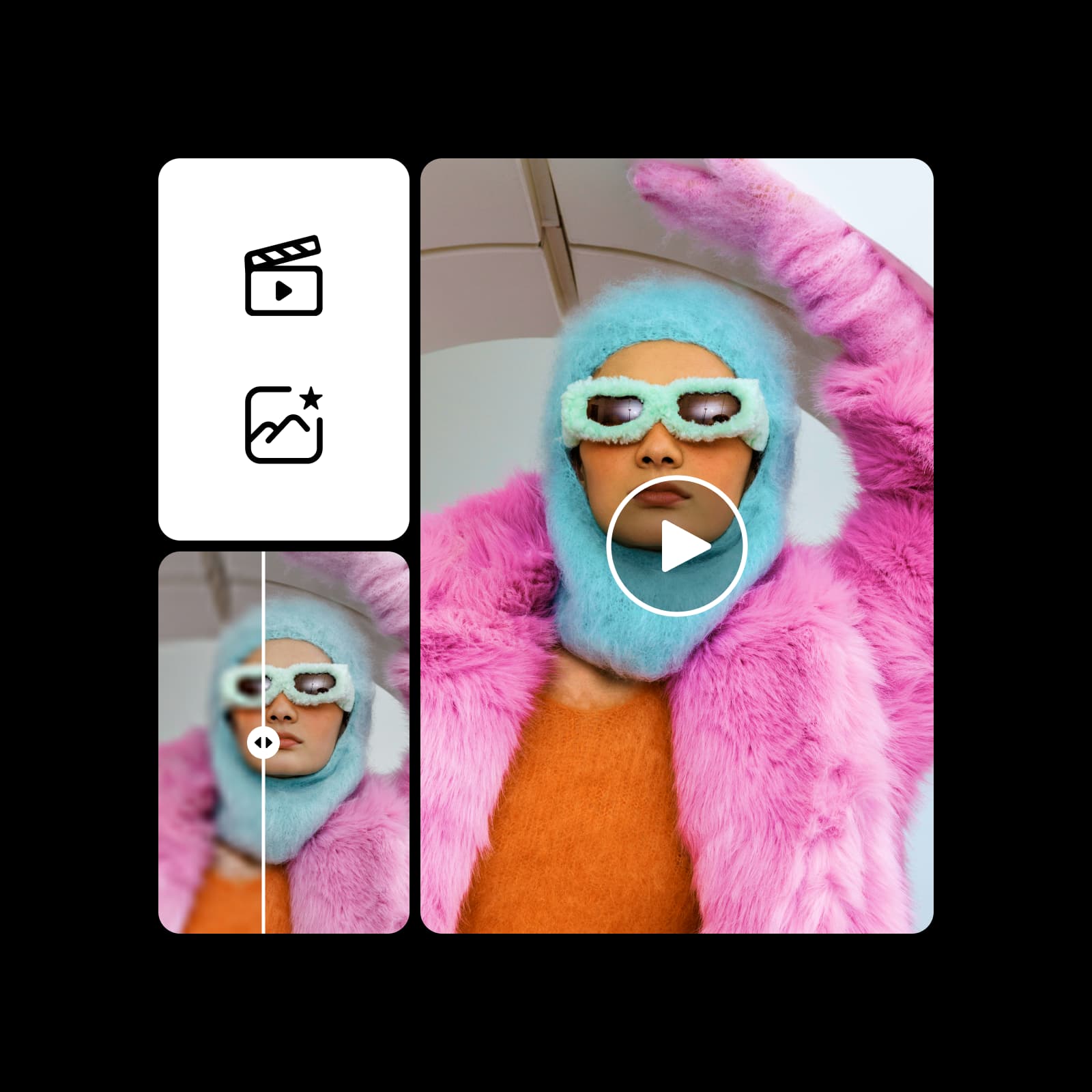
AI Video Editor source footage example
AI Video Editor
Upload a videoStart with source footage and choose the edit you want to make.
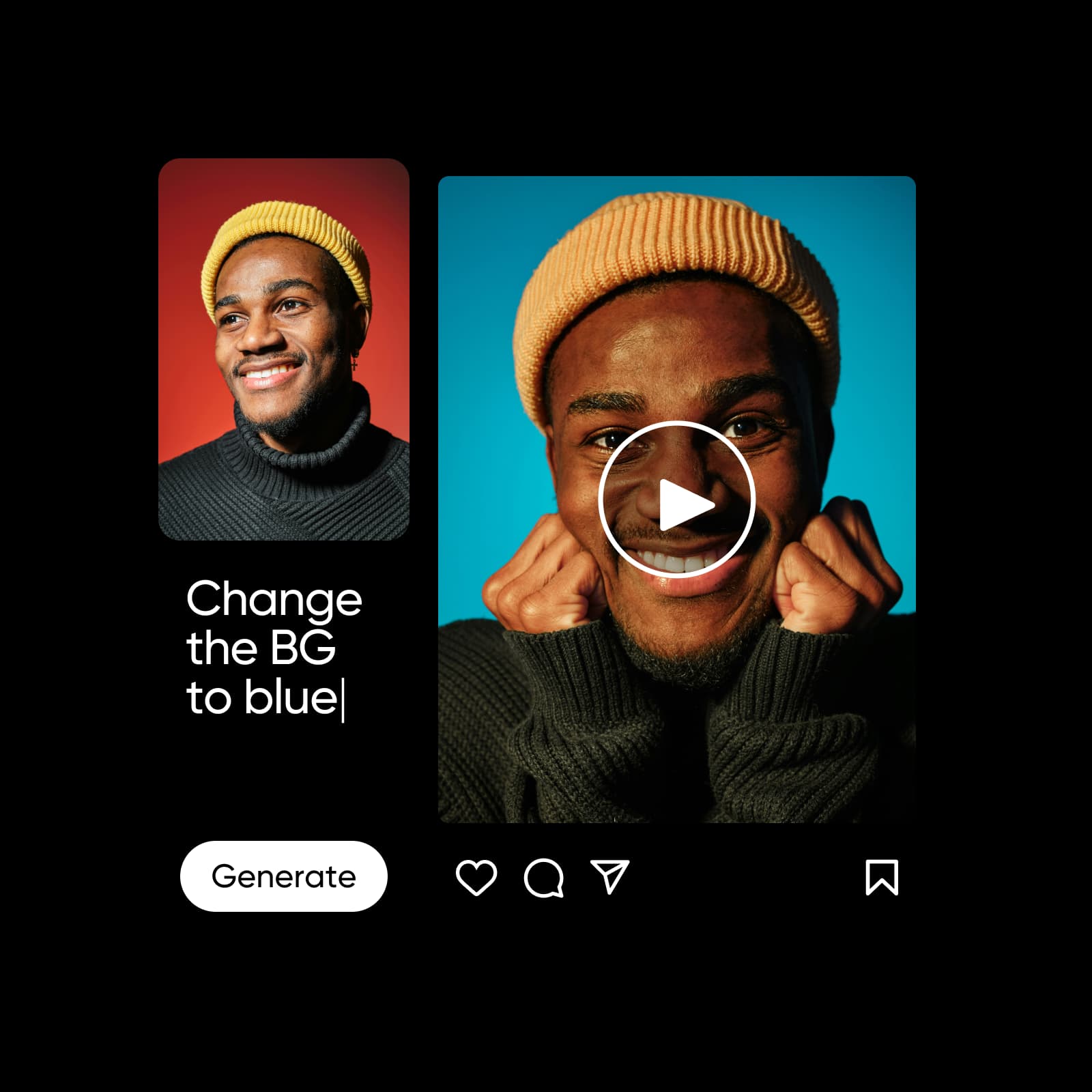
Prompt-based AI video editing example
AI Video Editor
Describe the changeUse a prompt, effect, or transformation to guide the edit.
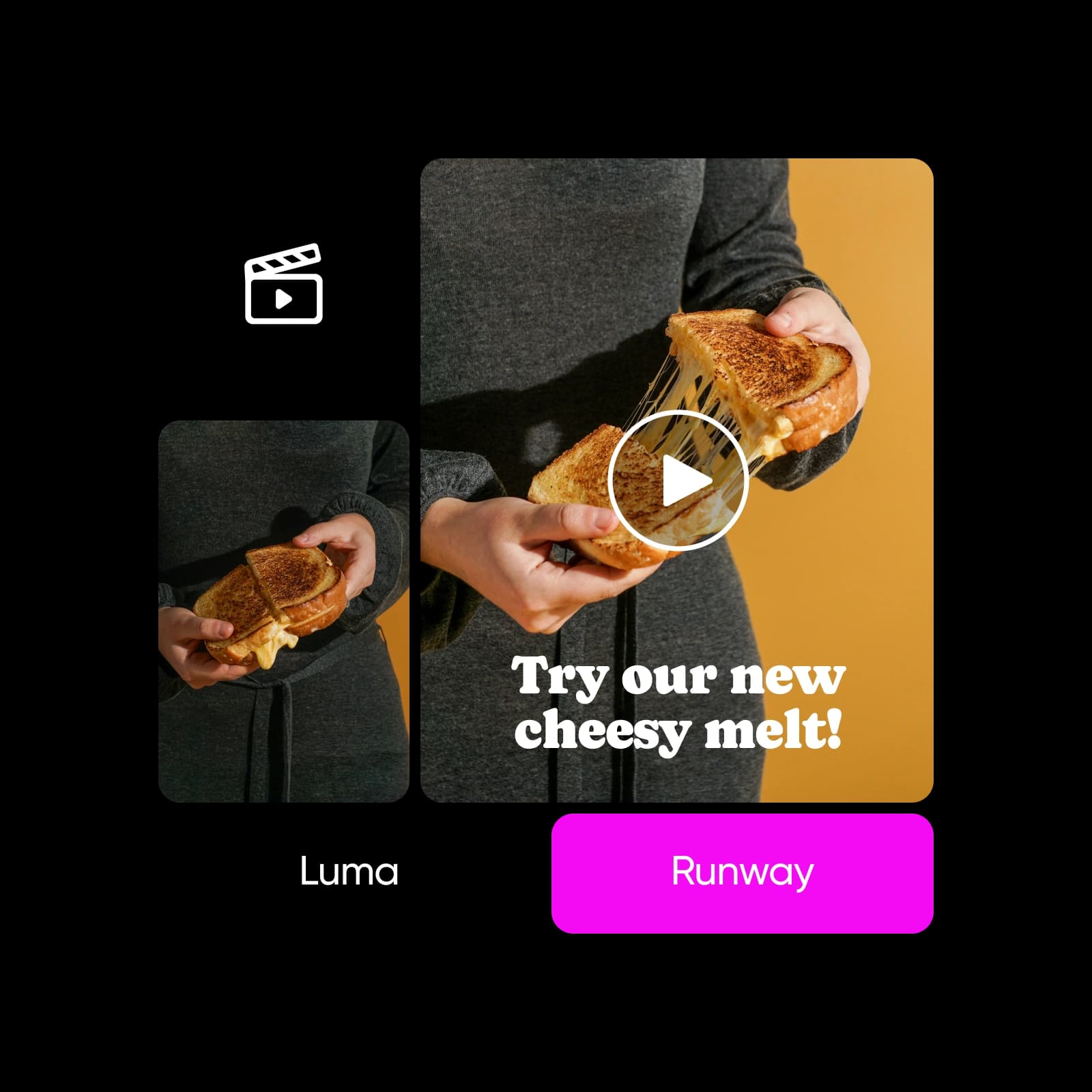
AI video transformation example
AI Video Editor
Transform the sceneChange backgrounds, lighting, objects, subjects, or frame composition.

AI Video Editor at a glance

Snapshot checked September 7, 2026. Values reflect current product pages and catalogs; availability, access, and limits can vary by plan, region, and model.

  • 8+AI editing features highlighted on the current page
  • MP4, MOV, AVIformats named on the product page
  • 1-clickprompt-based editing entry point
  • Minutestypical edit and export timeframe stated on the product page
Choose your editing path

Prompt-led edits or targeted transformations?

AI Video Editor supports a prompt-first path for broad changes and targeted tools for specific adjustments. Your source video remains the starting point.

Prompt-led video editingBest when you want to describe an overall style, effect, or visual change.
Upload source footage
Describe the changes
Add references when useful
Review and refine the result
Targeted AI transformationsBest when you need a specific adjustment to the scene or subject.
Remove or replace the background
Swap objects or subjects
Extend the scene or frame
Export the finished clip

What AI Video Editor includes

AI Video Editor capabilities, inputs, and controls.

  • Smart VFX overlays

    Add cinematic effects that change the look and atmosphere of a clip.

  • Scene teleportation

    Switch backgrounds and place the subject in a different setting.

  • Mood and light transformation

    Adjust lighting, color, and atmosphere to match a new direction.

  • Scene extension

    Expand the frame to create a wider or more dynamic composition.

  • Object and subject swap

    Replace unwanted items or change a subject while keeping the edit coherent.

  • Background removal

    Remove or replace the video background with a single editing step.

What can you do with AI Video Editor?

Representative AI Video Editor use cases and outputs. These examples describe what the workflow is suited to, not a promise of a specific result.

AI Video Editor social clip example
AI Video Editor
Social clips and short-form editsPolish clips for TikTok, Reels, Shorts, and other feed placements.
Cinematic AI video editing example
AI Video Editor
Cinematic effects and scene changesApply VFX, change lighting, extend a scene, or move a subject into a new setting.
AI Video Editor campaign editing example
AI Video Editor
Product and campaign footageTurn existing product clips into clearer, more varied campaign-ready assets.

How to edit videos with AI Video Editor
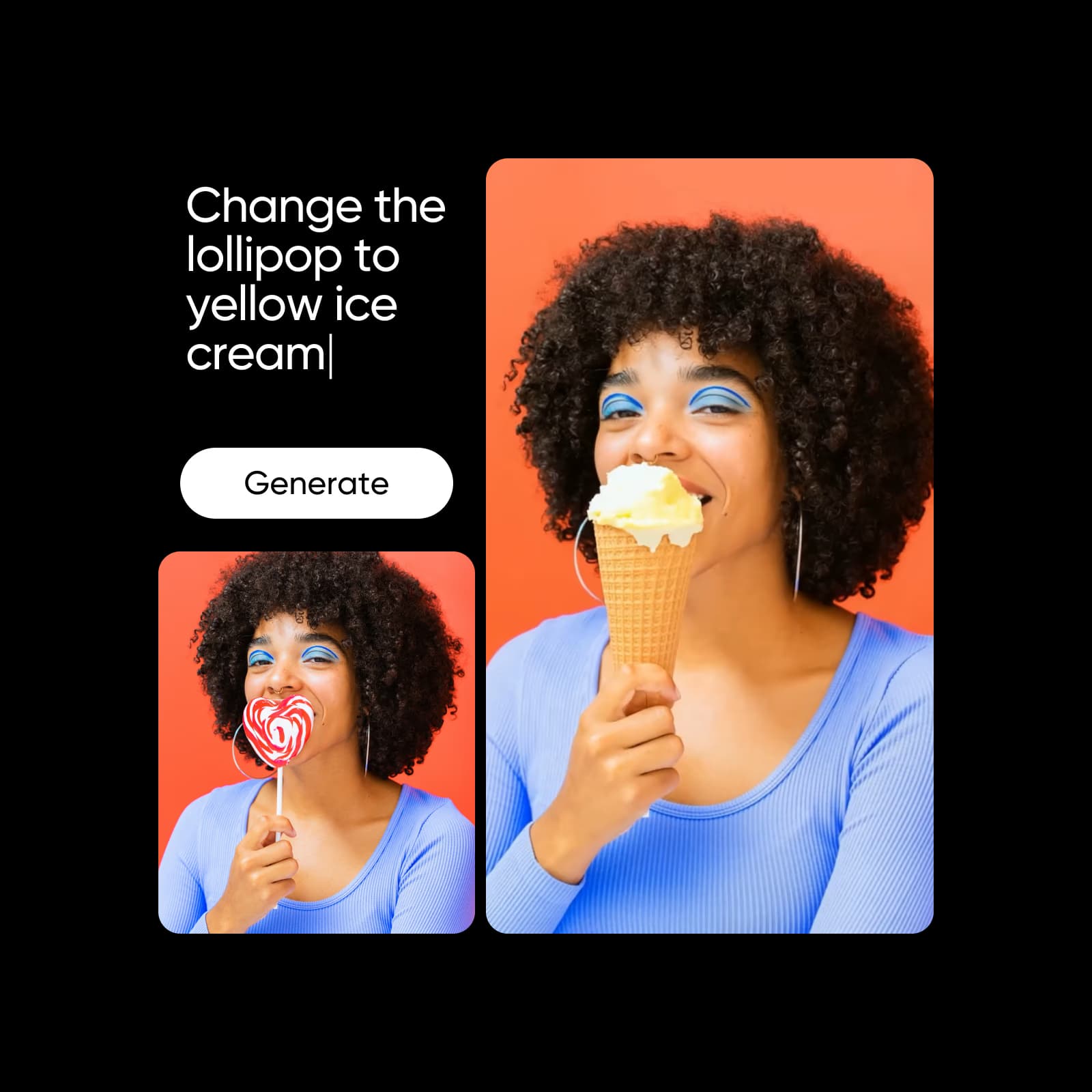
Reference workflow: Start with source footage, choose a targeted edit or describe a change, review the transformation, and export the clip.

How to

Upload your source video

Select or upload footage to start editing on the canvas.

Upload a source video

Workflow example: AI Video Editor

An illustrative AI Video Editor workflow from input to result.

Plans, credits, and access

Pro

Most popular

AI tools for everyday creative work.

$15 $10.5/mo
Billed yearly
You save $54 with yearly
  • Access to all photo & video editing features
  • Advanced background & object removal
  • Parallel video generations with the world's most powerful AI video models
  • Unlimited image generations with Flex.2 Klein
  • 1-tap image enhancer
  • Millions of stock photos & Getty video clips
  • Selection of trendy fonts, text styles & stickers
  • Thousands of premium templates
  • Support for 3+ brand kits
  • Bulk edit up to 50 images at once
  • 100 GB of cloud storage
New features:
  • Auto-generate content from your terminal or agent with the Picsart CLI
  • Use Picsart inside Claude Code, Cursor, and ChatGPT via MCP — coming soon
  • AI agents for multi-step workflows and batch generation — coming soon

Ultra

Most powerful

Heavy AI usage for creators & teams.

$45 $24.5/mo
Billed yearly, per seat
You save $246 with yearly
  • Everything in Pro
  • Early access to advanced AI features
  • Leading AI models to design & automate workflows (Nano Banana, Veo 3, Seedance 2.0 & more)
  • Parallel video generations with the world's most powerful AI video models
  • Unlimited image generations with Flex.2 Klein
  • Support for 10+ brand kits
  • Add team seats
  • Create ad variations and localize
  • Track ads performance
  • 2000 credits for API services
  • Bulk edit up to 100 images at once
  • 300 GB of cloud storage per seat
New features:
  • Auto-generate content from your terminal or agent with the Picsart CLI
  • Use Picsart inside Claude Code, Cursor, and ChatGPT via MCP — coming soon
  • AI agents for multi-step workflows and batch generation — coming soon

Enterprise

Custom AI solutions for large organizations.

Custom credit volume
  • Volume discounts on credit rate
  • On-demand top-ups
Custom
Contact for pricing
  • Access to photo & video editor SDKs
  • Mobile web SDK support
  • Prepaid or pay-as-you-go creative APIs
  • Embed professional-grade editing into your product or workflow
  • Fully configurable editing experience
  • White-label to match your brand
  • Support for built-in marketing, e-commerce & printing use cases
  • Bring your own assets: images, templates & fonts
  • Enterprise-grade security, SLAs & support
  • Dedicated account manager

AI Video Editor FAQ

Answers reflect first-party product and help pages checked September 7, 2026. Recheck fast-changing model, rating, plan, and rights details before relying on them.

  • AI Video Editor is Picsart's editing experience for transforming existing video footage with AI-powered effects, enhancements, prompts, and scene changes.