NEW: Seedream 5.5 is HERE. Refine images while keeping the details you love.

Connect Picsart image editing to Elastic.io workflows

Use the Picsart connector in Elastic.io to remove image backgrounds, upscale images, or make a custom API request. Add image processing to the business workflows you manage in the platform.
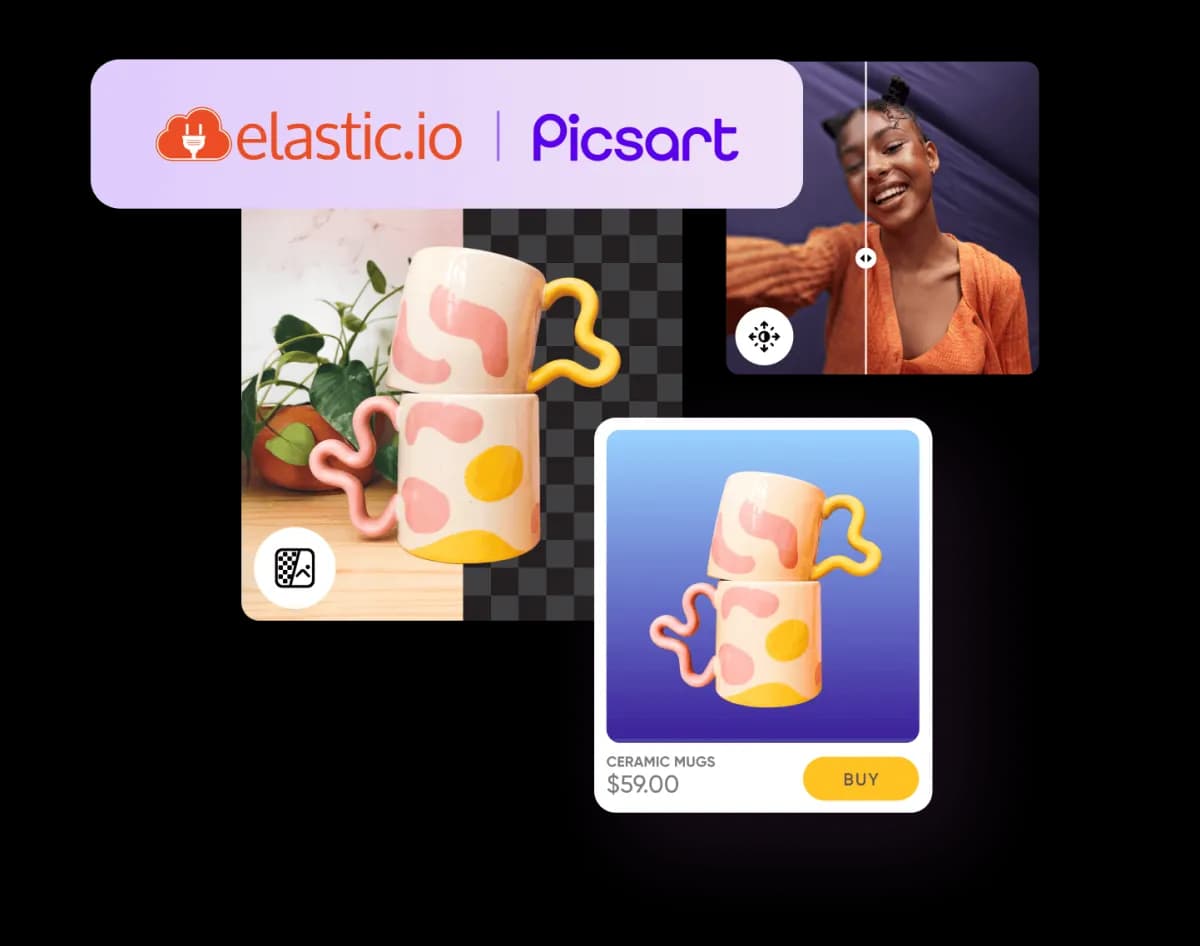
Picsart and Elastic.io integration illustration

Choose the action your workflow needs

  • Remove backgrounds

    Process an image through the connector’s background removal action before sending it to a catalog, storage app, or another step.

  • Upscale images

    Add the documented upscale action to enlarge source images and review the results in your workflow.

  • Make a custom request

    Use the raw request action when you need to configure a request to a supported Picsart API endpoint.

Get started with Picsart in Elastic.io

  • 1. Prepare your connection

    Open the connector documentation and obtain the Picsart API key required by the credentials form.

  • 2. Add an image action

    Choose background removal, upscaling, or a raw request in your Elastic.io flow. Map the input from the preceding step.

  • 3. Test and monitor

    Run a test with a representative image, inspect the response, and configure the next step before enabling the flow.

Questions about Picsart and Elastic.io

  • The connector documents Remove Background, Upscale Image, and Make Raw Request. Check its current documentation for supported inputs and changes.