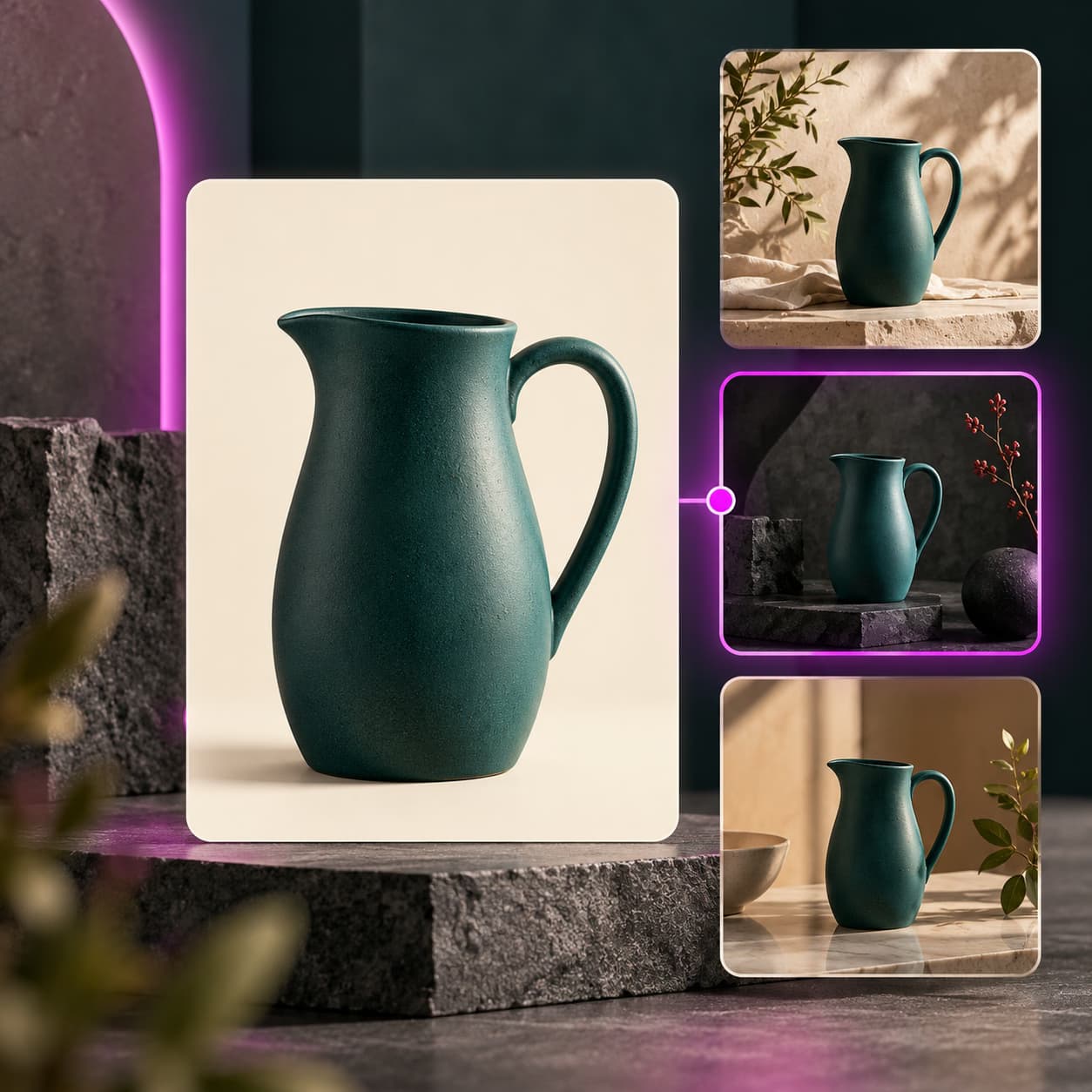
Your shop has photos. Now give it video.
Picsart Commerce turns the product photos already on your listings into short listing videos and cleaner store images — without leaving your store admin, without a shoot, and without learning a video editor. Free to install. Free to edit. Your first two videos are on us. You only pay when you generate — and you see the price first.
Your products. In motion.
See an illustrative overview of how product photos can become listing video. Product footage is a creative concept, not an installed app demonstration.
The photos are fine. The video is missing.
Most established shops have already sorted their photography. The gap is what comes after the photo: a short clip to post, ad creative in each channel’s shape, and a faster way to make it from the catalogue you already have.
Five steps. No surprises, and no surprise charges.
You are never guessing what something will cost, and nothing reaches a shopper before it reaches you. For a batch, make one first, review it, then run the rest.
Free to edit. You pay only when something new is made.
Editing a photo costs nothing. AI generation spends credits. You see the exact number before approving a new video, scene or campaign asset.
Pick the shot you would have booked.
Choose a look for a product category and review the result. The existing page describes these output shapes and lengths; actual availability should be confirmed per integration.
Make your product the story
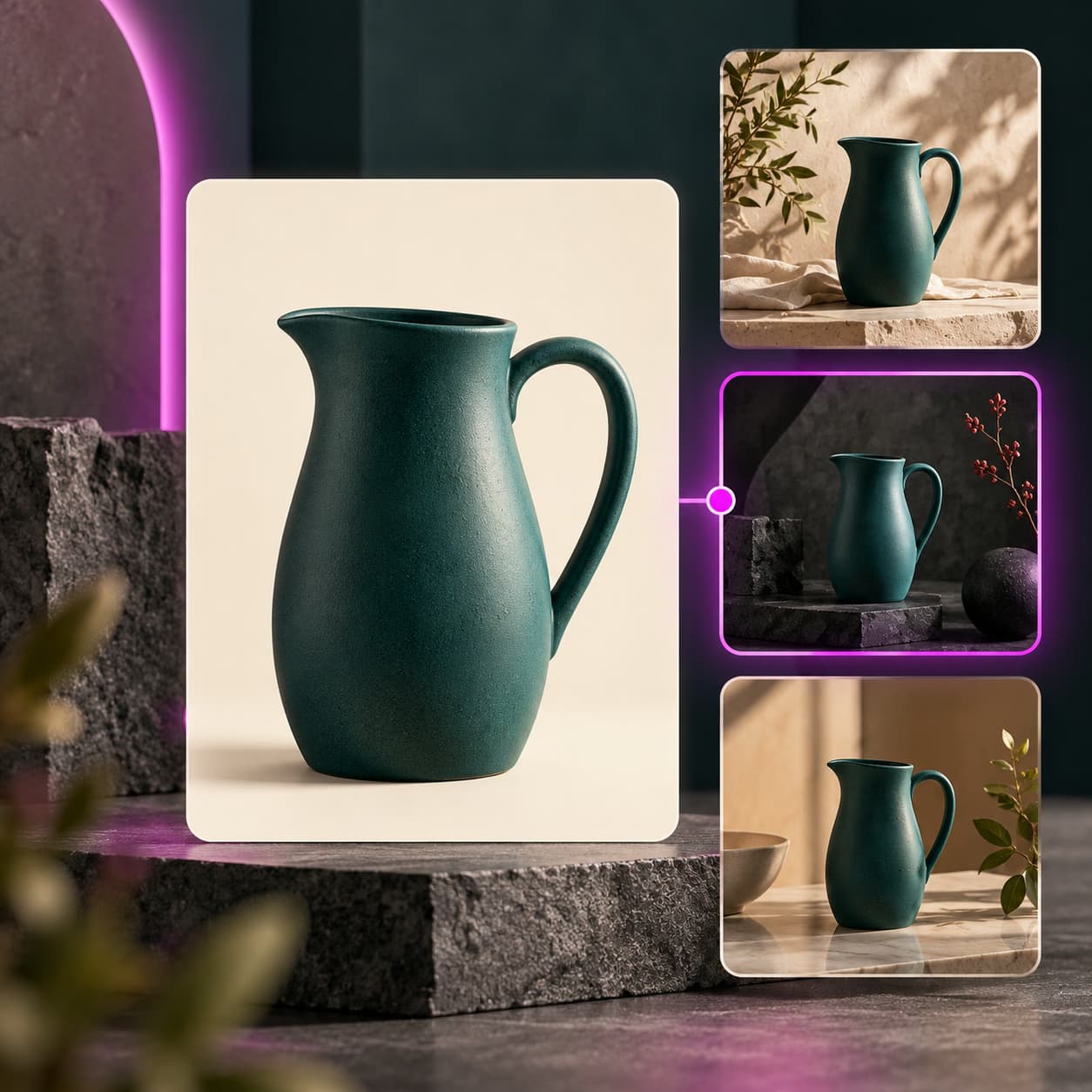
See illustrative creative treatments for product listings and social campaigns. The footage demonstrates a direction, not an installed app result.
Find your store platform
Available now for Wix. More store integrations are coming soon.
Picsart Commerce for Wix
Start with product photos from your Wix store and create images or videos with Picsart. Review your results before using them.
More store integrations coming soon
Shopify and the other store integrations below are coming soon. Have a question, a specific request or an idea? We would like to hear from you.
Every step you remove is a listing that actually gets updated.
The in-store workflow avoids the round trip of downloading, editing elsewhere and re-uploading each product asset.
It is not that it is cheap. It is that it is available.
A studio day can give you a beautiful set of images for products planned in advance. It cannot always give you a clip for the product that started selling last Thursday, in the right shapes, before the weekend.
This does not replace a photographer. It gives your team another way to make reviewed creative when a new shoot is not practical.
Prices and plan allowances vary by model, output and current terms. The exact credit quote appears before you approve a generation.
Your shop, your call, every time.
Every asset waits for review before it is delivered. Keep the original, see the price first and disconnect the app when you choose.
This is the part that lives in your store.
Picsart has been doing catalogue work for a while — generating packshots, lifestyle scenes, apparel on models, marketplace crops. All of that happens in Picsart: you open a workflow, upload a photo, run it, download the result. This app is the other half. It reads the catalogue you already have, works inside your store admin, and writes the finished asset back onto the listing. Same models, same credits, same account — no exporting, no re-uploading, no deciding which file was the right one.
Start here
Solutions for ecommerce →
The full picture: shoots without a studio, a look that holds down the whole line, and listings that stay current through seasons and platform changes.
Built for catalogues
Flow for ecommerce →
One photo in, a whole listing out. Ready-made builds for clothes on generated models, product video from stills, and four listing versions from a single frame.
Before you commit
AI Playground →
190 models, 34 providers, one login. Run the same product brief through several and keep whichever handles your product best — then lock it in.
Hand it over
AI agents →
Specialists you brief rather than operate. Theo replaces backgrounds, Reeva builds product reels, Felix produces every marketplace size, Nora swaps variants and labels per market.
Read about Picsart for ecommerce
Browse ecommerce templates
One decision, then the catalogue inherits it. Prove a look on one product, approve it, then run the rest of the folder through the same build — whether you do that here or in Flow.
Explore more Picsart tools
See the related ecommerce workflows, templates, models and agents.
Frequently asked questions
No. You pick a product and pick a look. The app writes the brief from your own photo and product description, shows you the price, and waits. If you have never opened a video editor, nothing here will ask you to.
Make your first two videos free.
Install it, sign in and pick two products. Free to install, free to edit, no card to start, and nothing publishes without your approval.
A note on availability and prices
Product names and marketplaces referenced belong to their respective owners. Prices shown are indicative and depend on the model and length you choose; the exact figure is always displayed before you approve a generation.
A connected creative toolkit for your store
Picsart Commerce brings the work back to the right listing after review. Explore the Picsart tools that make product visuals, compare models and repeat a look across your catalogue.