Prepare product media for WooCommerce
Use the Picsart Commerce WordPress plugin to create and review media for your WooCommerce catalog. Work from your product imagery and choose which results to save or apply.
Illustrative creative concept.
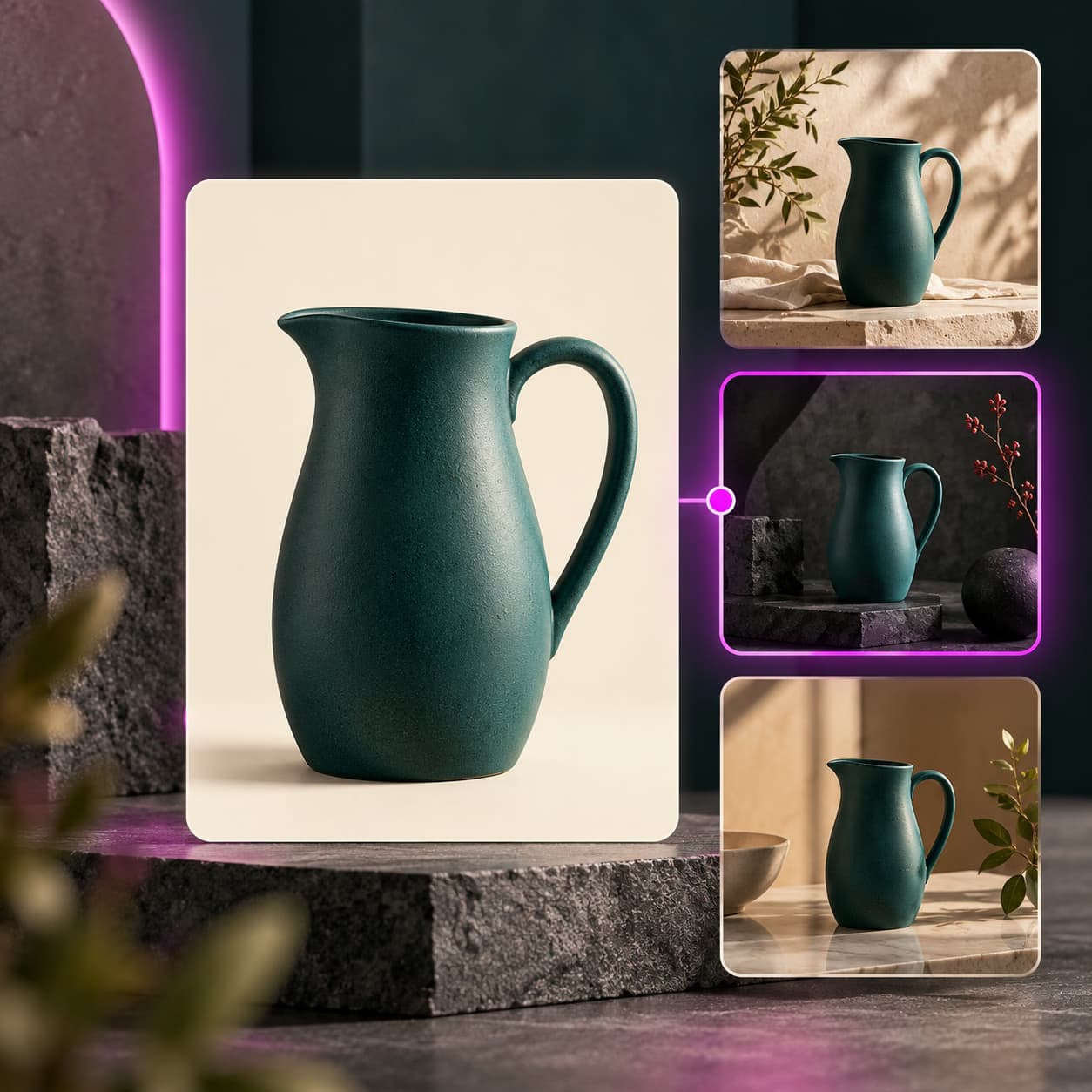
Creative ideas for WooCommerce
Choose a product image and inspect a new treatment before adding it to the catalog.
Create product videoExplore motion from a product photo and check the result against the item you sell.
Prepare a collection launchReview related assets together so each product remains recognizable across your store.
How to get started
- Install Picsart Commerce on your WordPress site with WooCommerce active.
- Choose the product media you want to work with and confirm your Picsart connection.
- Review the operation and any credit quote, inspect the result, and approve its destination.
The plugin is distributed through WordPress.org. A separate WooCommerce Marketplace listing remains under review. Generation and applying media are separate approval steps.
WooCommerce questions
Use the Picsart Commerce listing on WordPress.org. The separate WooCommerce Marketplace submission is not a public installation route.