Picsart's solutions for ecommerce
Use AI for ecommerce product photography, listing images, size variants for every marketplace, and product video, without booking a studio for every new product. Picsart Flow and AI Playground run on AI Credits, so a plan carries the everyday work and add-on credits cover a season drop.

Fits how a catalogue actually grows
Shoots without a studio, a look that holds down the line, and listings that stay current.
Produce the whole listing in Picsart Flow
Picsart Flow is a canvas of connected nodes, and for a store it collapses a shoot day into one run. Photograph the item once, upload that single frame, and the chain produces what the storefront, the marketplace, the feed, and the campaign each need. Pick the part of the store you are filling.


How a product workflow runs

Test the model before you commit the catalogue
AI Playground holds 190 models from 34 providers behind one login. Products are not equally easy to generate, so run the same brief through several models and see which one holds glassware, fabric texture, or fine print before you push it down a hundred listings. Nano Banana 2 is best for detailed visuals with strong prompt control. Flux Kontext is best for image editing and resizing. Seedream 4.0 is best for 4k output and storyboarding. Kling 2.5 Turbo is best for high-speed, high-quality video. Each model shows its credit cost before you run it.
Give the catalogue work to an agent
Creative AI agents are specialists you brief rather than operate, which suits the catalogue jobs that come back with every delivery of new stock. Reeva previews a six-panel storyboard and waits for one approval before it spends anything.
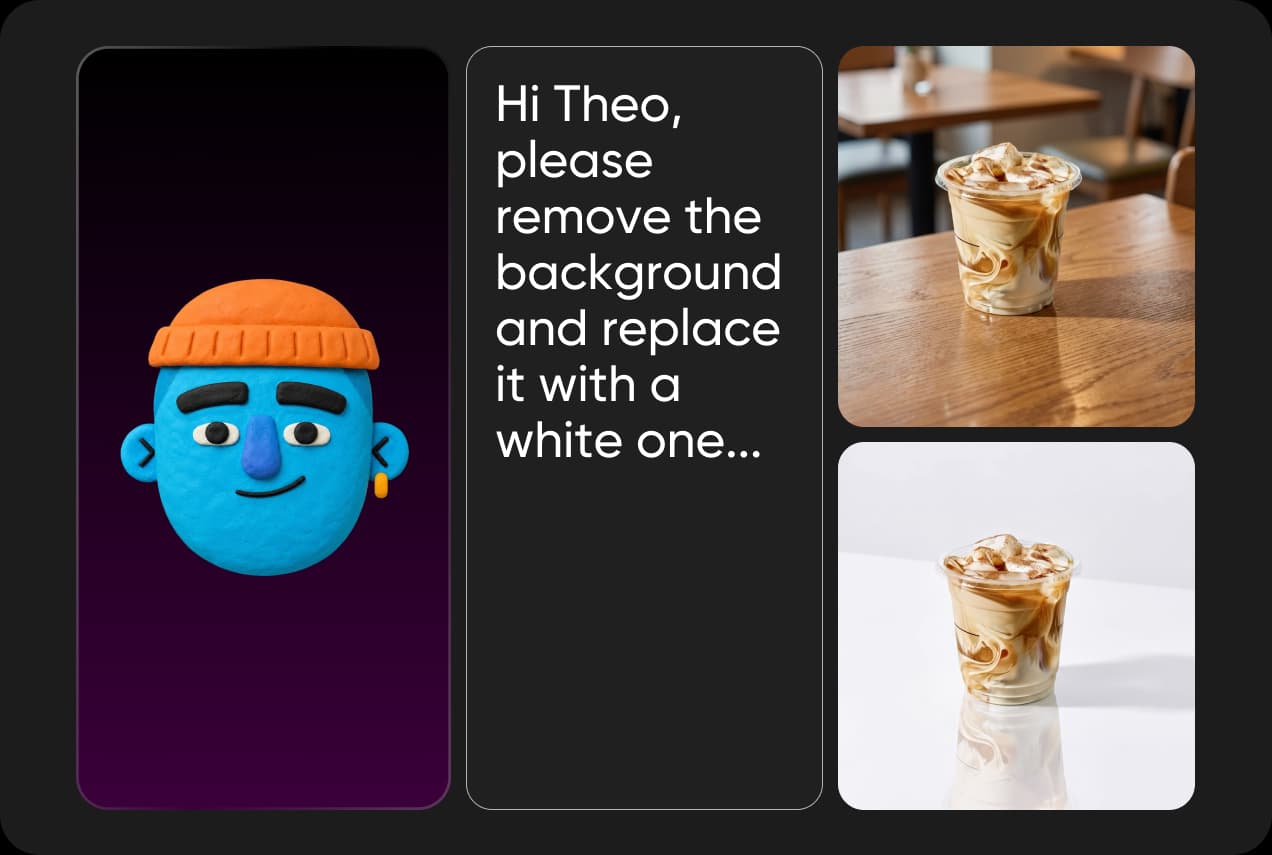 Change the sceneSwap
Theo
Theo replaces backgrounds, so one photo sells on white or in a room.Backgrounds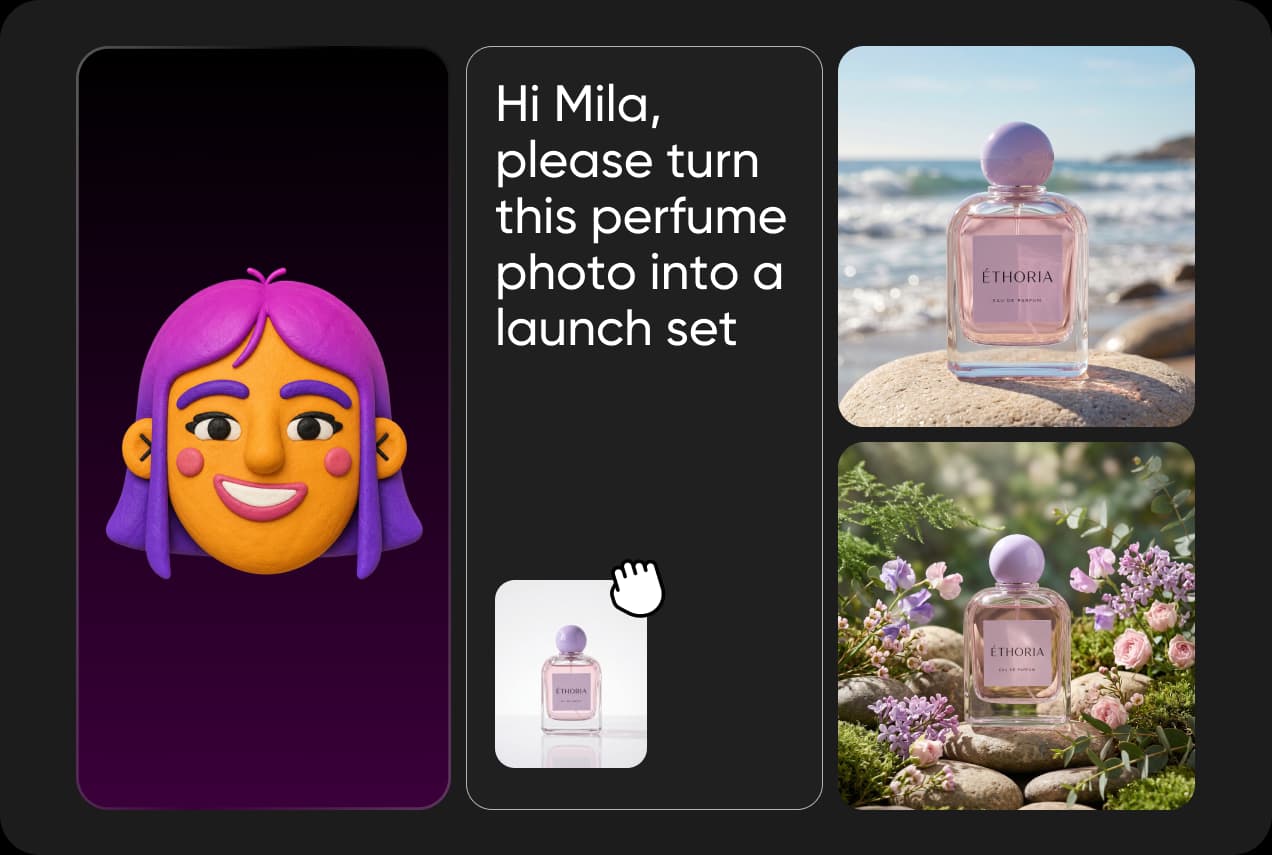 Art direct the batchStyle Remix
Mila
Mila pilots a look on one product, then carries it across the folder.Art direction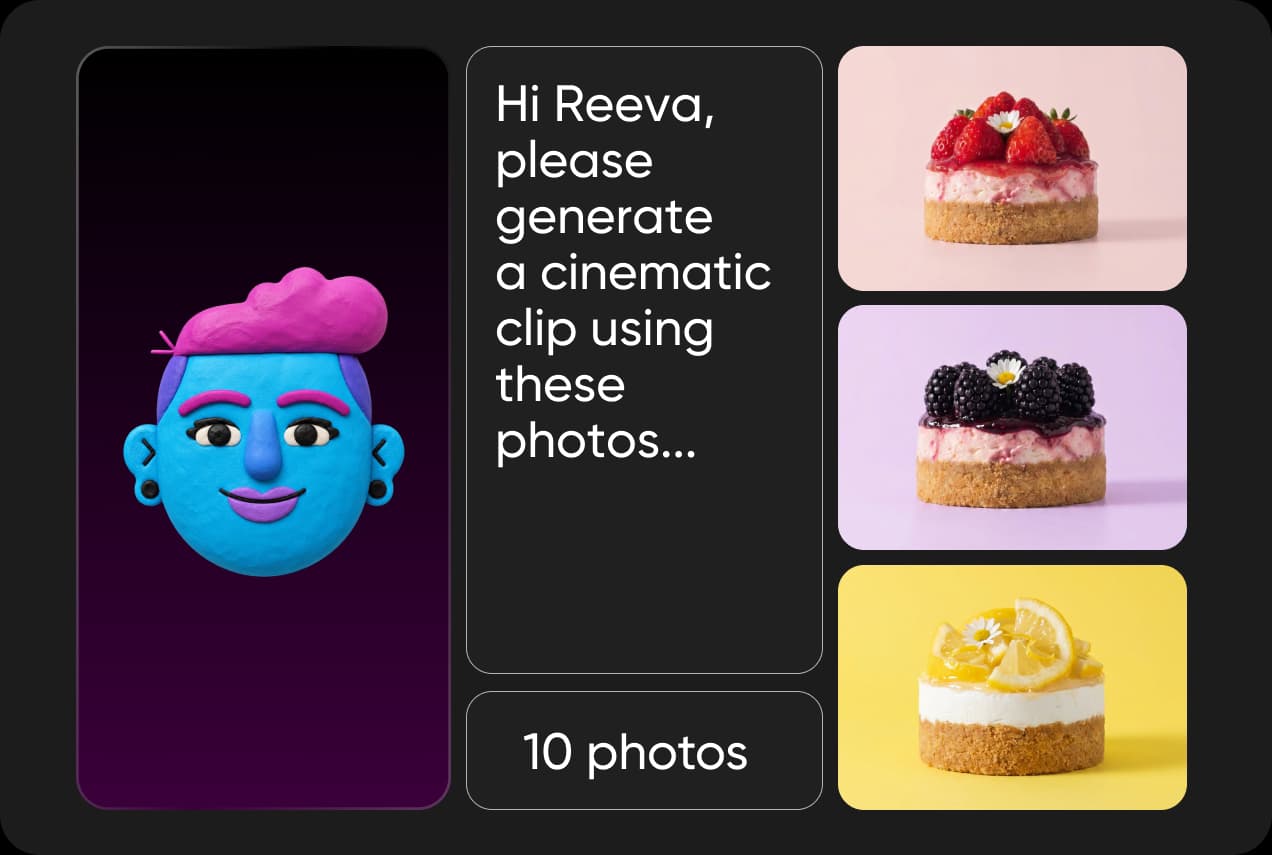 Turn photos into a reelReel Maker
Reeva
Reeva builds one cinematic clip from up to ten product photos, with caption and hashtags.Video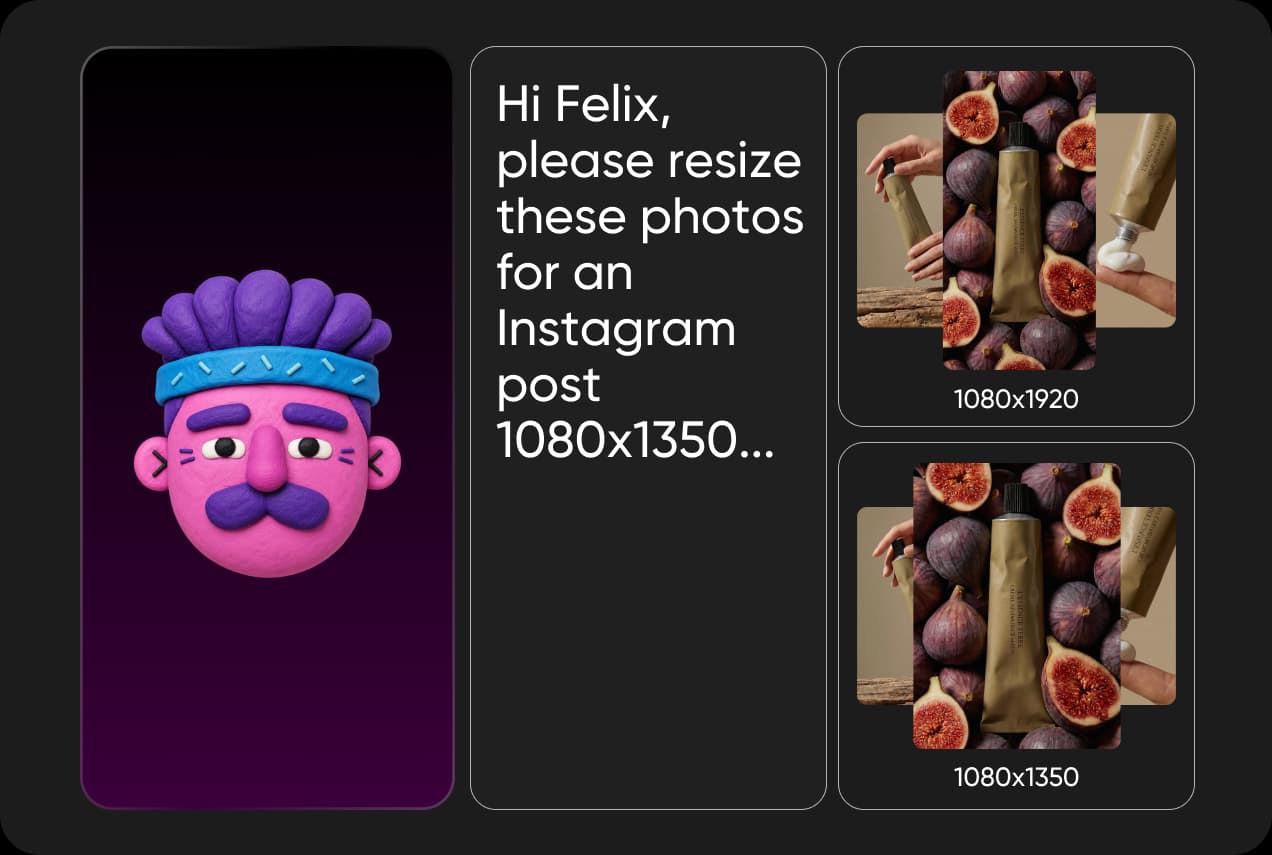 Fit every marketplaceSmart Resize
Felix
Felix produces every size each platform asks for, framed to the product.Resize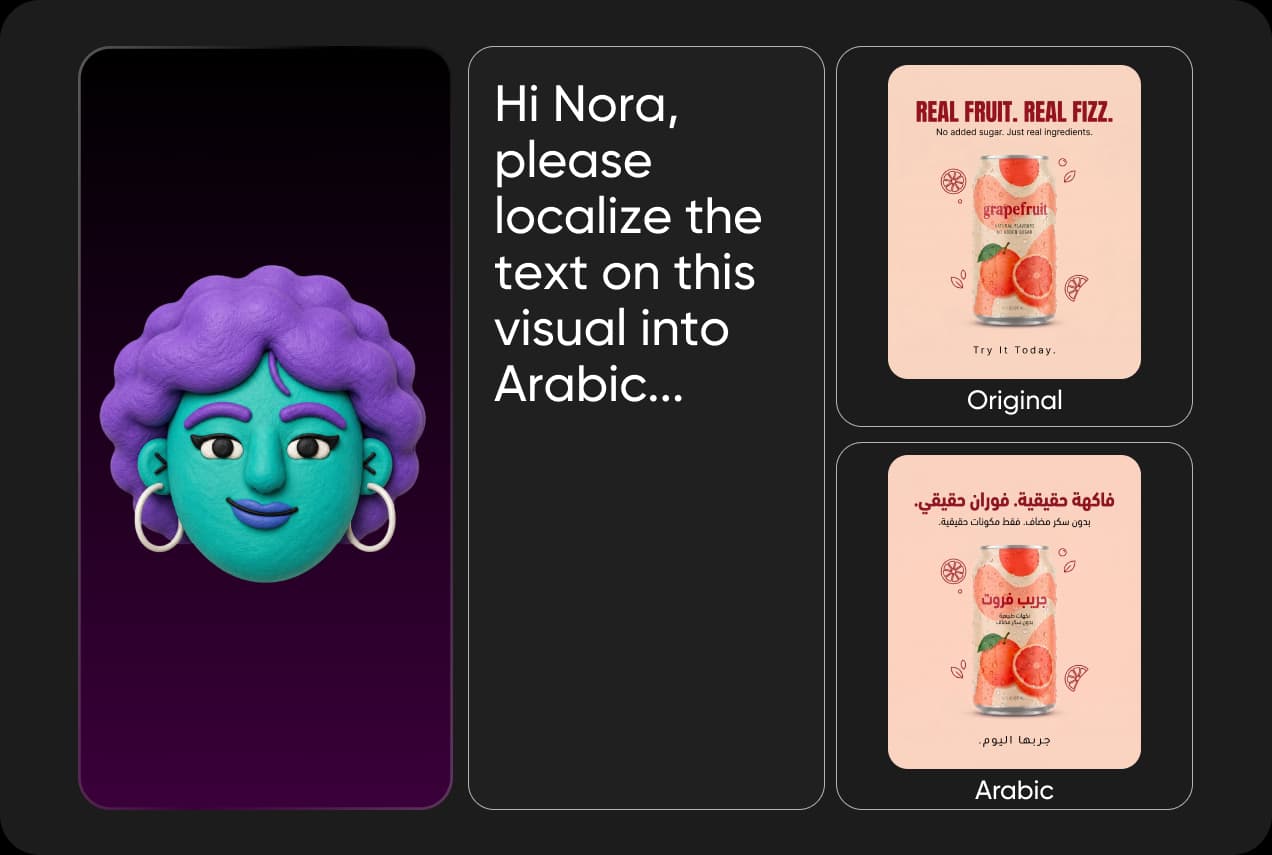 Sell across bordersLocalization Agent
Nora
Nora swaps variants and labels per market, composition intact.Localisation
Keep every product looking like the same brand
Choose the model in Playground, then lock it into the workflow that produces the listings. The decision gets made once and the catalogue inherits it, which is how a hundred products end up looking photographed by the same person.

Read answers about AI ecommerce solutions
Studio shoots, product accuracy, listing images, models, video, and apparel.
For most catalogue work, yes. One clean photo of the real product is enough to generate packshots, lifestyle scenes, and marketplace crops. Keep a studio for hero campaign imagery, and use AI for the long tail of products that never justified a booking.