Read the original scene
Identifies the subject, surfaces, perspective, lighting direction, and preservation constraints before editing.

Theo
Theo replaces the setting while preserving the subject, then matches perspective, lighting, scale, and shadows so the composite reads like an intentional shoot.
Build a new scene with TheoWhat to bring, what comes back, and how Theo approaches the work.
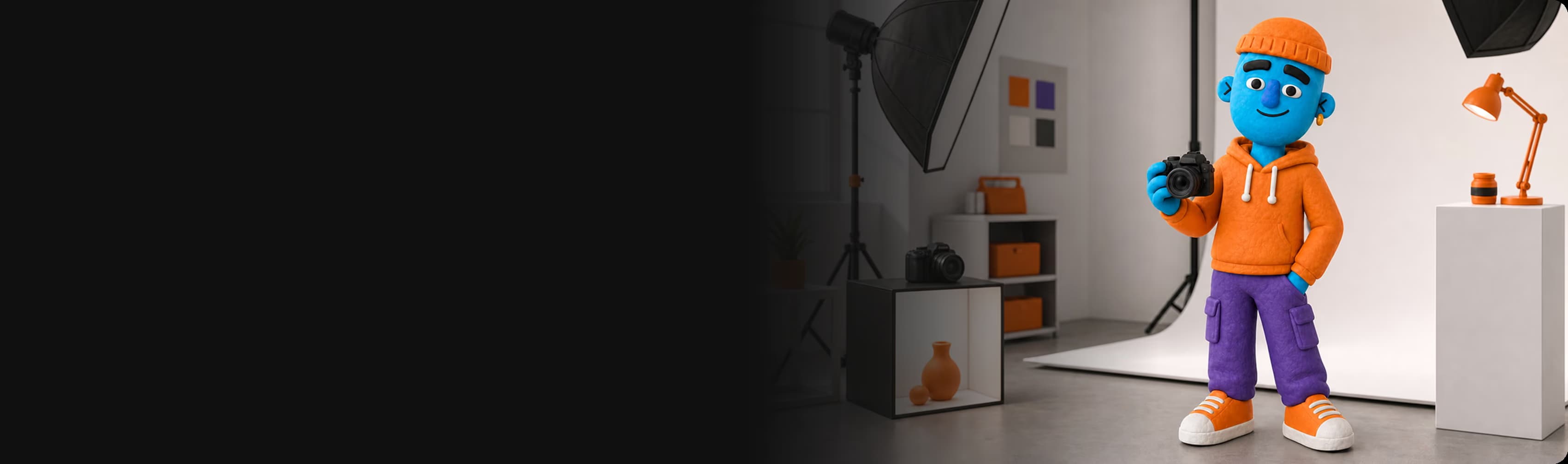
Hi, I’m Theo. You bring the subject; I build the world around it.
Keep the subject. Change the scene.
Then I create or match the new setting, ground the subject with believable light and shadow, and keep the treatment consistent across the set.
Keep the subject. Change the scene.
Then I create or match the new setting, ground the subject with believable light and shadow, and keep the treatment consistent across the set.
What Theo can do for you, from first input to finished output.
Identifies the subject, surfaces, perspective, lighting direction, and preservation constraints before editing.
Separates the subject without sacrificing important edges or product detail.
Builds a custom environment instead of limiting the job to a template library.
Aligns scale, horizon, contact shadows, reflections, and light direction so the subject belongs there.
Separates a multi-scene request into parts when one edit cannot preserve the required composition.
Applies one art-directed scene system across a folder of products while retaining product identity.
The same product dropped into multiple scenes for split testing.
Every composite saved back to your folder at full resolution.
Choose the outcome you need. Each example shows what to bring and what Theo returns.
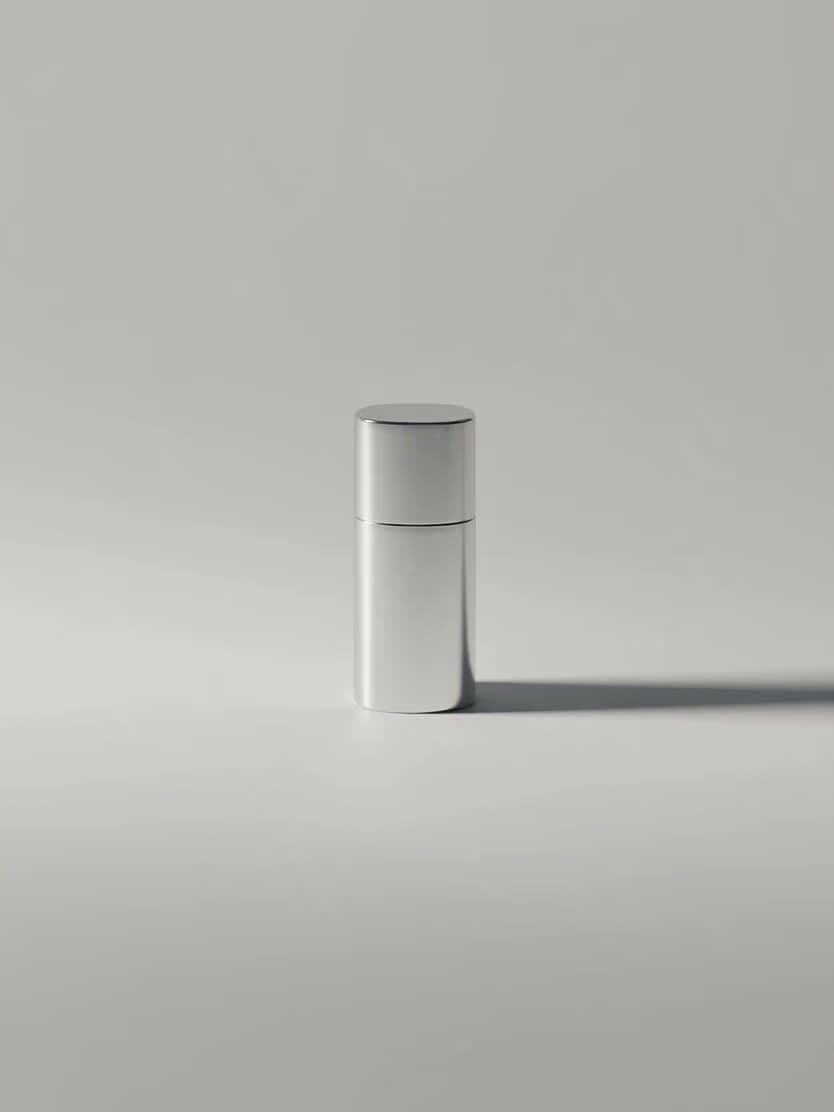
A flat product shot becomes on-location photography with matched light and grounded shadows.

The hero product fixed while the setting changes for seasonal, audience, or creative testing.
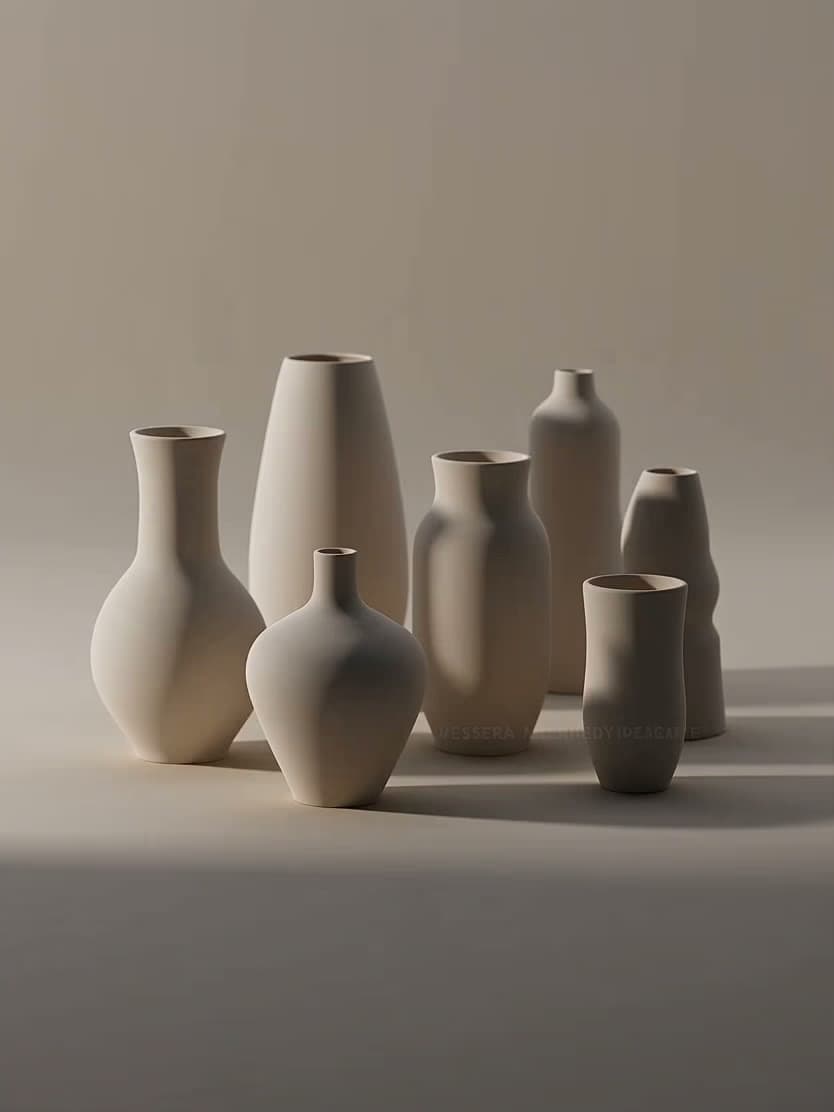
The same camera logic, lighting world, and background treatment applied across the batch.
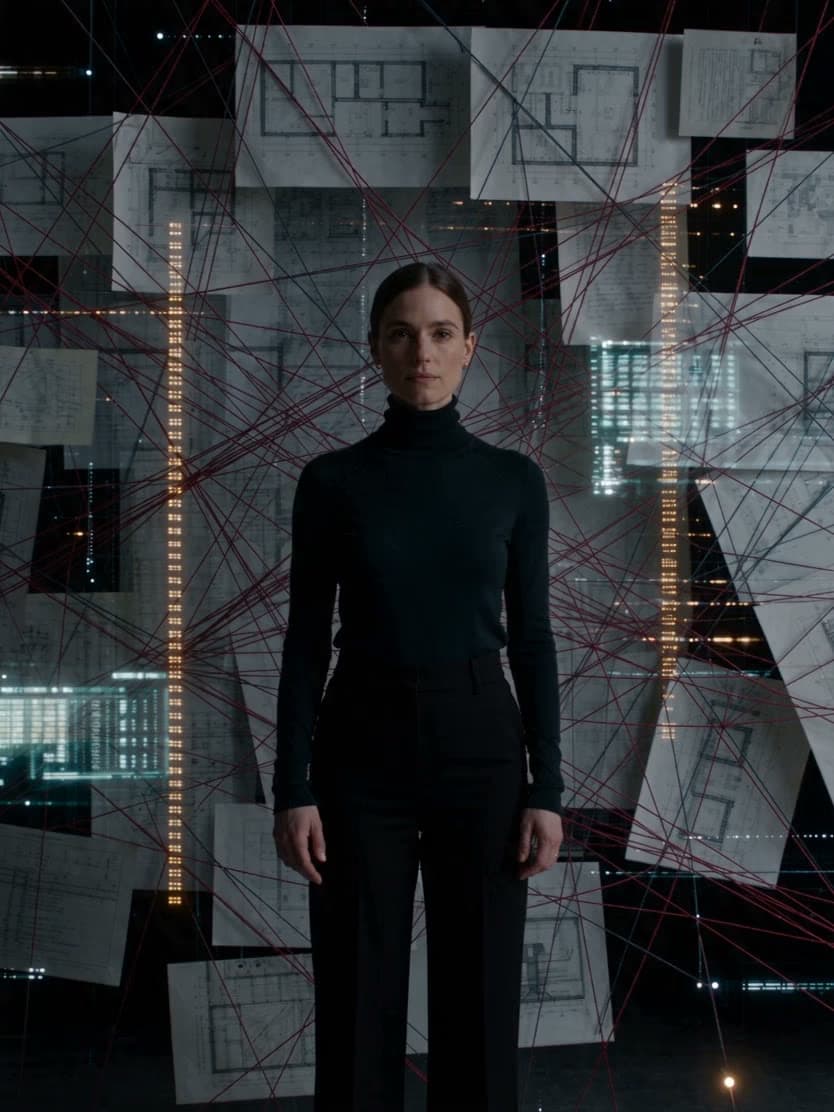
The distracting background swapped for a scene that sells, while the subject stays exactly as shot.
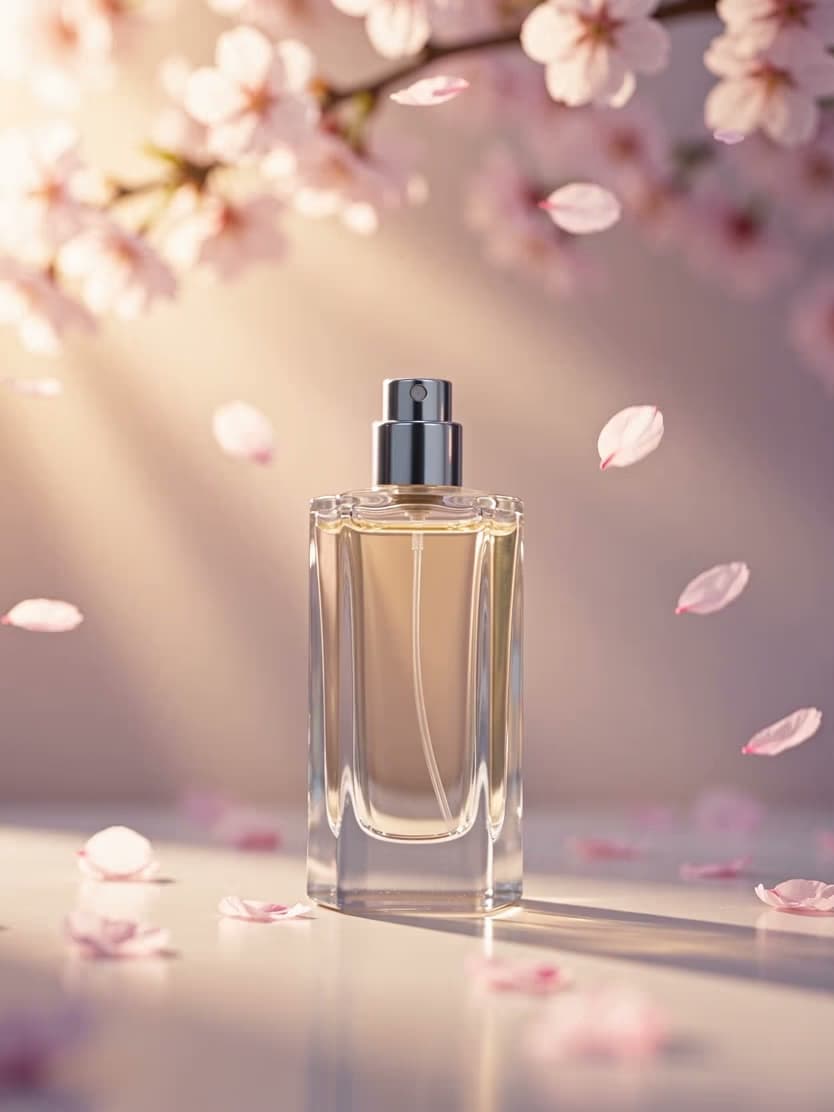
The same product staged through spring, summer, fall, and winter scenes.

Watch the composite become believable: light direction matched, perspective aligned, shadow grounded.