Existing image editor available
Edit Shopify product images in batches
Use Picsart’s Edit Product Images in Bulk app to remove or replace backgrounds, crop images, and resize product photos in Shopify. The newer Picsart Commerce integration is a separate project in development.
Illustrative creative concept.
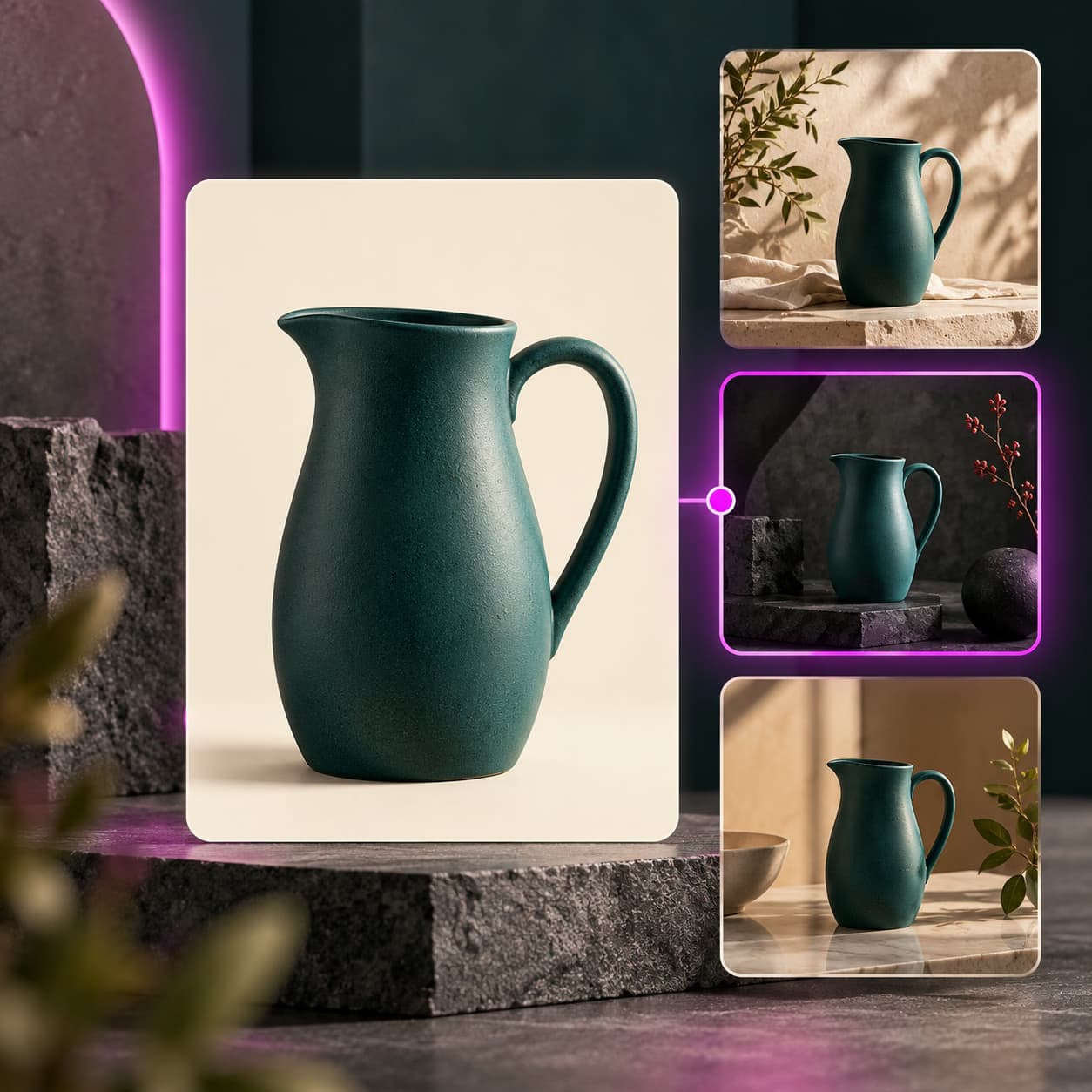
Creative ideas for Shopify
Unify catalog backgrounds
Remove a busy backdrop or replace it with a selected solid color.
Fit product tilesCrop photos to a consistent shape for your store layout.
Prepare matching dimensionsResize a group of product images instead of handling each photo separately.
How to get started
- Open the Shopify App Store listing and review the app’s current plan and requirements.
- Install the existing image editor and select the product photos to edit.
- Choose the background, crop, or resize operation and inspect the changes before using them.
This installation opens the existing Shopify image editor. It does not install the newer Commerce video app or establish access to its planned features.
Shopify questions
The linked Shopify app is an image editor. The newer Picsart Commerce app is in development and is not the product installed from this listing.