Create product videos for your Wix store
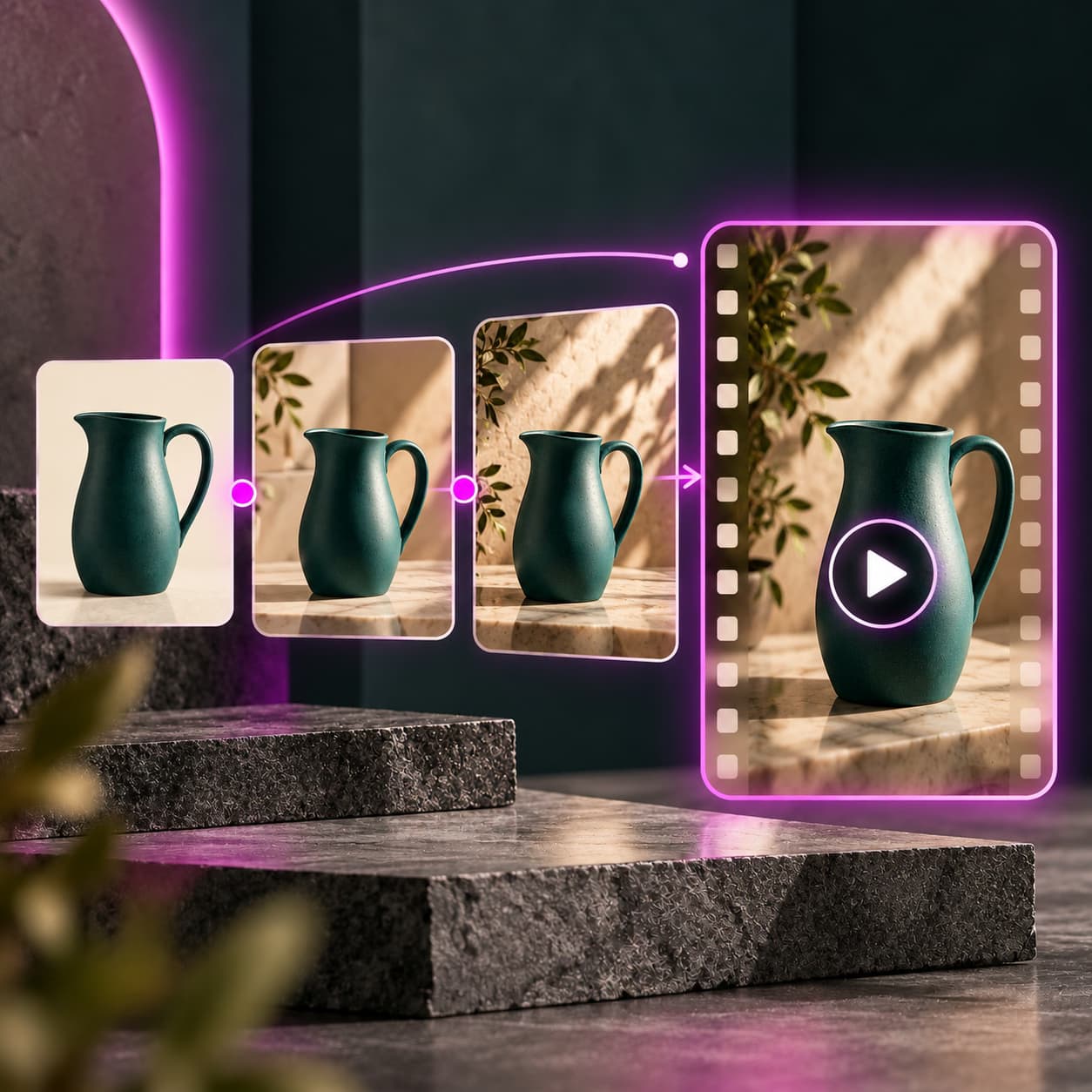
Turn a product photo into a video for your next launch or social post with Picsart Commerce: AI Videos for Wix. Review the result, then download the version you want to use.
Illustrative creative concept.
Creative ideas for Wix
Use a clear photo of your newest product as the starting point for a short promotional video.
Refresh a seasonal campaignTry a different visual direction for an existing product while keeping its actual details in view.
Prepare social contentDownload an approved video and add it to your social publishing workflow.
How to get started
- Install Picsart Commerce from Wix and connect your Picsart account.
- Choose a product photo, describe the creative direction, and review the generation cost.
- Generate, inspect the product details, and download the result you approve.
Check the current Wix listing and your account terms for available settings and credits. Downloading a video does not publish it to your store or social accounts.
Wix questions
Generated video can change labels, proportions, or materials. Compare your result with the original product before using it.