Available on WordPress
Create and review media in WordPress
Picsart Commerce gives WordPress site owners a workspace for creating images and videos, reviewing results, and saving selected media to their site.
Illustrative creative concept.
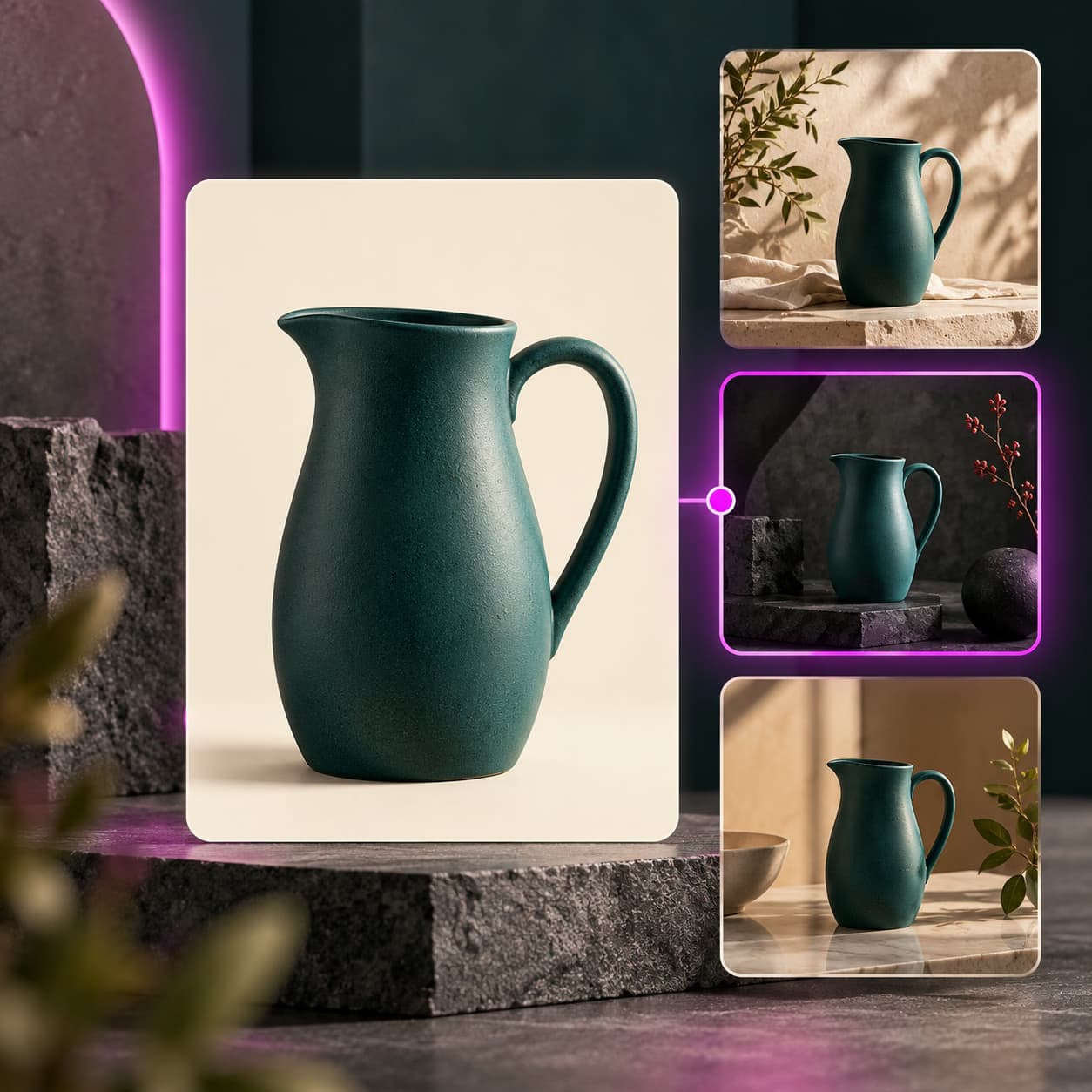
Creative ideas for WordPress
Illustrate a new article
Prepare an image for an editorial idea, then review the result alongside your article.
Refresh site imageryStart with an uploaded image, a Media Library item, or a file from Picsart Drive.
Build a media collectionKeep approved images and videos together for reuse across supported WordPress content.
How to get started
- Install and activate Picsart Commerce, then open Picsart in the WordPress admin menu.
- Review data sharing, connect your Picsart account, and choose a source and operation.
- Approve the credit quote where required, review the output, and save or apply the selected media.
Cloud tools use Picsart credits. Local browser edits use no generation credits, but a Picsart connection is currently required. Check the plugin listing for compatibility and permissions.
WordPress questions
No. Picsart Commerce works with standard WordPress. WooCommerce adds product-specific destinations when it is installed.