NEW: Seedream 5.5 is HERE. Refine images while keeping the details you love.

Build background removal workflows with Picsart and Eden AI

Use Picsart background removal through Eden AI’s unified platform. Prepare product images, compare provider results, and connect the selected output to the next step in your workflow.
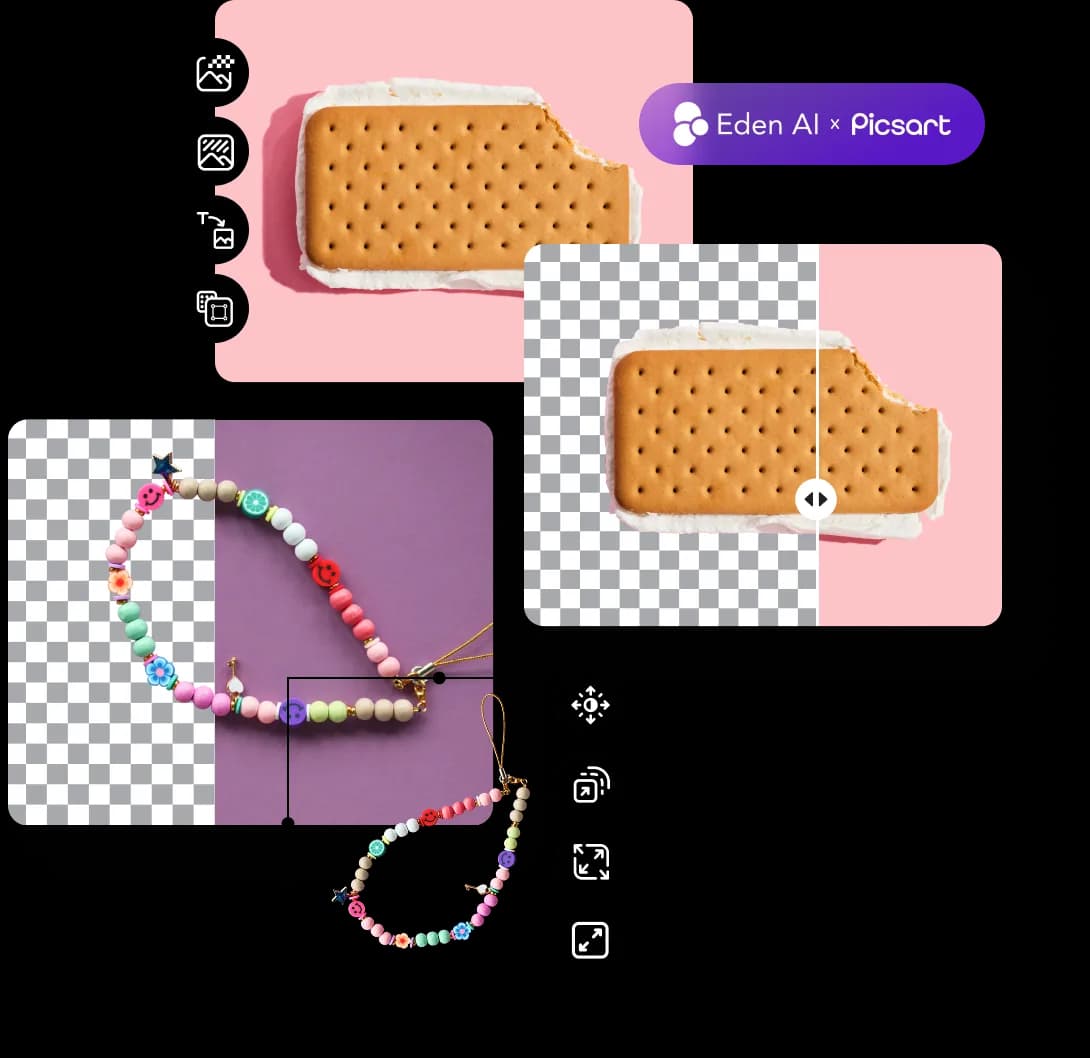
Picsart and Eden AI integration illustration

Bring background removal into your image pipeline

  • Prepare product images

    Remove distracting backgrounds before arranging product photos for a catalog or campaign.

  • Compare provider results

    Evaluate Picsart alongside other available background removal providers through Eden AI’s common interface.

  • Connect creative steps

    Use background removal as one step in a larger workflow, then review and route the output for your intended use.

Get started with Picsart in Eden AI

  • 1. Open background removal

    Sign in to Eden AI and open its background removal tool or workflow builder.

  • 2. Choose Picsart

    Select Picsart where it is offered as a provider and configure a test image and the required inputs.

  • 3. Review and connect

    Inspect the cutout, review the displayed usage cost, and connect the result to the next step in your workflow.

Questions about Picsart and Eden AI

  • This integration page covers Picsart background removal on Eden AI. Other services offered by Eden AI may use different providers.