NEW: Seedream 5.5 is HERE. Refine images while keeping the details you love.

Generate and edit images in Figma with Picsart

Create images from prompts, describe changes to existing artwork, remove backgrounds, and upscale assets directly on your Figma canvas. Connect your Picsart account and choose the tool that fits your design.
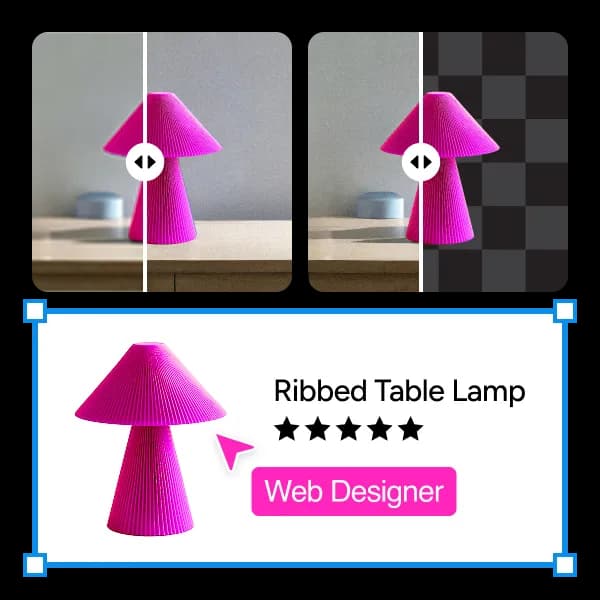
Picsart Figma plugin illustration

Create and refine assets on your Figma canvas

  • Explore visual directions

    Generate concept images for mood boards, campaign layouts, and interface mockups without leaving your design file.

  • Refine existing artwork

    Describe changes to an image, such as a different background, lighting, or texture, and review the result on the canvas.

  • Prepare image assets

    Remove backgrounds and upscale images for layouts. Bulk editing is available for background removal and upscaling.

How to use Picsart in Figma

  • 1. Open the plugin

    Find AI Image Generator & Editor by Picsart in Figma Community and open it in a file you can edit.

  • 2. Connect your account

    Launch the plugin and follow the Picsart account connection steps. Review the available tools and current credit requirements.

  • 3. Create on your canvas

    Generate an image from a prompt, or select an existing image to edit, remove its background, or upscale it. Review the result in your design.

Questions about Picsart for Figma

  • The current Figma listing uses Picsart account sign-in. Follow the connection flow inside the plugin rather than the API-key instructions on the legacy page.