Muse Image 1.0: Meta's agentic AI image model
Muse Image 1.0 is Meta's first image model, from Meta Superintelligence Labs - and it's agentic. Instead of mapping a prompt straight to pixels, it works with the Muse Spark language model to reason through your request, pull real-world context from the web, plan the composition, and blend your reference photos before it renders. Available now in Picsart's AI Playground.
- Blend your reference photos
- Guide composition with real-world context
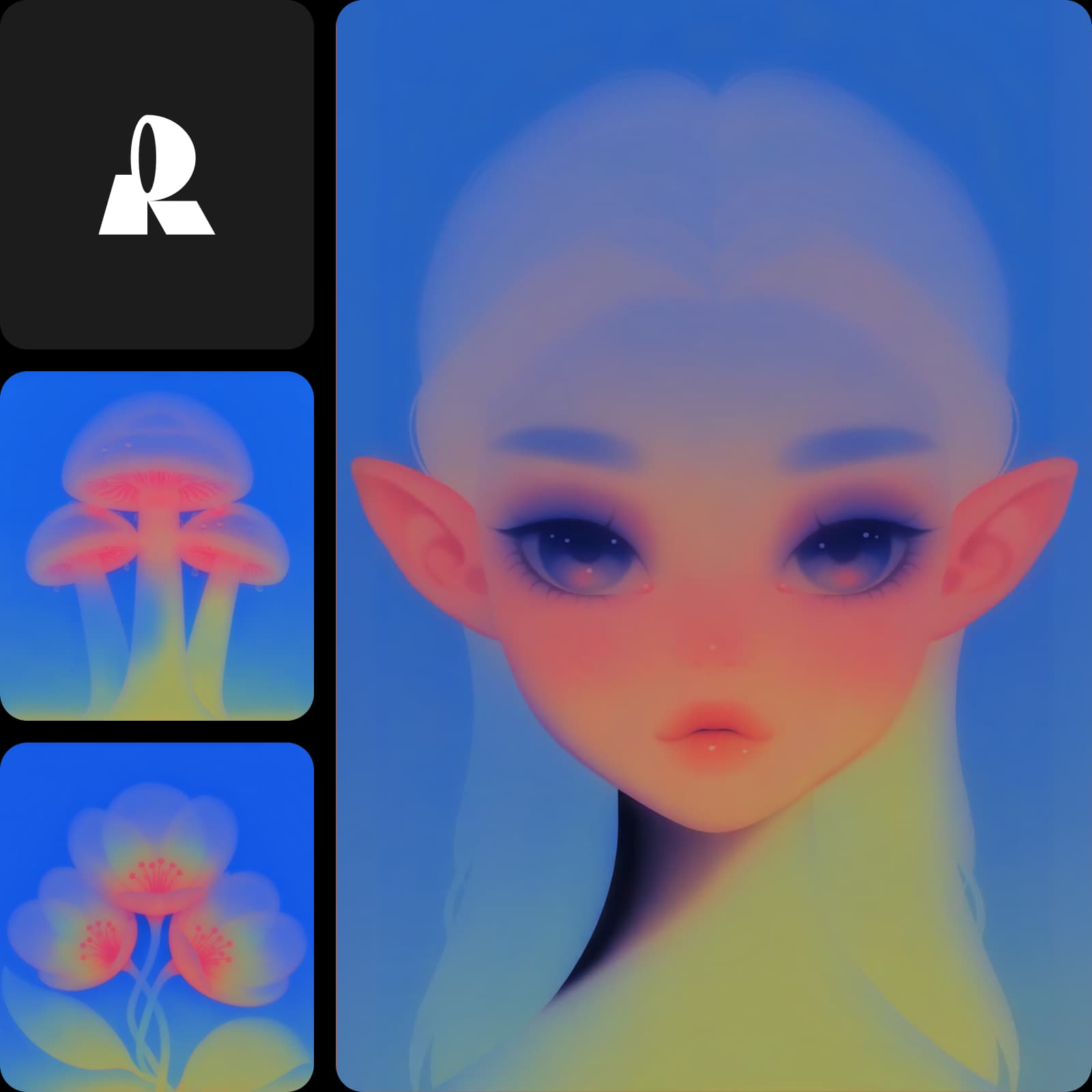
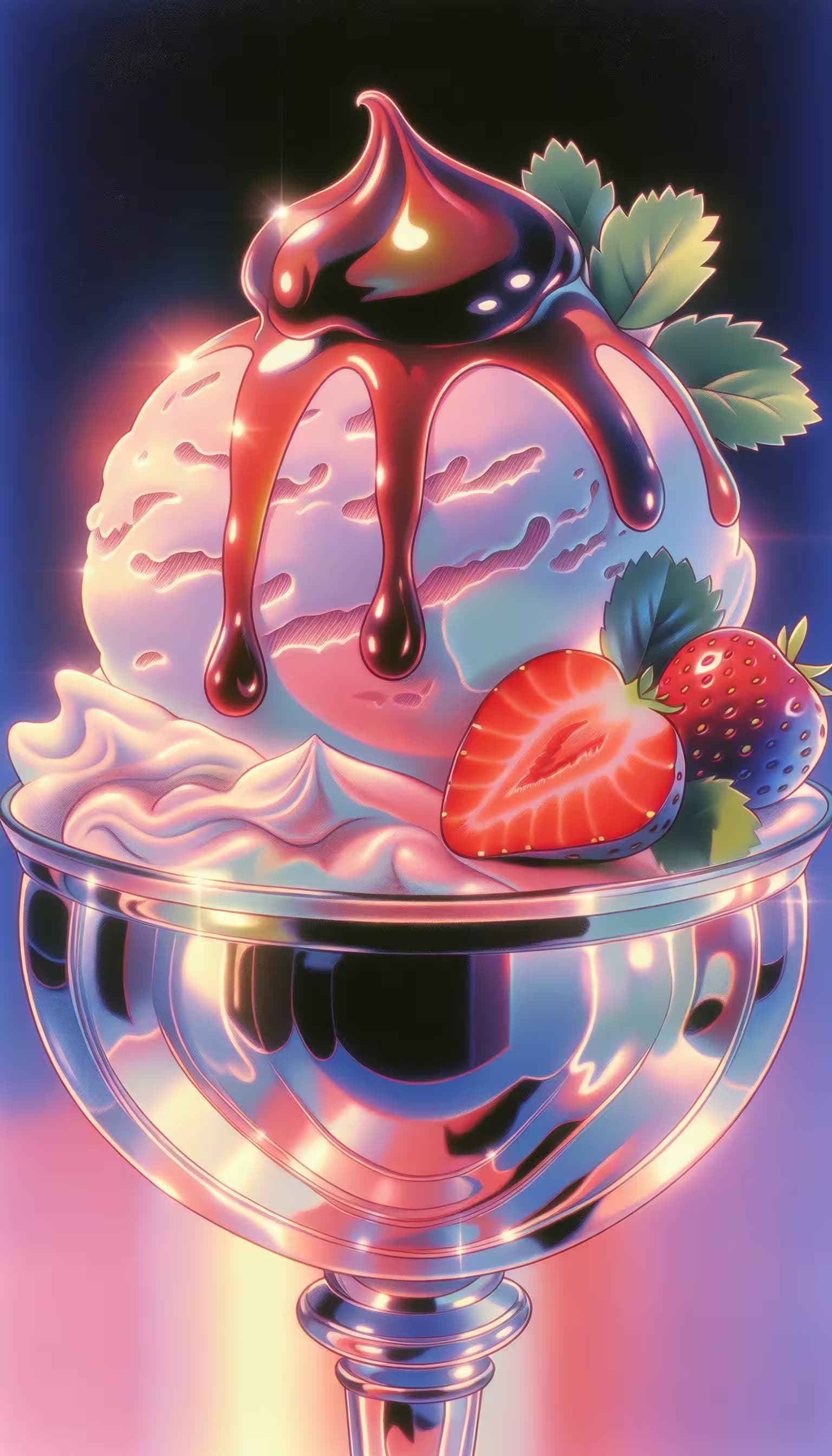
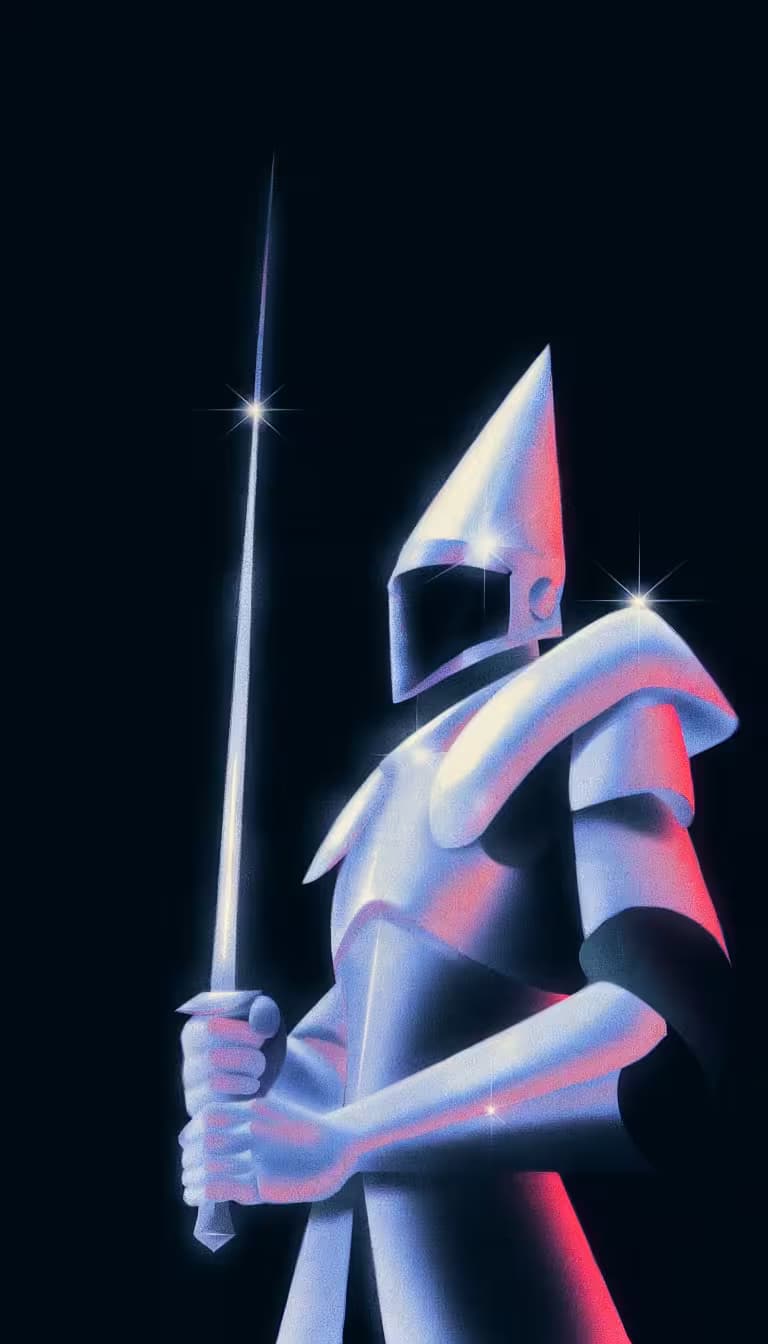
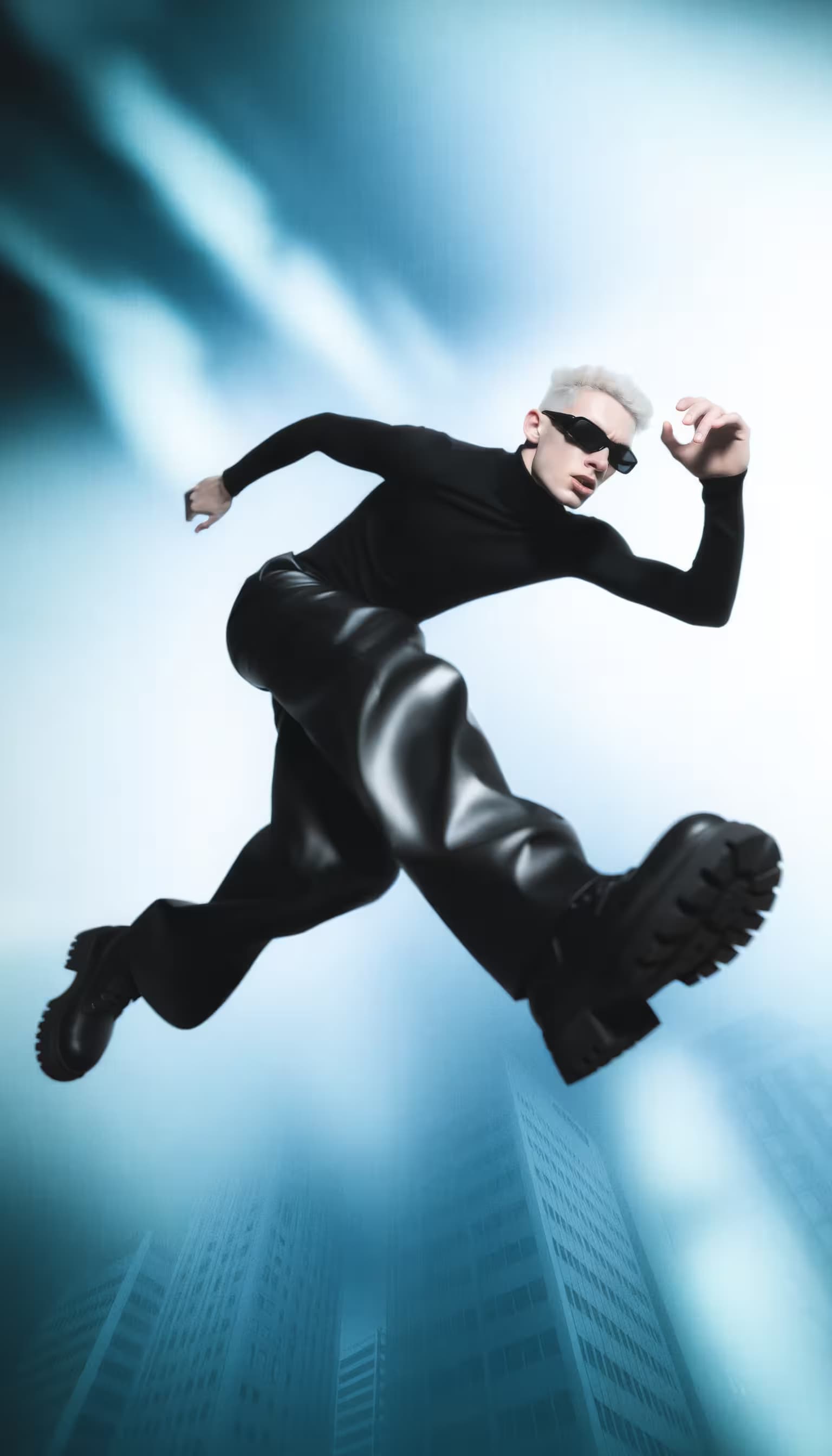
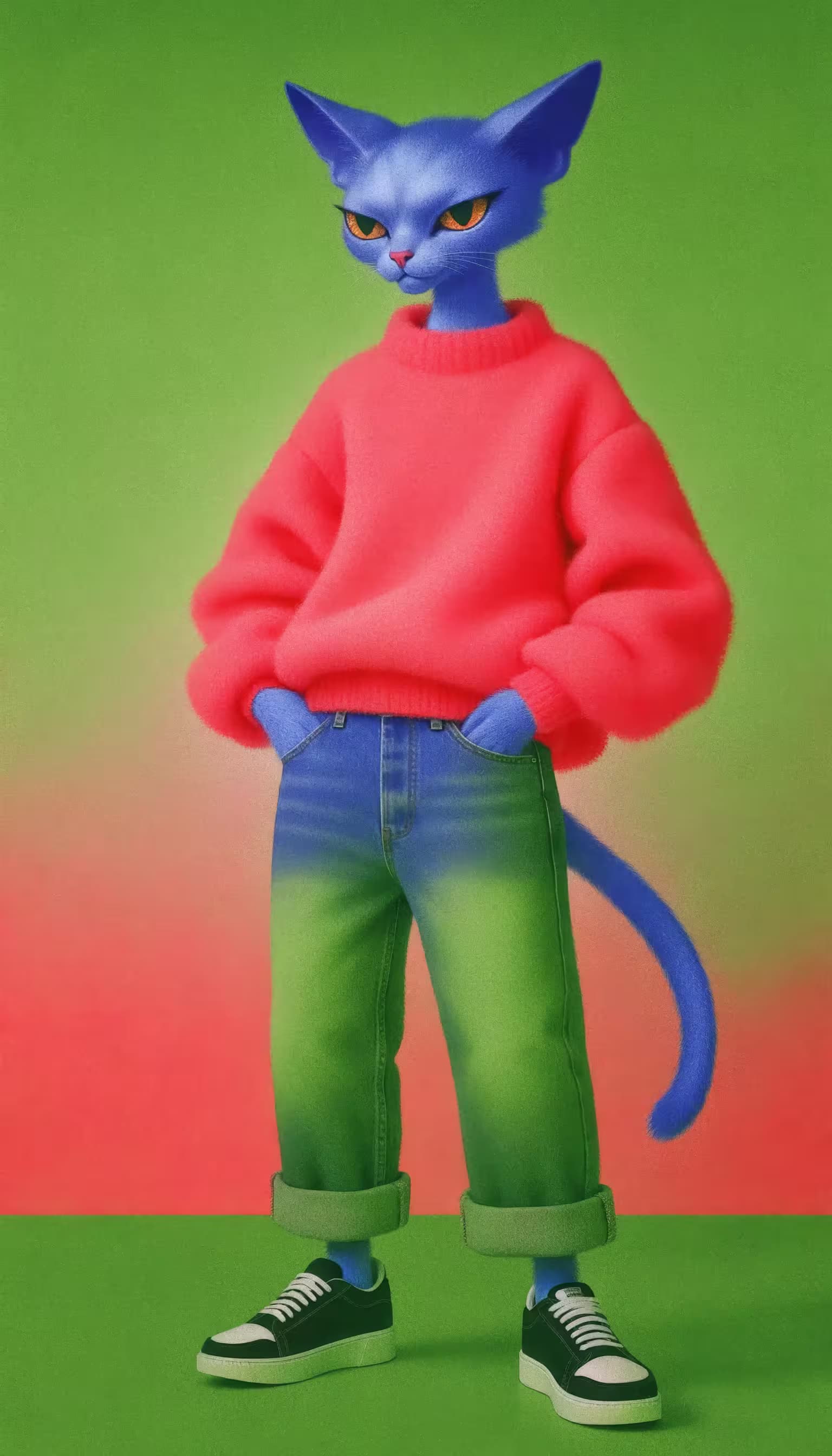
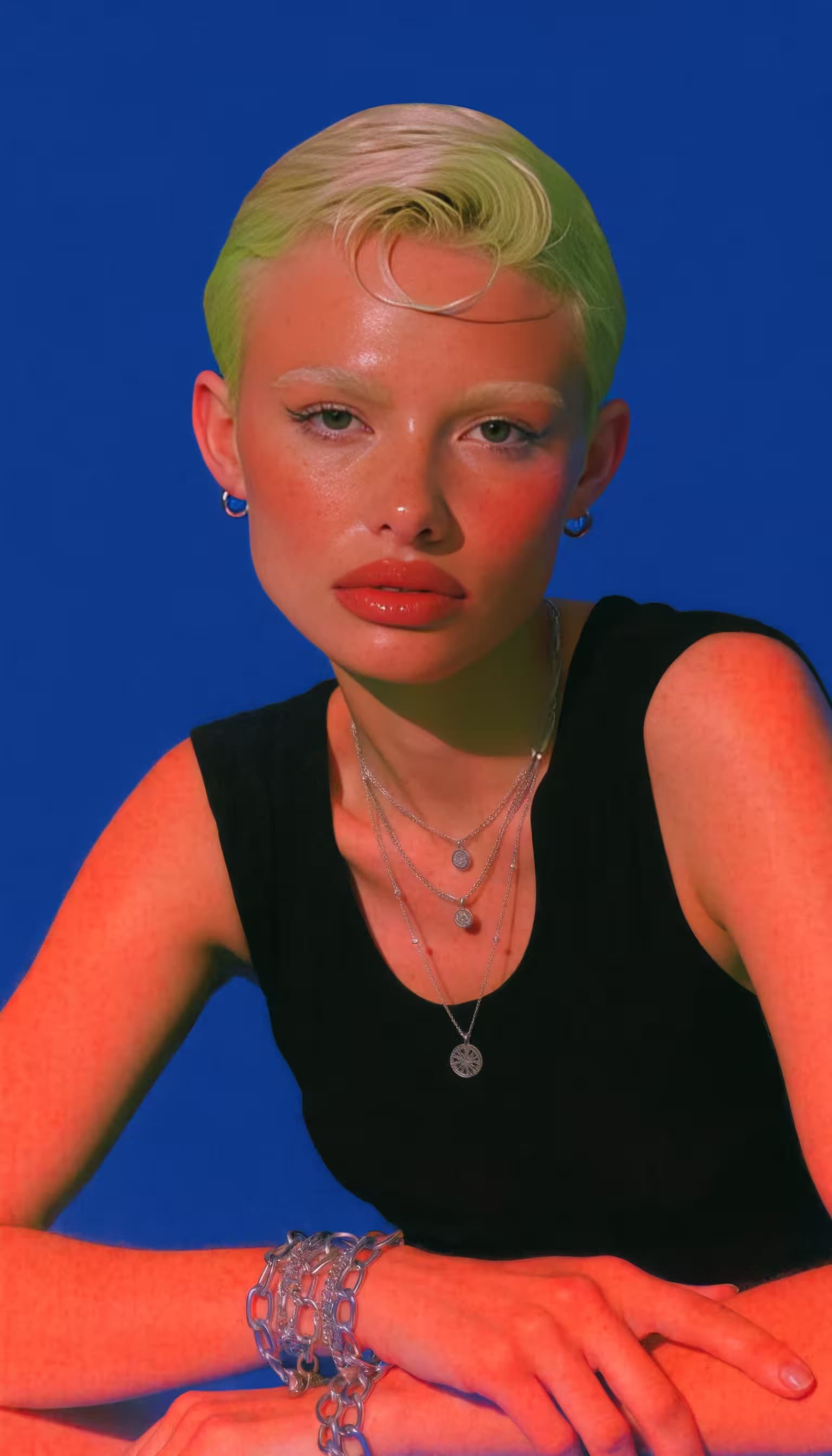
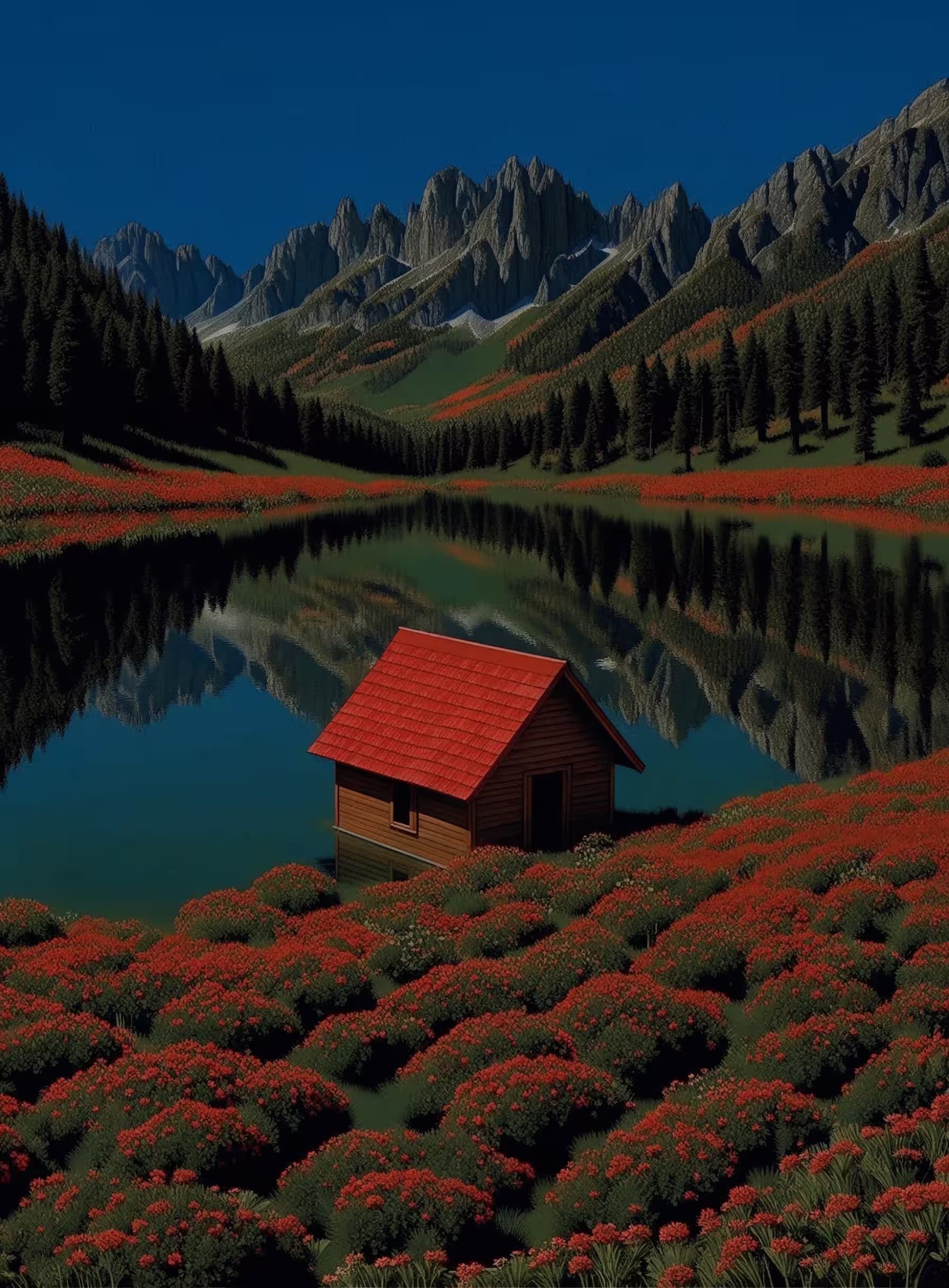
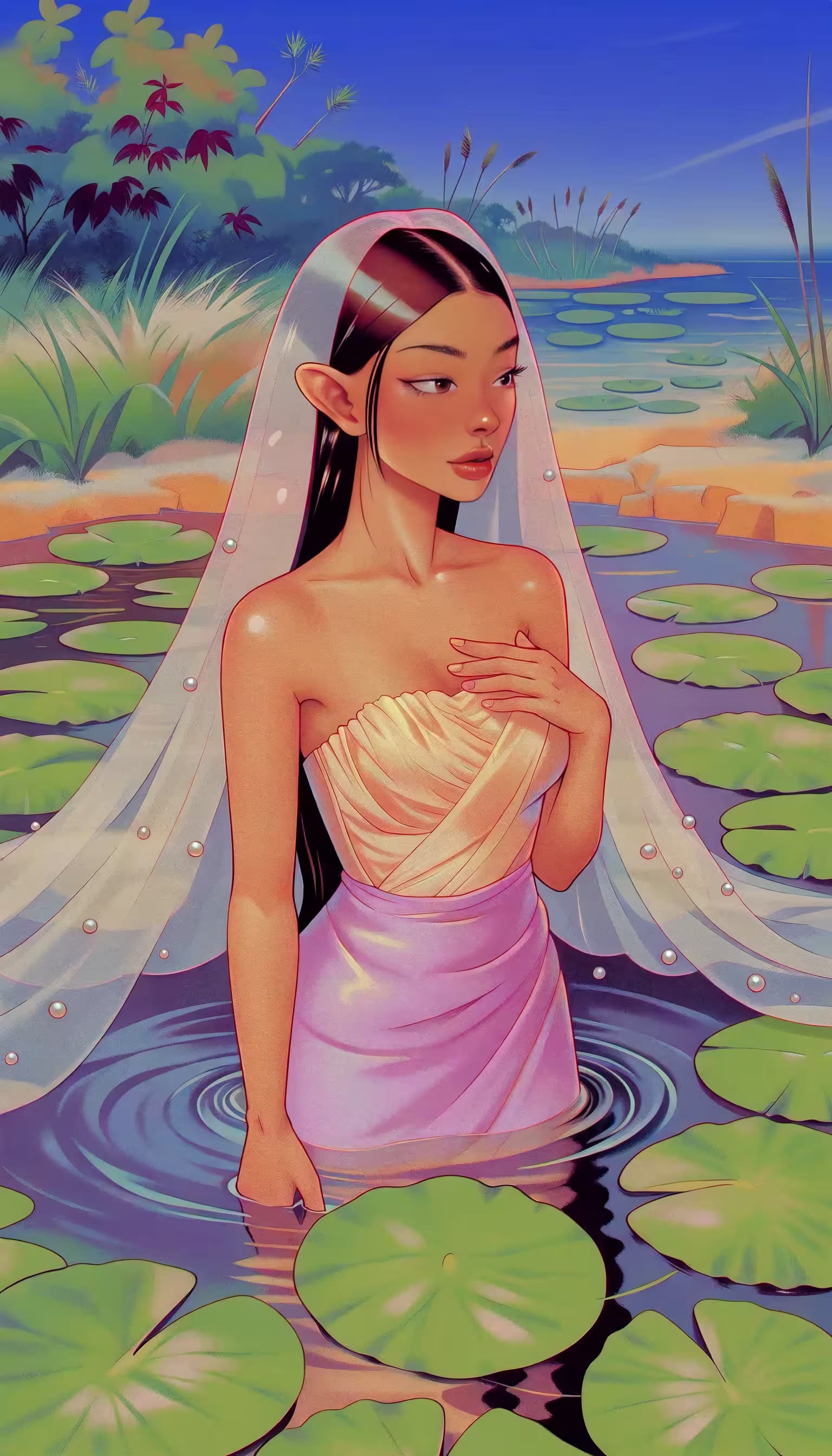
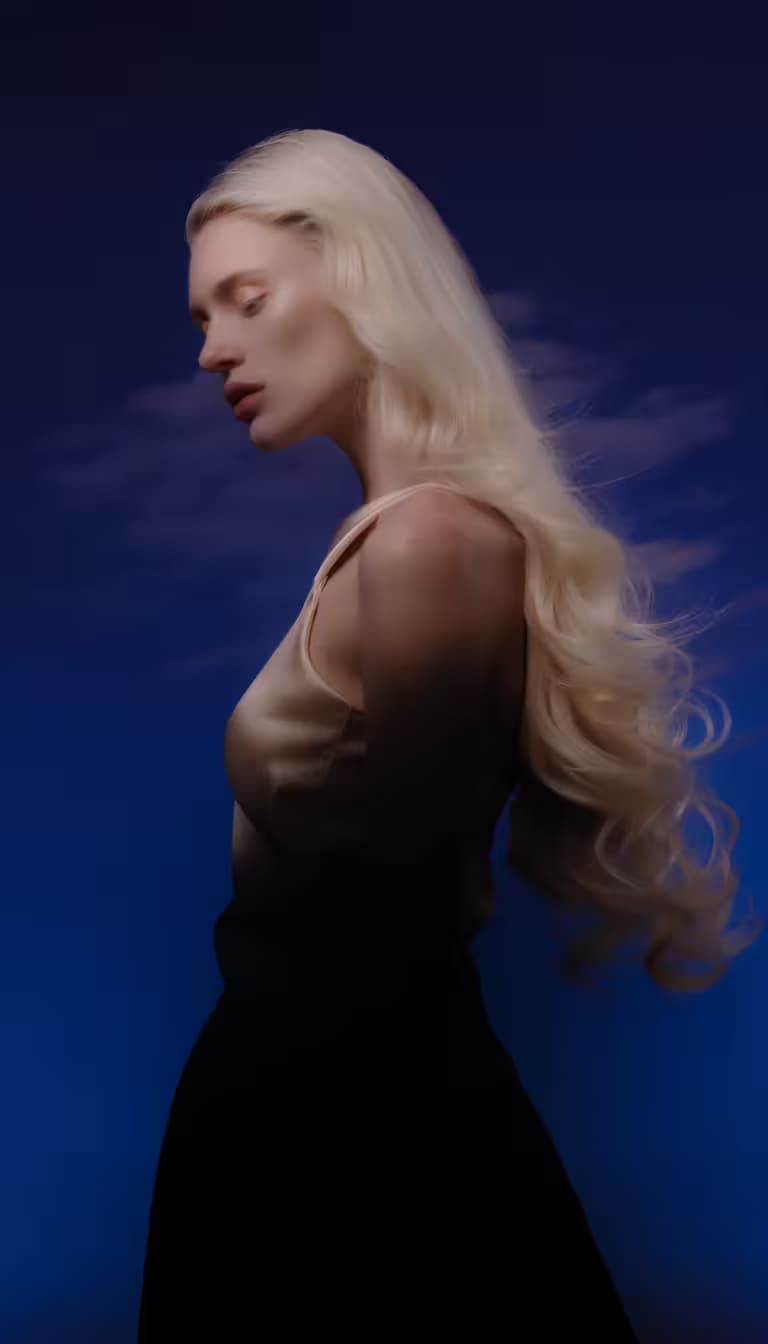
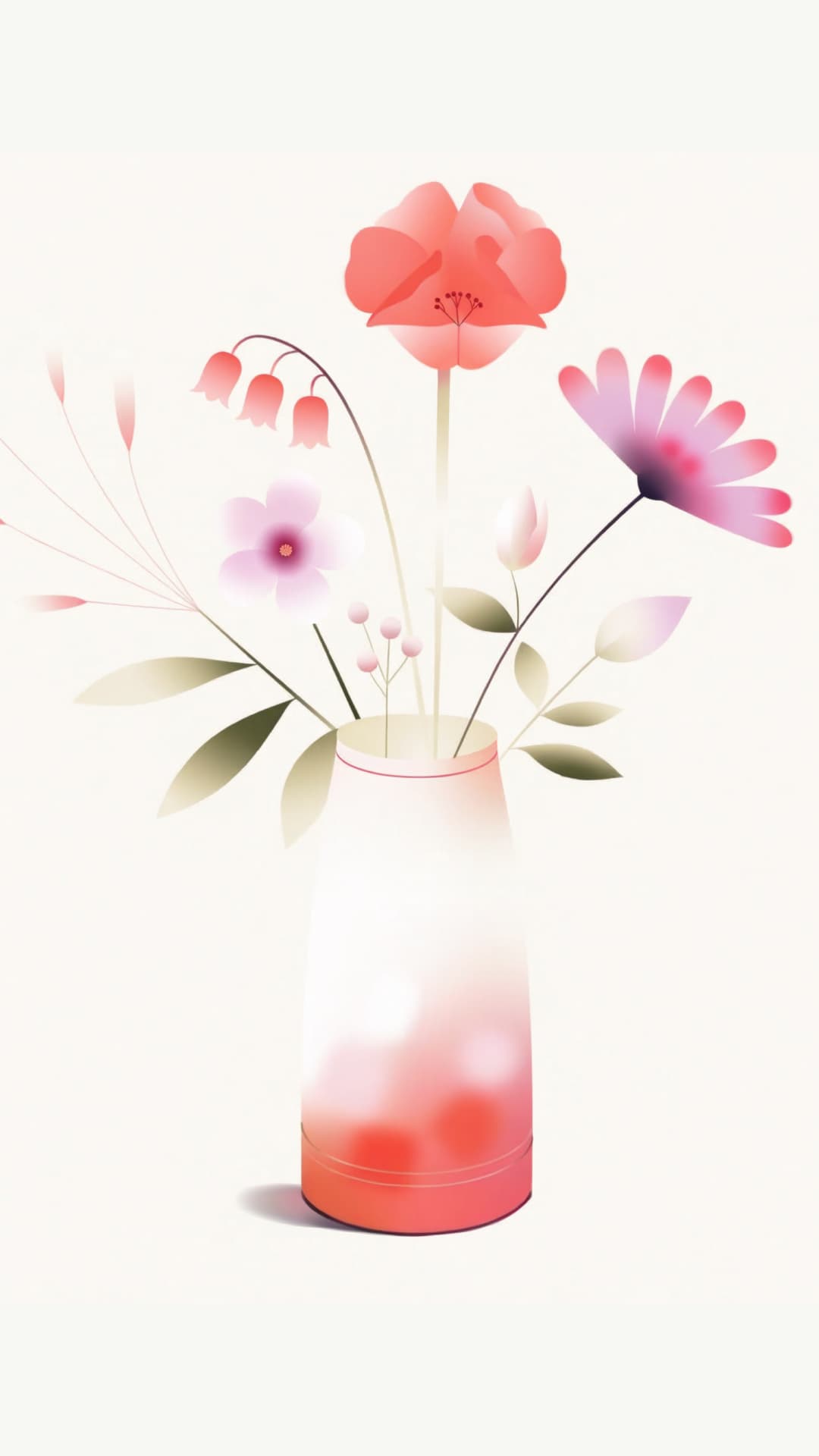
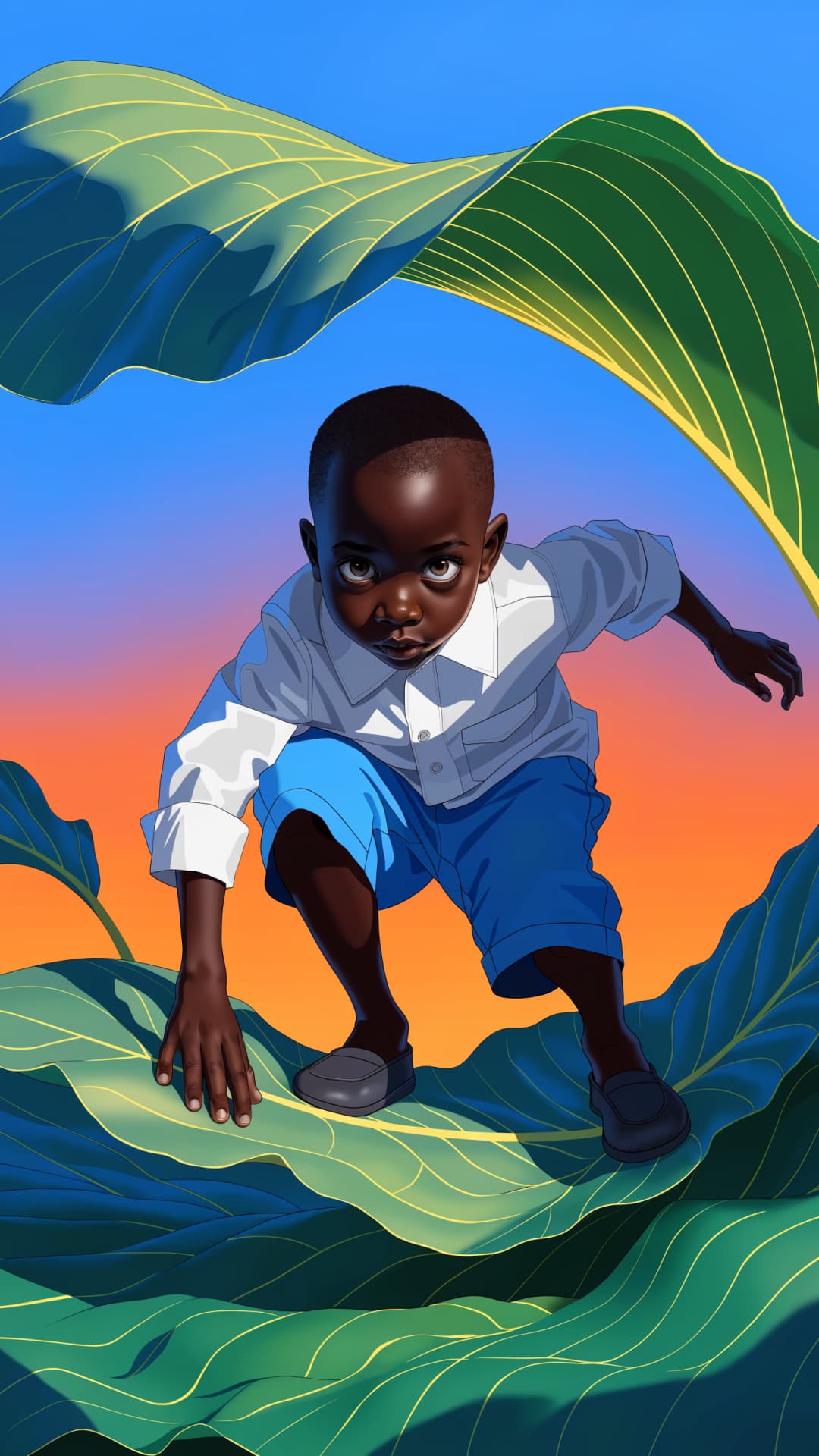
What is Muse Image 1.0?
Muse Image 1.0 (also called Muse Image) is the first image model from Meta Superintelligence Labs. What sets it apart is that it's agentic: rather than turning a prompt straight into an image, it reasons about what you asked for, gathers real-world context, and plans the result before generating. That extra thinking shows - Muse Image holds the No. 2 spot on the LMArena leaderboard for text-to-image, single-image editing, and multi-image editing by human preference.
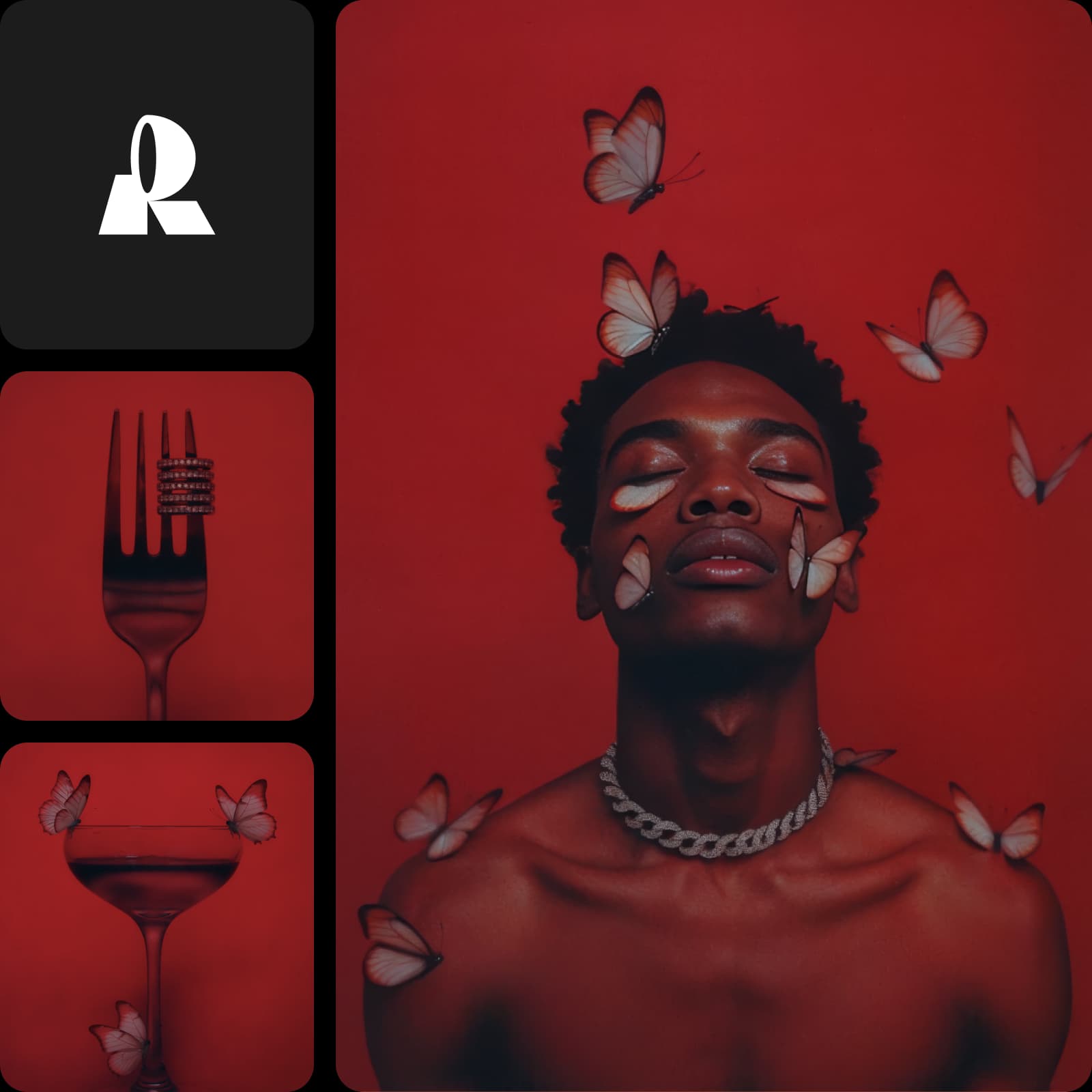
It thinks and searches before it generates
Muse Image 1.0 pairs with Meta's Muse Spark language model to work like an agent. It interprets your prompt, pulls real-time context from the web, searches for reference imagery, plans the layout and composition, and even self-refines - invoking search and reasoning tools to get details right before a single pixel is drawn. You can dial reasoning strength between low and high, so quick ideas stay fast while complex, real-world-accurate scenes get the full treatment.
- Adjust reasoning for complex scenes
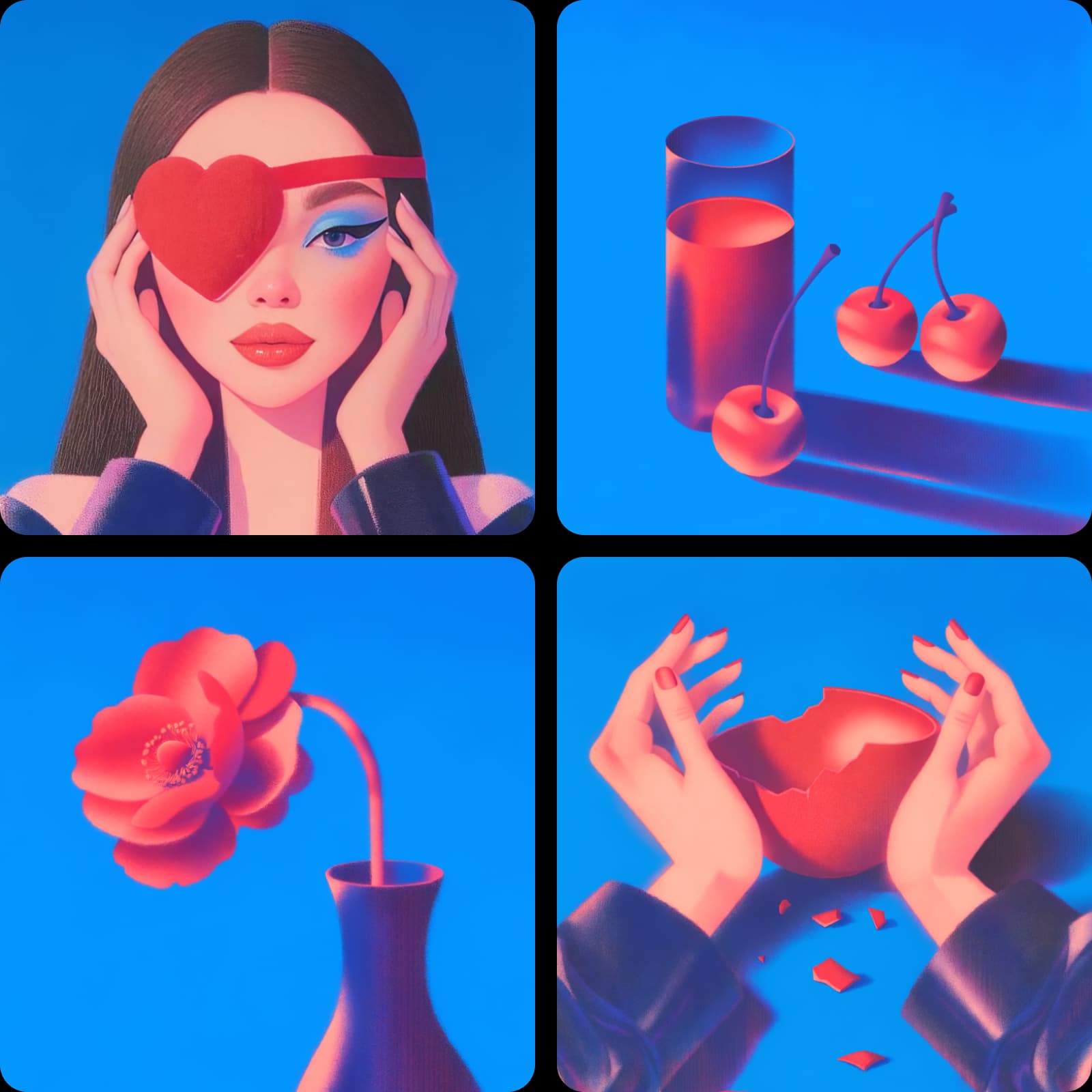
What you can create with Muse Image 1.0
Real-world-accurate scenes
Because it pulls live web context, Muse Image renders places, products, and references with real-world accuracy - not just a plausible guess.
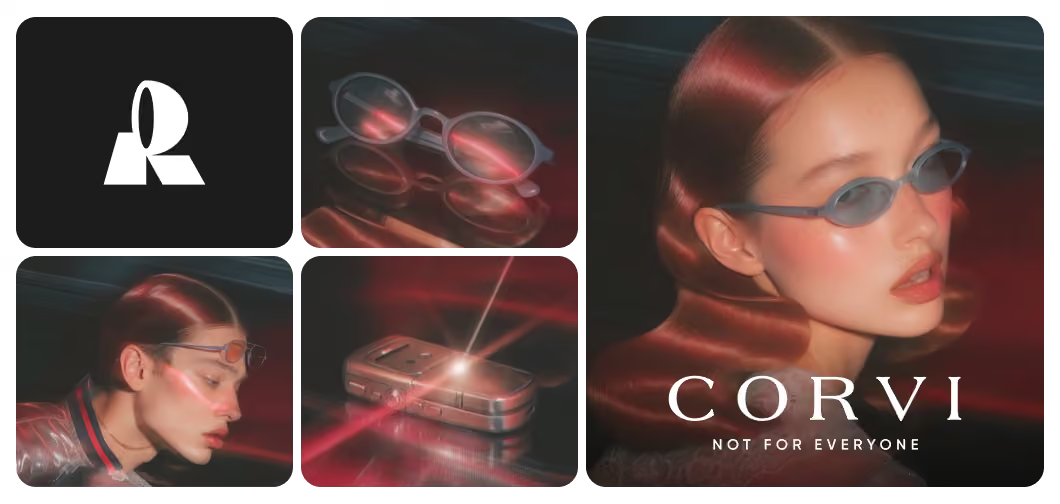
Blend multiple reference photos into one image
Muse Image 1.0 is built to compose, not just generate. Bring several reference photos - a subject, a setting, a style - and it reasons about how they fit together, then blends them into a single high-quality image. Generate 1, 2, 4, 6, 8, or 10 options per request across aspect ratios from square 1:1 to wide 16:9 and tall 9:16, and export as PNG, JPEG, or WebP. It's image generation that understands your inputs instead of overwriting them.
- Generate several options per request
Run Muse Image 1.0 inside Picsart
Muse Image 1.0 is available in Picsart's AI Playground, where you can generate with it directly and compare its output against 170+ other AI models from a single prompt - no setup or model configuration required. And you can reach it whichever way you work: on the web, in the Picsart desktop app, or built straight into your own projects via CLI, MCP, REST API, and SDK - with no third-party API keys or separate subscriptions to manage.
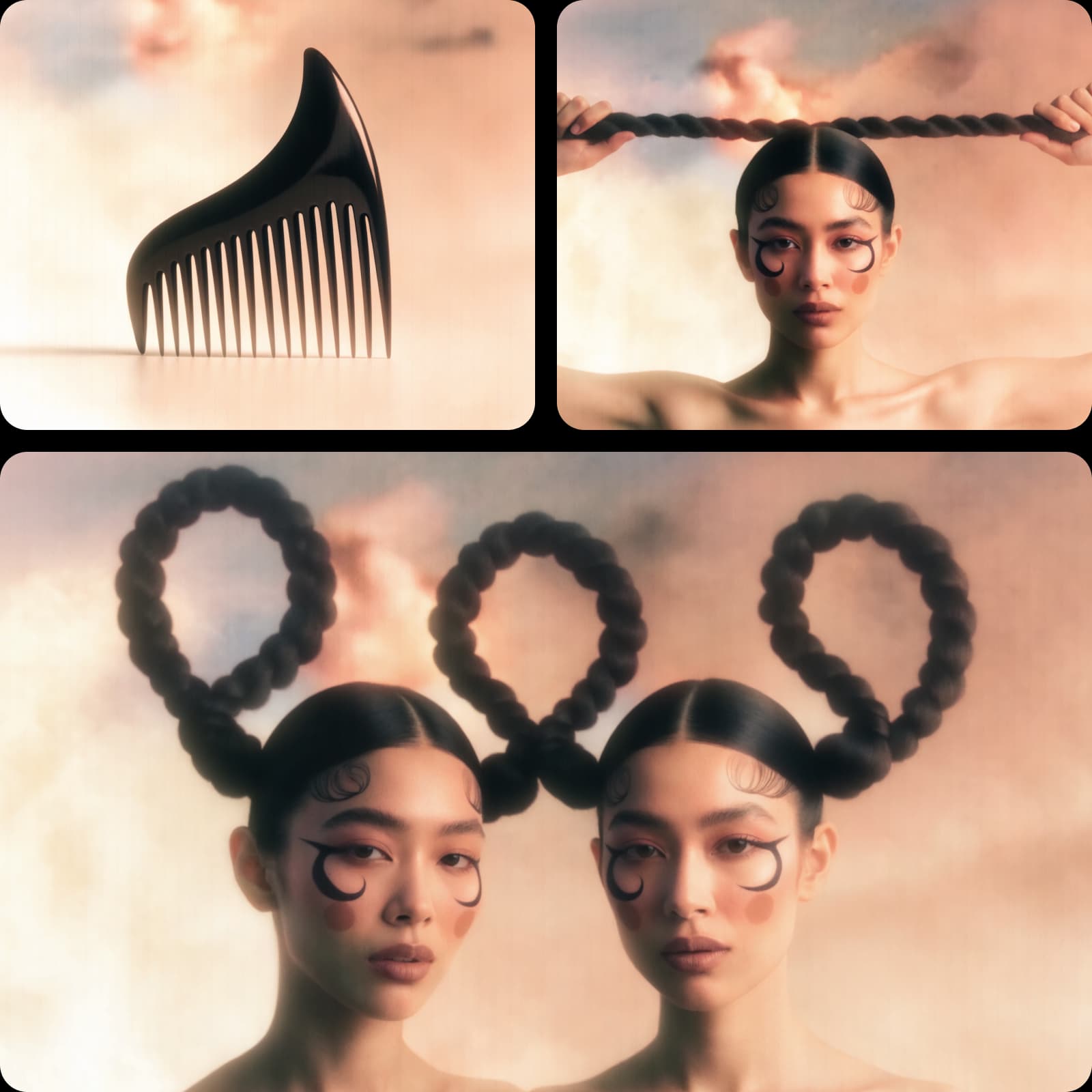
Understand image model choices
Learn how to compare image models and choose an output.
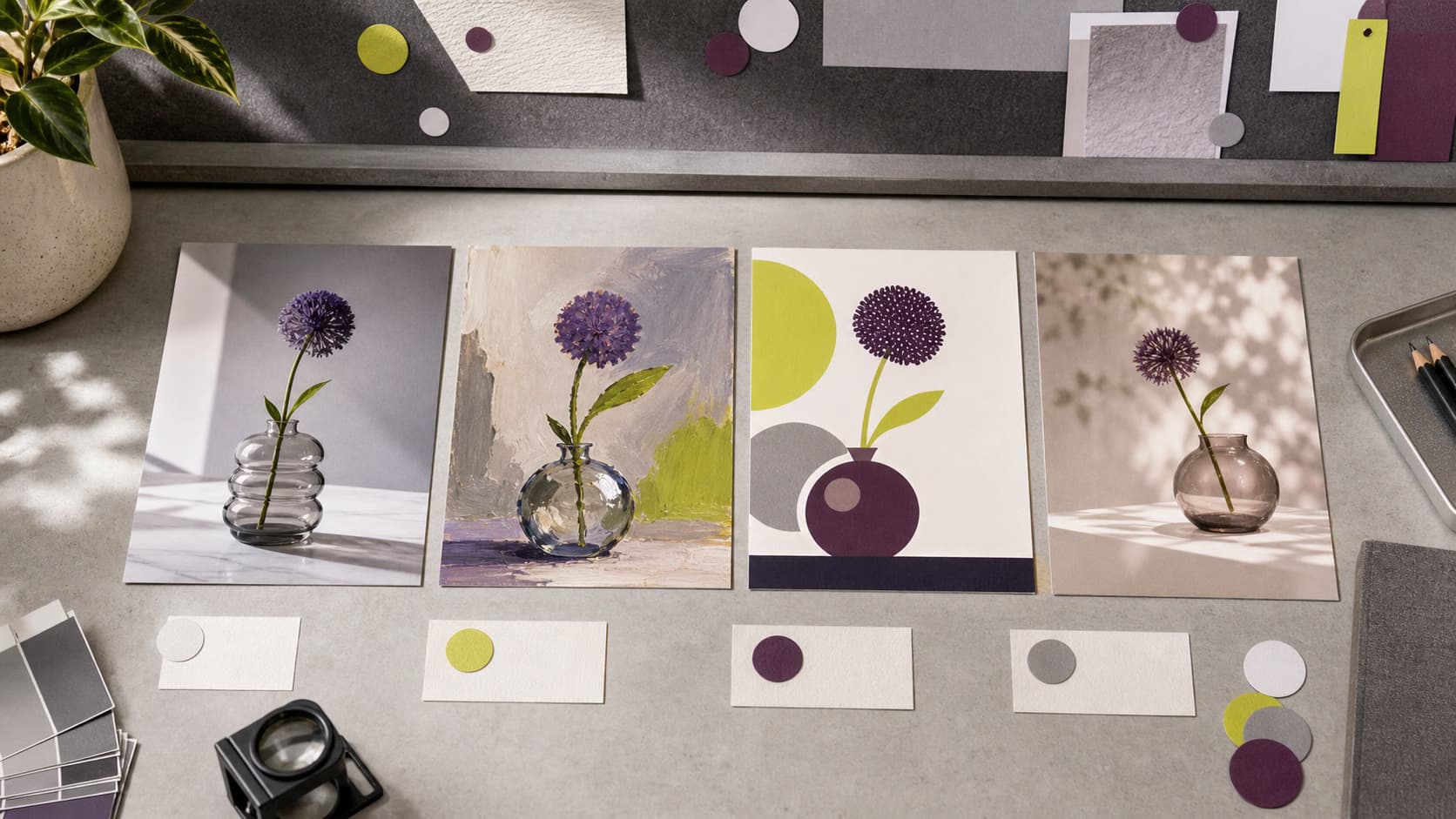
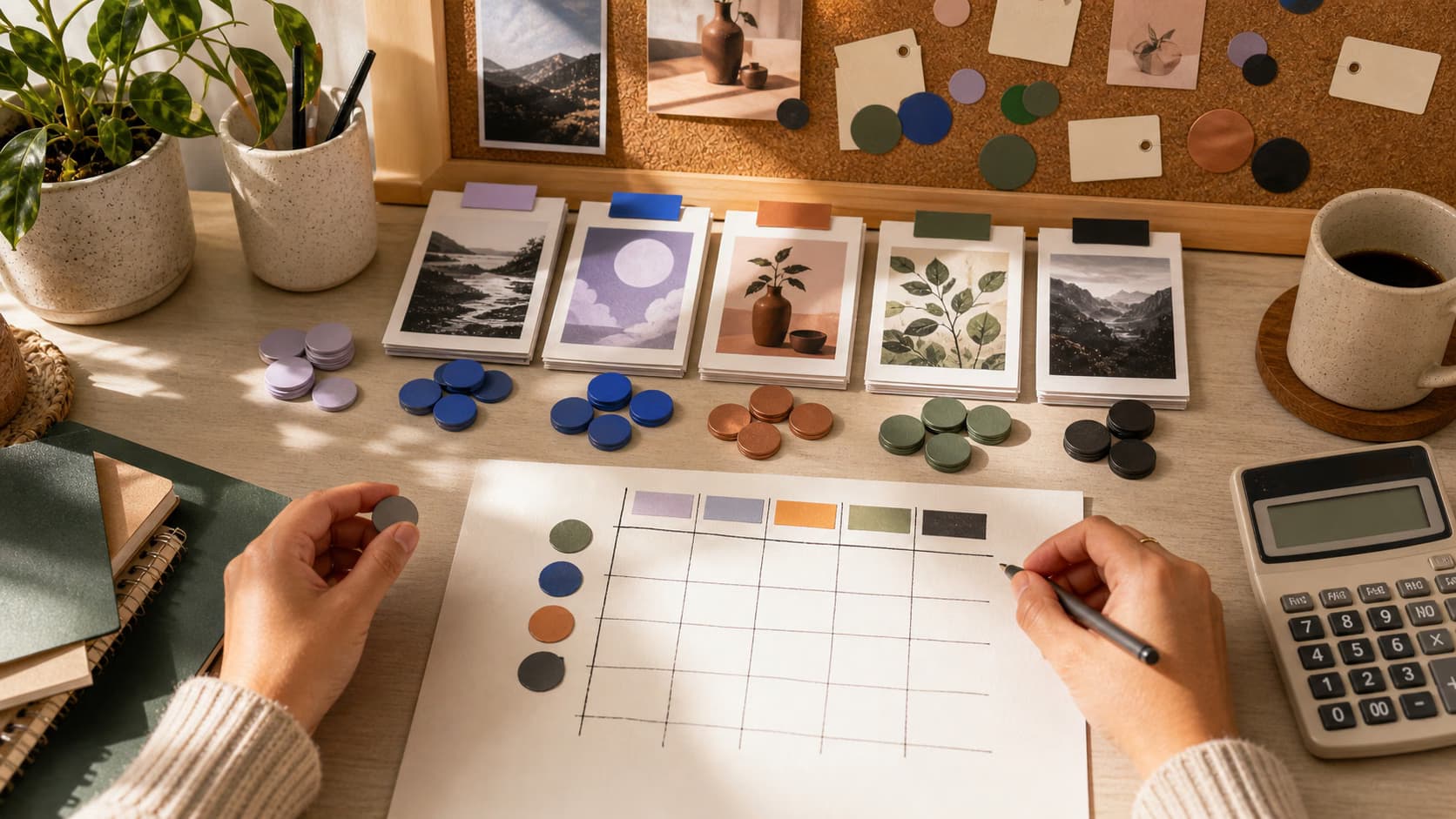
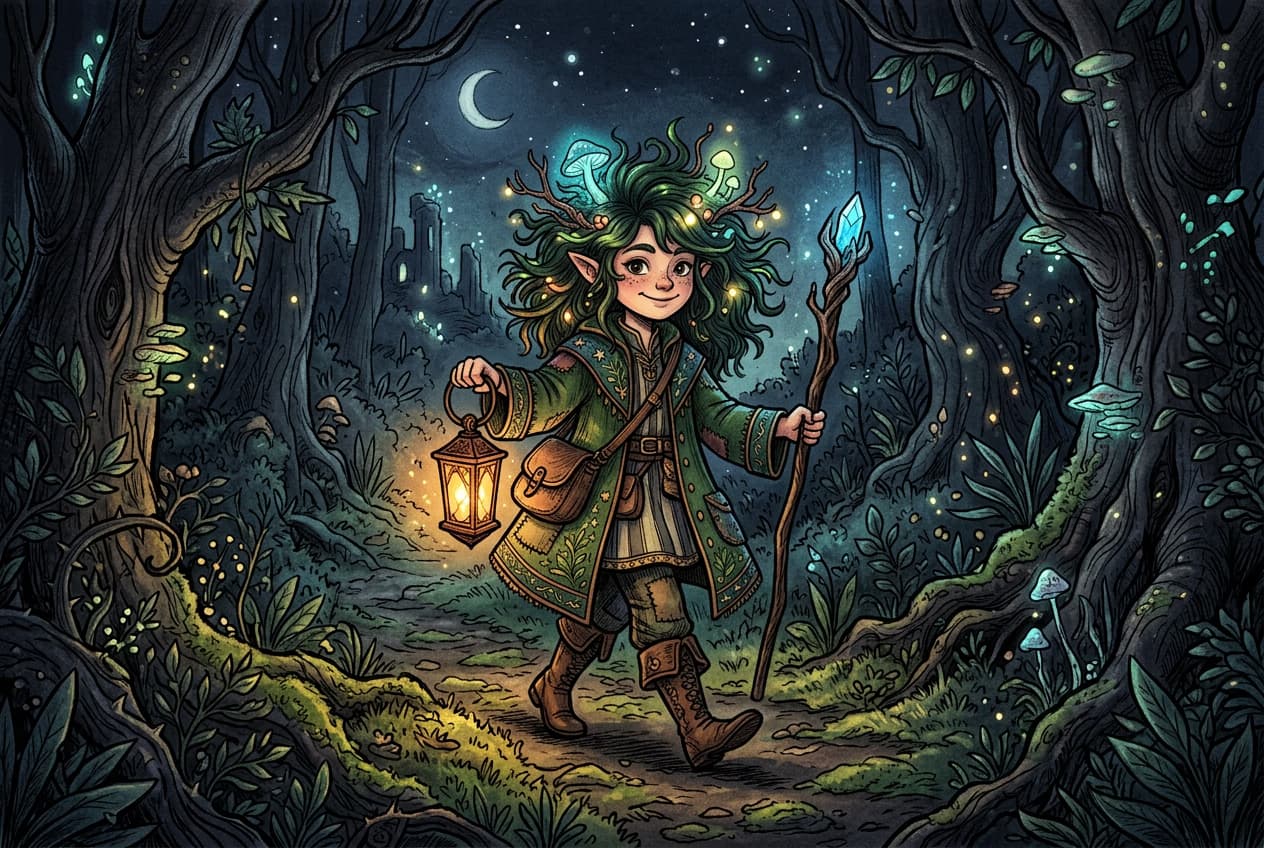
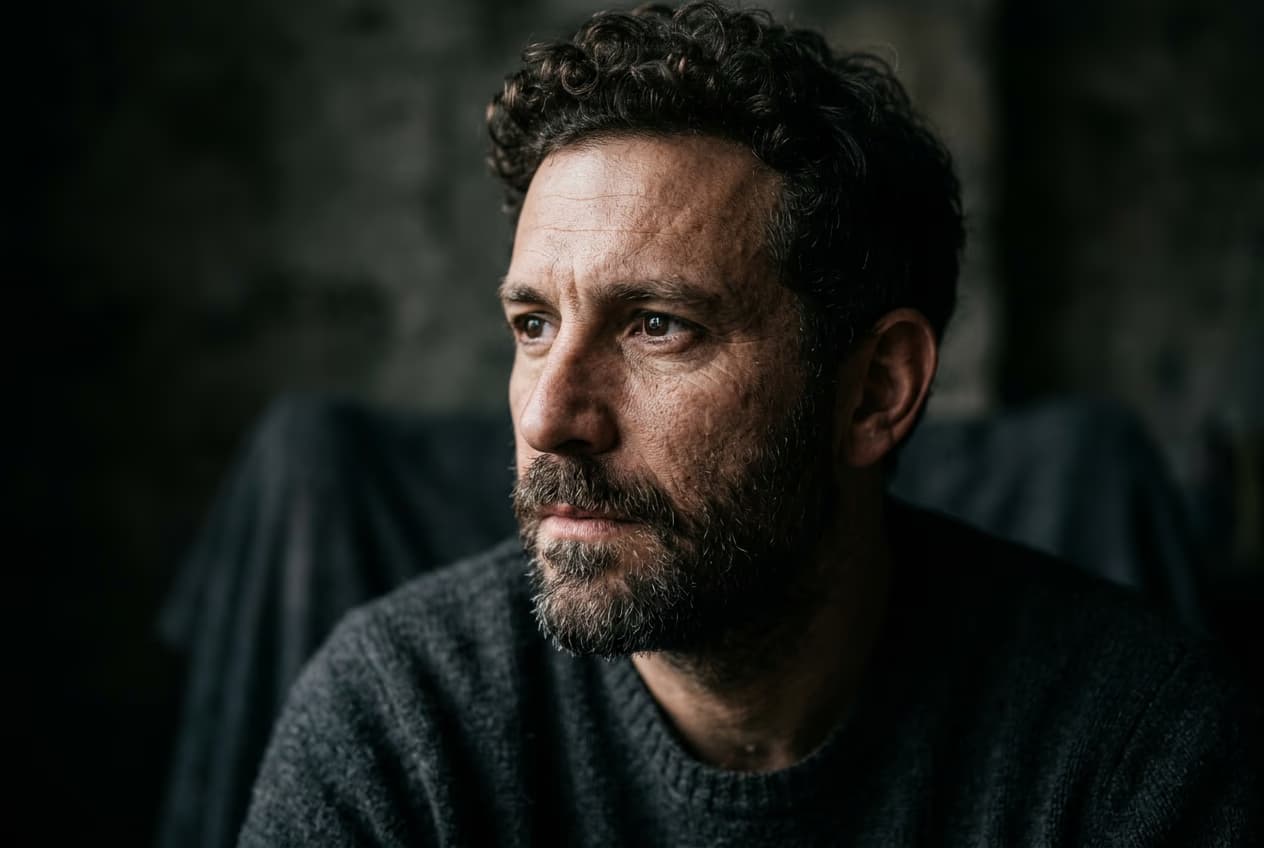
Explore more models like Muse Image 1.0
Compare Muse Image 1.0 with other image models for reasoning-driven, real-world-accurate visuals.
Muse Image 1.0 FAQ
Muse Image 1.0 is Meta's first image model, from Meta Superintelligence Labs. It's agentic - it reasons through your prompt, gathers real-world context, plans the composition, and blends reference photos before generating. It's available in Picsart's AI Playground and AI Image Generator.
Generate AI visuals with Muse Image 1.0
Pro
Most popularAI tools for everyday creative work.
Ultra
Most powerfulHeavy AI usage for creators & teams.
Enterprise
Custom AI solutions for large organizations.
- Volume discounts on credit rate
- On-demand top-ups