Make money on YouTube beyond the view count
You can make money on YouTube through eligible platform features, brand partnerships, affiliate sales, your own offers, and qualifying paid creator work. Advertising has entry and content requirements. Before you qualify, build original videos and relevant samples, then look for paid opportunities that fit your skills and the brief.
Check the earning door open to your channel
Requirements checked Oct 23, 2026. Country, account, policy, review, and monetization-module requirements still apply. Check the expanded YouTube Partner Program for your situation.
| Route | Current entry requirements | What it opens |
|---|---|---|
| Expanded program, eligible markets | Current entry requirements500 subscribers; 3 public uploads in 90 days; plus 3,000 qualifying watch hours in 12 months or 3 million qualifying Shorts views in 90 days | What it opensCertain fan-funding and Shopping features, subject to further rules |
| Full advertising entry | Current entry requirements1,000 subscribers; plus 4,000 qualifying watch hours in 12 months or 10 million qualifying public Shorts views in 90 days | What it opensApplication for advertising and Premium revenue sharing, subject to review |
| Brand, affiliate, or creative work | Current entry requirementsThe buyer or brief sets the conditions | What it opensA separate agreement; channel advertising eligibility does not guarantee a deal |
Package the kind of video you actually make
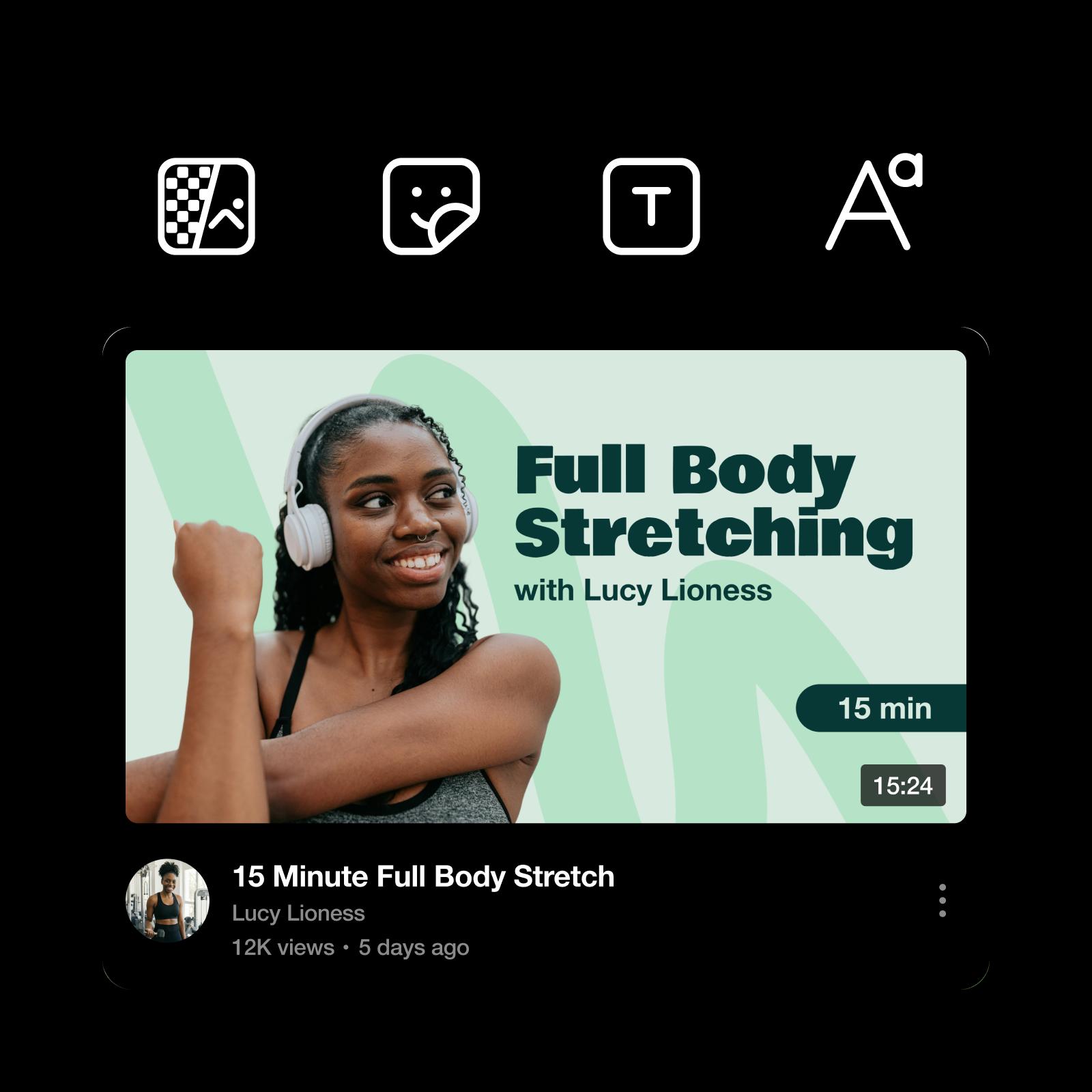
Illustrative thumbnail and packaging examples. A design does not establish channel eligibility or predict clicks.


Make a video plan you can repeat
Keep viewing, accepted paid work, production costs, and actual time in separate columns of your work log.
Protect originality before scaling output
Permission to use footage and eligibility to monetize it are different questions.
- Check originality: YouTube monetization policies address reused material and repetitive, mass-produced content.
- Add substance: Add an explanation, demonstration, or narrative rather than only changing a crop or captions.
- Review the final video: Apply required realistic-content disclosures and check rights, accuracy, and advertising suitability.
AI assistance can support original work, but it does not guarantee monetization.

Know which number you are reading
There is no universal payment per 1,000 public views. Check YouTube's earnings overview for the applicable revenue base.
Prepare for the announced 2027 changes
Effective Feb 1, 2027: Announced new full-entry thresholds are:
- Long-form route: 1,000 subscribers plus 8,000 qualifying watch hours in 365 days.
- Shorts route: 1,000 subscribers plus 20 million qualifying Shorts views in 90 days.
Existing program members and early access have separate treatment.
The announcement also sets a continuing 10-million-qualified-Shorts-views condition over 90 days for monthly Shorts pool earnings. Review the dated program changes and the Jan 31, 2027 terms-acceptance deadline. These are future rules, not today's entry requirements.

Look for a brief that actually accepts YouTube
Earn is a separate route for qualifying creator work, not a replacement name for YouTube advertising. Check the current campaign's accepted platforms before creating; historical YouTube campaigns do not prove that a suitable opportunity is open today.
Under the Earn program terms, personal, age, account-standing, geographic, payment, and campaign conditions apply. Read the reward basis and submission requirements before spending time or credits.
Get answers before you start
Some eligible YouTube creators can access certain fan-funding and Shopping features at the expanded program's 500-subscriber tier. Brand, affiliate, and paid creative work have separate conditions.