Make money with AI videos that meet a real brief
You can make money with AI-assisted videos through qualifying creative briefs, client deliverables, original channel content, or a real product or service. Start with the buyer and the brief. Budget generation, editing, revisions, and rights before creating. Uploading an AI video does not itself create income.
AI-generated creative examples are shown for production planning, not as customer experiences or earning results.

Plan a deliverable someone can assess
Illustrative AI output and workflow examples from relevant Picsart pages. Acceptance and commercial permissions still depend on the actual brief.
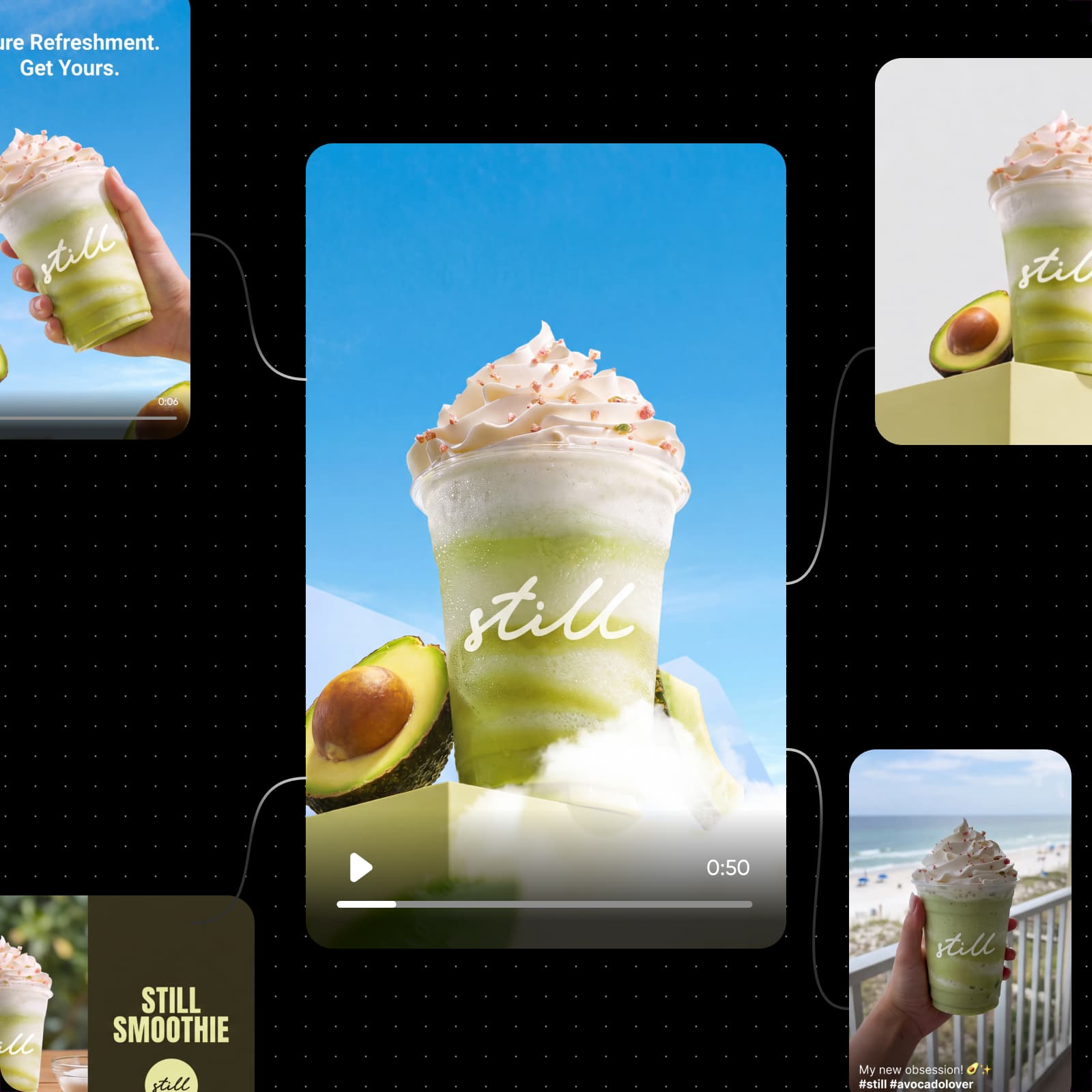

Choose the deliverable before the model
For a sample portfolio, try a clearly fictional scene, a truthful explainer, and a process demonstration. Label samples and synthetic content appropriately; do not invent a client or sale.
Make the brief control the generation
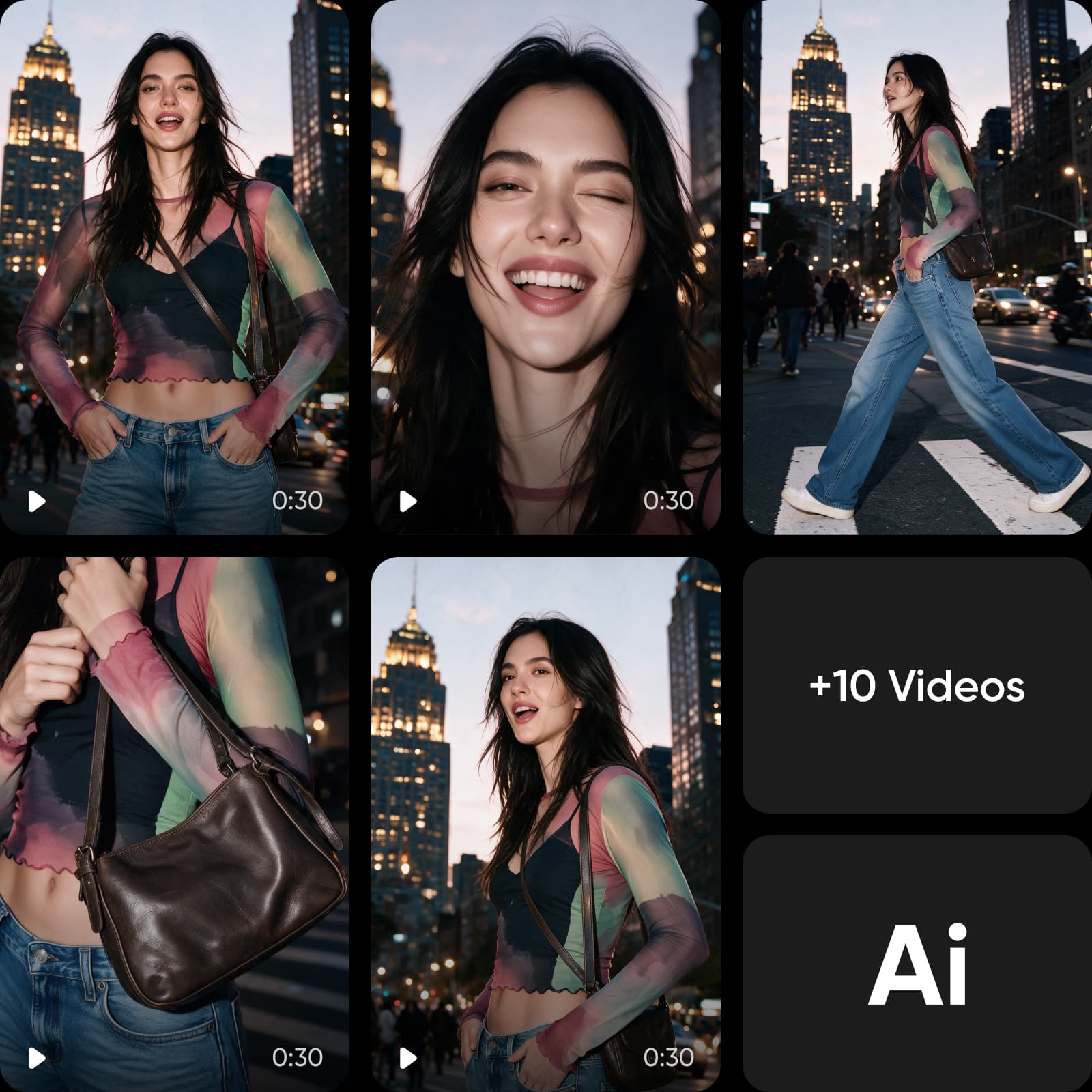
Know what a tool can and cannot promise
Duration, resolution, reference support, and costs vary by model and settings.
- Longer videos: Extend and Merge guidance explains longer-video workflows. Extending a clip adds work and can add credit cost.
- Editing controls: The prompt-based AI Video Editor transforms footage from a description. Choose the workflow needed for cuts, captions, or audio rather than assuming every control is in that tool.
- Retry budget: Technical generation failures and successful outputs you dislike are different cases. Read the current generation error guidance when budgeting retries.
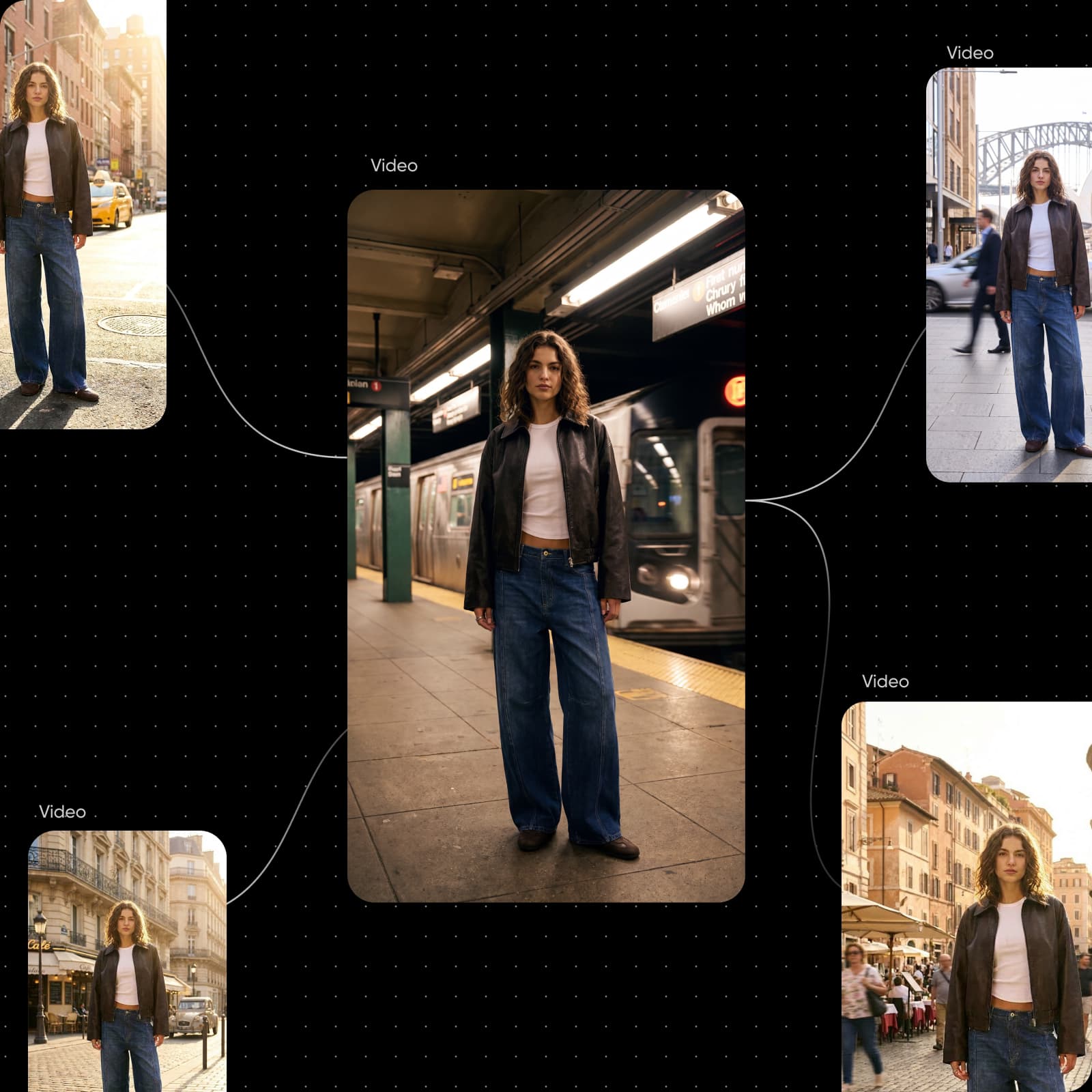
Calculate the cost of accepted videos
Cost per accepted deliverable = (generation spending + labor + licensed inputs + allocated overhead) ÷ accepted deliverables. Count successful generations you discard, preparation, editing, and revision work. If nothing is accepted, record the cost as unrecovered; dividing by 0 does not produce a useful unit cost.
This arithmetic is a planning example, not a Picsart price, fee recommendation, earnings result, or acceptance forecast. Replace every input with your own records.
Keep 3 permission questions separate
Use a historical brief to understand the difference
The closed AI Glow-Up ad brief illustrates a creative deliverable without social posting. It is a historical example, not an open offer. Other briefs require human footage and prohibit AI-generated faces, voices, or video; check each brief independently.
The Earn program terms make eligibility and campaign-specific conditions essential. Record allowed tools, deliverables, spending, revisions, rights, approval, and payment status before deciding whether to repeat the work.
The visual is an illustrative synthetic-ad workflow, not footage from that historical campaign or a real customer testimonial.

Get answers before you start
A faceless AI video can fit some original-content or creative-brief routes, but eligibility, rights, disclosure, and acceptance still apply. A human-only brief requires a different approach.