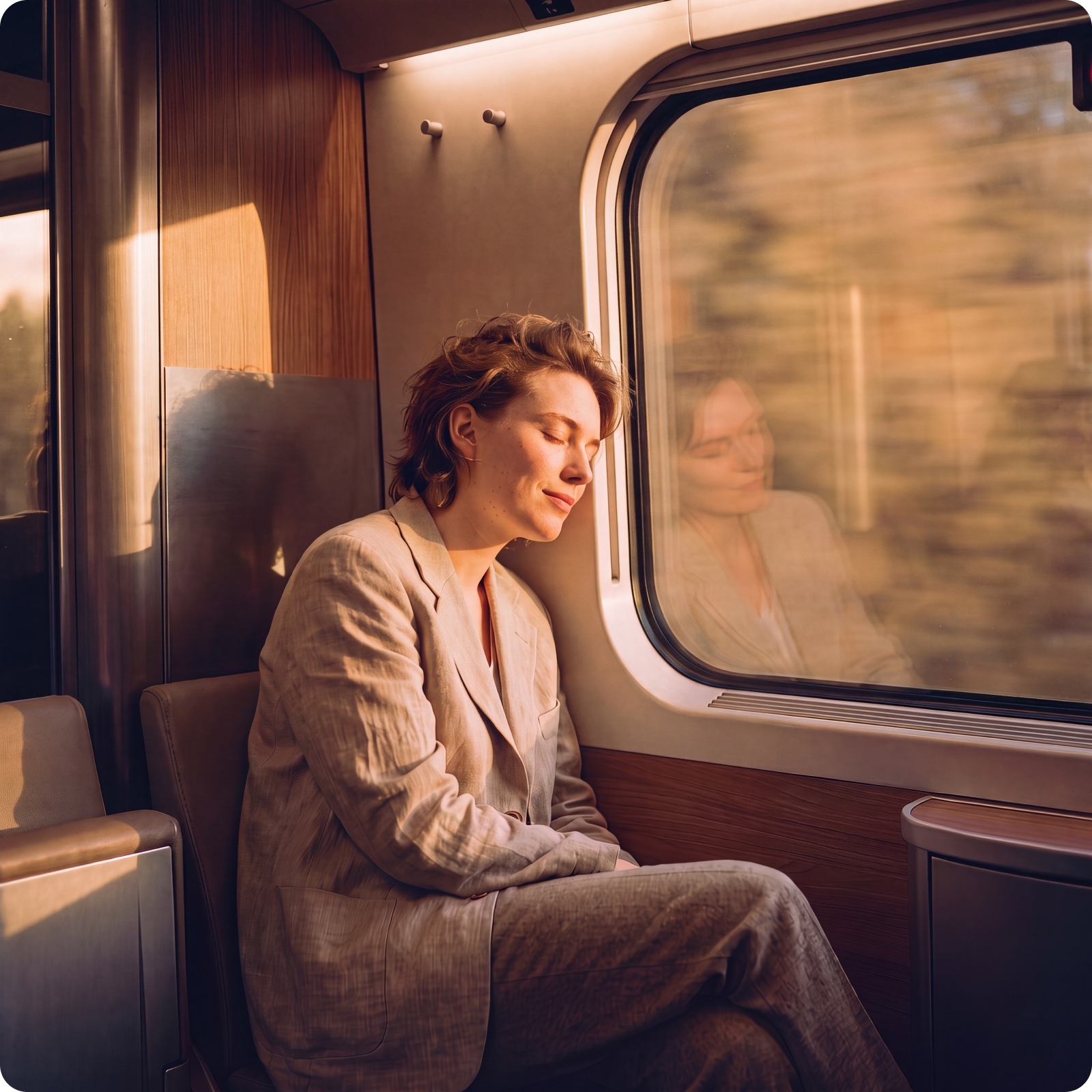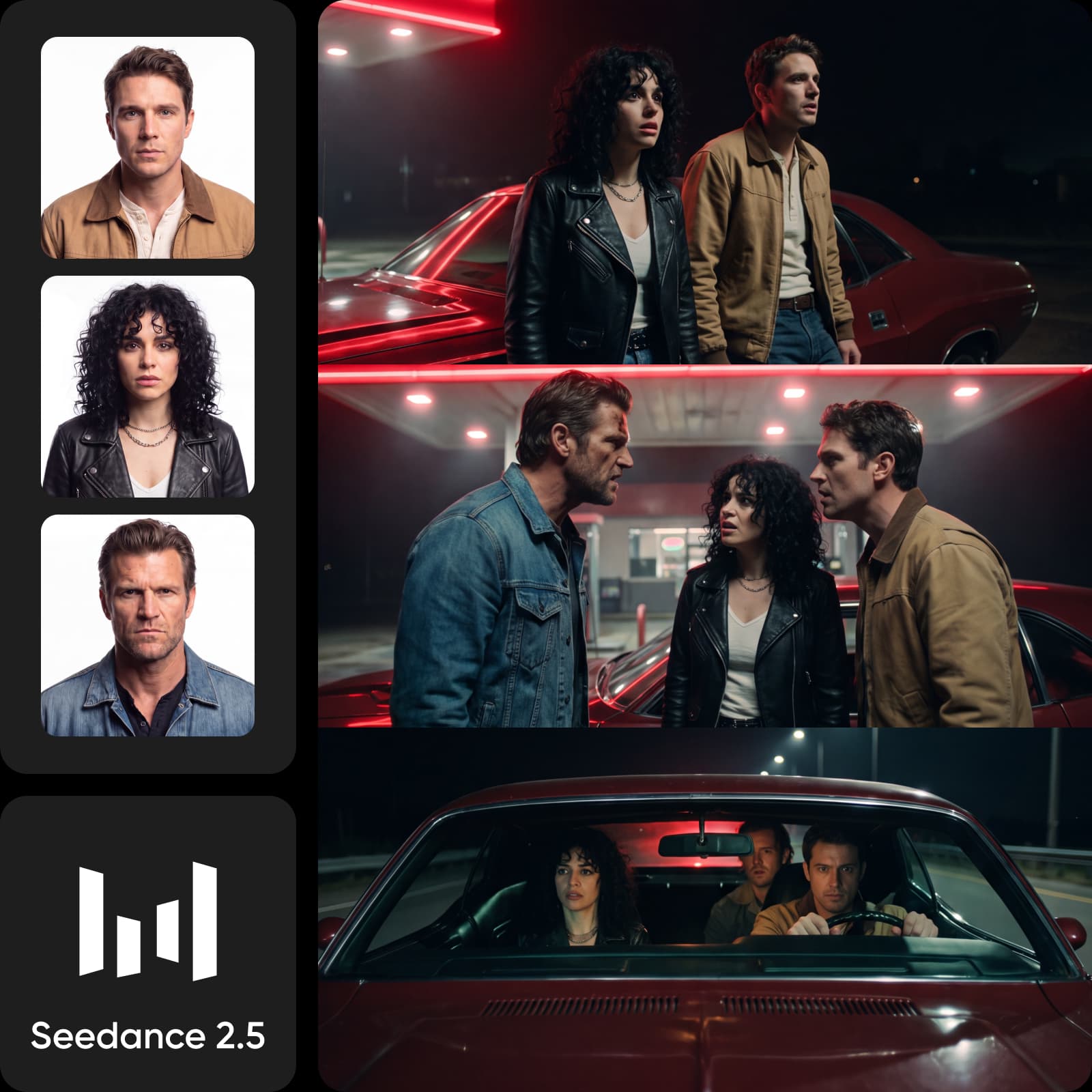
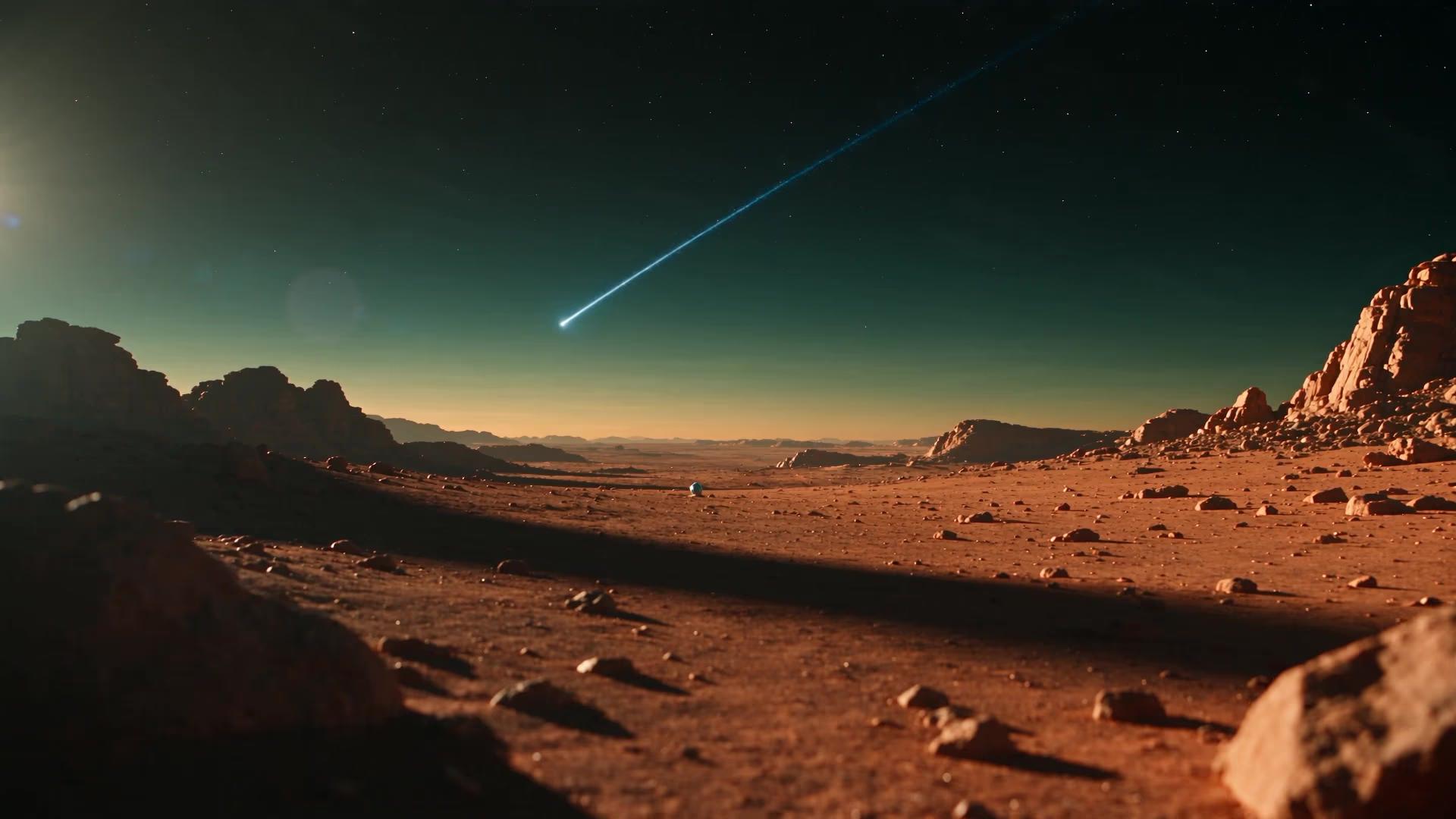
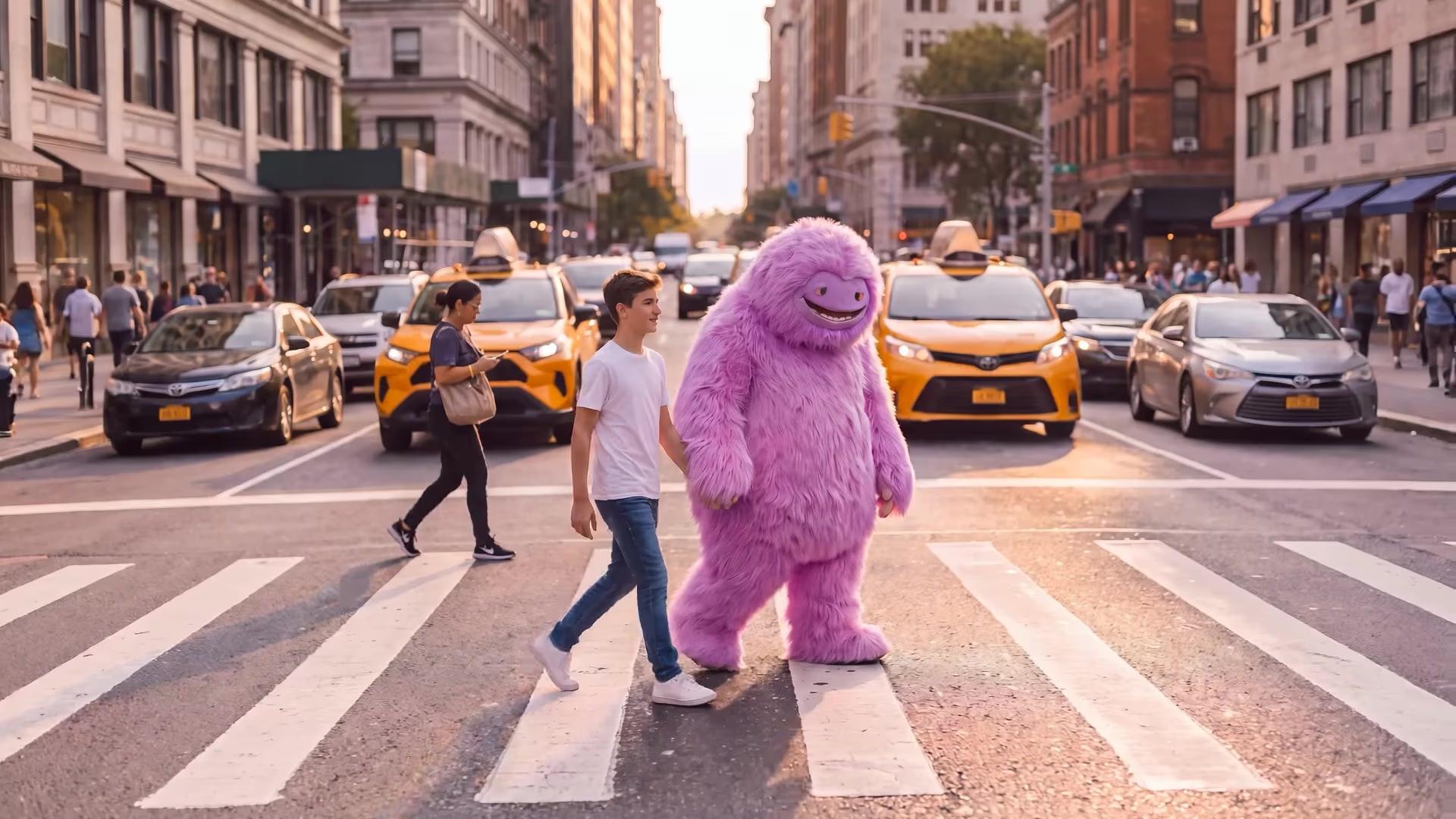

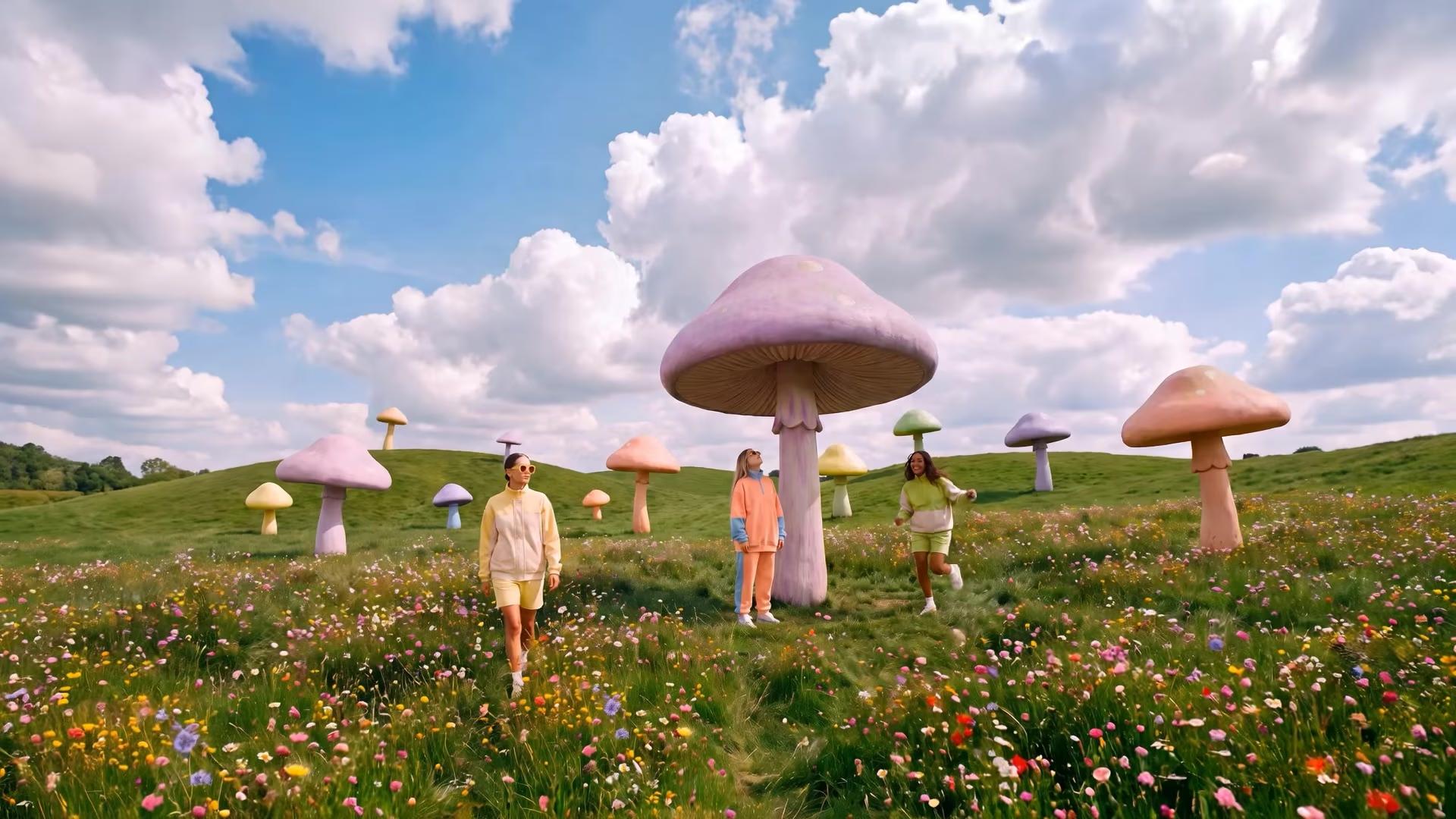




Create cinematic videos with sound using Veo 3.1

Write the shot, direct the movement, and generate video with dialogue, music, ambient sound, and effects in the same pass. Then compare the result in AI Playground.
  • Create video with sound
  • Direct sound and movement
  • Compare in AI Playground
Start
End
Ref
Describe your scene — generate with Veo 3.1

Create more with Veo 3.1

  • Generates 4K video with native audio

  • Matches dialogue, music, and sound effects to the scene

  • Uses visual references to guide consistency

  • Creates native vertical video for social formats

  • Follows detailed camera and motion direction

  • Keeps video creation in the same workspace

Why Picsart

Turn a model choice into finished video

PicsartMove from a video idea to a finished cut in 1 workspace.Separate toolsBreak the video workflow across separate tools.
Picsart✓175+ AI models from 32 providersSeparate tools✗Switch accounts to change models
Picsart✓Pick the video model for the jobSeparate tools✗Jump between tools to test directions
Picsart✓Keep prompts and references with the projectSeparate tools✗Re-explain the brief in every tool
Picsart✓Compare directions before you commitSeparate tools✗Compare results without shared context
Picsart✓Build repeatable video workflows in Picsart FlowSeparate tools✗Rebuild the workflow for every version
Picsart✓Start from video templates, then make them yoursSeparate tools✗Find templates in a separate tool
Picsart✓Finish captions and audio in the same projectSeparate tools✗Move projects into another editor

Create with Veo 3.1 in Picsart

How to

Start with the video brief

Write the subject, action, framing, and outcome you need from the scene.

Step 1: Starting a Veo 3.1 video brief in Picsart AI Playground
  • 4Kvideo output
  • 3visual references
  • 9:16native vertical output
  • 175+AI models to compare

Turn 1 brief into Veo 3.1 video directions

Use Veo 3.1 for a model-specific direction, then compare the same brief across video models before you commit.

Write a scene with soundDescribe the picture and the sound you want to hear in the finished scene.
Create a vertical social cutUse native vertical output for a social-first creative direction.
Guide a recurring subjectAdd visual references when the character, object, or setting needs to stay recognizable.

Compare Veo 3.1 with other video models

Start with Veo 3.1, then compare current video, image, and audio models by the result your brief needs.

Keep shaping the Veo 3.1 result in Picsart

Create with Veo 3.1, compare another model when the brief needs a different treatment, then finish the video in the same Picsart workspace.
  • Compare models before you commit
  • Edit the strongest version in Picsart
  • Keep the next cut moving in 1 workspace
Veo 3.1 video workflow in Picsart AI Playground
4.9/5(6,946 reviews)
G2 reviewsG2 Spring 2026 Leader badgeG2 Spring 2026 Momentum Leader badgeG2 Spring 2026 Fastest Implementation badge

See how reviewers use video and AI tools

These G2 reviews mention video templates, video editing, and AI tools.

Edit videos and thumbnails

“I like that there is video editing option from which we can also edit videos and make posters thumbnails easily.”

Rukish R., Executive team · G2
Start with video templates

“I often use the video templates to quickly put together an idea.”

Simon T., Operations manager · G2

Use AI tools

“...with its strong AI tools.”

Jatin Kumar S., Conferencer · G2

Choose the plan that fits the work

Review the plan cards below for current credits, creative tools, limits, and billing details before you generate.

SAVE UP TO 45%

Pro

Most popular

AI tools for everyday creative work.

$15 $10.5/mo
Billed yearly
You save $54 with yearly
Trending models
Full access
  • Seedance 2.04K 15s
  • Seedream 5.52K
  • MiniMax H32K 15s
  • GPT Image 2.6Fast
  • Access to all photo & video editing features
  • Advanced background & object removal
  • Parallel video generations with the world's most powerful AI video models
  • Unlimited image generations with Flex.2 Klein
  • 1-tap image enhancer
  • Millions of stock photos & Getty video clips
  • Selection of trendy fonts, text styles & stickers
  • Thousands of premium templates
  • Support for 3+ brand kits
  • Bulk edit up to 50 images at once
  • 100 GB of cloud storage
New features:
  • 15+ creative AI agents that plan, execute, and deliver — across video, brand, localization, and more
  • Auto-generate content from your terminal or agent with the Picsart CLI
  • Use Picsart inside Claude Code, Cursor, and ChatGPT via MCP

Ultra

Most powerful

Heavy AI usage for creators & teams.

$45 $24.5/mo
Billed yearly
You save $246 with yearly
Trending models
Full access
  • Seedance 2.51080p 30s
  • Seedream 5.52K
  • MiniMax H32K 15s
  • GPT Image 2.6Fast
  • 200+ leading AI video, image, and audio models (Kling 3.0, Nano Banana, MiniMax H3, Seedance 2.5 & more)
  • Parallel video generations with the world's most powerful AI video models
  • Early access to advanced AI features
  • Unlimited image generations with Flex.2 Klein
  • Option to buy add-on credits that never expire
  • Up to 6.5 million Getty stock videos
  • Bulk edit up to 100 images at once
  • Support for 10+ brand kits
  • Create ad variations & localize
  • Track ads performance
  • Add team seats
  • 300 GB of cloud storage per seat
New features:
  • 15+ creative AI agents that plan, execute, and deliver — across video, brand, localization, and more
  • Auto-generate content from your terminal or agent with the Picsart CLI
  • Use Picsart inside Claude Code, Cursor, and ChatGPT via MCP

Check Veo 3.1 before you create

Find the answers that matter before your first Veo 3.1 generation.

  • Veo 3.1 is Google DeepMind's AI video model for cinematic video with synchronized audio. It can generate dialogue, music, ambient sound, and effects with the video instead of treating sound as a separate step.