


The right font can make or break your presentation. It sets the tone, guides attention, and ensures your audience actually reads what’s on the screen. Whether you’re creating a pitch deck, a classroom slideshow, or a poster for a conference, choosing the best fonts for presentations is your secret weapon for instant visual impact.
In this guide, we’ll explore 20 must-use fonts for every popular platform – PowerPoint, Google Slides, Keynote and Prezi. You’ll also find tips on using AI-generated fonts, slideshow builders, and where to find the best fonts for presentation free online.
What makes a great presentation font?
Before we dive into the list, here’s what to look for:
- Readability: The easiest font to read while presenting is often a clean sans serif like Roboto or Open Sans.
- Aesthetic appeal: Fonts that feel modern, balanced, and on-brand.
- Versatility: Works well for both headers and body copy.
- Free or accessible: Bonus points if it’s easy to use across devices or platforms.
Best fonts for PowerPoint
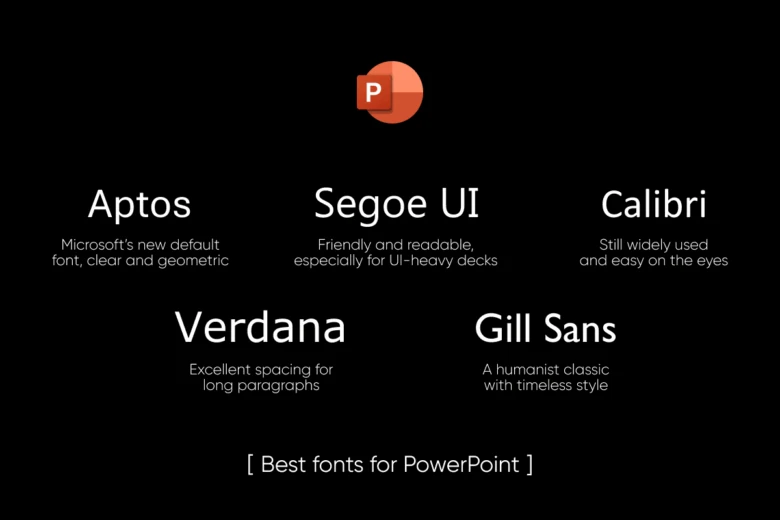
PowerPoint remains the go-to for business presentations, and the following fonts strike the right balance between professional and polished:
- Aptos – Microsoft’s new default font, clear and geometric
- Segoe UI – Friendly and readable, especially for UI-heavy decks
- Calibri – Still widely used and easy on the eyes
- Verdana – Excellent spacing for long paragraphs
- Gill Sans – A humanist classic with timeless style
Want more customization? Try Picsart’s AI Font Generator to create a unique font that matches your brand tone effortlessly.
Cool fonts for Google Slides
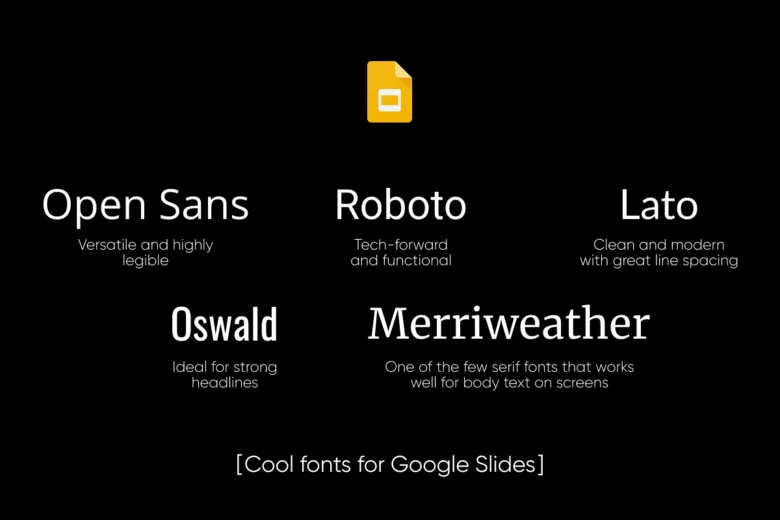
Looking for fonts that load easily in the cloud and maintain quality across devices? Google Slides-friendly fonts include:
- Open Sans – Versatile and highly legible
- Roboto – Tech-forward and functional
- Lato – Clean and modern with great line spacing
- Oswald – Ideal for strong headlines
- Merriweather – One of the few serif fonts that works well for body text on screens
To take your visuals to the next level, use AI Text Font Style from Picsart for unique transformations like glitch, neon, outline, or calligraphy-style fonts.
Best fonts for Apple Keynote
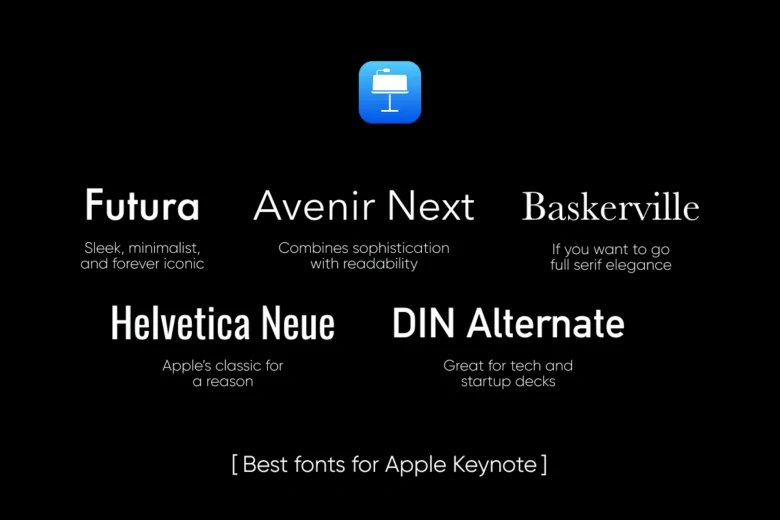
Apple’s slick design interface deserves fonts that feel premium yet simple:
- Futura – Sleek, minimalist, and forever iconic
- Avenir Next – Combines sophistication with readability
- DIN Alternate – Great for tech and startup decks
- Helvetica Neue – Apple’s classic for a reason
- Baskerville – If you want to go full serif elegance
If you’re wondering what the most aesthetic fonts are, Avenir and Futura consistently top designer rankings for their sleek proportions and timeless feel. You can also discover even more options by browsing the full Picsart Fonts Library, packed with curated collections and trending styles.
Should You Use Custom Fonts in Presentations?
Custom fonts can instantly elevate your visual branding, especially if you want to stand out. But remember:
- Always embed your fonts when exporting to PDF or sharing your presentation.
- Not all fonts are supported across platforms – test compatibility on your chosen tool.
- Use tools like Picsart’s AI Font Generator to develop a signature look that aligns with your visual identity.
If you’re presenting in unconventional formats – like vertical slides for social media or interactive product showcases – custom fonts help capture attention in milliseconds.
Bonus: Creative ideas for cool presentation formats
Typography is just one part of an amazing presentation. If you’re feeling stuck, here are 10 creative ideas for presentations to spark inspiration from cinematic storytelling and meme-style slides to visual timelines and minimalist design.
You can also bring your ideas to life using the Picsart Slideshow Maker, which lets you animate text, combine images and videos, and customize transitions like a pro – no design experience required.
Conclusion: Fonts that do more than speak
The cool presentation fonts don’t just say something – they show it. A well-chosen font supports your message, reinforces your tone, and helps your audience stay engaged.
Whether you’re building a slideshow in Google Slides or presenting to investors via Keynote, make sure your typography is on point. And if you want to go beyond the basics, Picsart has you covered from AI font styling tools to creative font collections that set your slides apart. Ready to build your next great deck? Let your fonts and your creativity shine.


