


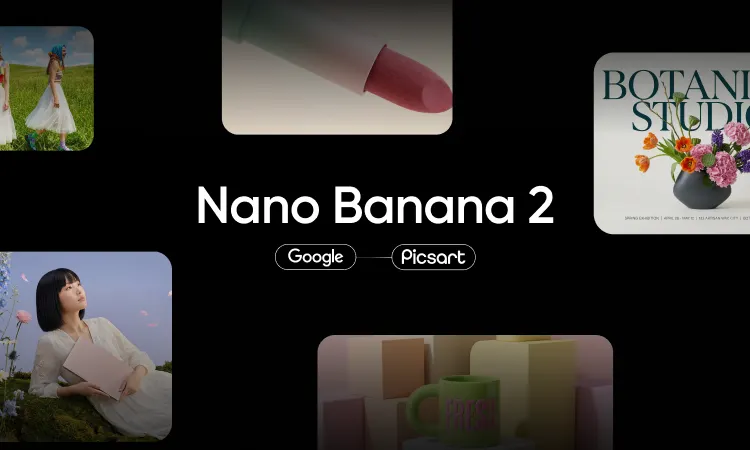
Nano Banana turns plain-language prompts into polished images and edits in seconds. You describe what you want in everyday words, and the model generates a new image or reworks one you already have. It handles character consistency across several outputs, so the same person or product keeps the same look shot after shot. It also blends multiple reference images into one coherent result, which makes it a strong fit for real creative work rather than one-off experiments.
This guide shows how to use Nano Banana step by step inside Picsart AI Playground. You will learn what the model does well, how to run it from a board, and how to write prompts that get you closer to the image in your head. Every step below uses the version of Nano Banana available in Picsart AI Playground, so you can follow along and generate as you read. By the end you will know how to go from a blank prompt box to a finished, on-brand visual.
What is Nano Banana?
Nano Banana is Google’s Gemini-based AI image model, built for generating and editing images from natural-language instructions. Instead of learning sliders and layers, you tell it what to change in a sentence, and it interprets the request the way a person would. It is known for natural-language editing, strong subject consistency, and the ability to combine several reference images into a single composition. That combination is what sets it apart from older text-to-image tools that struggled to keep a subject stable across generations.
In Picsart AI Playground, Nano Banana is available in two forms: Nano Banana 2 and Nano Banana Pro. Both also run in the Picsart AI Image Generator and inside Picsart Flow. Picsart AI Playground gives you one login with access to 150+ AI models, so you can run Nano Banana alongside other image, video, and audio models without juggling separate accounts. Each model shows its credit cost before you generate, and you pay per generation, which keeps experimentation predictable. You can organize outputs into boards and project folders and compare models side by side when you want to test different looks.
What Nano Banana is good for
Nano Banana covers most of the everyday jobs creators reach for, from quick fixes to full generations. It is especially useful when you need consistency and speed rather than pixel-level manual control. Here are the use cases where it performs best:
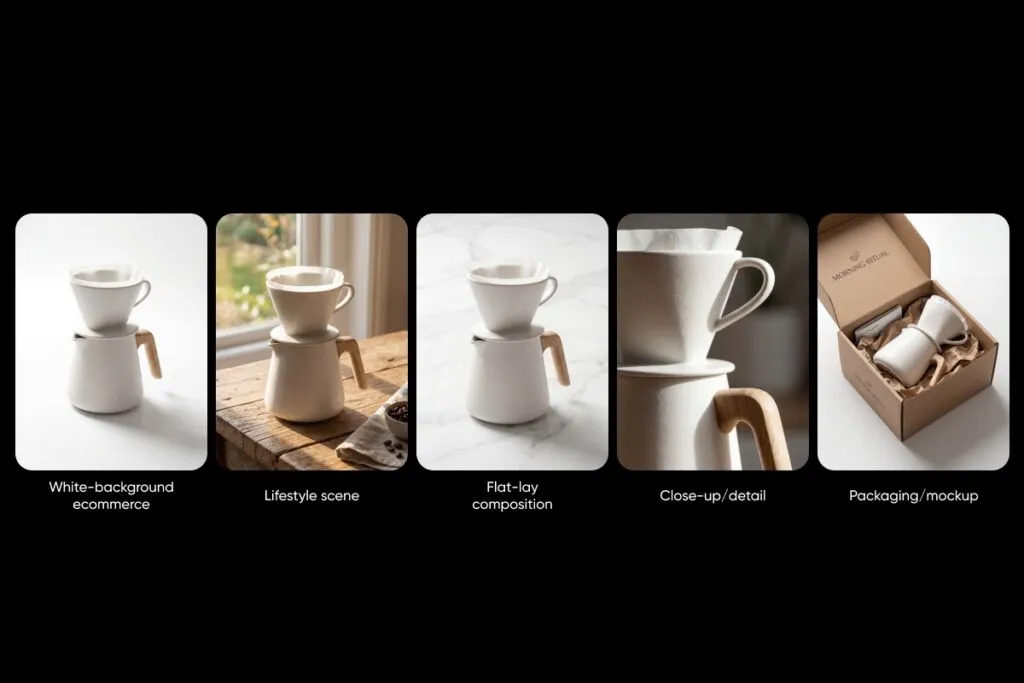
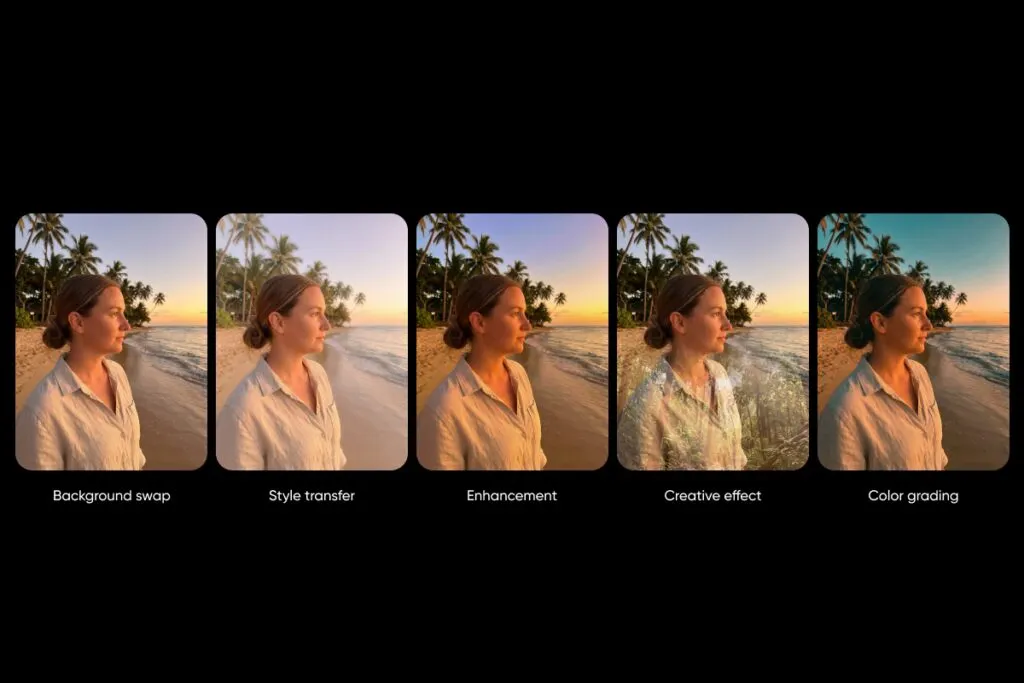
- Photo edits. Remove objects, change backgrounds, adjust lighting, or restyle a shot with a single instruction.
- Product shots. Place a product in new scenes or clean up existing photos while keeping the item true to life.
- Style changes. Restyle an image into a new aesthetic, from cinematic to illustrated, without starting over.
- Character consistency. Keep the same face, character, or product across a whole series of images.
- Text-to-image. Generate a brand-new image from a written description when you have no source photo.
How to use Nano Banana in Picsart
Getting a result from Nano Banana takes only a few steps once you are inside Picsart AI Playground. The flow below walks you from opening the tool to refining a finished image. Follow the steps in order the first time, then adapt them to your own workflow.
- Open Picsart AI Playground. Head to Picsart AI Playground and sign in with your Picsart account. One login gives you access to every model in the catalog.
- Create a board. Start a new board or project folder to keep this set of generations organized. Boards make it easy to find, compare, and reuse outputs later.
- Set output to image and pick Nano Banana 2. Choose image as the output type, then select Nano Banana 2 from the model list so every generation runs on that model.
- Write a clear prompt. Describe the subject, setting, style, and mood in plain language. The more specific your prompt, the closer the first result lands to what you want.
- Add a reference image for consistency. Upload a photo of the person, product, or scene you want to keep stable, so the model matches it across outputs.
- Review the credit cost and generate. Check the credit cost shown for Nano Banana 2 before you run it, then generate and let the model produce your image.
- Refine with follow-up prompts. Adjust the result with short follow-up instructions, such as changing the background or lighting, until it matches your vision.
Nano Banana prompt tips
Strong prompts are the difference between a rough draft and a finished visual. Nano Banana responds well to clear, descriptive language and to instructions that name exactly what should change. Use these tips to sharpen your results:
- Be specific about the subject and setting. Name the subject, the location, the time of day, and the mood so the model has less to guess.
- State the edit, not just the goal. Instead of “make it better,” say “brighten the shadows and remove the background clutter.”
- Add a reference for consistency. Pair your prompt with a reference image when you need the same subject to appear again.
- Describe the style in plain words. Terms like “cinematic,” “soft natural light,” or “studio product shot” steer the look reliably.
Here are a few example prompts you can adapt:
“A ceramic coffee mug on a marble countertop, soft morning light from the left, minimal studio product shot, sharp focus.”
“Restyle this portrait into a cinematic look with warm tones and shallow depth of field, keep the face identical.”
“Place this sneaker on a concrete floor in an urban setting, dramatic side lighting, high detail.”
For a deeper library of prompt ideas and structures, read the full guide at Nano Banana prompts.
Nano Banana vs Nano Banana Pro
Both versions run inside Picsart AI Playground, and the right choice depends on the job. Nano Banana 2 is the go-to for everyday generations and edits, while Nano Banana Pro is built for more demanding work where you want the highest quality and control. If you are producing detailed campaign visuals or need the strongest output the model can deliver, step up to the Pro version. For a full walkthrough of the Pro model, read how to use Nano Banana Pro.
Frequently asked questions
Is Nano Banana free?
In Picsart AI Playground, Nano Banana runs on pay-per-generation credits, and each model shows its credit cost before you generate. That means you always see what a generation costs up front, so there are no surprises. You can start small and scale up as you get comfortable with the model.
Does Nano Banana edit photos?
Yes. Nano Banana is built for natural-language editing, so you can upload a photo and change backgrounds, lighting, objects, or style with a written instruction. It keeps the subject consistent while it reworks the parts you asked to change. This makes it useful for both quick fixes and full restyles.
What are the best Nano Banana prompts?
The best prompts are specific about the subject, setting, style, and the exact edit you want. Pairing a clear prompt with a reference image gives the most consistent results. You can find a full set of prompt examples at Nano Banana prompts.
What is the difference between Nano Banana and Nano Banana Pro?
Nano Banana 2 handles everyday generations and edits, while Nano Banana Pro targets higher-quality, more demanding work. Both are available in Picsart AI Playground, so you can test each on the same prompt and compare. See the Pro walkthrough at how to use Nano Banana Pro.
Can I use Nano Banana images commercially?
Commercial use depends on the licensing terms that apply to the model and your account, so review the current terms before using outputs in paid work. As a general rule, check the usage rights tied to the model in Picsart AI Playground and any brand guidelines you follow. When in doubt, confirm the terms that apply to your specific project.
Start creating with Nano Banana in Picsart
Nano Banana makes AI image generation and editing feel as simple as describing what you want. With clear prompts, a reference image, and the version that fits the job, you can produce consistent, on-brand visuals in minutes. Everything in this guide runs inside one place, with credit costs shown before every generation. Open Picsart AI Playground to try Nano Banana 2 and Nano Banana Pro, and explore the full lineup at Picsart image models.


