


Picsart just dropped a feature that changes the game for visual thinkers: the Infinite Frame. Imagine a freeform board that never ends, built for creators who want space to brainstorm, collect inspiration, and test design ideas without limits. With this update, sketching out big ideas feels natural, fast, and collaborative. You can try it today inside the Picsart Editor on the web.
What is the Infinite Frame?
The Infinite Frame is a workspace with no boundaries. Instead of being locked into a single frame, the board expands as you build on it. Drop in text, images, stickers, or shapes, and the space automatically adjusts.
Think of it as a digital freeform board that grows with your project. A campaign map, a vision board, ten different versions of the same post – everything can live together in one evolving space.
How to use Picsart’s infinite canvas
Starting a project on an Infinite Canvas is as easy as opening a new file in the Picsart Editor on the web. Once inside, you’ll notice the tools feel familiar:
- Visit the Picsart editor on the web
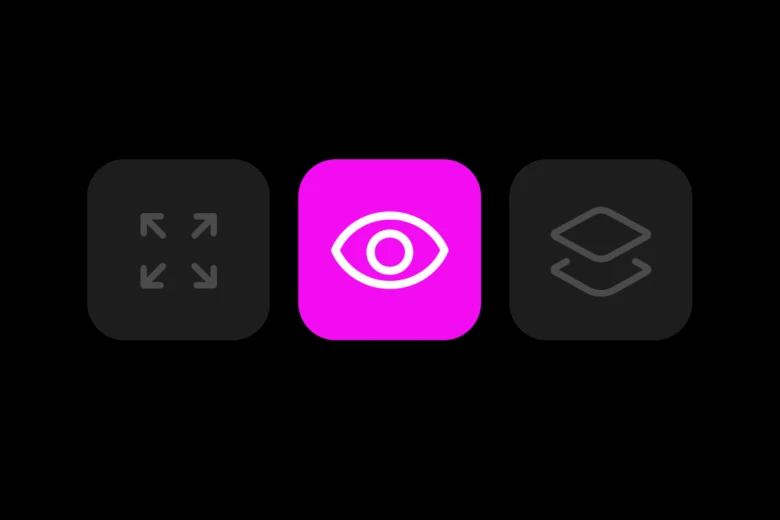
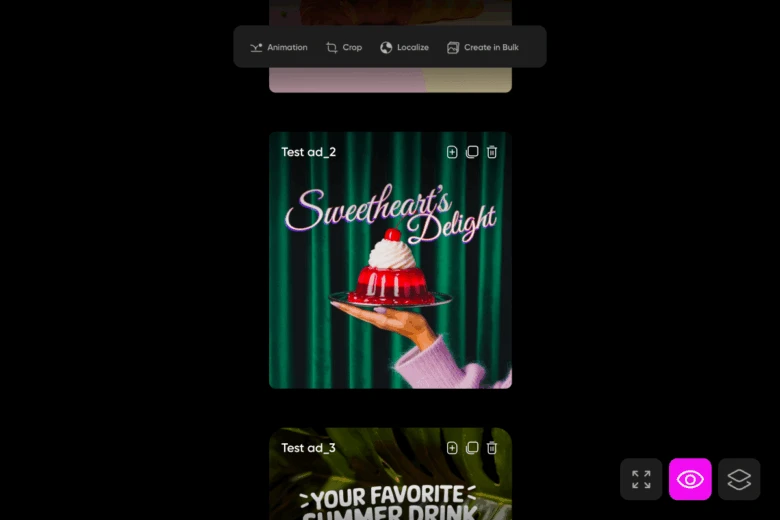
- Make sure to turn on the feature by clicking the eye icon in the lower right corner of the editor
- Drag and drop elements into your board.
- Pan across the workspace to explore different sections.
- Zoom in when refining details, or zoom out to see the big picture.
- Keep adding as much as you want – the canvas will stretch in every direction.
- No new setup, no resizing headaches. The frame grows with your ideas.
Where to find it
The feature is built right into the Picsart Editor on the web, so you’ll need to open it on a desktop to explore its full potential. When you create a new project, you’ll see an eye icon in the lower right corner of the editor, which is the infinite frame feature, available alongside other modes. Tap in, and you’re ready to design.
Expanding beyond the frame
This is the magic: every time you add something beyond the current edge, the board extends. You never have to stop and create a new file just to test out a fresh idea. Want to try different color palettes? Spread them out across your space. Building a moodboard? Keep pinning images until your vision feels complete. The workspace evolves in step with your process.
How creators are already using it
The Infinite Frame is a flexible hub for creativity. Here are a few ways to use it:
- Moodboarding: Designers arrange images and textures into flowing inspiration maps.
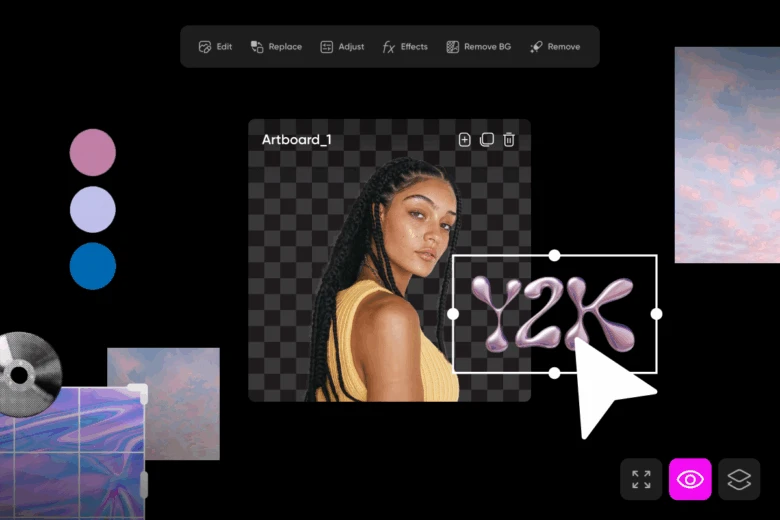
- Brainstorming: Teams map out ideas visually
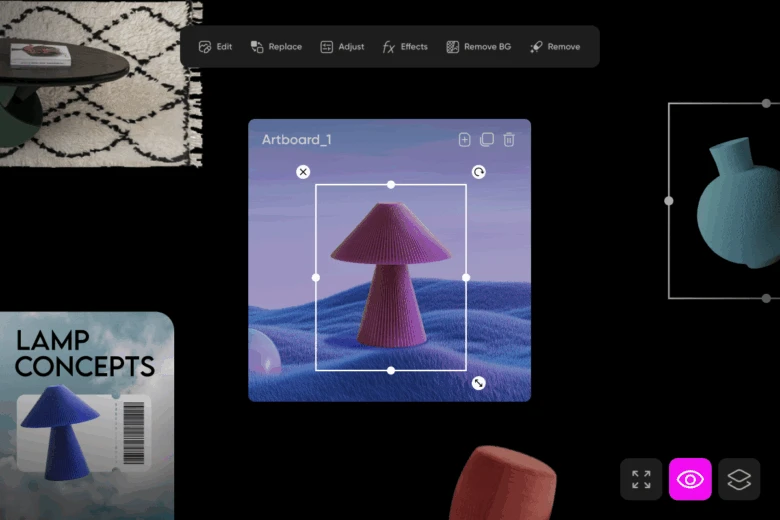
- Exploring variations: Content creators test multiple layouts, fonts, or styles in the same space instead of duplicating files.
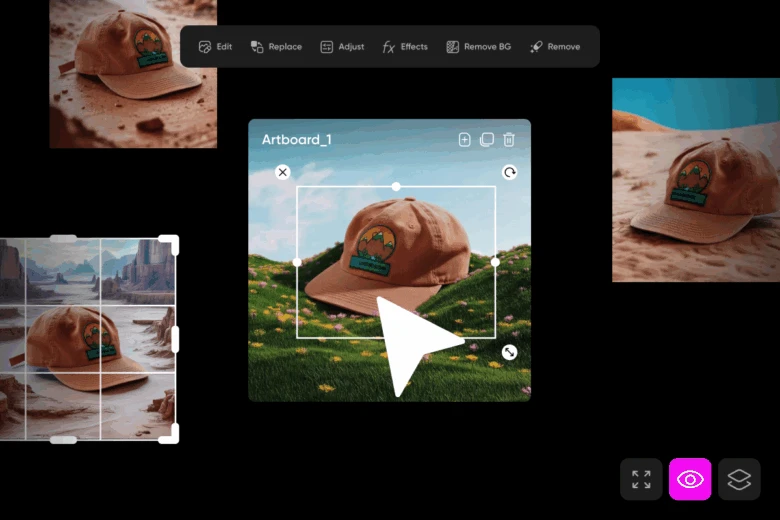
- Campaign planning: Marketers lay out ads, social posts, and visual assets in a continuous, scrollable frame.
Why it matters
The benefits are clear. With no boundaries, the board expands endlessly to keep pace with your ideas. It allows you to test concepts side by side in the same space, making comparisons quick and effortless. Workflows feel smoother because there’s no need to pause for constant setup or file duplication. And for collaboration, team brainstorms, client reviews, or solo projects that require iteration, the Infinite Frame provides the flexibility to keep everything in motion.
The big picture
Infinite Frame reimagines the design process. It’s more than a new feature – it’s a way to work without boundaries, to think visually, and to keep ideas flowing in one ever-expanding frame.
For creators who want freedom, speed, and a workspace that grows with them, the Infinite Frame isn’t just helpful, it feels essential.


