


Picsart and Microsoft are bringing creativity straight to your Windows device. Through a new partnership with Microsoft, Picsart has launched 20 original wallpaper designs now available in the Microsoft Store on Windows, giving Windows users a fresh, expressive way to personalize their devices.
This collaboration marks an exciting step in making creativity feel more native to everyday digital spaces. Whether you’re customizing your workspace, refreshing your home screen, or simply craving a new aesthetic, Picsart wallpapers are now just a click away for Windows users worldwide.
A new way to personalize Windows with Picsart
The Microsoft Store is home to thousands of wallpapers designed to help users express their style and now, Picsart is part of that ecosystem. As part of this collaboration, Picsart created 20 high-quality, aesthetic wallpapers, designed specifically for Windows devices and grouped into four distinct collections, called Themes.
Each Theme offers a different creative mood, making it easy to match your desktop to your vibe, whether that’s calm, playful, futuristic, or dreamy.
Explore the four Picsart Themes
Geometric Dreams
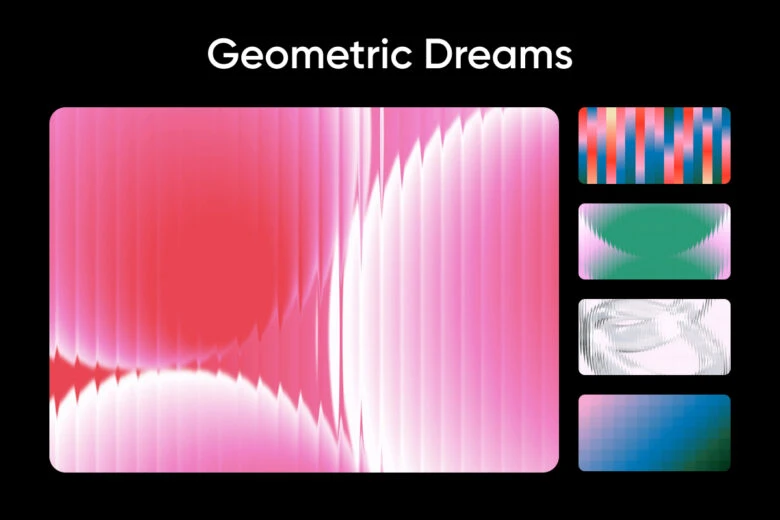
Bold symmetry, soft gradients, and modern shapes come together in Geometric Dreams. This collection is ideal for creators who love structure with a creative twist: clean, eye-catching designs that feel modern without being minimal.
Perfect for: Design lovers, modern workspaces, colorful setups
Cosmic Auras
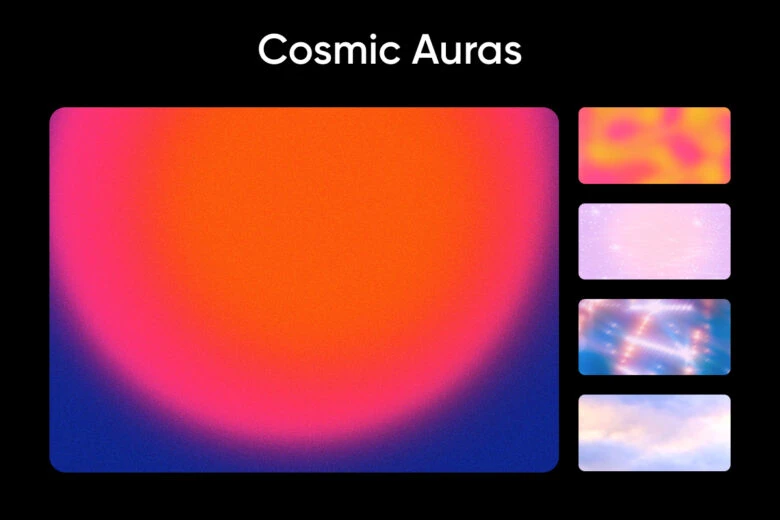
Inspired by light, color, and movement, Cosmic Auras blends dreamy hues with an almost otherworldly feel. These wallpapers bring subtle energy and imagination to your screen without feeling overwhelming.
Perfect for: Creative inspiration, soft color palettes, atmospheric vibes
Pixelated Love
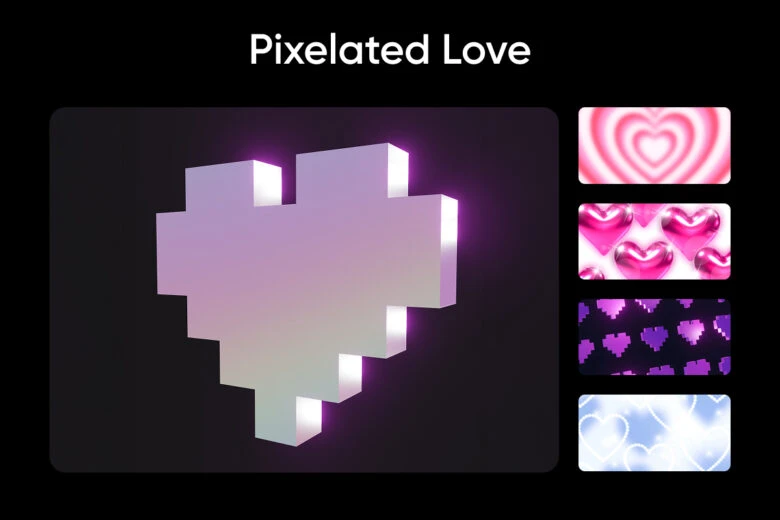
A playful nod to digital nostalgia, Pixelated Love mixes bold colors with retro-inspired visuals. It’s expressive, fun, and full of personality – ideal for anyone who loves statement designs with a tech-forward edge.
Perfect for: Retro aesthetics, playful setups, bold visuals
Ethereal Escapes
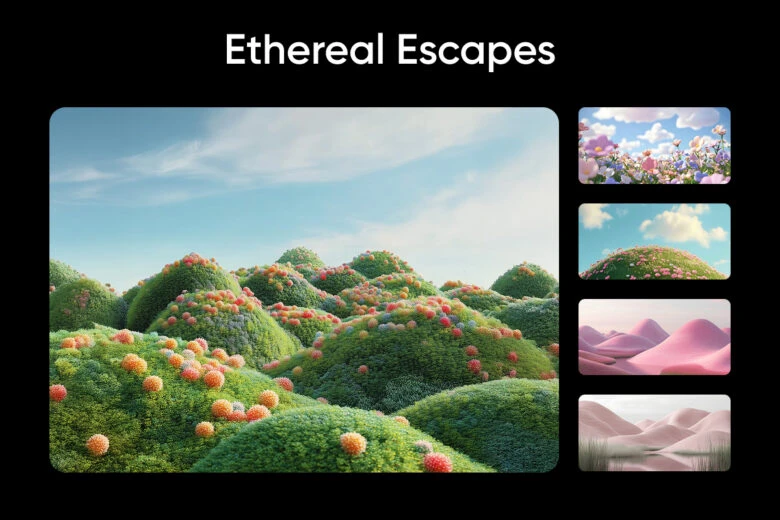
Soft landscapes, pastel tones, and calming scenes define Ethereal Escapes. This collection was designed to bring a sense of calm and openness to your digital environment – perfect for long workdays or creative breaks.
Perfect for: Relaxing workspaces, nature-inspired aesthetics, calm visuals
How to download Picsart Themes from the Microsoft Store on Windows
Getting started is simple:
- Open the Microsoft Store on your Windows device
- Visit the Themes department
- Search for Picsart or browse the featured collections
- Click “Apply”!
Once installed, your new Picsart theme integrates seamlessly with your Windows experience.
Why this collaboration matters
This collaboration reflects a shared vision between Picsart and Microsoft: making creativity more accessible in everyday digital moments. By bringing Picsart-designed themes directly into the Microsoft Store on Windows, Windows users can personalize their devices using visuals created with the same creative energy that defines the Picsart community.
Start personalizing your Windows device today
If your desktop is ready for a refresh, explore the Picsart Themes now live. From bold and graphic to soft and serene, there’s a theme designed to match every creative mood.
Your Windows screen just got a creative upgrade!


