Choose an AI tool category
Jump into the right AI workflow for images, editing, video, audio, backgrounds, or enhancement.
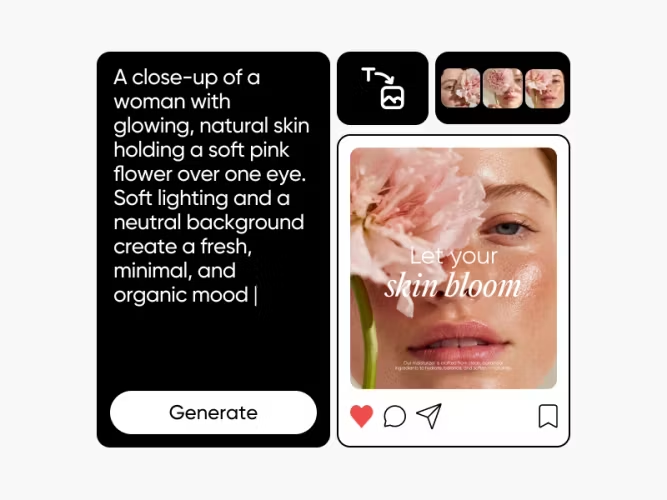

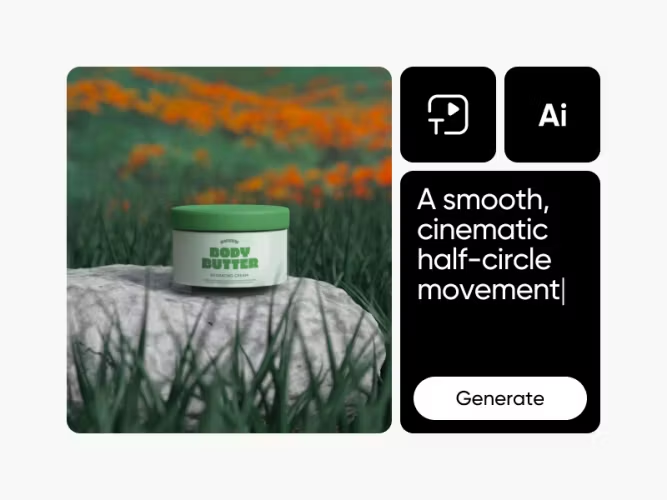
Browse all AI tools


AI tools FAQs
What AI tools are available on Picsart?
Which AI tool should I use first?
Start with the job you need to finish. Use AI Image Generator for new visuals, AI Photo Editor for edits, AI Video Generator for clips, AI Voice Generator for narration, Background Remover for cutouts, and AI Image Enhancer for sharper images.
Where can I compare AI models?
Use the image, video, and audio model hubs to compare model types, inputs, quality options, and creative use cases before you choose a model.
Can I learn how to use these AI tools?
Yes. Picsart tutorials cover image generation, image editing, video generation, background editing, prompting, and model selection.
Can I use AI voice and audio tools for content?
Yes, but use original scripts, properly licensed assets, and clear disclosure when synthetic audio or realistic AI media could be mistaken for real.
What should I avoid when creating AI content?
Avoid unlicensed celebrity likenesses, copyrighted characters, brand logos, third-party style names, copyrighted music, and real-person voice cloning without permission.