


Contents
Mastering how to edit TikTok videos is the secret weapon behind viral content, smooth transitions, and scroll-stopping storytelling. With millions of creators uploading clips daily, editing isn’t just a nice-to-have skill – it’s the difference between blending in and blowing up.
How do you edit your videos on TikTok?
TikTok makes editing straightforward with built-in tools. Once you upload or record a clip, you can trim, add effects, apply sounds, insert text, and layer filters before posting. But the best creators often mix in third-party apps to add cinematic touches or advanced effects. If you’re ready to upgrade your edits, explore professional yet beginner-friendly tools like Picsart’s video editor to give your TikTok content the polish it deserves.
What do TikTokers use to edit their videos?
Top TikTokers combine the platform’s native features with creative apps that go beyond the basics. For instance, some rely on CapCut for transitions, others use mobile editors for color correction, and many turn to online platforms like Picsart’s Video Tools for special effects, templates, and text overlays. This combination makes videos more dynamic, helping creators stand out in a sea of content.
How do I edit an already posted video on TikTok?
Unfortunately, TikTok doesn’t allow full editing of a video after it’s been posted. You can only update the video description, hashtags, and privacy settings. To change visuals, you’ll need to re-upload a new version. The smart move? Save the original project or draft so you can make quick tweaks without starting from scratch.
How do I cut part of a video in TikTok?
Cutting a video on TikTok is simple. Upload or record, then tap the “Adjust clips” option to trim sections. If you need more advanced cutting, such as rearranging clips or splicing multiple takes, an external editor like Picsart’s video maker is perfect for piecing together professional-quality sequences before uploading to TikTok.
How to edit TikTok videos on iPhone
Editing TikTok videos on iPhone is seamless thanks to iOS’s processing power. Just record, use TikTok’s built-in editor, or download apps from the App Store for more advanced control. iPhone creators especially love layering filters, fine-tuning audio sync, and using motion effects for smoother, cinematic results.
How to edit your TikTok video description after posting
If you realize a typo or a missing hashtag slipped through, don’t panic – you can still edit your TikTok description after posting. Tap the three dots on your video, select “Edit,” and update your caption or hashtags. Just remember: this won’t change the video content itself.
How to edit TikTok videos on a phone
Most TikTok editing happens right on your phone, which is why apps optimized for mobile editing are so popular. Mobile editors let you cut, merge, and stylize clips on the go—perfect for creators filming spontaneous trends.
How to edit TikTok videos online
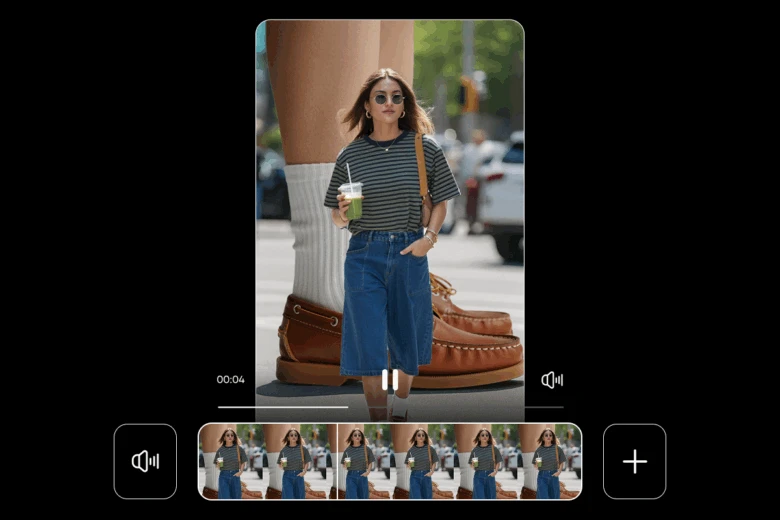
If you prefer editing from your laptop or want more storage and control, online platforms offer powerful options. With web-based editors like Picsart’s video editor, you can create professional-quality TikTok videos without worrying about storage space or app crashes.
How to edit a TikTok video before posting
Before you hit “Post,” TikTok allows you to adjust clips, add effects, and tweak filters. This is your chance to nail transitions, sync audio perfectly, and double-check captions. Creators often spend as much time in this step as filming the video itself because first impressions are everything.
How to edit a video on TikTok from the Gallery
Want to turn existing footage into TikToks? Just upload from your phone’s gallery. This gives you freedom to reuse content, repurpose long-form videos, or mix in clips from different moments. For precise editing, polish the footage beforehand with an editor, then upload the final cut.
How to edit TikTok videos on PC
PC editing is ideal if you’re working with high-resolution footage or want more control. Professional creators often use desktop editors for color grading, motion graphics, or detailed audio work before moving the polished clip to TikTok. Cloud-based editors, like Picsart’s online suite, bridge the gap between mobile speed and desktop power.
Pro tips to boost your TikTok editing game
- Use trending sounds and effects strategically to boost visibility.
- Keep cuts fast-paced – shorter attention spans mean tighter edits win.
- Lean on templates when you need speed. Picsart offers customizable TikTok templates that make it easy to stay on-trend.
- Study what’s working by reading guides like How to go viral on TikTok to align editing with TikTok’s algorithm.
Conclusion
Editing is where TikTok videos transform from casual clips into viral-worthy content. From cutting out awkward pauses to layering in trending sounds, knowing how to edit TikTok videos is the key to building a loyal audience. Whether you’re editing on iPhone, PC, or online, the tools you choose matter just as much as your creativity. And if you’re looking for daily inspiration and tutorials, follow Picsart on TikTok to level up your content.


