


Contents
By early February, social feeds start to look the same. Hearts everywhere. Pink overlays. Love quotes layered onto stock photos. That isn’t surprising – seasonal posts typically see 20-40% higher engagement than regular content, and Valentine’s Day is one of the most active moments of the year for likes, saves, and shares.
Valentine’s Day content works because it’s emotionally charged. People are already primed to engage. The problem is volume. As brands and creators increase posting around February 14, timelines fill up fast, and a lot of content starts to blur together.
That’s where Valentine’s Day design matters. Not in a “make it perfect” way, but in a “make it feel intentional” way. The posts that perform best usually aren’t the most complex – they’re the ones that feel personal, timely, and visually considered.
Easy Valentine’s Day design ideas for social media include AI-generated photoshoot-style visuals, ready-made Instagram templates, quote-based designs, Valentine letters, and animated GIFs that add motion and emotion to your posts. If you’re wondering what those ideas actually look like in practice, think less about overproducing and more about working smarter. With Picsart, that often means leaning on AI, templates, and small creative decisions that go a long way.
Here are five ideas that consistently work, and don’t require a full campaign to pull off.
1. Skip the studio and create a Valentine’s Day “photoshoot” with AI
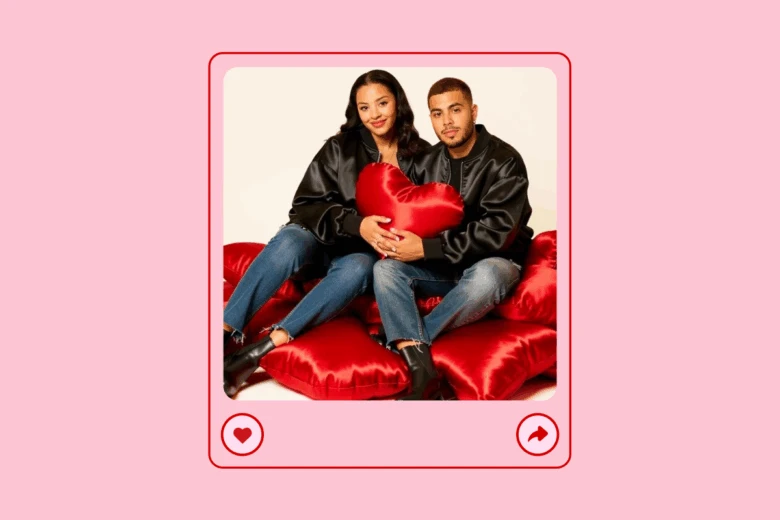
A Valentine’s Day photoshoot sounds romantic until you try to schedule one. Between lighting, locations, outfits, and editing, it’s rarely as simple as it looks on Instagram.
That’s why AI-generated visuals have quietly become one of the most practical Valentine’s Day photoshoot ideas. With an AI Valentine’s Day filter, you can take a photo you already have – solo, couple, or lifestyle – and turn it into something that looks styled on purpose.
Soft lighting, romantic tones, subtle backgrounds. The kind of image people assume took more effort than it actually did.
This approach works particularly well for AI couple photo content, but it’s just as effective for creators posting solo portraits or brands looking to add a human touch to seasonal content.
If you want to experiment, Picsart’s Gen.AI creative tools make it easy to apply Valentine-themed effects, while collections like love and flower-inspired AI filters lean into softer, romantic aesthetics without feeling overdone.
2. Use Valentine Instagram templates when timing matters more
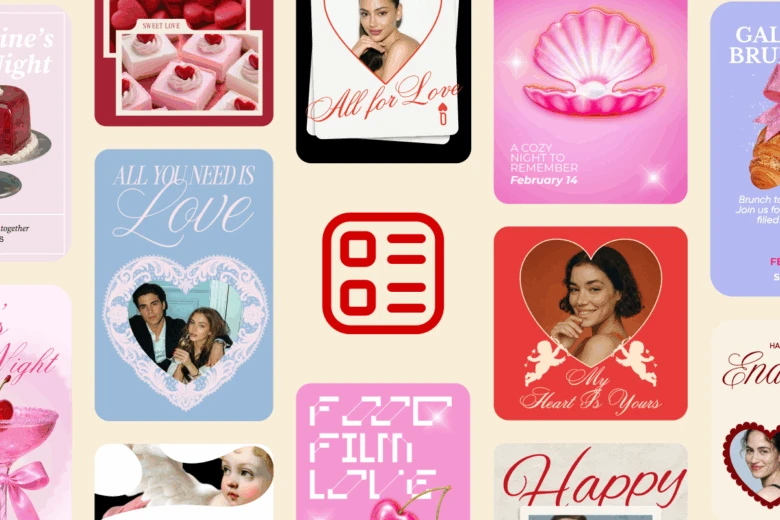
Not every Valentine’s post needs to be a design deep dive. Sometimes the most important thing is showing up while the moment is still relevant. That’s where Valentine Instagram post templates shine. They help you move quickly without sacrificing quality, giving you a strong visual foundation that you can customize just enough to make it feel like your own.
Templates are especially useful when you’re posting consistently or running a short Valentine’s campaign and need visual cohesion without spending hours on each asset.
You can start with Valentine’s Day Instagram post templates made for social feeds, then personalize them with visuals created using Picsart’s AI Image Generator or small details from the custom Sticker Maker to avoid the “everyone-used-this-template” look.
3. Let Valentine and love quotes carry the post
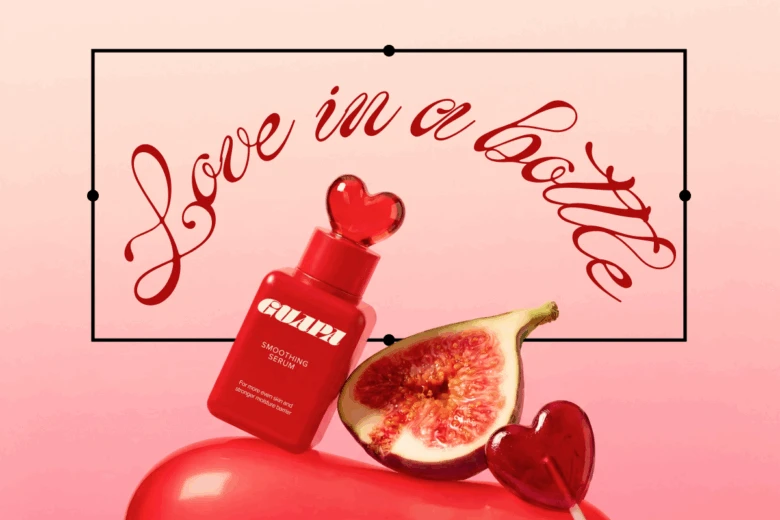
There’s a reason Valentine and love quotes dominate February feeds. They’re easy to consume, emotionally resonant, and endlessly shareable.
What makes them work isn’t just the words – it’s how they’re presented. A good quote paired with thoughtful typography and color choices often performs better than an average photo with a long caption.
Quote-based designs are also a practical fallback when you don’t have imagery ready. No shoot. No sourcing. Just text, design, and timing.
If you’re building these posts, Picsart’s Quote Maker helps turn simple lines into finished visuals. Start with a ready-made quote design, then personalize it by editing the text, adjusting the background, and refining the layout until it fits your style. The result is a clean, share-ready quote that works across social and digital formats. You can also generate copy with the AI Quote Generator, then experiment with font styles and color palettes until the quote feels aligned with your brand or personal style.
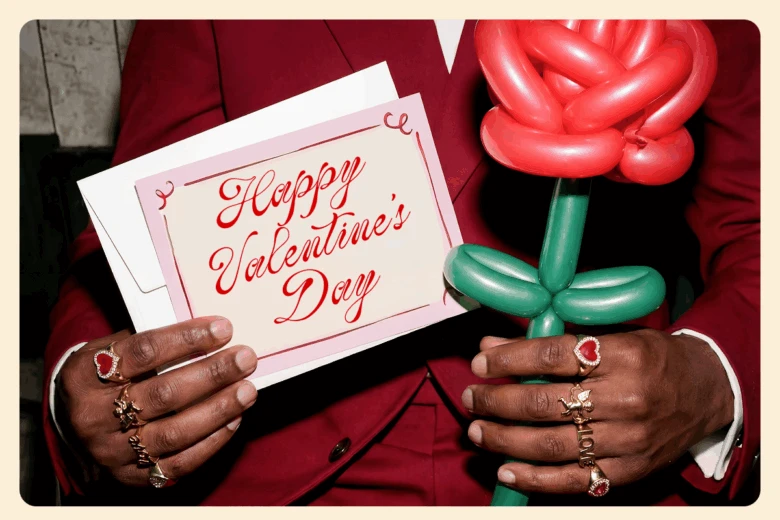
Every February, search trends spike for how to write a love letter. That hesitation – wanting to say something meaningful but not knowing where to start – is exactly why letter-based designs resonate.
Valentine Letter templates offer structure without stripping away personality. They give you a framework for both the message and the layout, which makes the process feel less intimidating and more creative.
These designs don’t have to stay private, either. Many people share letter-style graphics publicly, especially when the message feels universal rather than overly personal.
Starting with Valentine letter templates and refining the message using Picsart’s Text Editor makes it easier to create something that feels sincere instead of rushed.
5. Use Valentine GIFs when static posts feel flat
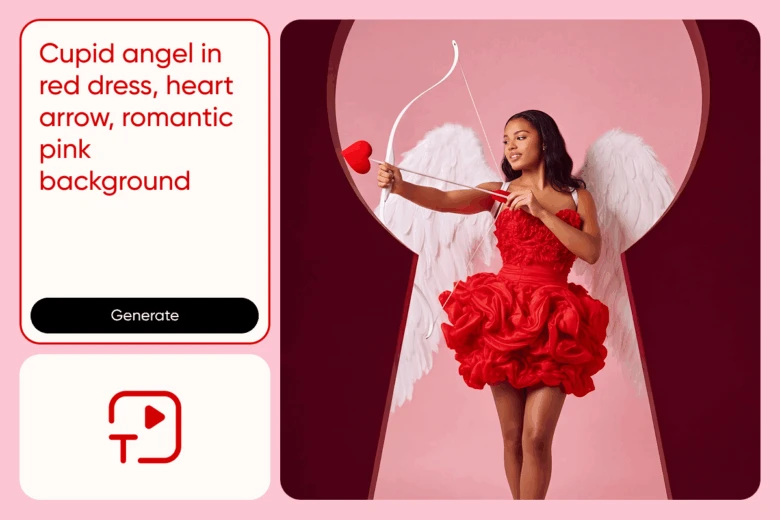
Static visuals work, but movement catches attention faster. During Valentine’s Day, Valentine’s Day GIFs add just enough motion to stand out in Stories and Reels without feeling loud.
You don’t need animation skills to create them. With a Valentine GIF Generator, the process is closer to describing an idea than building one from scratch. Hearts drifting, romantic text animating, soft motion in the background – it’s all handled by AI.
These GIFs are especially useful as supporting content: layered into Stories, used as replies, or shared between static posts to keep your feed from feeling repetitive.
FAQs About Valentine’s Day Designs
What Valentine’s Day designs tend to perform best on social media?
Content that feels personal – quotes, GIFs, and lightly customized visuals – usually outperforms overly polished campaigns.
Can beginners realistically create Valentine’s Day designs?
Yes. Templates and AI tools remove most technical barriers.
How often should brands post for Valentine’s Day?
A small number of thoughtful posts typically works better than daily seasonal content.
Can one Valentine design be reused across platforms?
Yes. Most designs can be adapted for feeds, Stories, Reels, and ads with minimal changes.
Are Picsart’s Valentine tools free to use?
Many features are free, with optional upgrades for more advanced tools.
Make Valentine’s content feel like it was meant to be there
Valentine’s Day is one of those moments when audiences expect seasonal content, but they still want it to feel real. The posts that work best usually aren’t the most elaborate. They’re the ones that feel considered.
With the right tools, Valentine’s Day design doesn’t have to be a production. One idea, thoughtfully executed, can carry across multiple formats and still feel fresh.
Picsart makes it easier to focus on that part, the idea, while the tools handle the rest. 💖


