


Banners are visual powerhouses. They grab attention, drive clicks and communicate ideas in a flash – on screens, in feeds and across websites. From digital ads to Instagram carousels, banners are one of the most versatile formats in visual communication. But what is a banner exactly, and how do you make one that actually works?
In this guide, we’ll break down the definition, purpose, and different types of banners, explore banner design principles, and show you how to make banners that stand out across platforms like websites and Instagram.
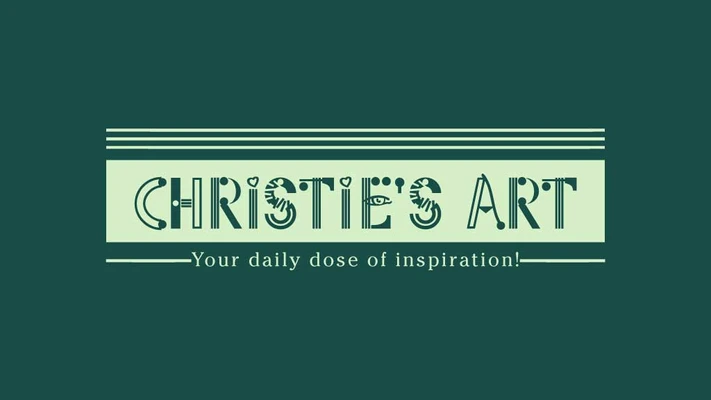
A banner is a rectangular visual element designed to promote, inform, or highlight something. It blends text, imagery, and design to deliver a bold, clear message. Banners exist in both physical and digital spaces, though today they’re most often seen online – in ads, emails, websites, and social platforms.
So, what is the meaning of banners? It comes down to using visual storytelling in a compact, highly readable format. A banner captures attention fast and delivers impact within seconds.
The purpose of a banner is to deliver a message quickly and effectively – often at a glance. Banners are designed to:
- Advertise a product, service, or event
- Drive traffic to a landing page or store
- Communicate a brand’s personality or vibe
- Guide users through a digital experience
Because banners are so direct, they’re especially powerful in digital marketing. For example, a well-placed web banner can drastically improve click-through rates on a website or email.
On a PC, a banner can appear in various formats. It might be a web banner ad across the top of a news site, a notification banner in a software program, or even a desktop wallpaper banner used internally by companies. In all these cases, the banner format serves to draw attention – whether for marketing, onboarding, or branding.
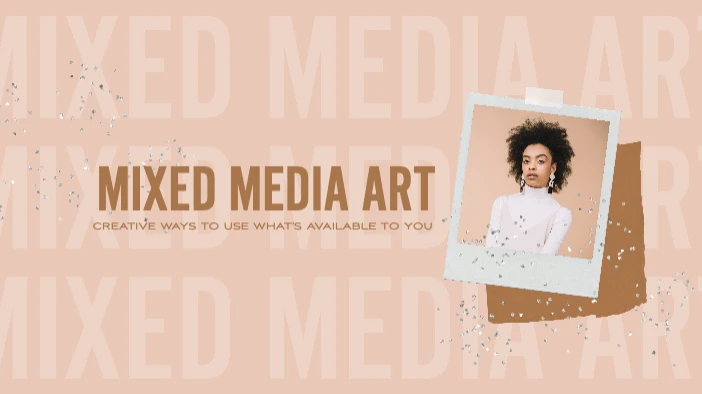
In art, a banner isn’t just about promotion – it’s about expression. Artistic banners are often handcrafted or digitally designed for cultural, social, or personal messaging. Think: protest banners, museum installations, or animated digital art for NFTs. These banners push the boundaries of form and creativity, blending illustration, typography, and motion.
If you’re creating banners for artistic or promotional use, explore ready-made Banner Templates on Picsart to jumpstart your creative flow.
Banner formats are as diverse as their uses. Here’s a breakdown of the most common banner types:
1. Website banners

Used in headers, footers, or sidebars to highlight promos, welcome messages, or navigation aids. If you’re looking to design your own, try the Website Banner Maker for intuitive, drag-and-drop customization.
2. Advertising banners

These include digital ad banners seen on Google, social media and apps. They come in various shapes like leaderboard (728×90), skyscraper (160×600) or square (300×250).
3. Email banners
Found at the top of newsletters to hook the reader and encourage scroll-through.
4. Social media banners

Cover photos or highlight visuals for profiles on Instagram, Facebook, YouTube and more. Curious about formats? Learn how to make a banner that fits each platform.
5. Event and print banners

Still popular in physical form, especially for trade shows, pop-ups, or local events. These need high-resolution designs and eye-catching fonts to be effective.

On Instagram, banners aren’t traditional ads – they’re often carousel posts, grid layouts, or highlight covers that form a cohesive visual story. Brands use Instagram banners to:
- Promote product launches
- Share quotes or announcements
- Create branded aesthetic themes across multiple posts
Want to try this trend? Use the Banner Maker to design Instagram-ready visuals that align with your content strategy.
Banner design tips for creators
Creating a banner isn’t just about throwing text on a background. Strong banner design follows these principles:
- Hierarchy: Make your main message pop. Use bold fonts or bright colors to draw attention.
- Balance: Don’t overcrowd. Let elements breathe.
- Consistency: Use brand colors, logos and tone to reinforce identity.
- CTA clarity: Always include a clear call-to-action if the banner’s goal is conversion.
- E-commerce banner: A bold image with 50% off and a “Shop Now” button.

- Instagram product banner:

- Event promo banner: A digital flyer announcing an upcoming event.

- YouTube channel banner:
Final thoughts
So, what is a banner? It’s more than a rectangle – it’s a storytelling tool, a brand ambassador, and a creative canvas. Whether used for marketing, art, or personal expression, banners are everywhere, and when designed with purpose, they’re incredibly effective.
Looking to create one now? Start with the Banner Maker. It’s free, fun, and built for creators at any level.


