Banner Maker: Create a Banner in Any Size With AI
Use the online banner maker in Picsart Flow with a prompt, a product photo, or a template. Your logo, headline, and CTA land in place, and one design can fill every size from a web hero to a story.
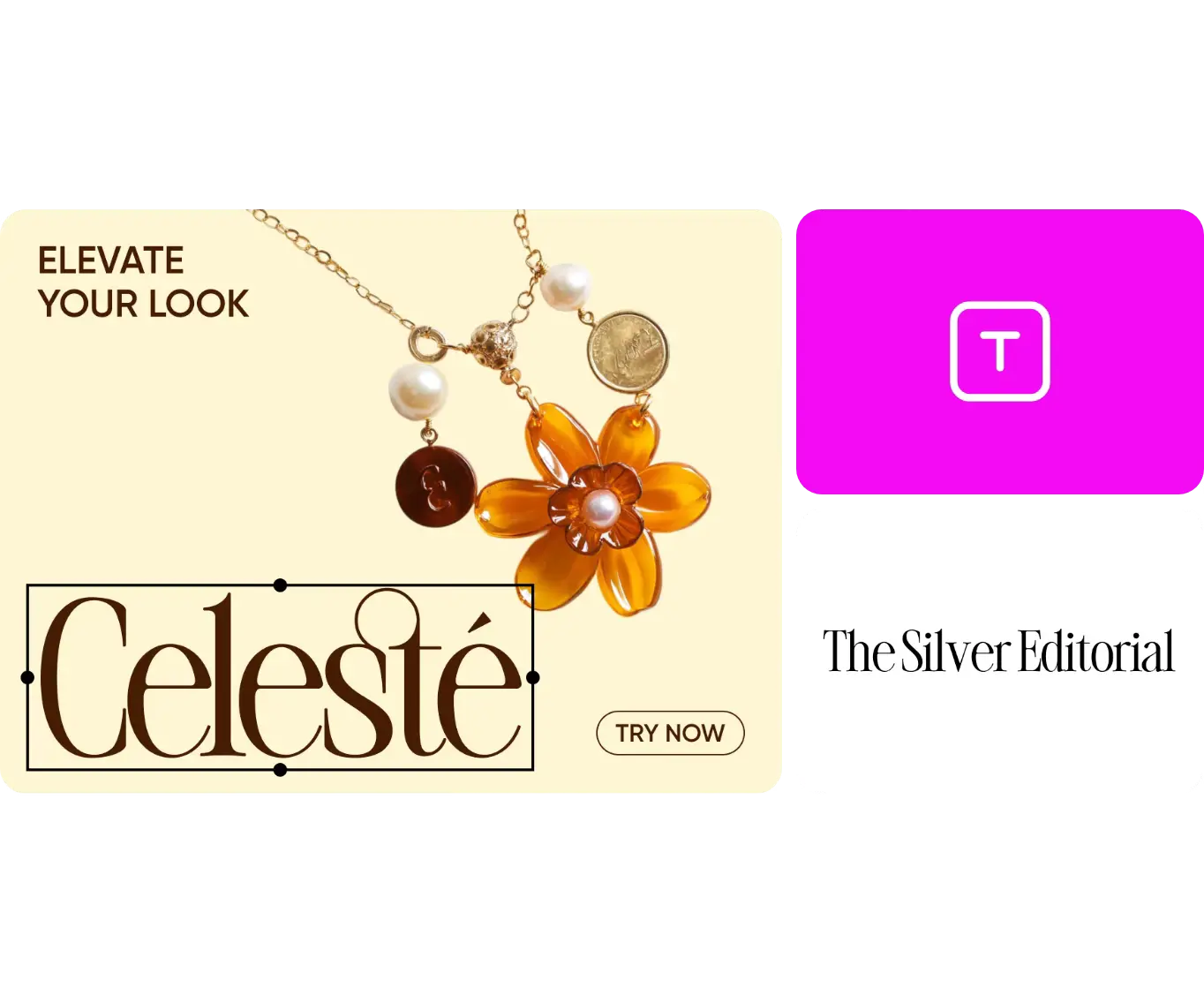
Create banners with AI image models
Learn how to make a banner in Picsart Flow
Start with banner templates from Picsart Flow
Each workflow already lays out the image, headline, and CTA. Add your product and copy, then run it.


Banners made for every platform
Website
Grab attention with banners that fit perfectly on your homepage, landing pages or product pages. Announce deals, highlight new arrivals or showcase your brand story with bold, click-worthy designs. In Picsart Flow, start from a 16:9 banner workflow, add your product photo and headline, and run it. Outpaint's aspect chips then fit the same design to any other slot on your site.
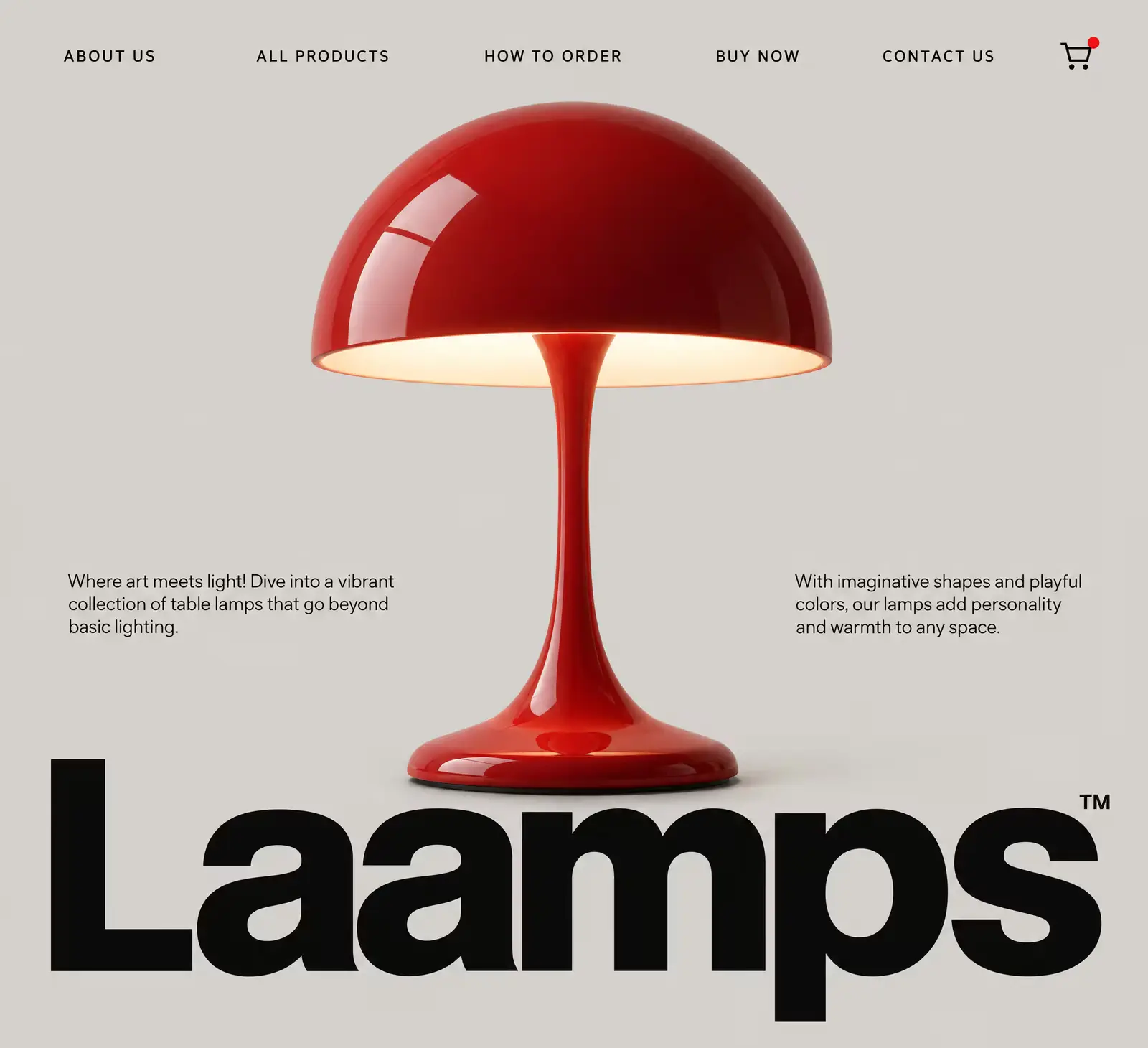
Create a banner in every size from one design
Design once in Picsart Flow and fill every placement, from a 16:9 web hero to social media banners in 1:1 or 9:16. Outpaint's aspect chips extend the banner to each new ratio without cropping your product or headline. Lock a chip for an exact placement, or pick Auto to extend the frame freely. The original never moves, so every custom banner size keeps the same layout.
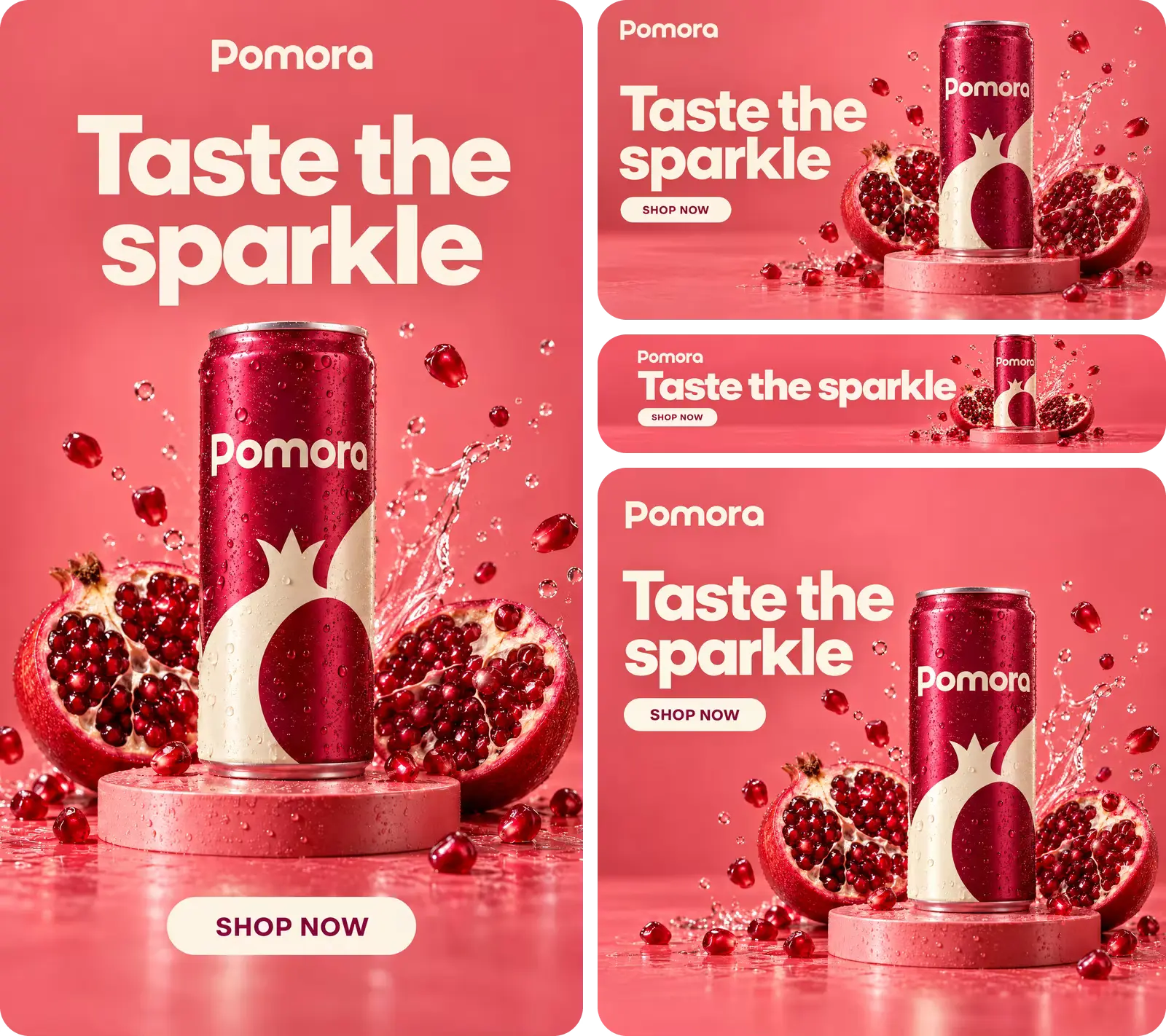
Put your logo, headline, and CTA on every banner
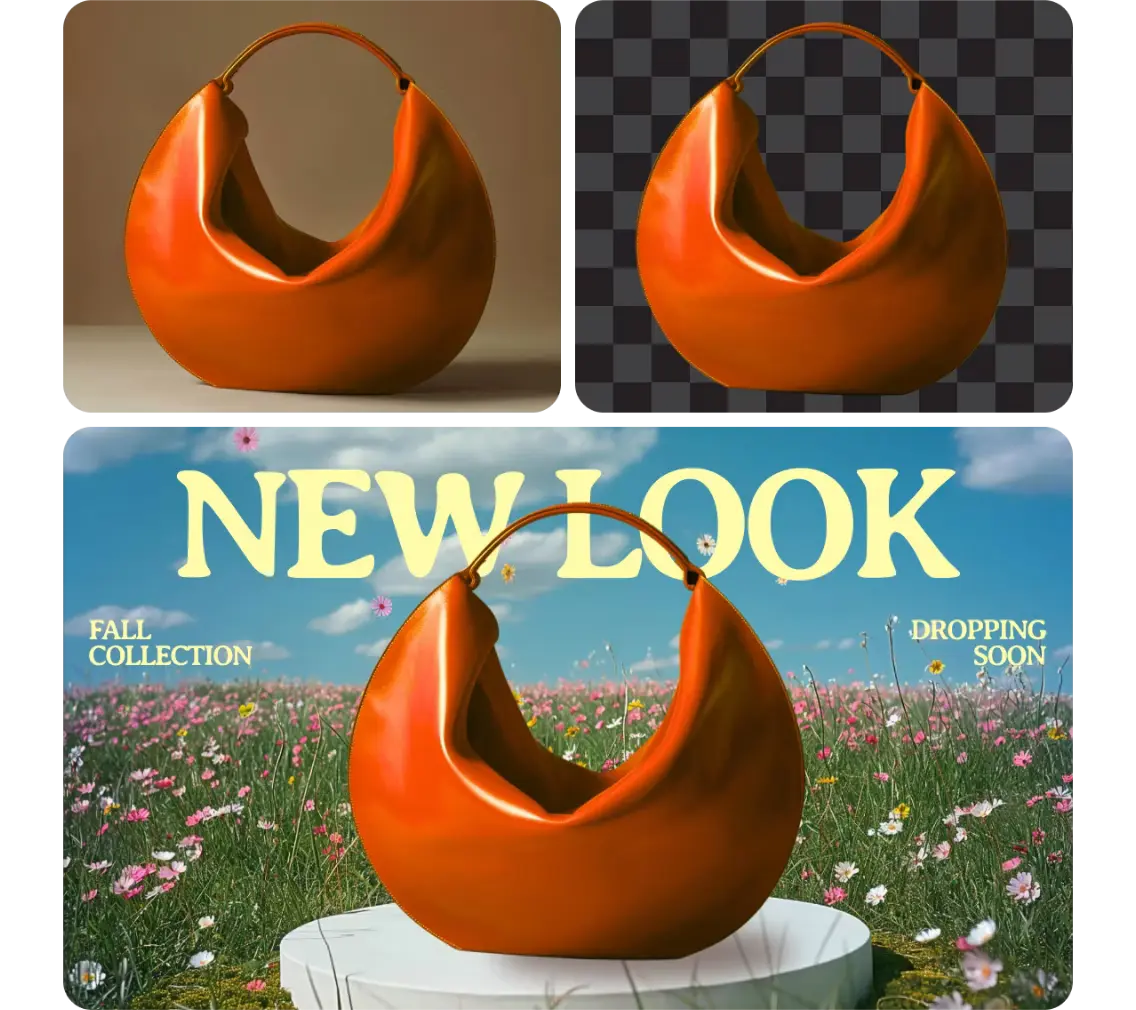
Make your own banner with your brand: add your logo as a reference image, and write the headline, offer, and CTA into the prompt. Banner editing stays precise, too, with AI-powered generative edits that can also expand an image past its edges or relight a product video. Brush over a word or product with Inpaint and describe the change. Only the brushed area changes, so your branded banner stays pixel-identical everywhere else.
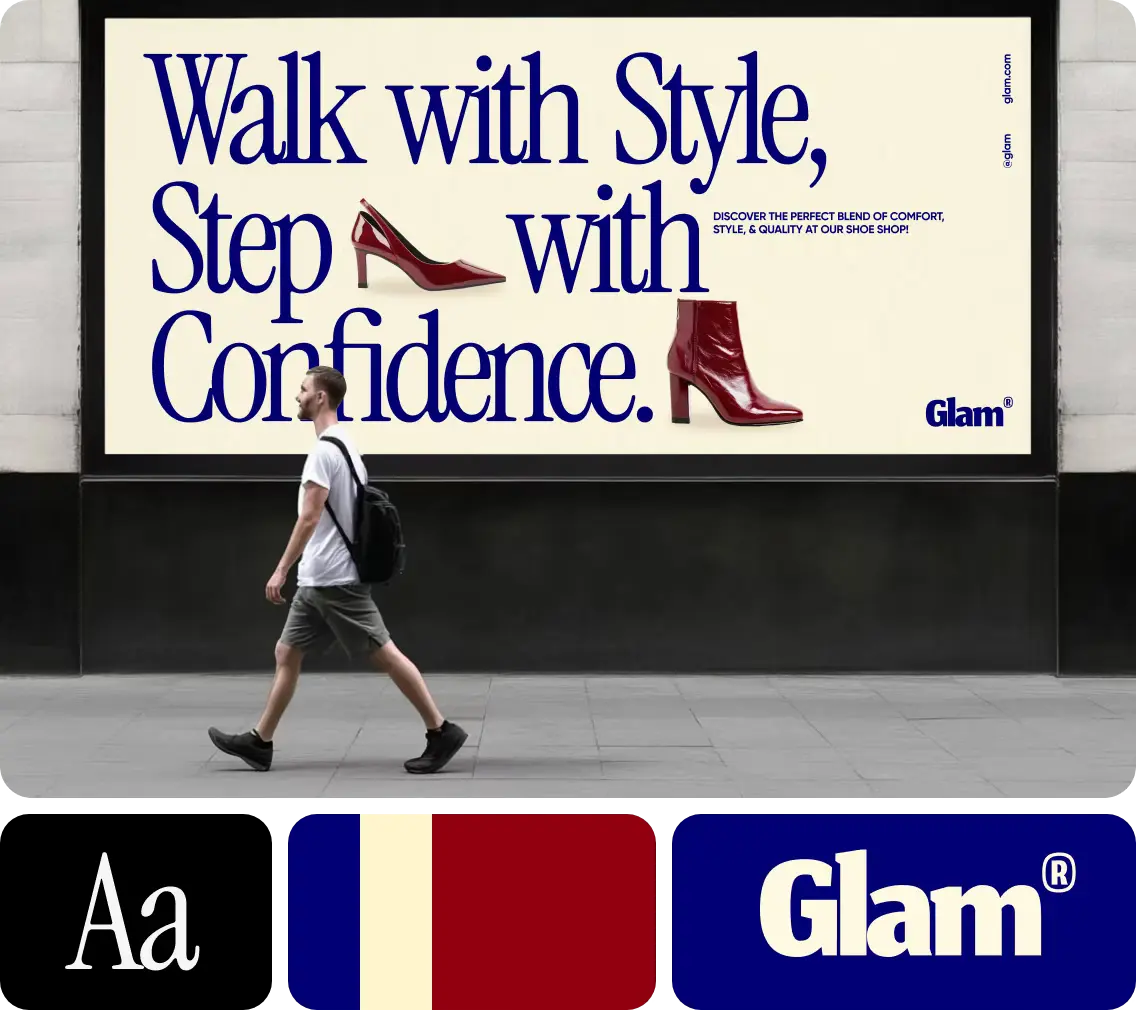
Turn a short brief into banners with the AI banner generator
Describe the product, audience, offer, and look, and Picsart Flow lays out a banner to match. Run the same brief through two or three models at once, compare the AI banner maker results side by side, and keep the strongest. Bulk parameter edit, one of Flow's workflow-building shortcuts, switches the model or resolution for every selected banner node in one step, and the run queue shows each generation as it finishes.
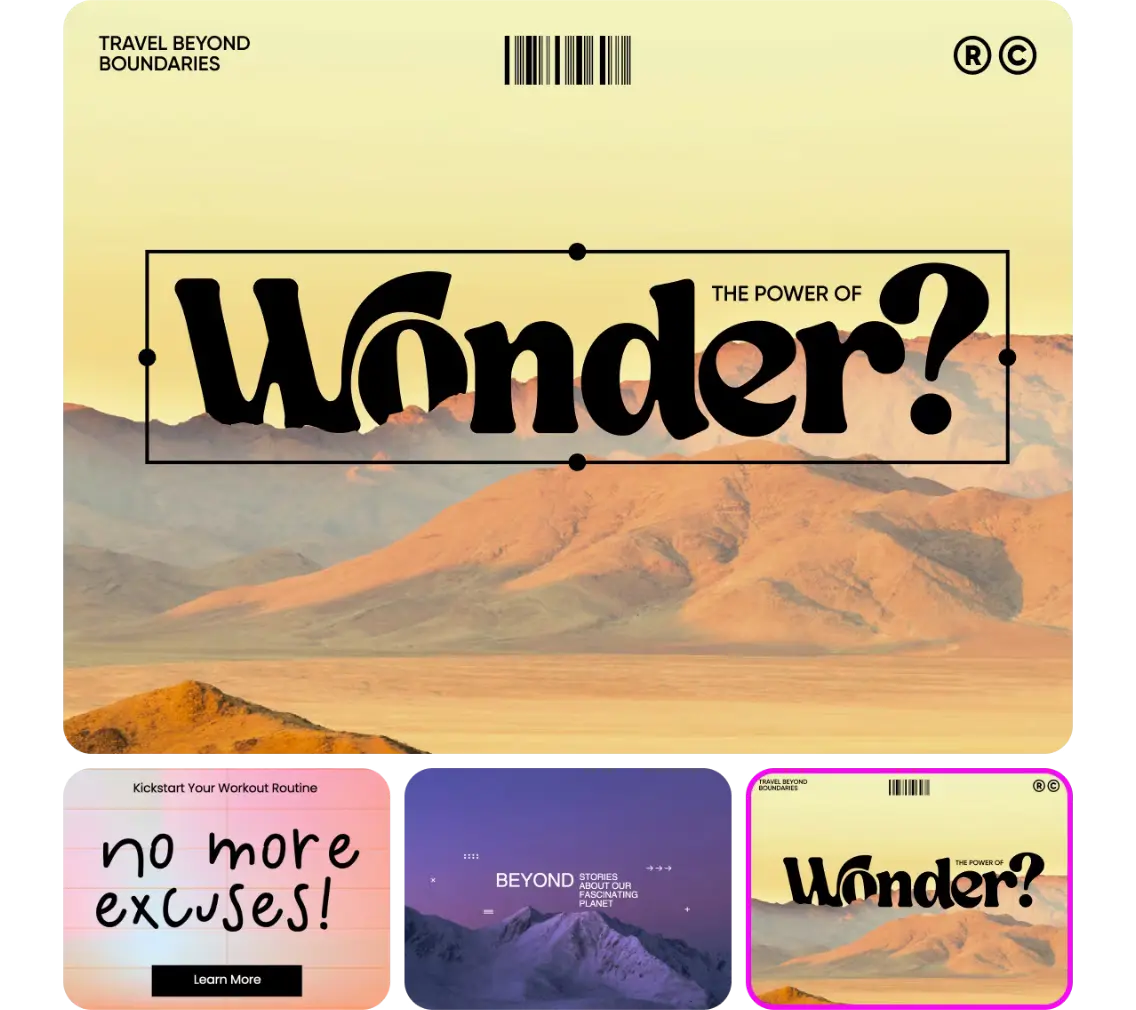
Make a banner for every launch, sale, and event
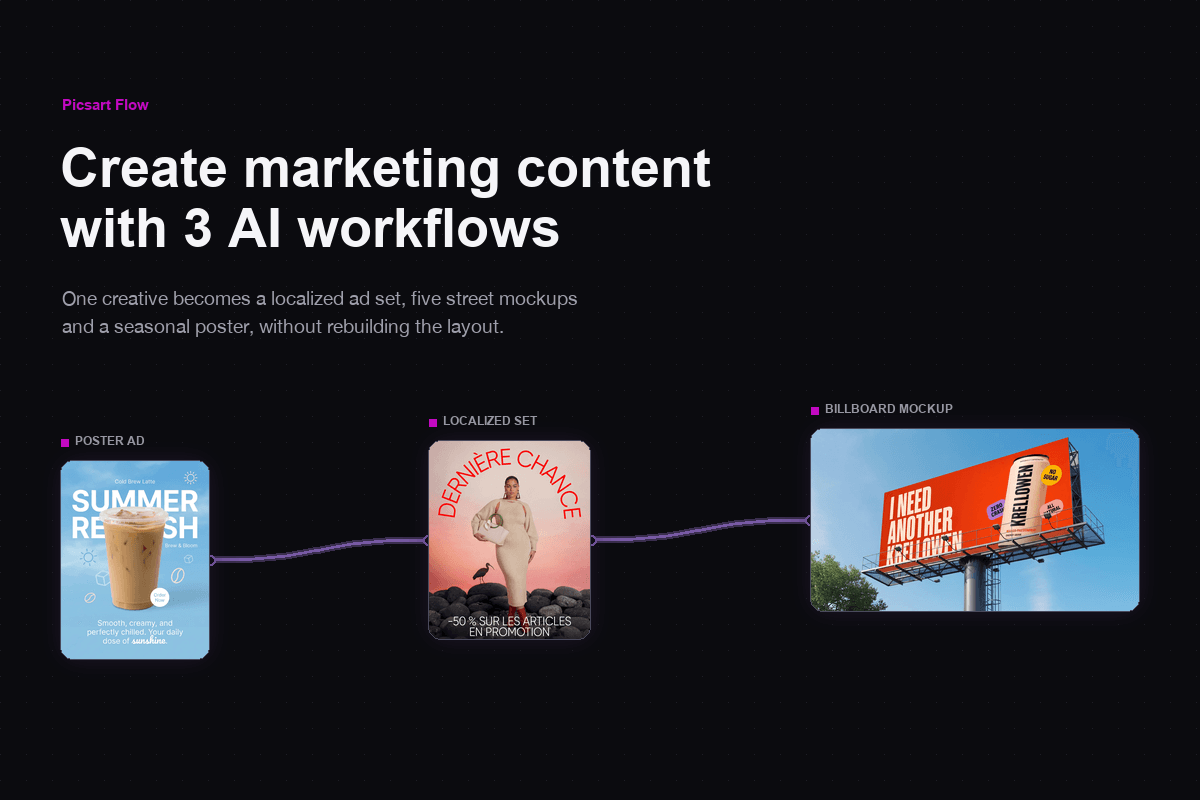
Use one banner creator for every goal: a product launch, a seasonal sale, an event date, or a hiring announcement. Start from the sale poster workflow: add your product photo, then set the headline, dates, and CTA for your own sale banner. Change the dates and offer in the prompt, then rerun it to make banners for the next campaign. For a full launch, Flow's campaign workflows for ads and social content carry the same look into video ads, UGC clips, and posts.
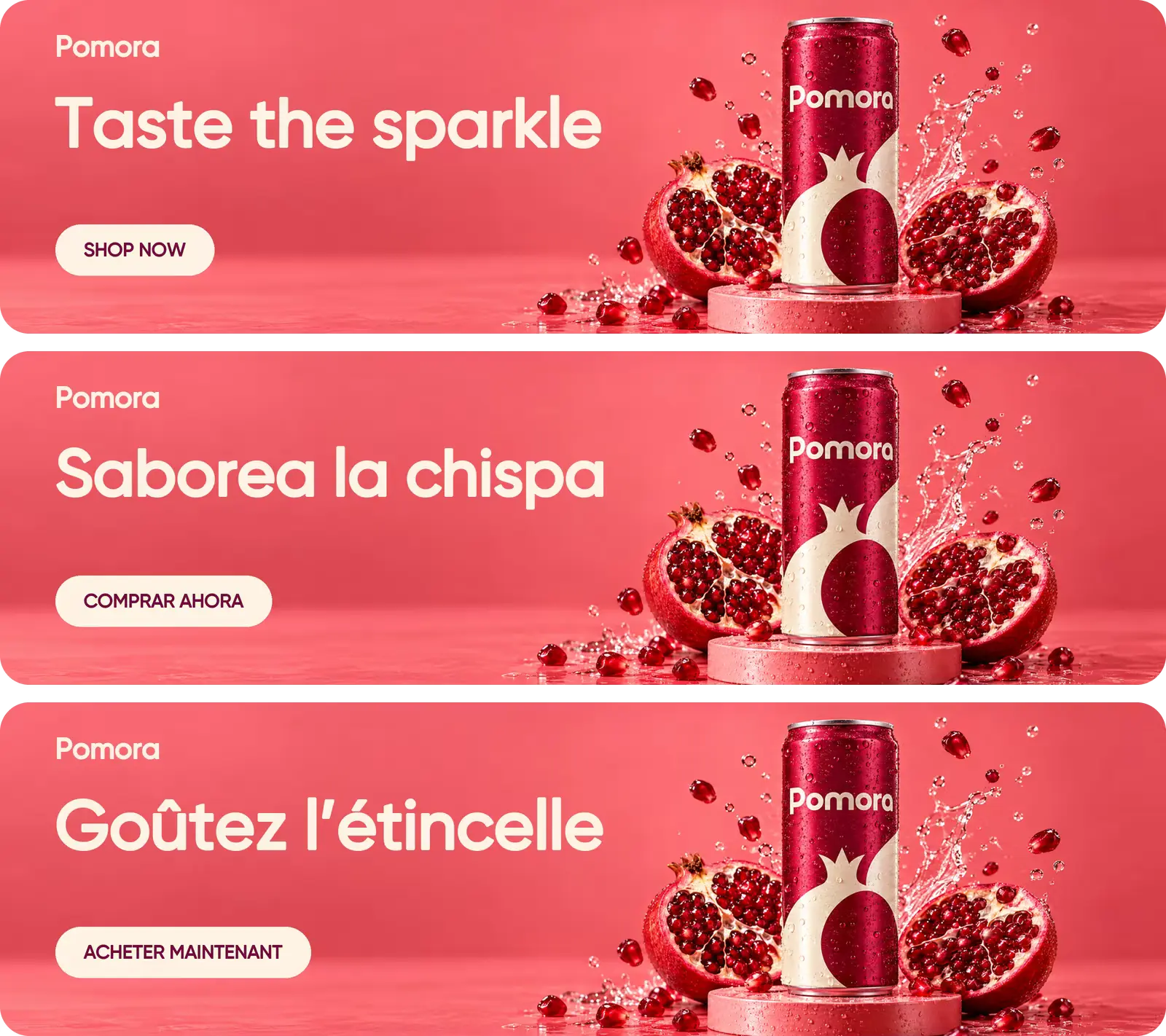
Translate your banners for every market
Picsart Flow can translate the copy on a finished banner and re-render it on the same design, so the layout, colors, and images stay put. Run one translation workflow and get a banner version for each language. Pair it with city-specific imagery, like the Seattle, New York City, and Chicago banners in the city campaign template above. Check each version with a native speaker before it goes live.




Get answers about the banner maker
As a free banner maker, Picsart Flow lets you start at no cost: a Picsart account is free, and so is opening any Flow banner template. Generating a banner uses the AI credits in your plan, and Flow shows the estimated cost before each run, so you only spend credits on the banners you make.
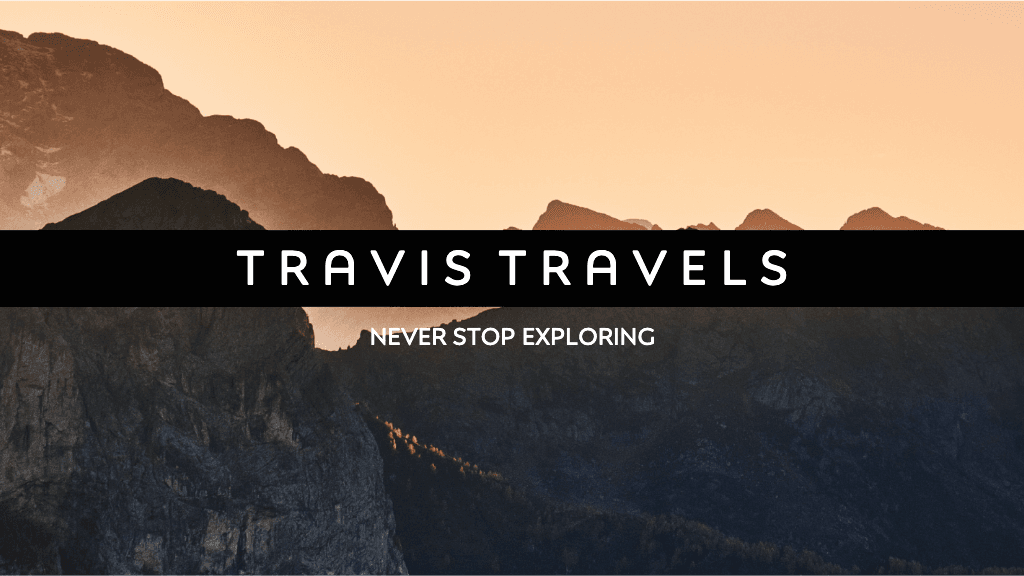
Design banners for brands, profiles, and campaigns
Pro
Most popularAI tools for everyday creative work.
Ultra
Most powerfulHeavy AI usage for creators & teams.
Find a banner maker for every platform
Making a banner for one platform? These Picsart pages are sized for it.