


Contents
Holiday photos become unforgettable when you add a touch of Christmas magic. Today, people love turning simple shots into warm, snowy, or funny festive edits. It’s fast, fun, and great for sharing. With the Picsart Photo Editor, you can edit Christmas photos, add decorations, switch backgrounds, and create your own holiday cards in minutes.
This guide walks you through the most popular Christmas photo edits. Each section is simple, visual, and beginner-friendly. By the end, you’ll have everything you need to create Christmas edits with confidence.
Holiday upgrade: Get 50% off Picsart Pro for even more Christmas editing magic
If you want to take your Christmas edits to the next level, this holiday season is the perfect time to upgrade. Picsart Pro is now 50% off, giving you access to premium tools that make every festive photo sharper, brighter, and more magical.
With Pro, you unlock advanced features like AI-powered editing, premium Christmas templates, exclusive fonts, and high-quality effects that help you transform any picture with ease. Whether you’re designing custom Christmas cards, creating snowy portraits, or crafting collages for family and friends, Picsart Pro gives you the creative power to do it all – faster and with a polished, professional finish.
Creativity starts here – grab the 50% holiday discount and make every Christmas photo shine.
Creative Christmas photo ideas
Here are the Christmas edit styles people love most:
- Snowy winter scenes
- Cozy indoor Christmas looks
- Personalized Christmas cards
- Cute or funny edits of kids, pets, and friends
- AI fantasy Christmas edits
- Holiday collages
Each one offers a different mood – soft, magical, warm, or playful. Let’s break them down step-by-step.
1. Trendy snowy winter scene
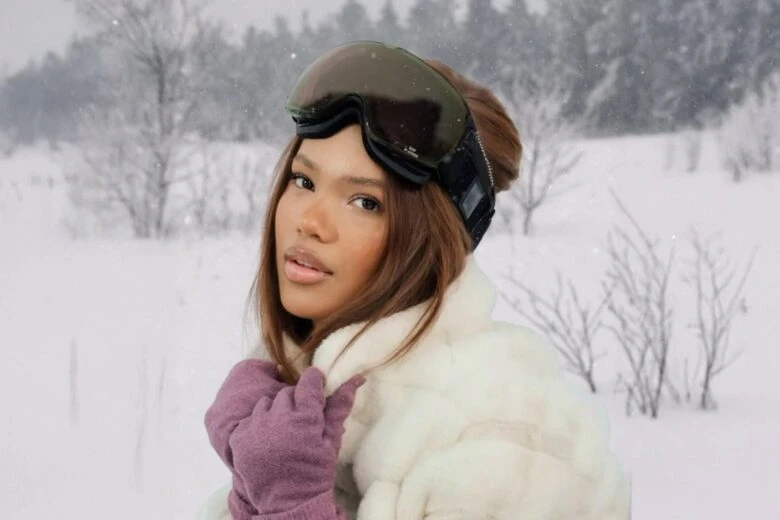
A snowy winter scene makes any photo feel dreamy and festive. Even photos taken in warm weather can become holiday-perfect. Snow edits work well for portraits, family photos, outdoor selfies, and pets.
How to customize
- Open your photo in the Picsart Photo Editor.
- Replace the background using the Picsart Christmas Background Changer.
- Clean the cutout edges so everything blends smoothly.
- Add snowflake overlays and lower the opacity for a soft, natural look.
- Use cool filters from Picsart Photo Filters.
- Adjust brightness and contrast so your subject matches the winter lighting.
Extra snowy scene tips
- Layer different snowflake sizes for depth.
- Add a slight blue tint to shadows.
- Increase clarity to make snow sparkle.
Snowy edits are great for social feeds and printed holiday cards.
2. Cozy indoor Christmas aesthetic
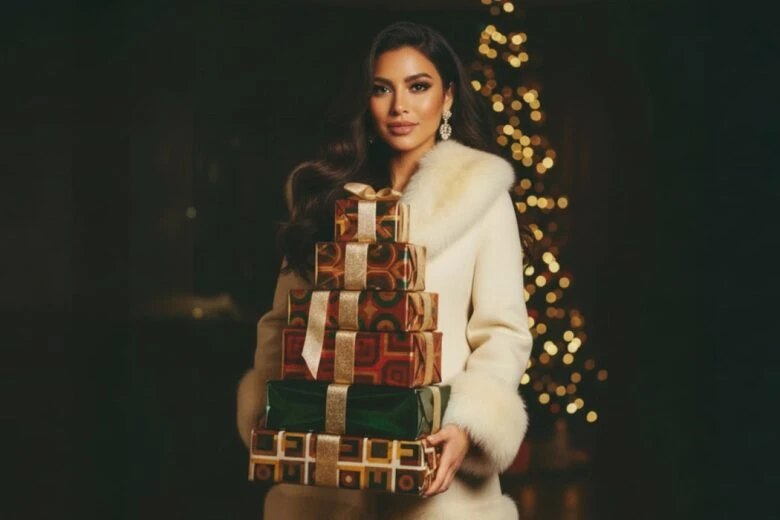
A cozy edit adds warmth, glow, and softness. It fits moments like decorating the tree, baking, opening presents, or relaxing by the fire.
How to customize
- Apply warm filters from Picsart Photo Filters.
- Add décor using the Christmas Sticker Maker, which lets you turn real-life images into stickers.
- Add festive text with the Picsart Text Editor and Christmas Fonts.
- Use colors from the Christmas Color Palettes.
- Add small glowing lights or sparkles for a holiday atmosphere.
Extra cozy edit tips
- Blur edges slightly for softness.
- Use warm tones like amber or gold.
- Add subtle sparkles to candles and fairy lights.
This style is perfect for warm, emotional holiday moments.
3. Personalized Christmas card photo
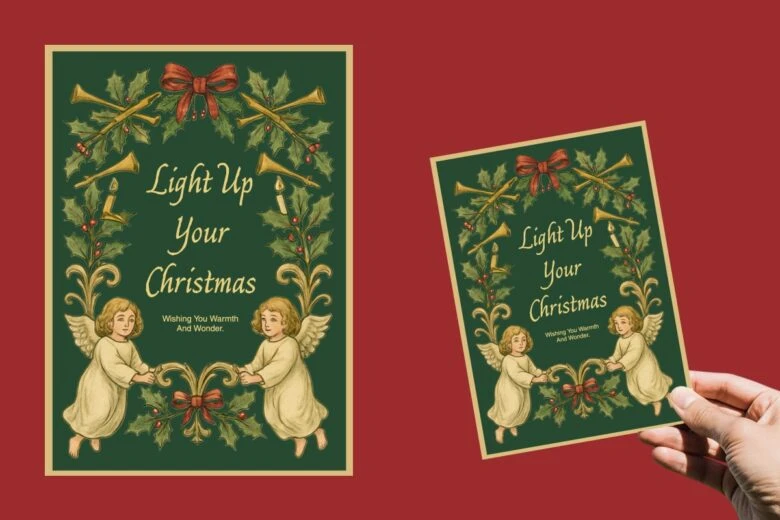
A custom Christmas card is thoughtful and personal. It’s perfect for printing or posting online.
How to customize
- Choose a layout from the Picsart Christmas Card Templates.
- Replace the template’s photo with your own.
- Adjust borders, frames, and spacing.
- Add accents with the Christmas Stickers Generator. It creates brand-new AI stickers from a text prompt, so you can generate festive designs even without uploading a real photo.
- Add your message using the Picsart Text Editor.
- Use the AI Quote Generator for greeting inspiration.
Extra card design ideas
- Add your family name or the year.
- Stick to 2-3 colors for a clean look.
- Use pine or star borders for a classic feel.
Cards are one of the best holiday keepsakes.
4. Cute & funny Christmas edits (kids, pets, friends)
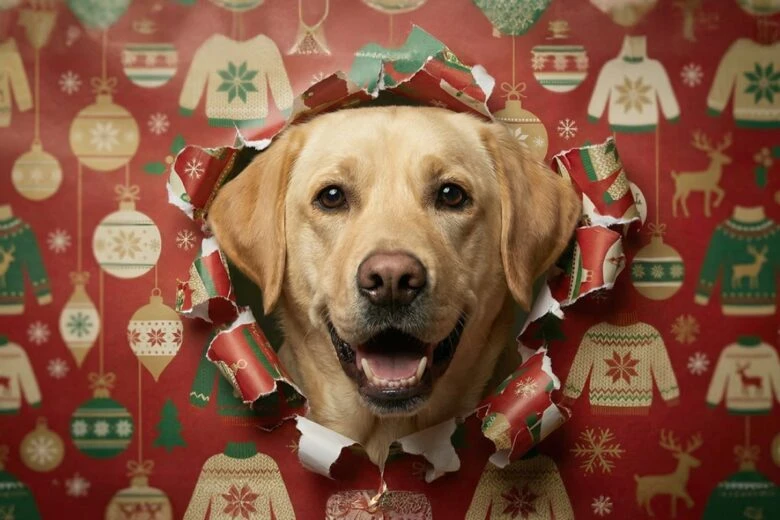
These edits bring joy and humor to your photos. They work great for families and social sharing.
How to customize
- Open your photo in the Picsart Photo Editor.
- Add stickers to photos from Picsart Christmas Stickers.
- Resize and rotate stickers for a natural look.
- Add sparkles, doodles, or glitter.
- Use a cheerful filter from Picsart Photo Filters.
- Try a cartoon-style look with the Christmas Avatar Maker.
Extra fun ideas
- Turn pets into elves or reindeer.
- Add speech bubbles or holiday jokes.
- Use candy canes and snowballs as props.
These edits bring personality and fun to your holiday content.
5. AI-powered Christmas fantasy edit
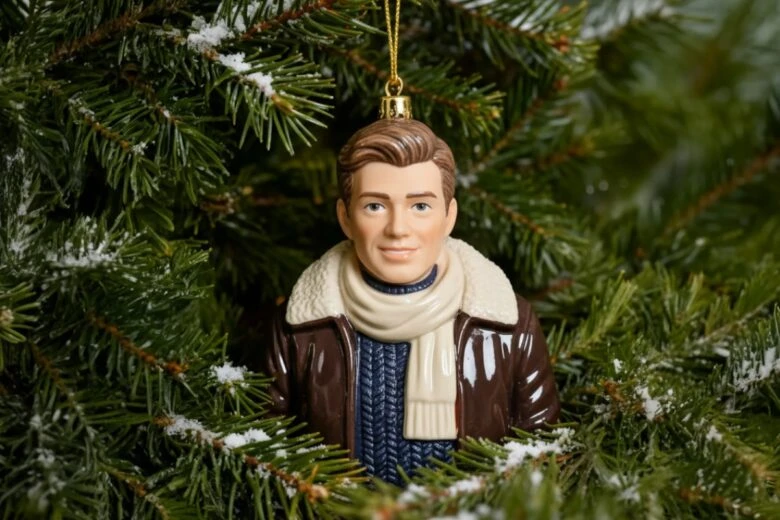
AI lets you transform photos into magical holiday scenes with almost no effort.
How to customize
- Generate visuals with the Christmas Image Generator.
- Create backgrounds using the AI Christmas Background Generator.
- Combine everything in the Picsart Photo Editor.
- Blend layers with blur and opacity.
- Add sparkles and glows using Christmas Stickers.
- Add glowing text for a polished finish.
Extra fantasy ideas
- Place your subject inside a snow globe.
- Create a magical forest scene.
- Add floating ornaments or shimmering trails.
Fantasy edits are perfect for posters, profile photos, and digital gifts.
6. Christmas collage ideas
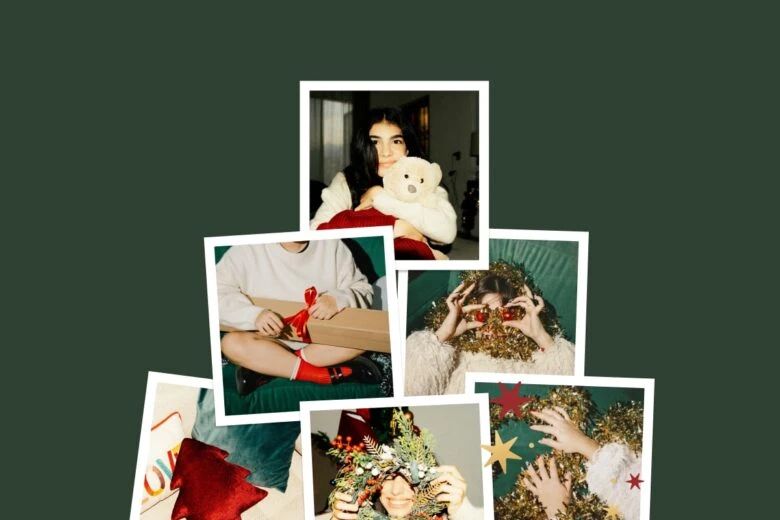
A collage lets you combine many memories in one design – perfect for year-end recaps or family highlights.
How to customize
- Open the Picsart Collage Maker.
- Pick a grid or moodboard layout.
- Insert photos and adjust spacing.
- Apply a matching filter using Picsart Photo Filters.
- Export in high resolution for printing.
Extra collage ideas
- Add dates or labels.
- Use scrapbook textures.
- Add stickers to decorate the grid.
Collages are great for albums, gifts, and social posts.
Explore Picsart Christmas templates
Templates help you design polished projects fast. Explore the full library of Picsart Christmas Templates.
Popular template categories
- Christmas Posters
- Christmas Letters
- Santa Letters
- Christmas Menus
- Christmas Greeting Cards
- Christmas Invitations
Templates save time while giving your design a clean, professional layout.
More ways to enhance your Christmas photos (advanced but easy tips)
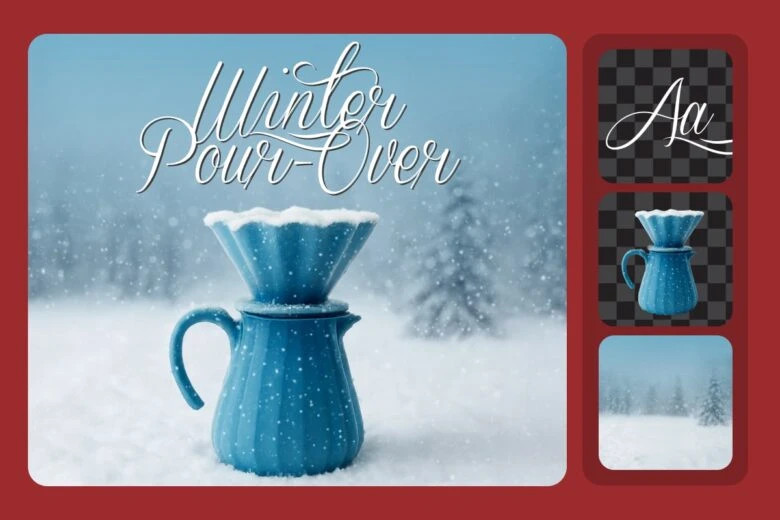
If you want your Christmas edits to feel even more polished, here are some extra techniques you can add to any style. These ideas are simple, but they make your photos look professional and ready for print or social media.
1. Add depth with layering techniques
One trick that instantly improves your edit is layering. Layering means placing different visual elements at different depths so your photo feels more three-dimensional. For example, you can place a soft snow overlay in front of your subject while keeping brighter snowflakes behind them. This gives your edit a natural sense of space.
To do this, add snow from the Christmas Stickers library and experiment with placing some behind and some in front of the subject. Lower the opacity on the front layer to keep the focus on the main person or object in your photo. You can also blur some elements slightly to make the background feel softer and more wintery.
2. Use color grading to set the mood
Color grading is a simple way to shift the emotional tone of your image. For example:
- Cooler tones (blue, silver, icy gray) make the scene feel crisp and magical.
- Warmer tones (gold, red, soft orange) make everything feel cozy and nostalgic.
- Neutral tones with pops of color feel modern and minimal.
You can easily color-grade with the tools inside the Picsart Photo Editor. Try adjusting shadows, highlights, and color balance. Even tiny changes make a big difference.
3. Add focal glow to highlight important moments
A focal glow is a soft lighting effect that draws attention to a specific area, like someone’s face or a holiday detail such as a tree ornament. You can add a glow using brushes, stickers, or the blend modes built into the app.
A gentle warm glow works beautifully for indoor edits. For snowy outdoor scenes, try a cool white glow to mimic natural winter light. Combine this with filters from Picsart Photo Filters to make your final result look seamless.
4. Enhance your edits with subtle textures
Textures add richness to your photo without making the edit look busy. Soft grain, paper textures, and light film overlays give Christmas photos a nostalgic feel, especially when you’re trying to recreate the charm of old holiday prints.
To keep the look soft, lower the opacity of your texture layer. This helps blend everything naturally and keeps your subject clear. You can also mix textures with stickers or holiday elements to create artistic scrapbook-style designs.
If you’re posting on social media, try creating a set of matching edits. For example, you can design:
- A Christmas profile picture
- A holiday story cover
- A matching post template
- A festive highlight icon
Using the same colors and fonts from the Christmas Color Palettes and Christmas Fonts will make your social feed look coordinated and festive. You can also reuse stickers, backgrounds, or layouts to keep everything consistent.
6. Create storytelling sequences
Instead of sharing a single photo, you can build a mini story. Start with a cozy indoor edit, then follow it with a snowy outdoor transformation, and finish with a holiday card design. Display these together using the Picsart Collage Maker or post them as a slideshow. Story-based posts feel warm and personal, and they’re perfect for Christmas content.
FAQ
1. What is the easiest way to edit a Christmas photo for free?
Use the Picsart Photo Editor. Add stickers, backgrounds, or filters in seconds.
2. Why is Picsart the best Christmas photo editor?
It includes tools like the Christmas Background Color Changer, Christmas Stickers, Christmas Fonts, Photo Filters, and AI Image Generator.
3. How should I format my Christmas photo for printing?
Export in high resolution. Use layouts from the Christmas Card Templates to fit standard print sizes.
Conclusion
Christmas editing makes your photos warmer, brighter, and more meaningful. With Picsart, you can create snowy scenes, cozy indoor edits, funny pet pictures, fantasy portraits, collages, and personalized cards – all in just a few taps. Try different styles, explore templates, and share your holiday magic with everyone you love.


