Free AI Photo Editor: Upgrade photos with Picsart
আপনার ছবিগুলি নতুন এআই ছবি সম্পাদনার সরঞ্জাম দিয়ে আপগ্রেড করুন যা আপনার সময় এবং পরিশ্রম বাঁচাবে। আপনার ছবিগুলি থেকে পটভূমি মোছা, অস্পষ্ট এবং পিক্সেলযুক্ত ছবিগুলিকে শুদ্ধ করা বা এআই দিয়ে নতুন ভিজ্যুয়াল তৈরি করার মতো জটিল সম্পাদনা করুন। প্রফেশনাল সম্পাদনার দক্ষতার প্রয়োজন নেই। এ এআই ছবি সম্পাদক সব কাজের ভার নিপুনভাবে পরিচালনা করে যাতে আপনি অন্য সৃজনশীল কাজগুলিতে মনোনিবেশ করতে পারেন।







সম্পাদনাপ্রয়োজনীয়: সেকেন্ডের মধ্যে প্রফেশনাল করুন
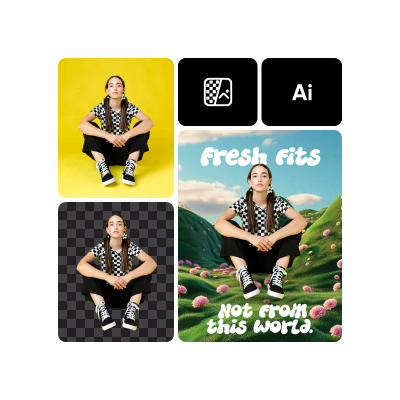
এআই পটভূমি মোচন, বস্তু প্রতিস্থাপন এবং ছবি পুনঃস্পর্শ কারার মতো জটিল কাজের ভার স্বয়ংক্রিয়ভাবে পরিচালনা করুক - শুধুমাত্র ক্লিক করে সম্পন্ন করুন।
২৫+ সর্ব-একসময়ে AI সরঞ্জামগুলি
ধারণা থেকে প্রভাব পর্যন্ত সমস্ত কিছুর জন্য নির্মিত বুদ্ধিমান ছবি সম্পাদনার একটি সম্পূর্ণ স্যুট অ্যাক্সেস করুন।
প্রতিটি সম্পাদনার সাথে বেশি বুদ্ধিমান
পিক্সআর্টের অভিযোজিত এআই আপনার ব্যবহার প্যাটার্ন থেকে শেখে যাতে সময়ের সাথে দ্রুত, তীক্ষ্ণ এবং আরও ব্যক্তিগতকৃত ফলাফল সরবরাহ করতে পারে।
How to edit photos with AI
Insert image
Use the button below to select a photo and start editing.
Create with AI
ডাউনলোড
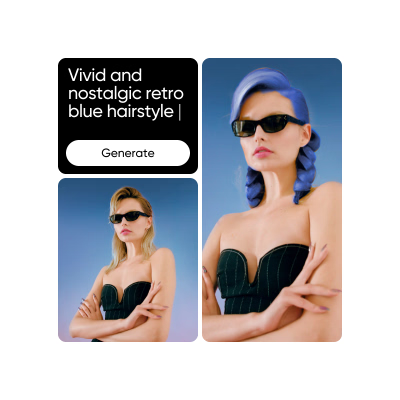
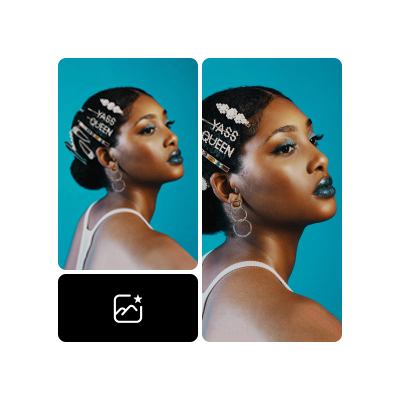
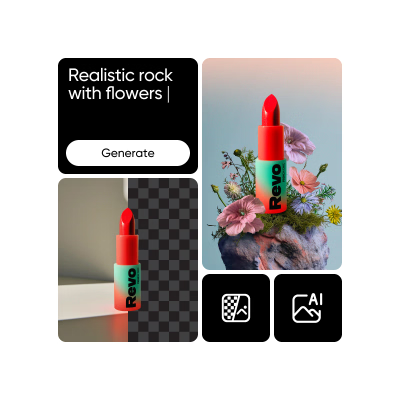
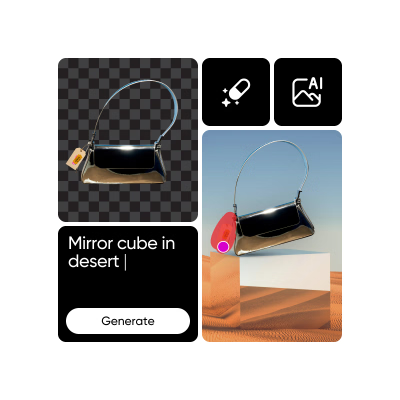
Discover even more AI-powered tools
Replace or erase any background in just a few steps.
Create new backgrounds that match your photo’s style and mood.
Remove unwanted objects, people, or clutter quickly and cleanly.
Apply smart effects that adapt naturally to your images.
Improve image quality and bring out more detail.
Adjust lighting, contrast, and clarity to improve your photos.
Fix small marks, smudges, or visual noise with ease.
Balance tones and fine-tune colors for the right look.
Discover more AI Photo Editor tools
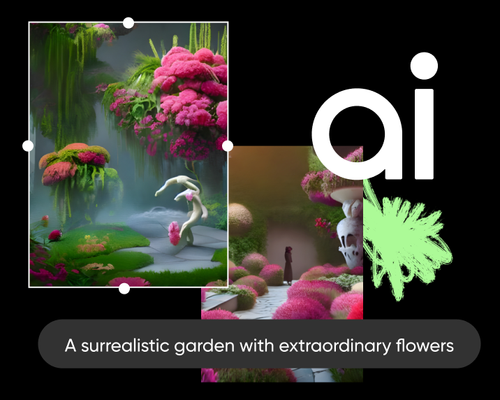
AI Photo Editor FAQ
What is an AI Photo Editor?
What are some benefits of using an AI photo editing?
Picsart’s AI photo editing tools can save time and effort by automatically making enhancements to images and can often achieve results that would be difficult or impossible to do manually. They can also be used to generate new images or add special effects.
What types of edits can be done with the Picsart AI photo editor?
Picsart AI Photo Editor can perform a wide range of edits, including color correction, object removal, image restoration, facial recognition and manipulation, avatar creation, background replacement and generation, special effects, and many more. Stay tuned for more AI editing tools!
Can an an AI photo editing be used to enhance old or low-quality photos?
Yes, our AI photo editor has an enhancement tool that is specifically designed to enhance old or low-quality photos by reducing noise, improving sharpness, and restoring color. You can even enhance multiple images at once with the batch editor.
What makes Picsart the best AI photo editing app?
Picsart’s AI photo editing app stands out with its all-inclusive toolset so you can get all your editing done in one easy-to-use interface without having to switch between apps. And thanks to the intuitive design, everyone can become an editing pro without any prior experience or training.