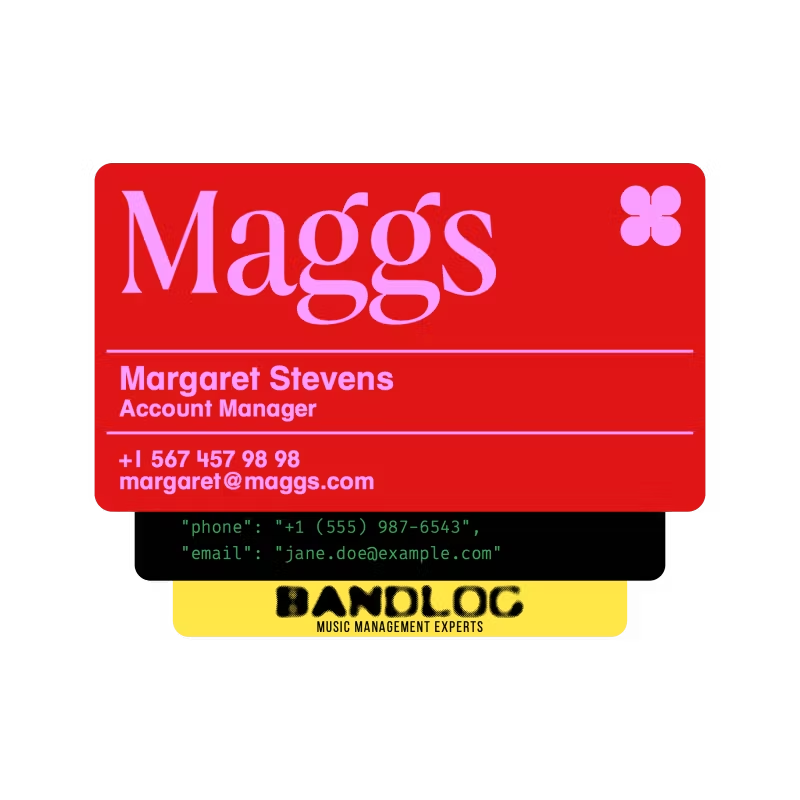






Free business card maker
Create personalized business cards and download the design for free.

Pre-designed templates
Choose from expertly crafted templates designed for a variety of industries and styles.

Full customization
Tailor every detail of your business card, from fonts and colors to logos and layouts, to suit your brand.
How to make a business card with Picsart
Open Picsart
Use the Start creating button to launch the editor and begin your design.
Pick a template
Customize
Download
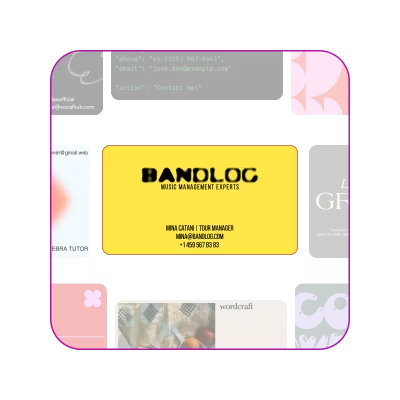
Discover Business Card Templates
Browse a variety of professionally designed business card templates, ready to customize for any industry or personal brand.


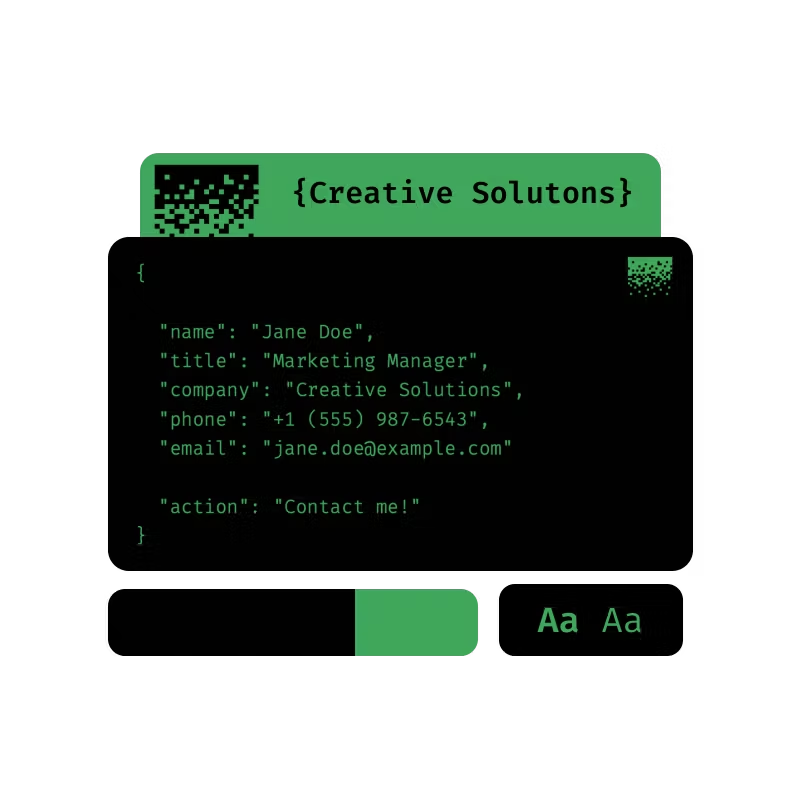
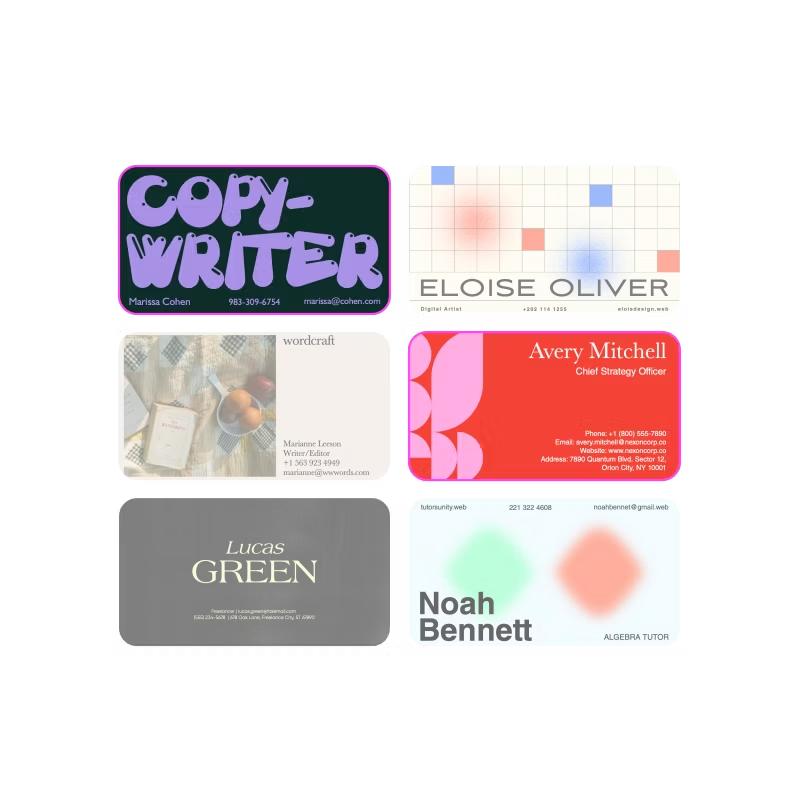
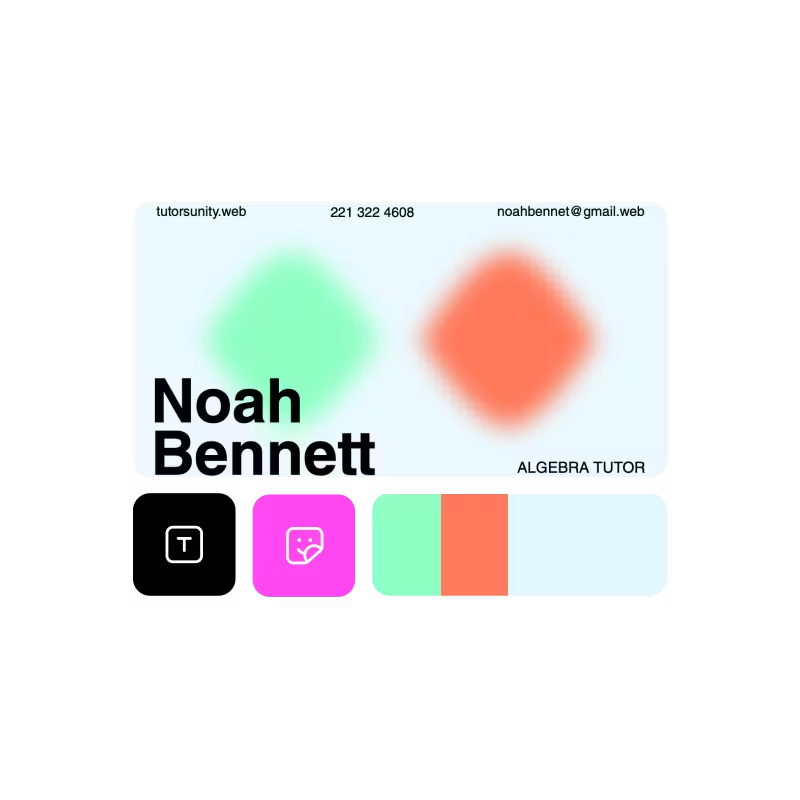
Create cards with Picsart’s all-encompassing business card maker
Design professional business cards for free with Picsart’s tools and templates.
Create stunning designs quickly with Picsart’s beginner-friendly editor.
Save time with ready-to-use business card templates for various industries.
Adjust every aspect of your business card to reflect your brand identity.
Explore a library of stylish fonts, or upload your own for a unique look.
Make your card stand out with professional icons, shapes, and stickers.
Export your business card in high-quality file formats, perfect for printing or digital use.
Create business cards that cater to any profession or industry with flexible design options.
Business card maker FAQ
Is Picsart’s business card maker free to use?
Can I print my business card after designing it?
Absolutely! Picsart allows you to download your print-ready business card design in high-resolution formats.
Do I need design experience to use the business card creator?
Not at all. Picsart’s tools are intuitive and easy to use regardless of experience. Many tools even include simple instructions to help you understand how to use them.
Can I customize the templates?
Of course! You can adjust every detail of the template, including fonts, colors, images, and layouts, to suit your needs.
What styles of business cards can I create?
Picsart’s templates support a wide range of styles, from sleek and modern to bold and creative, catering to various industries and personal preferences.