ฟรีในการใช้งาน
เพลิดเพลินไปกับโปรแกรมสร้างวอลล์เปเปอร์ฟรีโดยไม่ต้องทำการซื้อใด ๆ หรือให้ข้อมูลบัตรเครดิต.

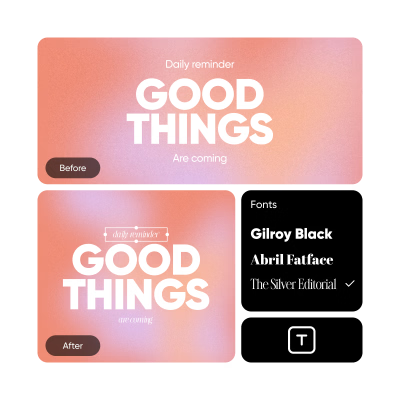
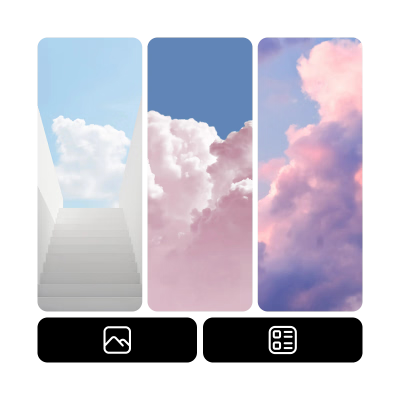
ห้องสมุดภาพและฟอนต์
เข้าถึงภาพและฟอนต์ที่มีให้เลือกมากมายเพื่อเริ่มต้นกระบวนการสร้างสรรค์ของคุณ.

ใช้งานง่าย
ทุกขั้นตอนตั้งแต่การเปิดโปรแกรมแก้ไขไปจนถึงการดาวน์โหลดการสร้างของคุณเสร็จสิ้นนั้นง่ายและเป็นมิตรกับผู้ใช้.
How to create wallpapers
Open Wallpaper Creator
Use the button below to open the Wallpaper Maker.
เรียกดูเทมเพลต
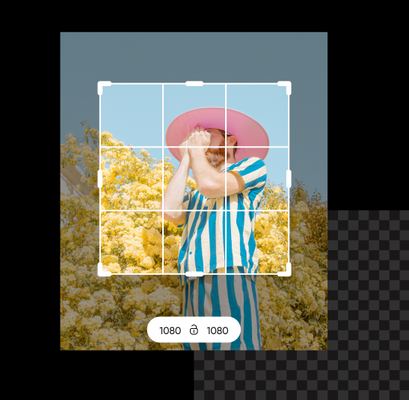
Personalize the template
บันทึก
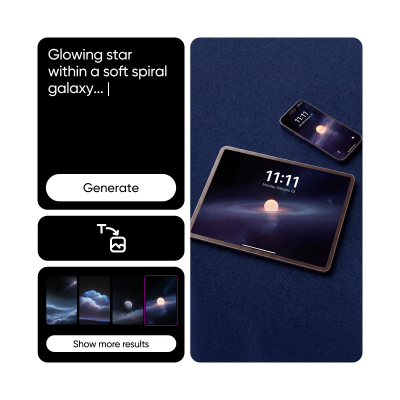
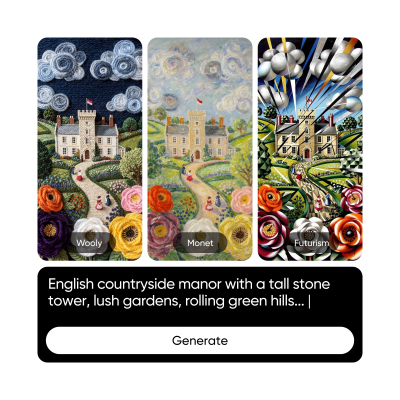
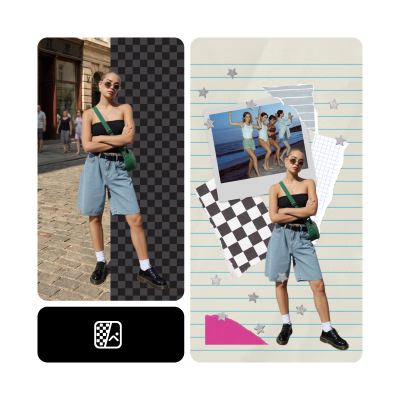
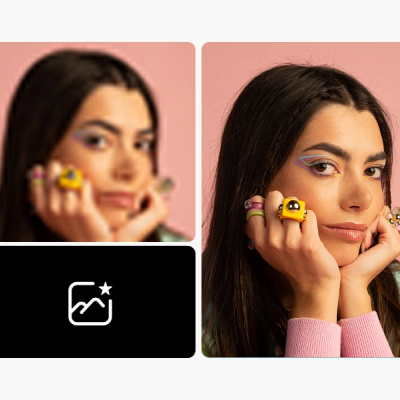
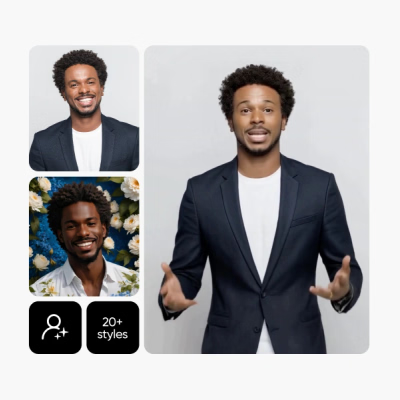
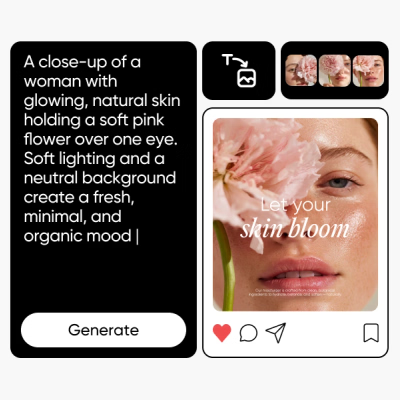
Discover AI tools
Explore Picsart’s full suite of AI photo editing tools and effortlessly visualize even your most ambitious ideas without having to be a pro.
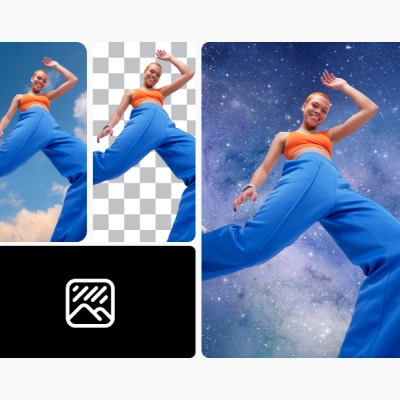
More editing tools to love from Picsart
Explore Picsart’s suite of editing tools that will perfectly complement your wallpaper creation journey.

Wallpaper Maker FAQ
What is the standard desktop wallpaper size?
How can I make a wallpaper for my phone?
With Picsart, simply open the Photo Editor and browse different wallpaper templates to find a great starting point, or open up a blank design to start from scratch.
Can I make my own wallpaper for free?
Yes, the Picsart Wallpaper Maker is completely free to use.
Can I design a custom wallpaper?
Every Picsart wallpaper template is completely customizable with the suite of editing and graphics tools. You can also start with a blank design and create your own vision.
Can I upload my own photos to use in my wallpaper design?
Yes, you can upload images within the Picsart Editor to add your own images to personalize your wallpaper as much as you want.
ค้นหาเทมเพลตวอลล์เปเปอร์
โปรแกรมสร้างวอลล์เปเปอร์ของ Picsart มาพร้อมกับชุดเทมเพลตวอลล์เปเปอร์ที่หลากหลายเหมาะกับทุกโอกาส นี่คือการเปิดเผยเกี่ยวกับเทมเพลตวอลล์เปเปอร์ที่รอคุณอยู่ใน Picsart.