

How to generate AI product video ads
What you'll learn
What is AI video ad creation?
Common use cases
Create your product ad step by step
STEP 1: Open Aura AI creator
- On web: Go to picsart.com/aura → Upload product photo or start from scratch
- On mobile: Open Picsart → Aura → Upload product image or describe your ad
STEP 2: Configure your ad
Set up your product video specifications:
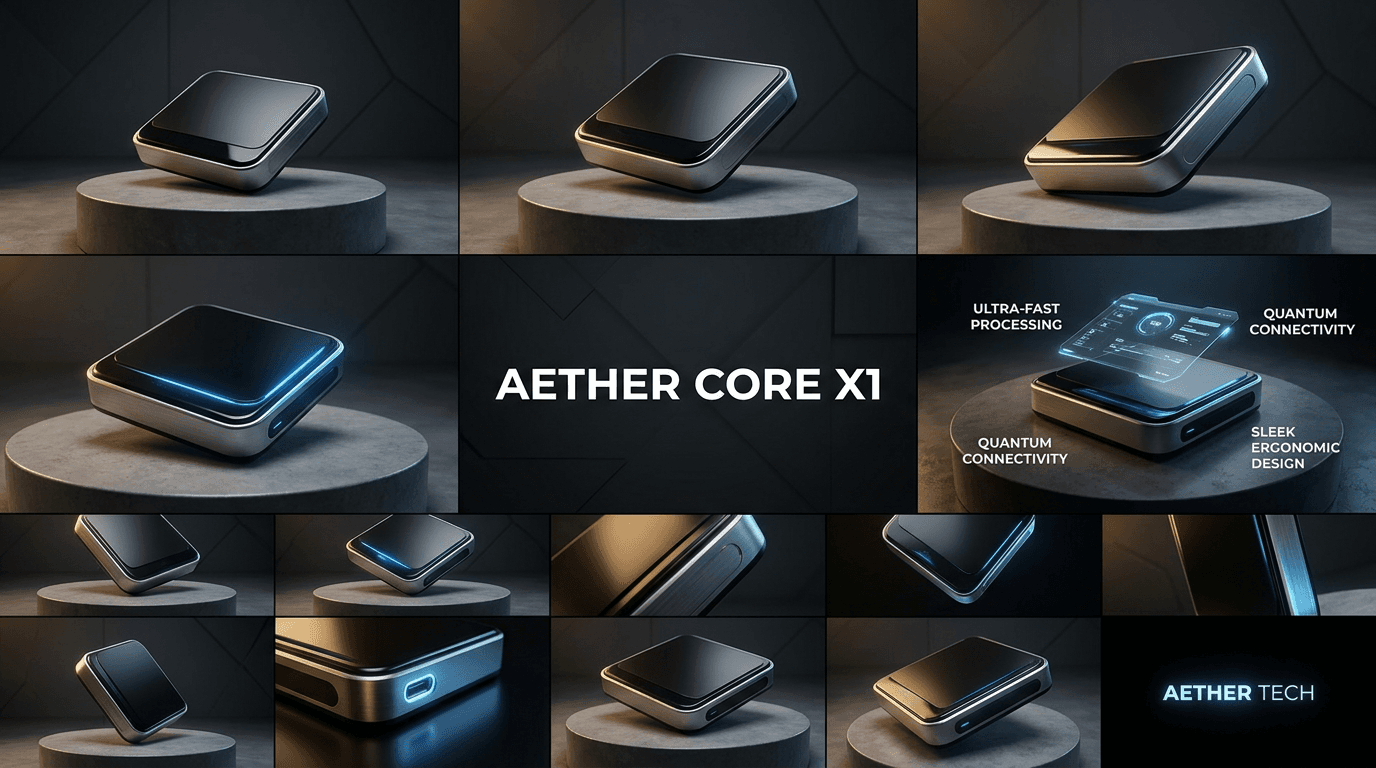
- Video style: Choose commercial look (clean studio, lifestyle scene, etc.)
- Camera movement: Static, slow rotation, or dynamic reveal
- Background: Plain, gradient, or AI-generated environment
- Aspect ratio: Square (1:1), vertical (9:16), or horizontal (16:9)
- Text overlays: Add product name, price, or call-to-action
STEP 3: Generate video ad
Click "Create" and the AI produces your product video. This takes 30-60 seconds depending on complexity and effects selected.
STEP 4: Review and optimize
Check your ad meets advertising standards: Not converting well? Test different backgrounds, camera angles, or text placements to improve performance.
- Verify product is clearly visible and well-lit
- Check that motion draws attention without being distracting
- Confirm format matches your advertising platform requirements
Tips for best results
💡 Use clean product photos
Start with high-resolution images on simple backgrounds. The AI works best when it can clearly identify your product without distractions.
💡 Keep text minimal and bold
Use large, readable fonts with high contrast. Most viewers watch ads without sound, so text needs to communicate instantly.
💡 Test multiple variations
Create 3-4 versions with different backgrounds or styles. Run them as A/B tests to see which converts best for your audience.
💡 Match platform best practices
Use vertical video for Instagram and TikTok, square for Facebook feed, horizontal for YouTube. Format affects performance significantly.
Ad platform specifications

Ready to advertise?
Create professional product video ads that drive sales and engagement.
Start creating ads