

How to generate AI videos from text prompts

What you'll learn
What is AI video generation?
Common use cases
Generate your AI video step by step
STEP 1: Open AI Video Generator
- On web: Go to picsart.com/ai-video-generator → Click "Start generating"
- On mobile: Open Picsart → "+" → AI Tools → AI Video Generator
STEP 2: Write your video prompt
Describe the video you want to create:
- Scene description: What's happening ("coffee pouring into a white cup")
- Motion details: How things move ("slow motion splash, steam rising")
- Visual style: The look and feel ("warm morning light, cinematic")
- Camera movement: Angles and motion ("close-up shot, slow zoom out")
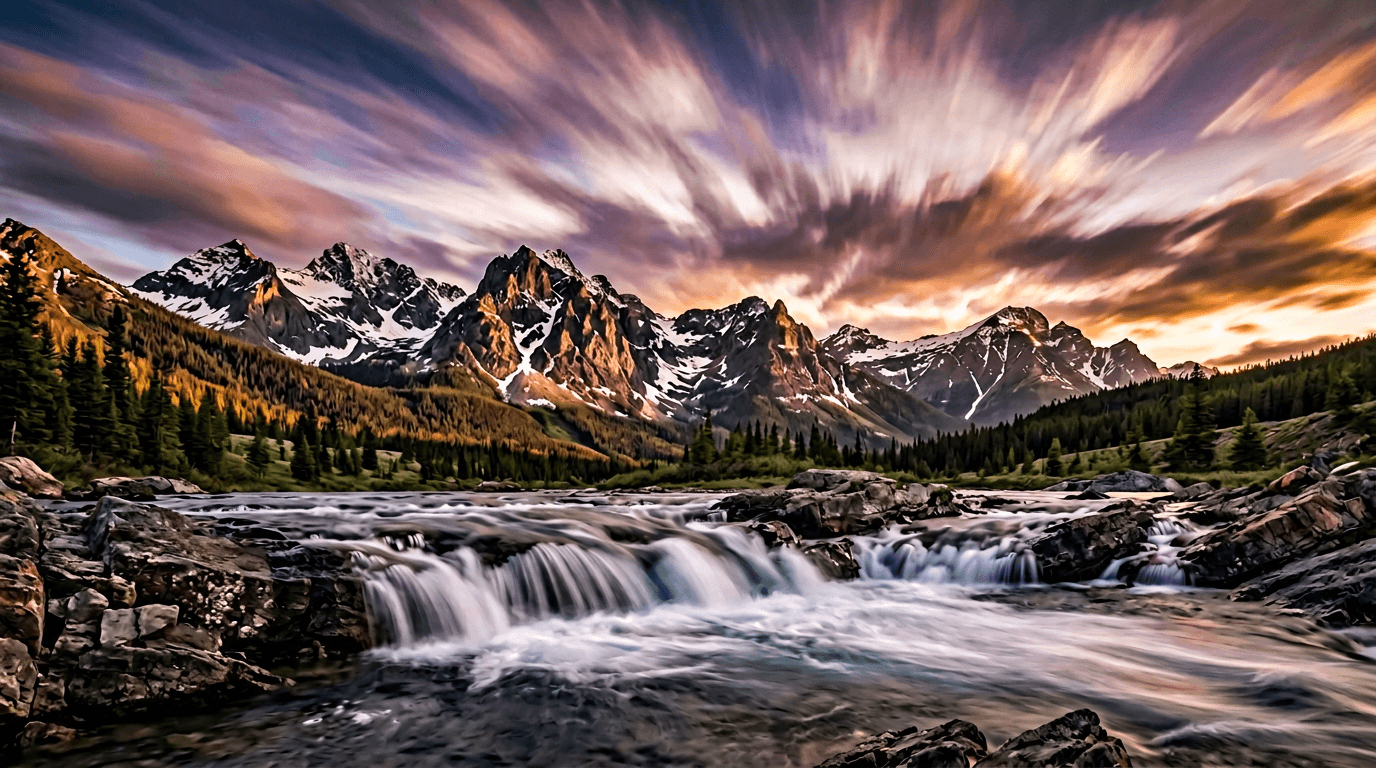
STEP 3: Generate your video
Click "Generate" and wait 30-60 seconds. The AI will create a video clip based on your description, complete with motion and visual effects.
STEP 4: Review and export
Check that the video matches your vision: Not perfect? Refine your prompt and generate again for different results, or try variations of your description.
- Verify motion is smooth and matches your description
- Check visual quality and lighting
- Confirm the video length and format work for your needs
Tips for best results
💡 Be specific about motion
Include details like "waves crashing", "leaves falling", or "person walking left to right". The more specific your motion description, the better the result.
💡 Add visual style cues
Words like "cinematic", "warm lighting", "high contrast", or "golden hour" help the AI understand the aesthetic you want.
💡 Keep prompts focused
Describe one clear scene instead of multiple complex actions. Simple, focused prompts generate more consistent results.
💡 Test different variations
Generate multiple versions with slight prompt changes. Small tweaks can produce surprisingly different results.

Ready to create?
Start generating professional AI videos from your ideas in seconds.
Generate AI video