

How to generate high-aesthetic images with Seedream 4.5
What you'll learn
What is Seedream 4.5?
Common use cases
Create high-aesthetic images with Seedream 4.5 step by step
STEP 1: Open Seedream 4.5 generator
- On web: Go to picsart.com/ai-image-generator → Select Seedream 4.5 from model dropdown
- On mobile: Open Picsart → "+" → AI Generate → Model menu → Seedream 4.5
STEP 2: Configure aesthetic settings
Set up your generation parameters:
- Prompt: Write a detailed description focusing on visual appeal
- Style emphasis: Add aesthetic keywords like "vibrant", "elegant", "refined"
- Color palette: Mention specific color schemes for better results
- Composition: Describe layout and visual balance
- Artistic style: Reference art movements or visual aesthetics

STEP 3: Generate stunning visuals
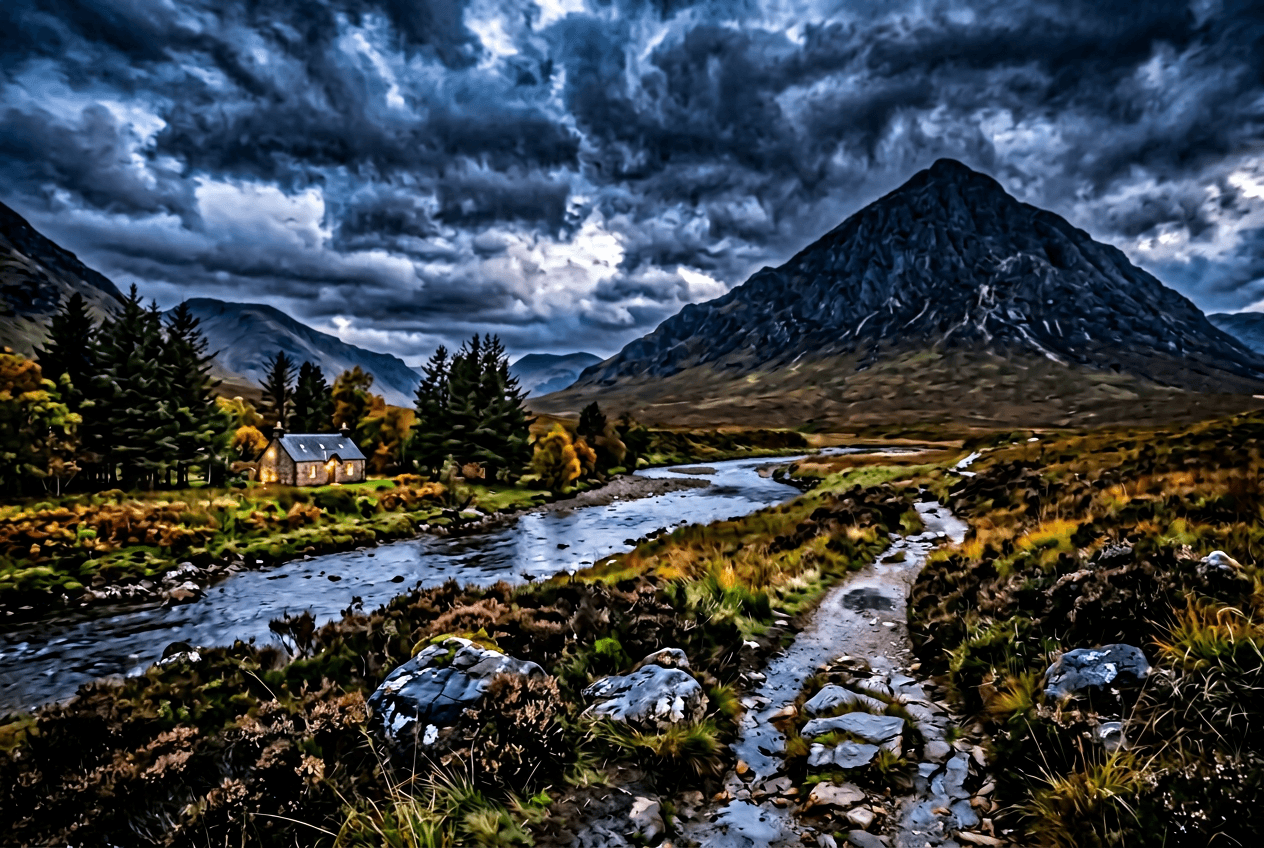
Click "Generate" and wait for processing. Seedream 4.5 will create images with enhanced aesthetic quality, rich colors, and professional-looking composition that stands out visually.
STEP 4: Refine and export
Evaluate the aesthetic quality of your image: Want more polish? Try variations with adjusted color descriptions or composition notes. Seedream responds well to aesthetic refinements.
- Check that colors are vibrant and visually appealing
- Verify composition feels balanced and professional
- Look for artistic details and visual richness
Tips for best results
💡 Emphasize aesthetic qualities in prompts
Include words like "visually striking", "elegant composition", "harmonious colors", or "refined aesthetic" to guide Seedream toward high-quality output.
💡 Specify color palettes explicitly
Seedream excels with color. Try descriptions like "warm sunset tones", "cool blue and teal palette", or "monochromatic with gold accents".
💡 Reference visual styles and movements
Mention specific aesthetics: "minimalist Scandinavian", "art deco elegance", "Japanese aesthetic", or "modern editorial style".
💡 Focus on visual appeal over realism
Seedream prioritizes aesthetic quality. Don't worry about perfect realism — focus on creating visually stunning images that look professionally composed.

Ready for stunning visuals?
Create high-aesthetic images with Seedream 4.5's advanced AI.
Start generating