

How to generate motion videos with Kling AI

What you'll learn
What is Kling?
Common use cases
Create your video step by step
STEP 1: Open Kling video generator
- On web: Go to picsart.com/ai-video-generator → Select Kling model
- On mobile: Open Picsart → "+" → AI Video → Choose Kling
STEP 2: Describe your motion
Write a prompt focused on movement and action:
- Primary motion: Describe the main movement or action happening
- Secondary elements: Add supporting movements in the background
- Speed and rhythm: Specify if motion is fast, slow, smooth, or jerky
- Environment: Include details about how surroundings interact with motion
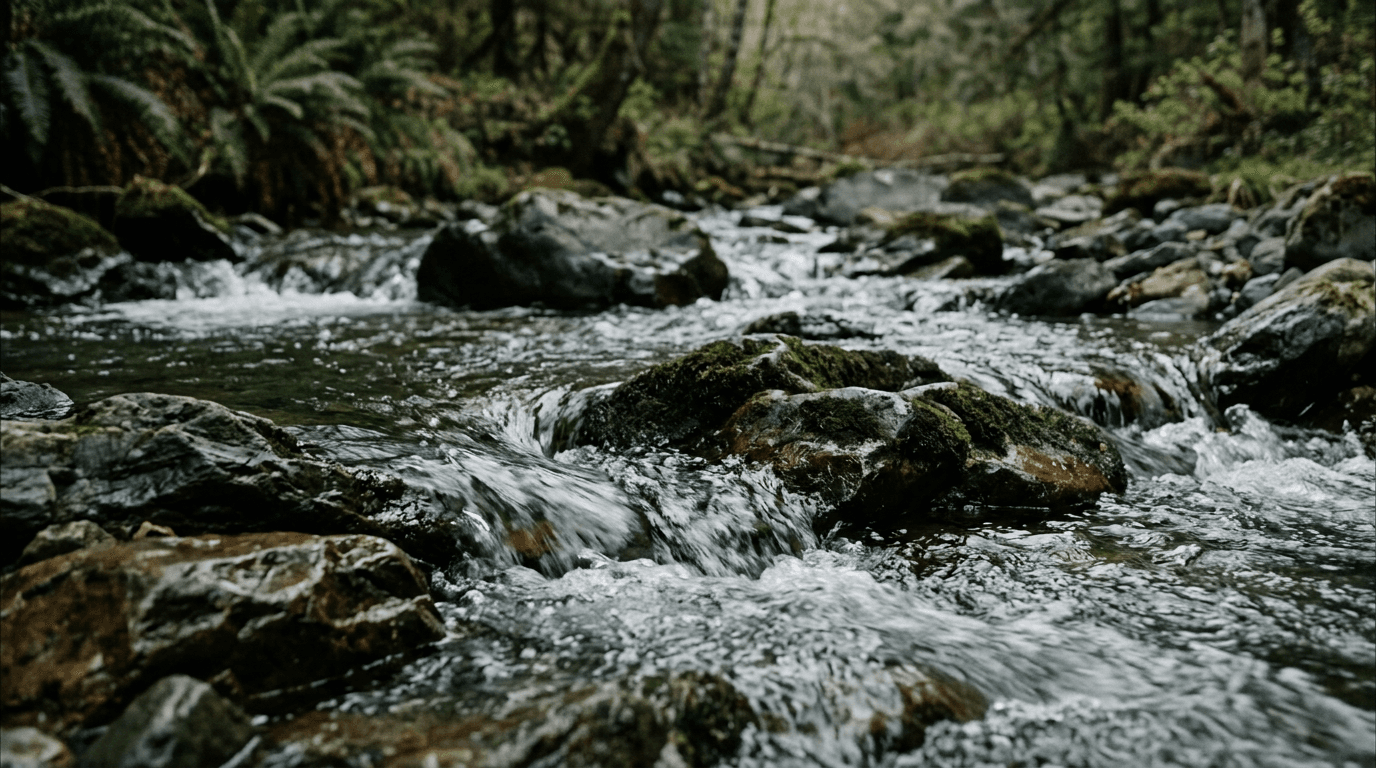
STEP 3: Generate motion video
Click "Generate" and Kling creates your video. The AI focuses on natural motion physics and smooth transitions between frames. Generation takes about 30-45 seconds.
STEP 4: Review and save
Check that motion looks natural and smooth: Need changes? Regenerate with adjusted motion descriptions, or try different speed and rhythm keywords.
- Watch for smooth, realistic movement without jittery frames
- Check that physics look believable (gravity, momentum, etc.)
- Verify that all elements move in harmony
Tips for best results
💡 Focus on one main motion
Kling performs best with a single clear action. Try 'butterfly landing on flower' instead of 'butterfly flying through garden landing on multiple flowers'.
💡 Describe motion speed
Add words like 'slowly', 'rapidly', 'gracefully', or 'suddenly' to control the pace of movement. Speed descriptions help Kling match your vision.
💡 Use physics keywords
Include words like 'floating', 'falling', 'spinning', or 'flowing' to help Kling understand the type of motion you want.
💡 Keep videos short
Kling excels at 3-5 second clips. For longer content, generate multiple clips and combine them in the video editor.
