

How to generate photorealistic images with Flux 2 Pro
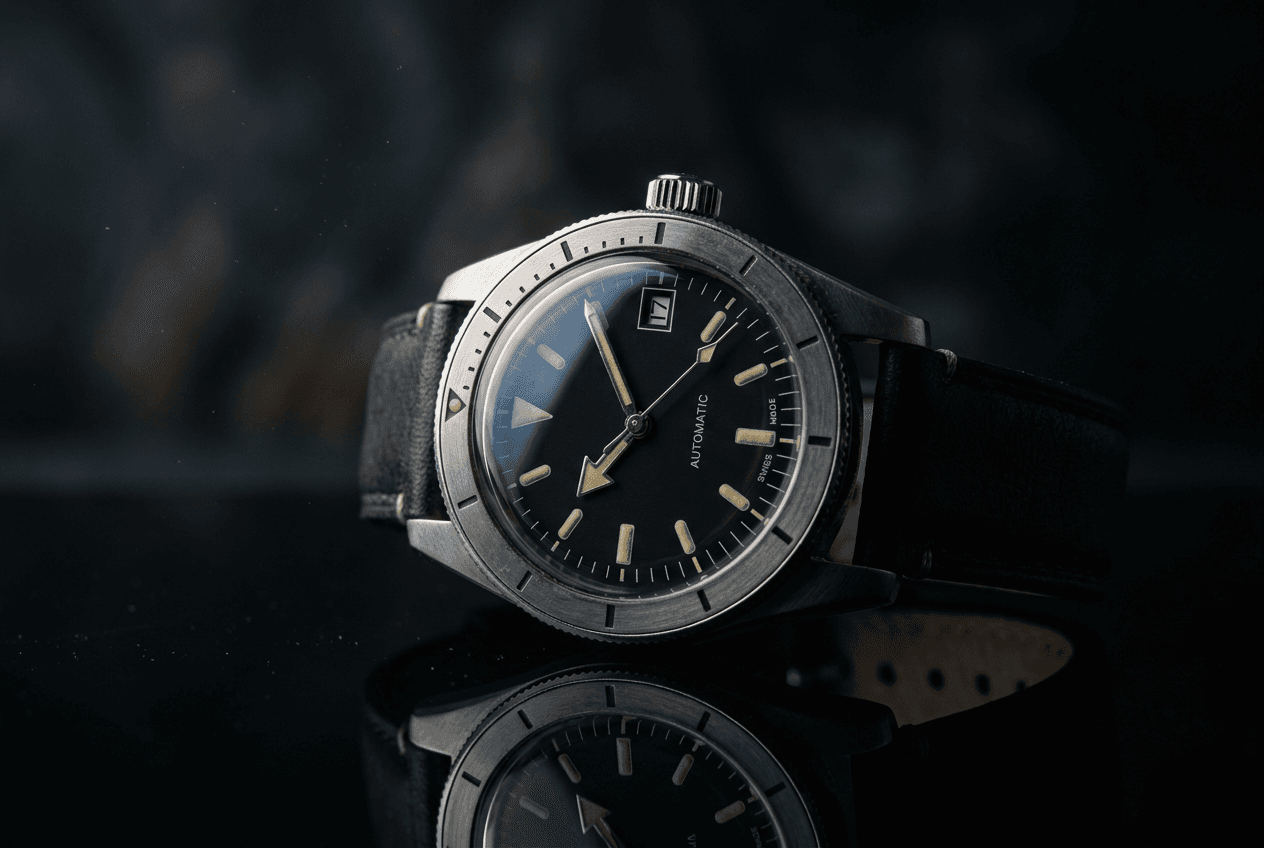
What you'll learn
What is Flux 2 Pro?
Common use cases
Generate photorealistic images with Flux 2 Pro step by step
STEP 1: Open Flux 2 Pro generator
- On web: Go to picsart.com/ai-image-generator → Select Flux 2 Pro from model options
- On mobile: Open Picsart → "+" → AI Generate → Model selector → Flux 2 Pro
STEP 2: Write a detailed prompt
Build your prompt with specific elements:
- Subject: Describe the main focus with precise details
- Environment: Set the scene, location, and background elements
- Lighting: Specify time of day, light sources, and mood
- Camera details: Add terms like "50mm lens", "shallow depth of field", "wide angle"
- Style notes: Include "photorealistic", "professional photography", or specific aesthetics
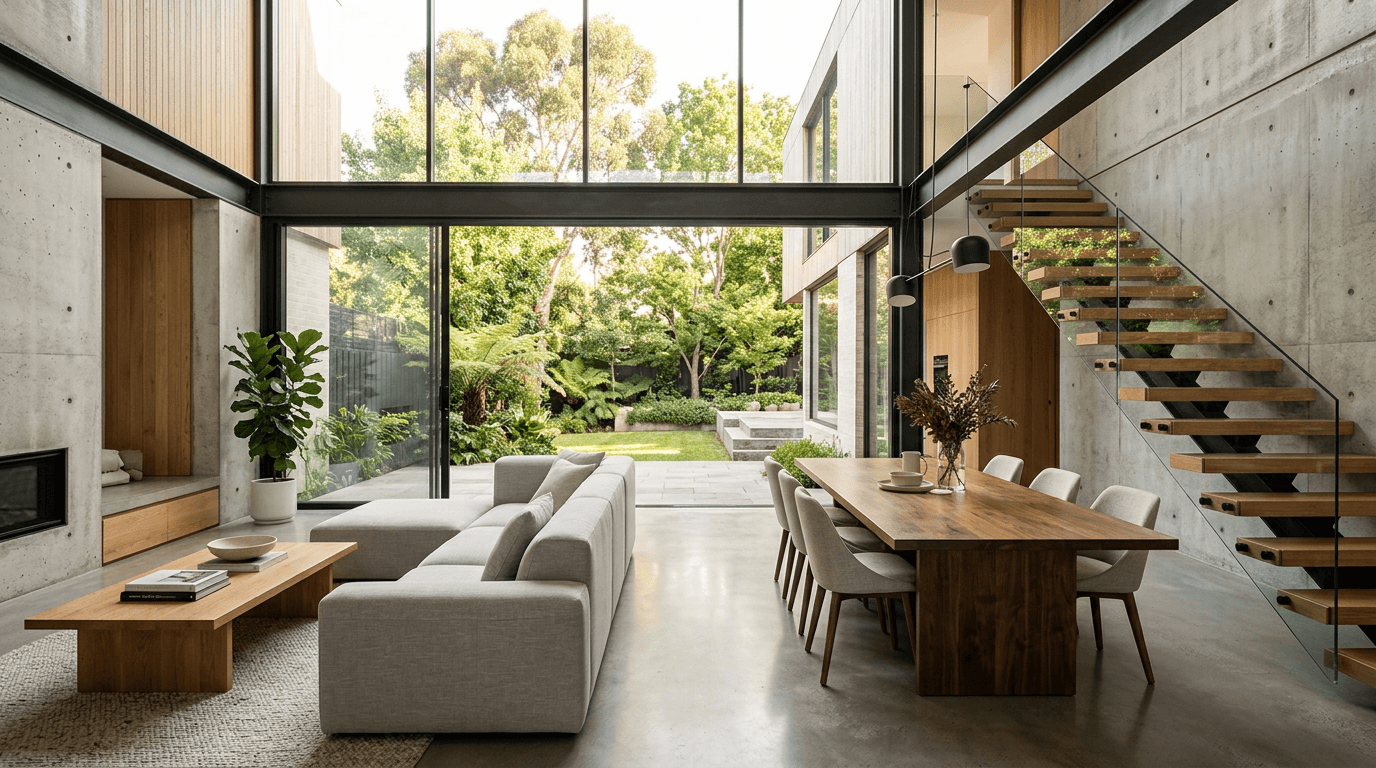
STEP 3: Generate high-quality results
Click "Generate" and wait 10-15 seconds. Flux 2 Pro takes longer because it creates exceptionally detailed images. You'll get results with superior lighting, textures, and photorealistic quality.
STEP 4: Review and export
Inspect your photorealistic image carefully: Need changes? Adjust specific parts of your prompt while keeping the elements that worked. Flux 2 Pro responds well to precise modifications.
- Check fine details like skin texture, fabric, or surface materials
- Verify lighting looks natural and shadows make sense
- Look for photorealistic quality in all elements
Tips for best results
💡 Include camera and lens specifications
Add photography terms like "85mm portrait lens", "f/1.8 aperture", or "macro photography" to get more realistic camera-like results.
💡 Be specific about materials and textures
Instead of "wood table", try "weathered oak table with visible grain". Flux 2 Pro excels at rendering accurate textures when you give it detailed descriptions.
💡 Describe lighting with technical precision
Use photography lighting terms: "key light from left", "rim lighting", "three-point lighting setup", or "overcast natural light".
💡 Reference real photography styles
Mention specific photography genres or famous photographers to guide the aesthetic: "National Geographic style", "fashion editorial photography", or "architectural digest quality".

Need professional-quality images?
Generate photorealistic visuals with Flux 2 Pro's advanced AI.
Start generating